
ShowKeyPro 1.0.3
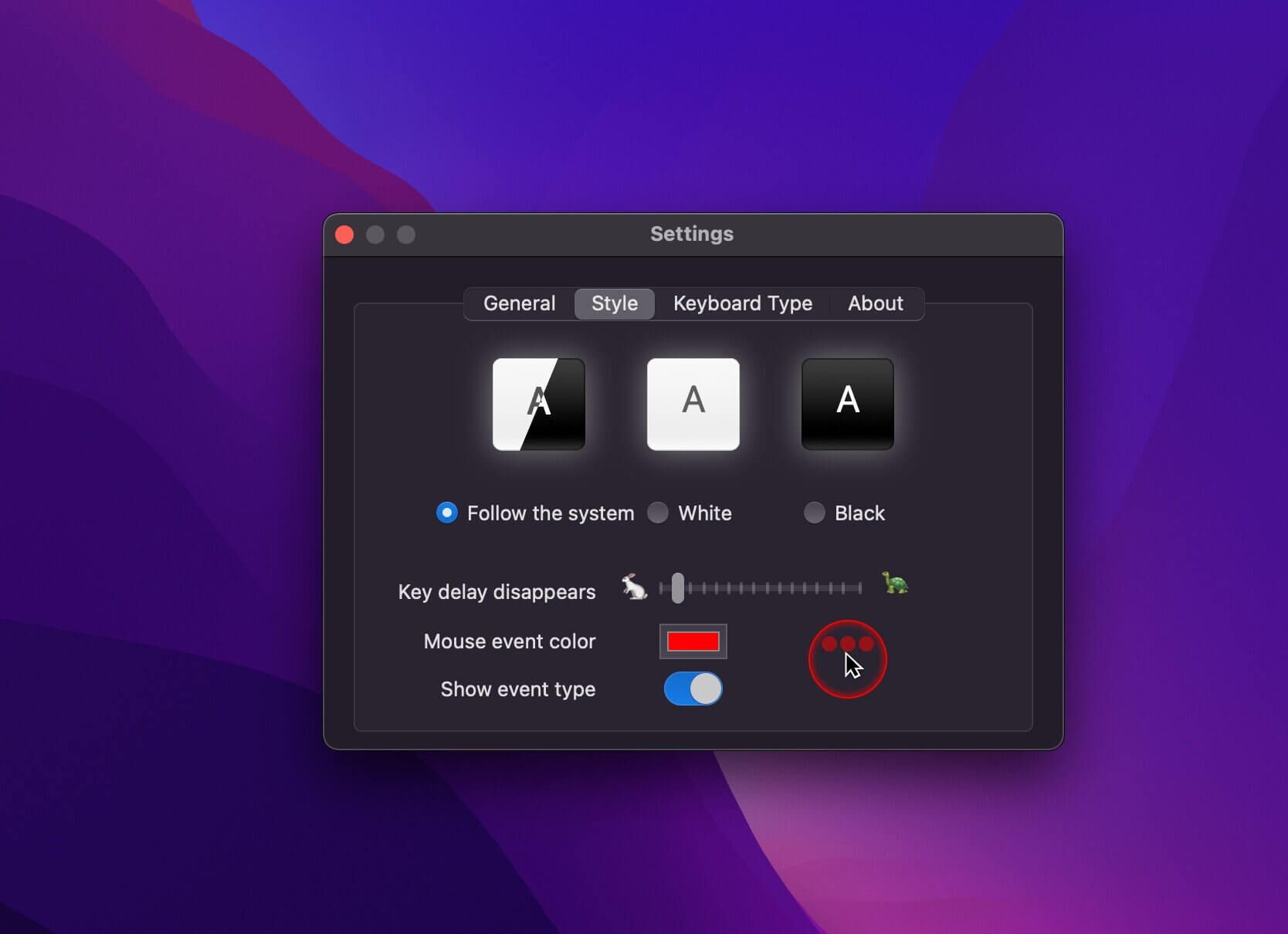
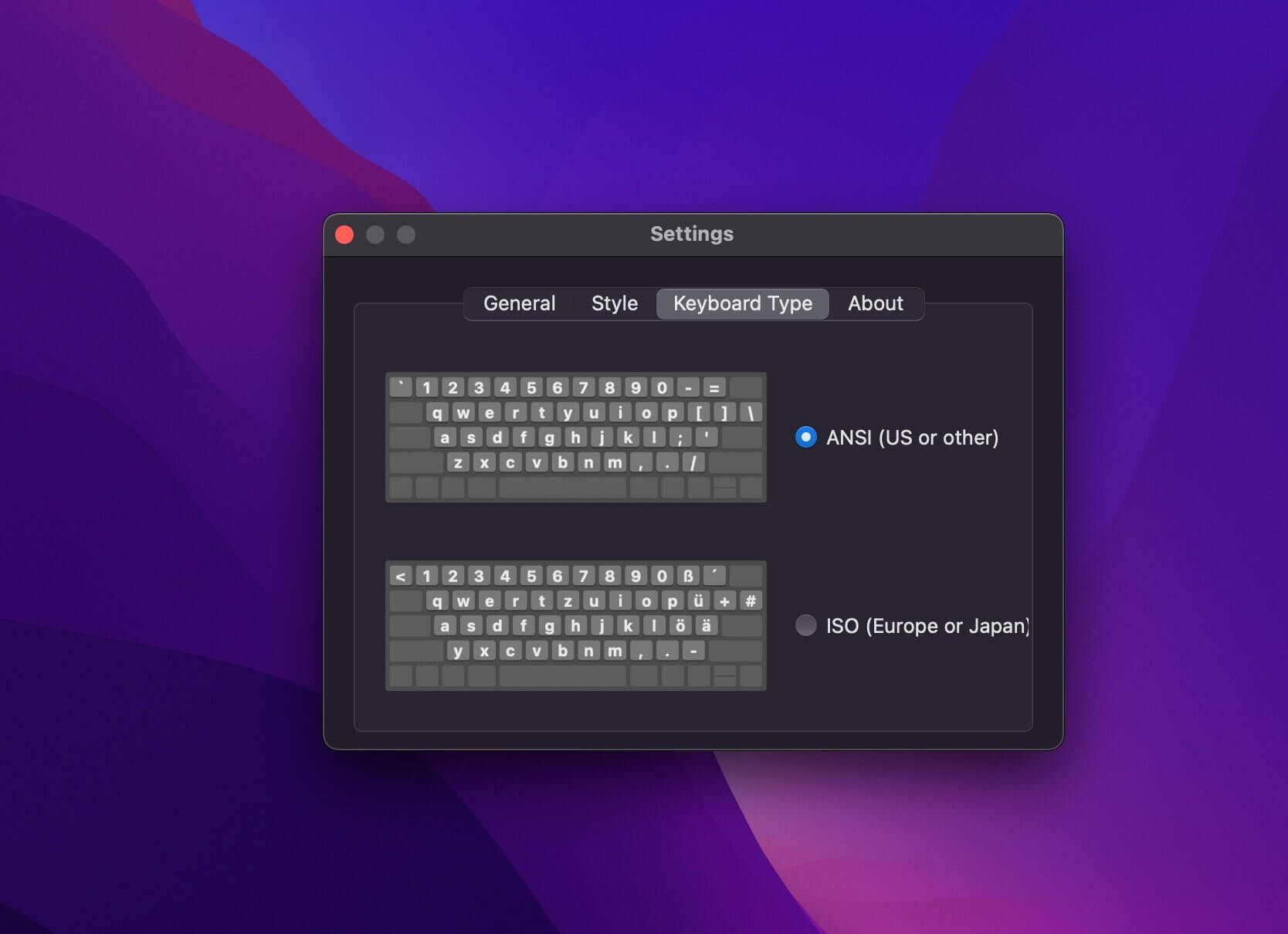
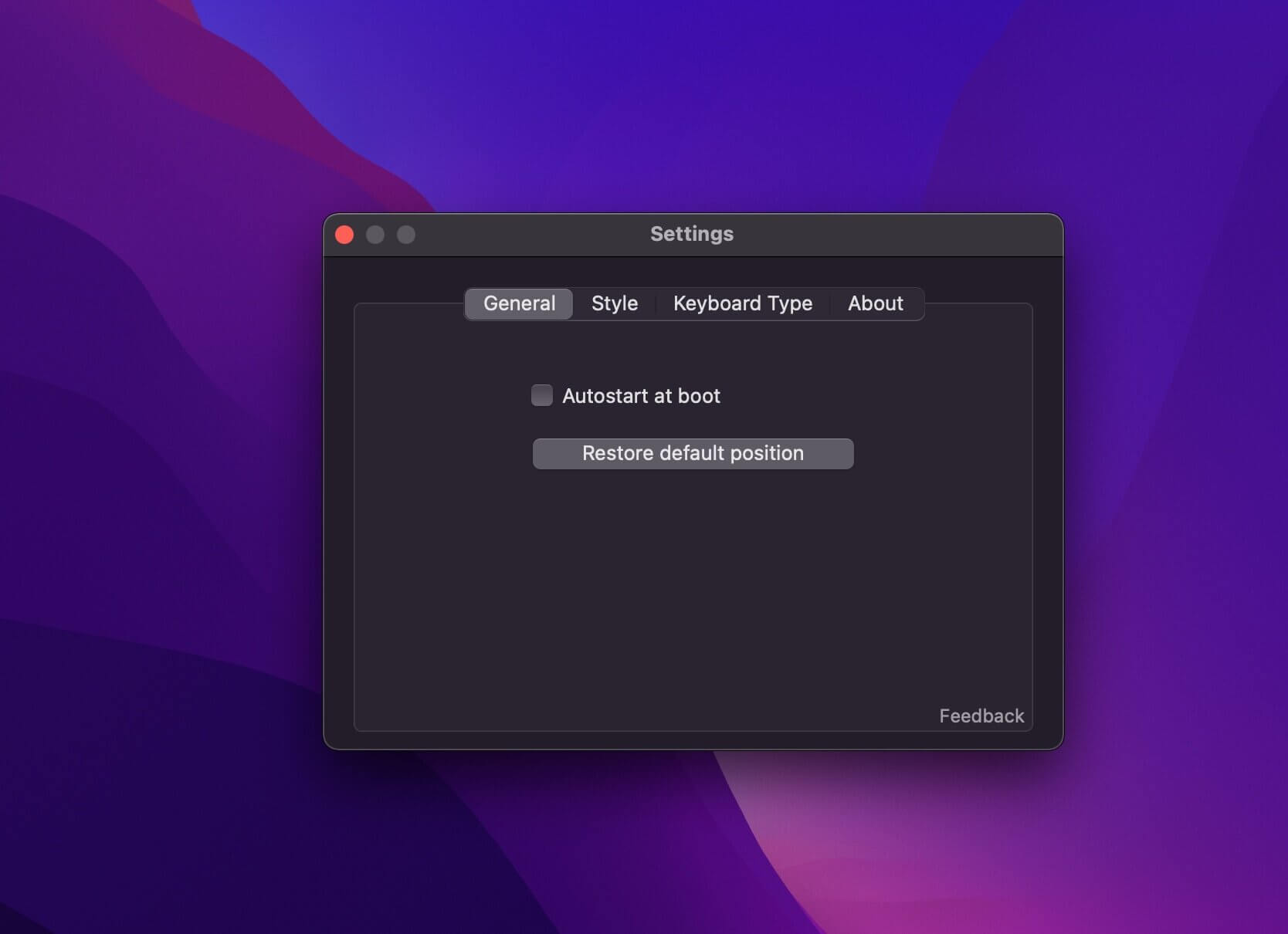
Real-time display of all keyboard keys and mouse events you have pressed.
Features
- All the keys you press are displayed in real time.
- Show your mouse click event.
- It is suitable for scenes such as live broadcast, training and recording demonstration videos.
- Automatically switch the display style according to the system theme.
- Perfect support for multi-language button display.
- It supports the adaptation of multiple screens and can display perfectly even in full screen.
- Support automatic or manual switch button style.
- You can drag to change the display position of the button.
Privacy and Feedback
- This software only displays your keystrokes and does not record your keystrokes.
- This application has no network access at all, so you can use it with confidence, no records will be sent to the network, and no one will get your keypress records through this application.
- To protect your privacy, your keyboard input will not be displayed when typing a password or using the password box.
Version 1.0.3
- Mouse events can distinguish left event, right event and other event. Would you not try?
Frequently asked questions
How do I install the app?
Mount the image, drag the app into the "Applications" folder and launch it. If the system blocks the launch, allow it in "System Settings → Privacy & Security".
The app is damaged or won't launch
Reinstalling from a fresh image usually helps. Make sure your macOS version matches the one listed in the compatibility specs.
How do I update?
Download the new version from the site and install it over the current one — your settings will be preserved.
The download link doesn't work
Try a mirror or a download manager. For large files the browser often drops the connection.
How do I completely remove the app?
Use an uninstaller utility — it cleans up the service files that remain after moving the app to the trash.
VersionShowKeyPro 1.0.3
DeveloperZhou Dong Liang
CompatibilitymacOS 10.15 or later
LanguageEnglish, Japanese, Simplified Chinese, Traditional Chines
IncludesK'ed by HCiSO





Information
Visitors in the group Guests cannot leave comments on this publication.
Choose a download source
ShowKeyPro 1.0.3 · 5.69 MB