
App Pier 1.6.2
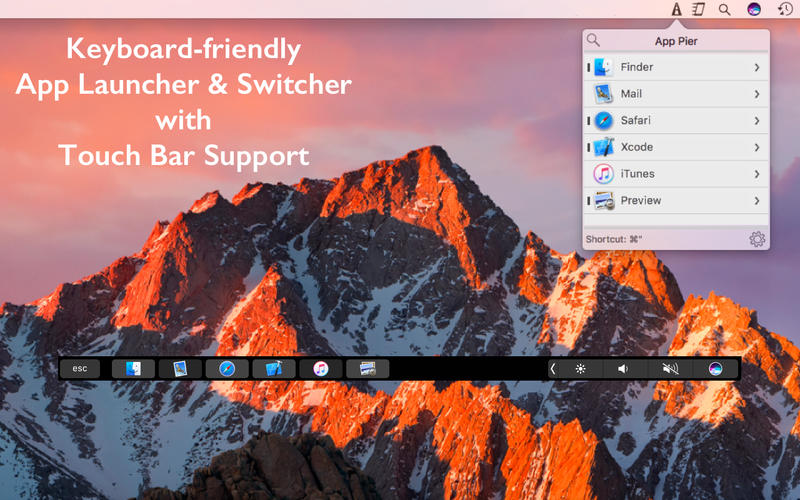

App Pier is a keyboard-friendly application launcher and switcher with Touch Bar support for new Macbook Pro.
With App Pier, you can save screen space by hiding the MacOS dock as App Pier will let you launch and switch apps with keyboard shortcuts and touch bar.
Features:
- You can keep your favorite apps in App Pier and reorder them to your taste. This way you can create muscle memory in keyboard when using with Touch Bar. Your app buttons will always be at the same position.
- You can see and open running apps.
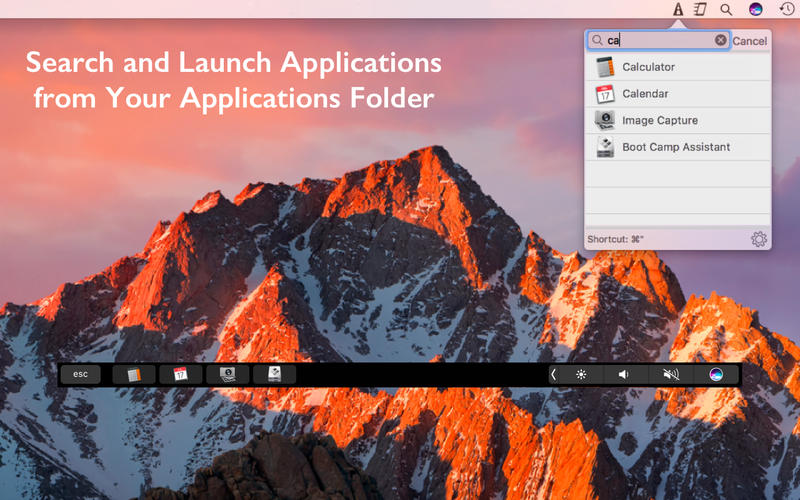
- You can launch any application from Application Folder. You can search apps and Touch Bar items will update simultaneously. Space key is the keyboard shortcut for search
- You can open your favorite folders.
- It resides in menubar so that you can reach it anytime even another app is in fullscreen mode.
- It also lets you reach your running and pinned apps from any display in a multi-display setup.
- You can open the app with Cmd + Option + Tab keyboard shortcut. You can customize keyboard shortcut.
- You can select an app by simply start typing its name. Even first letter is enough most of the case to select the app.
- When selected you can perform
- Keep in / Remove From App Pier
- Activate
- Hide / Unhide
- Hide Others
- Show All . There is a keyboard shortcut for each.
- The app list also lets you use drag & drop with mouse / trackpad to reorder or remove the app.
- Running apps are denoted with a dash in menu bar window and a brighter button on Touch Bar.
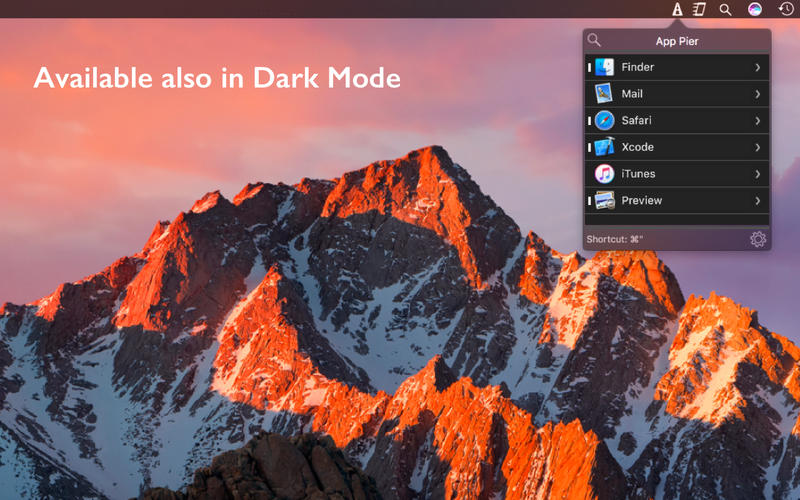
- It is available in both normal and dark mode.
Version 1.6.2
- When searching for apps, pressing Return launches first app in results now.
- UI Improvement on Touch Bar
- Minor improvements and bug fixes.
Frequently asked questions
How do I install the app?
Mount the image, drag the app into the "Applications" folder and launch it. If the system blocks the launch, allow it in "System Settings → Privacy & Security".
The app is damaged or won't launch
Reinstalling from a fresh image usually helps. Make sure your macOS version matches the one listed in the compatibility specs.
How do I update?
Download the new version from the site and install it over the current one — your settings will be preserved.
The download link doesn't work
Try a mirror or a download manager. For large files the browser often drops the connection.
How do I completely remove the app?
Use an uninstaller utility — it cleans up the service files that remain after moving the app to the trash.
VersionApp Pier 1.6.2
DeveloperZafer ARICAN
CompatibilityOS X 10.11 or later, 64-bit processor
LanguageEnglish
IncludesPre-K'ed


Information
Visitors in the group Guests cannot leave comments on this publication.
Choose a download source
App Pier 1.6.2 · 8.01 MB