
NCH Pixillion Image Converter Plus 8.59
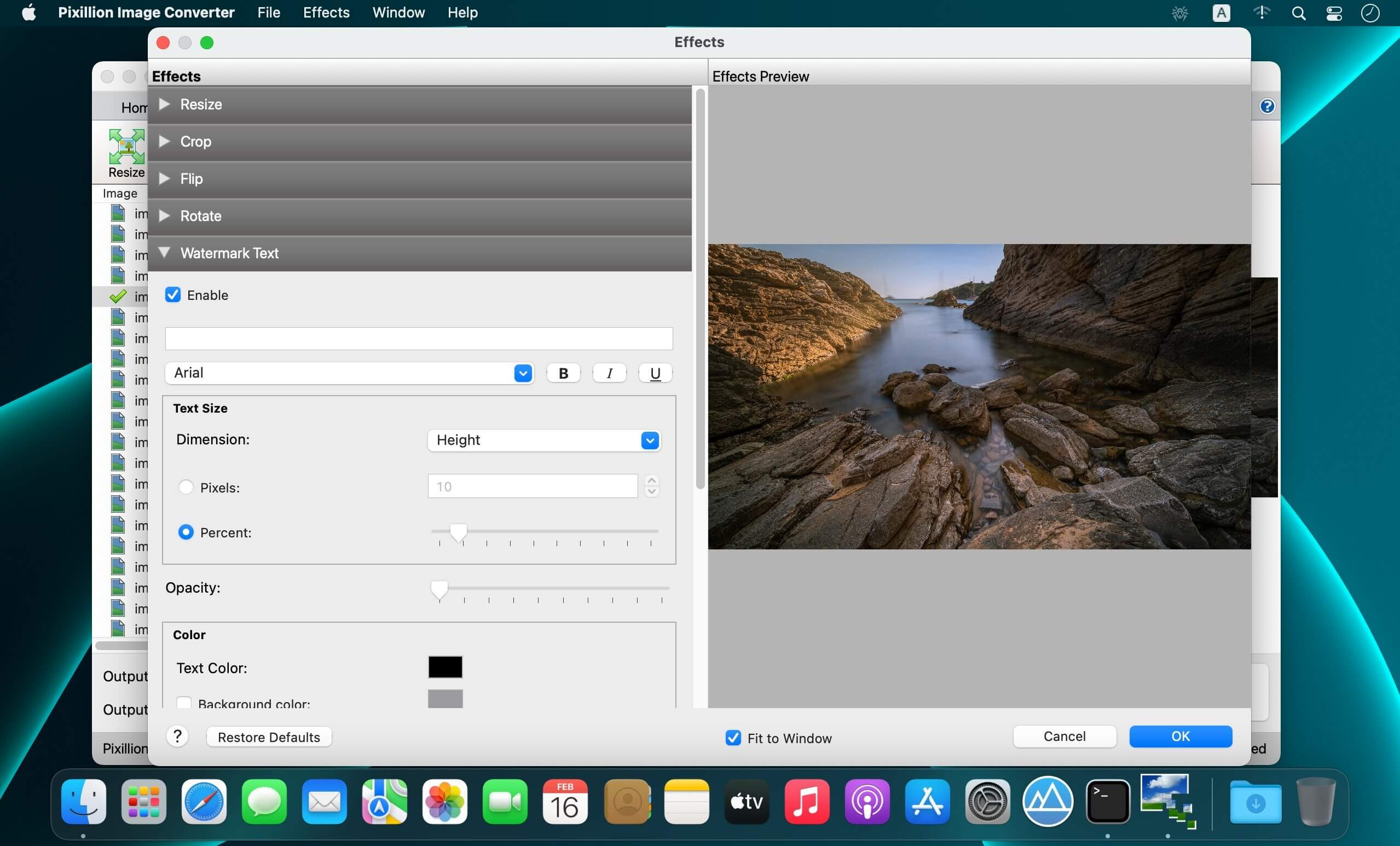


Pixillion Image Converter for macOS is a quick and easy way to convert all your images quickly. Simply drag and drop your files into Pixillion, select your output folder and format, and click convert! Either individually select files you would like to convert or enjoy the efficiency of converting all of your files at once.
Pixillion Features Include:
- Drag and drop files for convenience.
- Rotate, resize and compress digital photos.
- Convert all of the most popular file formats, including .jpeg, .png, .tiff, .gif, .bmp, .icns, .maya iff, and much more.
- Use batch conversions to convert many files at one time.
- Customize your Pixillion by selecting from Overwrite, DPI, Background, and Metadata settings.
Pixillion features a useful preview option to see how images will look before conversion. When your done converting your images, save and share them with your friends and family!
Version 8.59
- Bug Fixes
Frequently asked questions
How do I install the app?
Mount the image, drag the app into the "Applications" folder and launch it. If the system blocks the launch, allow it in "System Settings → Privacy & Security".
The app is damaged or won't launch
Reinstalling from a fresh image usually helps. Make sure your macOS version matches the one listed in the compatibility specs.
How do I update?
Download the new version from the site and install it over the current one — your settings will be preserved.
The download link doesn't work
Try a mirror or a download manager. For large files the browser often drops the connection.
How do I completely remove the app?
Use an uninstaller utility — it cleans up the service files that remain after moving the app to the trash.

Choose a download source
NCH Pixillion Image Converter Plus 8.59 · 13.16 MB