
Snap Converter 3.0.1
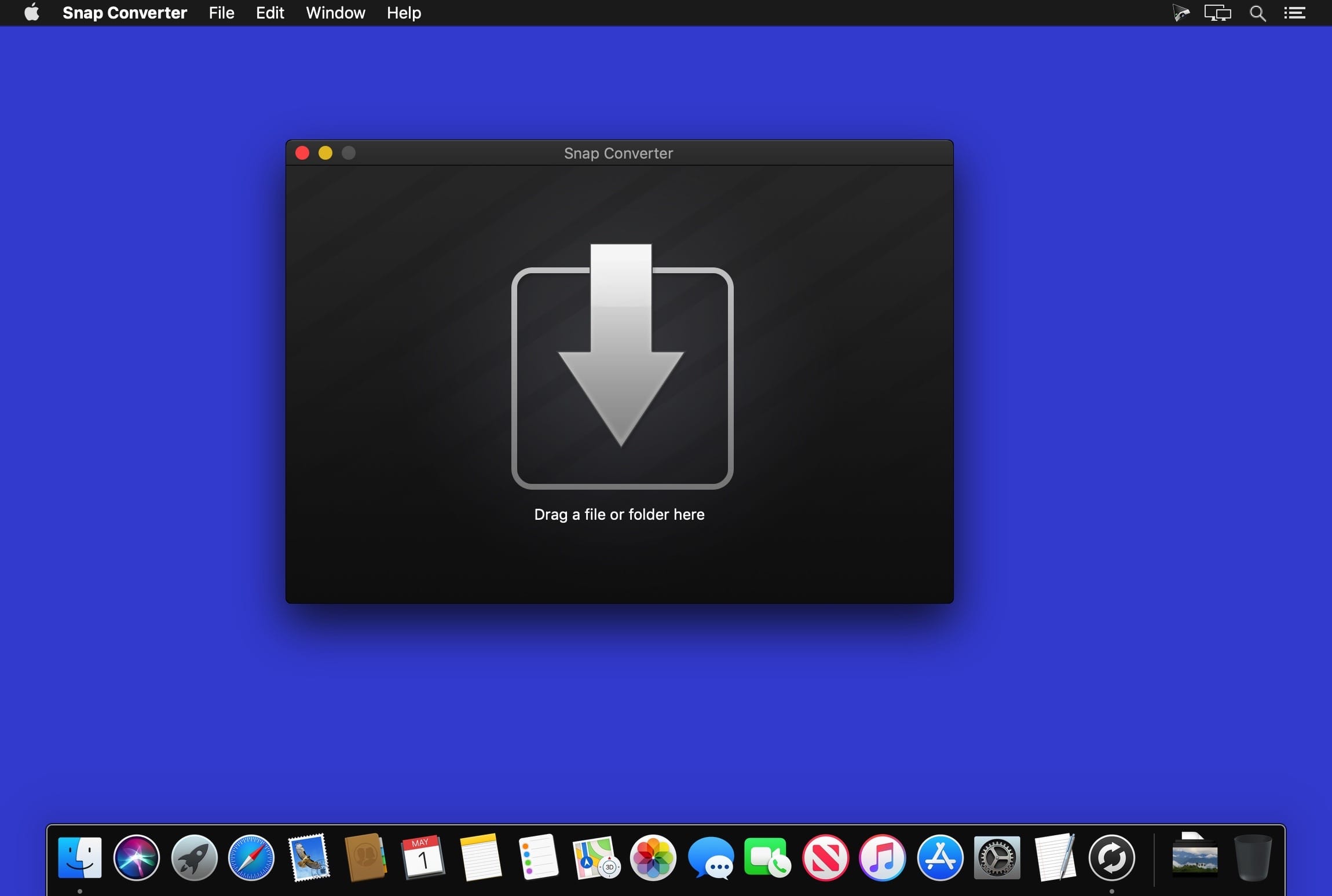
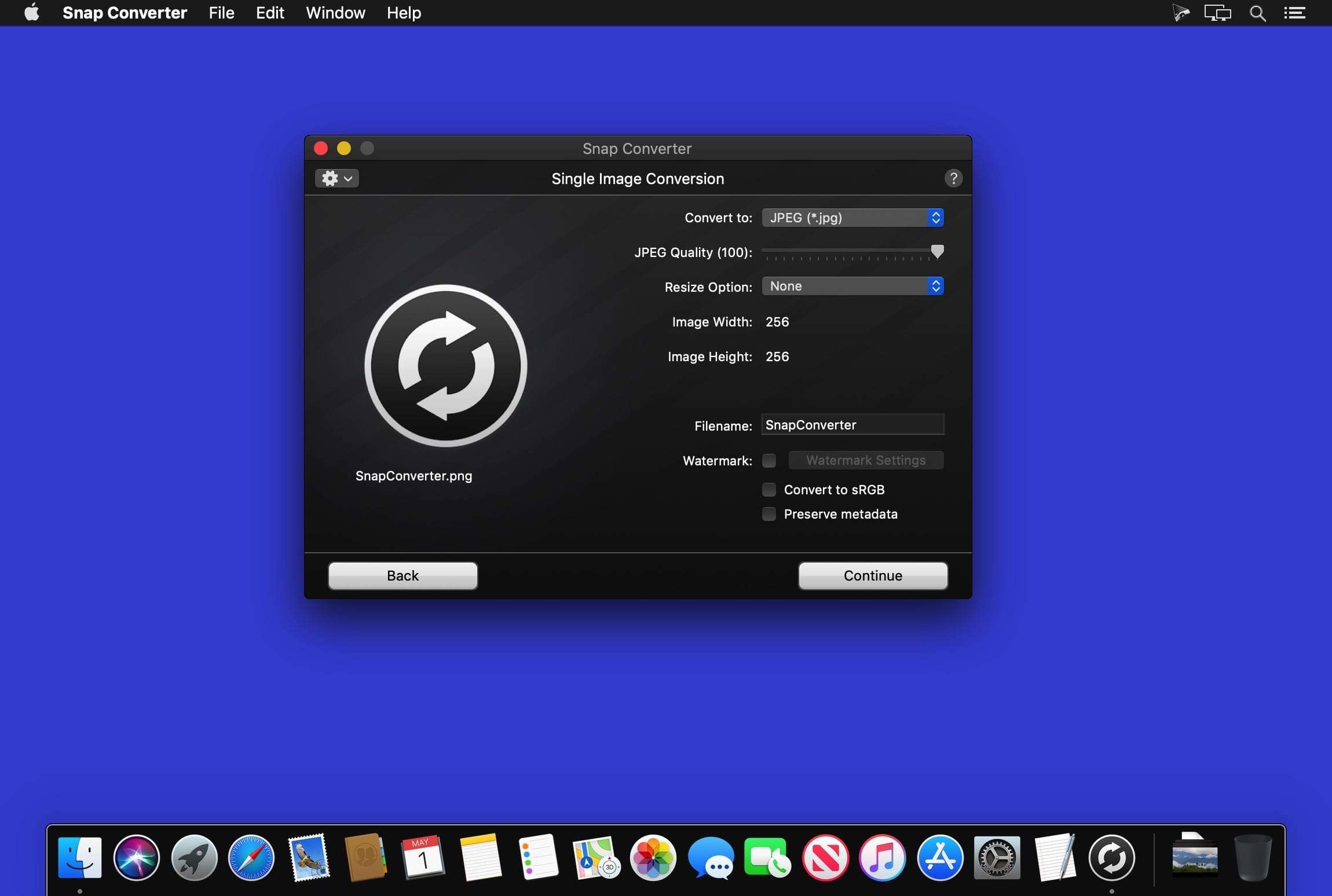
Snap Converter makes image and icon conversion easy. Just drag and drop to convert between many popular graphic formats. Convert bitmap graphics, Mac and Windows icons, Camera Raw images, Photoshop documents, and many other formats. You can even create multi-image Mac icon files from a single image.
Need to convert a lot of images? Snap Converter allow you to convert multiple images in batch mode. Just drag and drop a folder or multiple image files to convert all the images at once.
Additional Features
- Resize images by percentage, longest side, shortest side, absolute size, fixed width or height, or max width and height
- Preserve EXIF data and other image metadata for JPEG and TIFF output
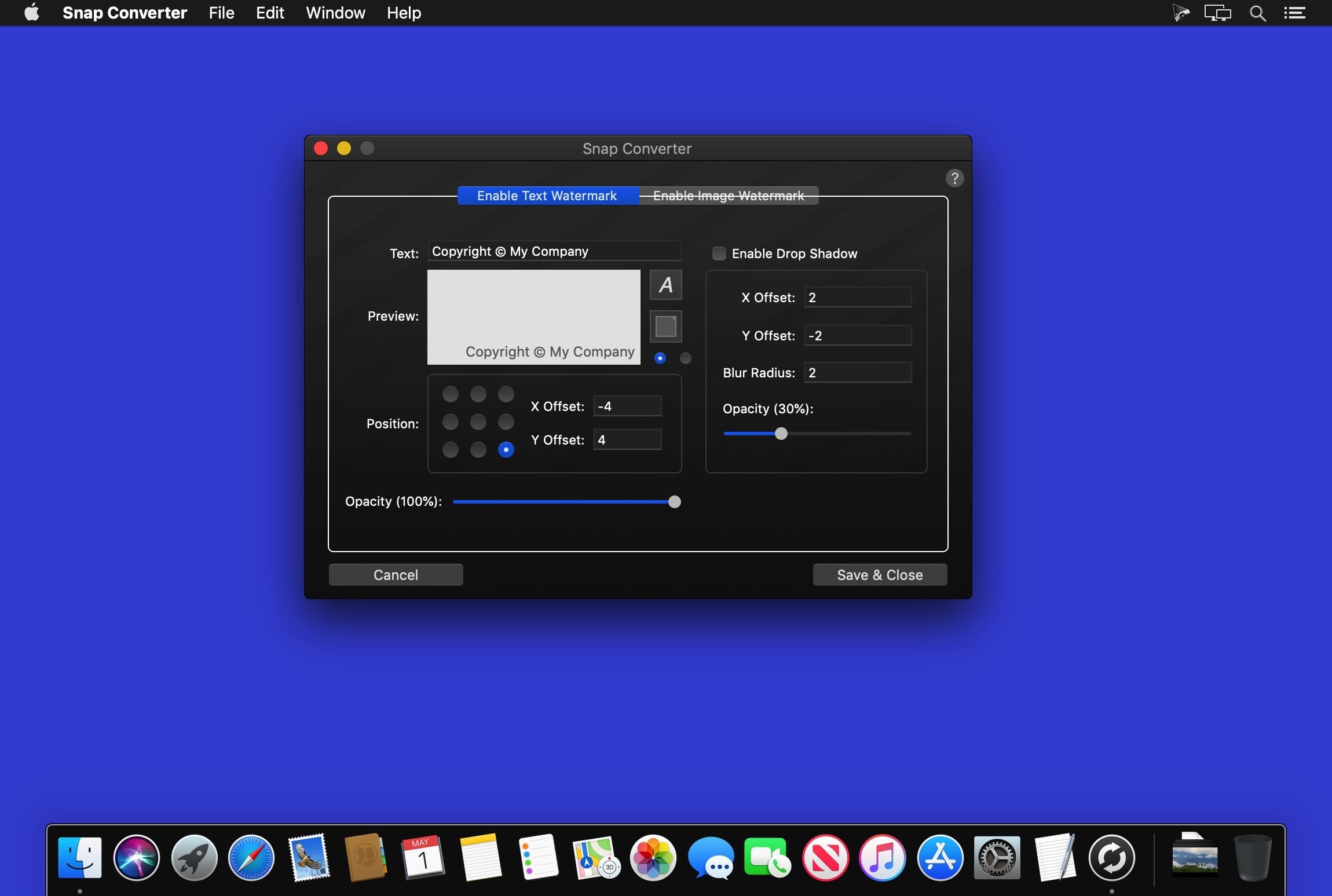
- Add text and image watermarks
- Bulk rename files in batch mode
- Optimize PNG file size
- Adjust JPEG image quality
- Preserve color profiles
- Convert to sRGB for JPG, PNG, and TIFF output
- Process subfolders and preserve output directory structure
- Use batch mode copy option for extracting images from folders
- Output Mac OS X icon (.icns) files (512x512, 256x256, 128x128, 32x32, and 16x16)
Read / Write
- JPEG (.jpg, .jpeg, .jpg)
- PNG (.png)
- BMP (.bmp)
- GIF (.gif)
- TIFF (.tif, .tiff)
- JPEG 2000 (.jp2, .jpx, .j2k)
- Mac OS X Icon (.icns)
- TARGA (.tga)
- Windows Icon (.ico)
- Windows Cursor (.cur)
- Portable Document Format (.pdf)
- Encapsulated PostScript (.eps)
- Photoshop Document (.psd)
- Adobe Raw (.dng) †
- Canon Raw (.crw) †
- Canon Raw 2 (.cr2) †
- Nikon Raw (.nef) †
- Minolta Raw (.mrw) †
- Sony Raw (.arw) †
- Olympus Raw (.orf) †
- Panasonic Raw (.rw2) †
Version 3.0.1
- Snap Converter is now fully 64-bit
- Fixed an issue with the progress bar during batch conversion in Mojave
Frequently asked questions
How do I install the app?
Mount the image, drag the app into the "Applications" folder and launch it. If the system blocks the launch, allow it in "System Settings → Privacy & Security".
The app is damaged or won't launch
Reinstalling from a fresh image usually helps. Make sure your macOS version matches the one listed in the compatibility specs.
How do I update?
Download the new version from the site and install it over the current one — your settings will be preserved.
The download link doesn't work
Try a mirror or a download manager. For large files the browser often drops the connection.
How do I completely remove the app?
Use an uninstaller utility — it cleans up the service files that remain after moving the app to the trash.
VersionSnap Converter 3.0.1
DeveloperSharpened Productions
CompatibilityOS X 10.6.6 or later, 64-bit processor
LanguageEnglish
IncludesK'ed by HCiSO

Information
Visitors in the group Guests cannot leave comments on this publication.
Choose a download source
Snap Converter 3.0.1 · 6.95 MB