
TeoreX DupHunter 3.0.1
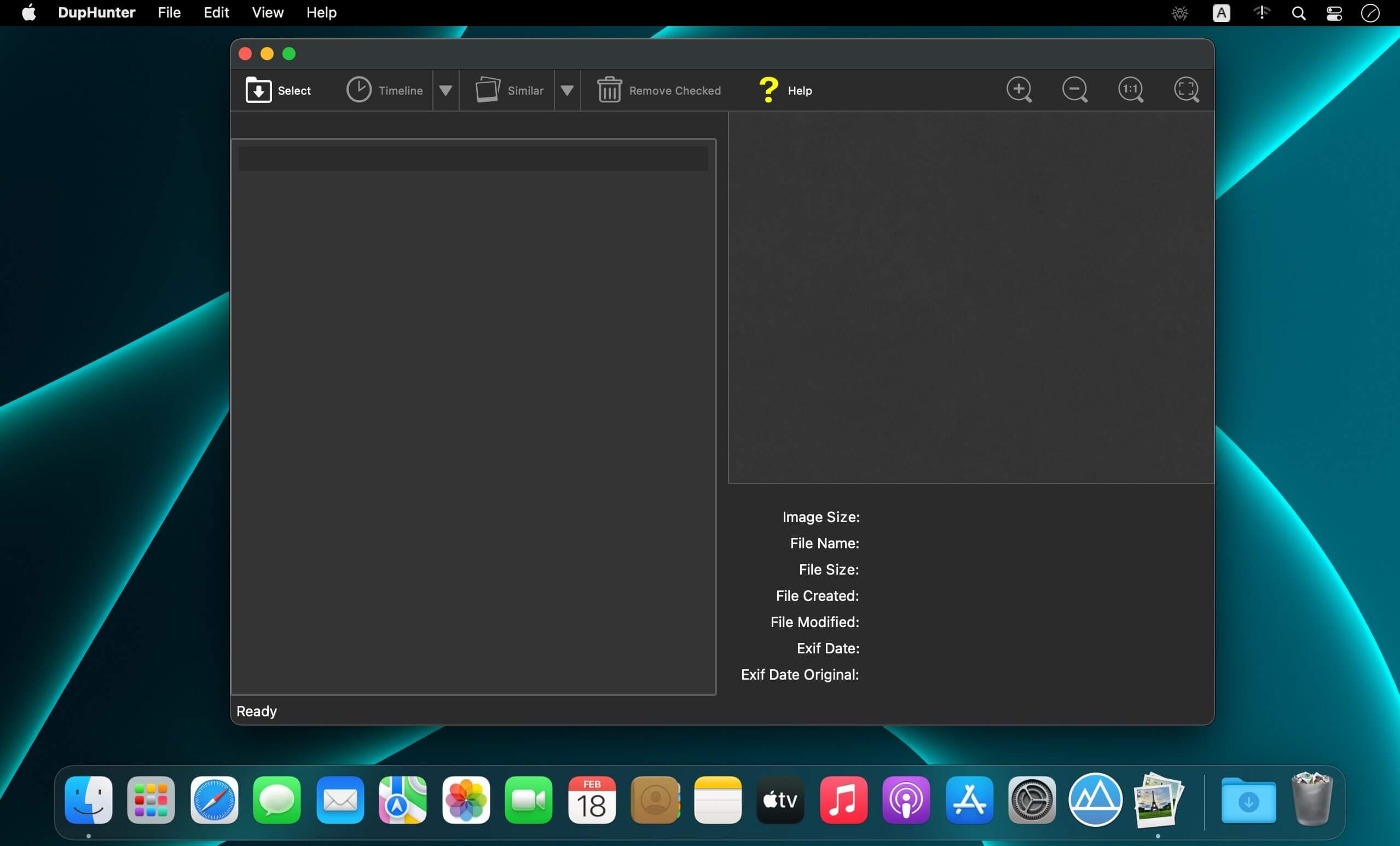

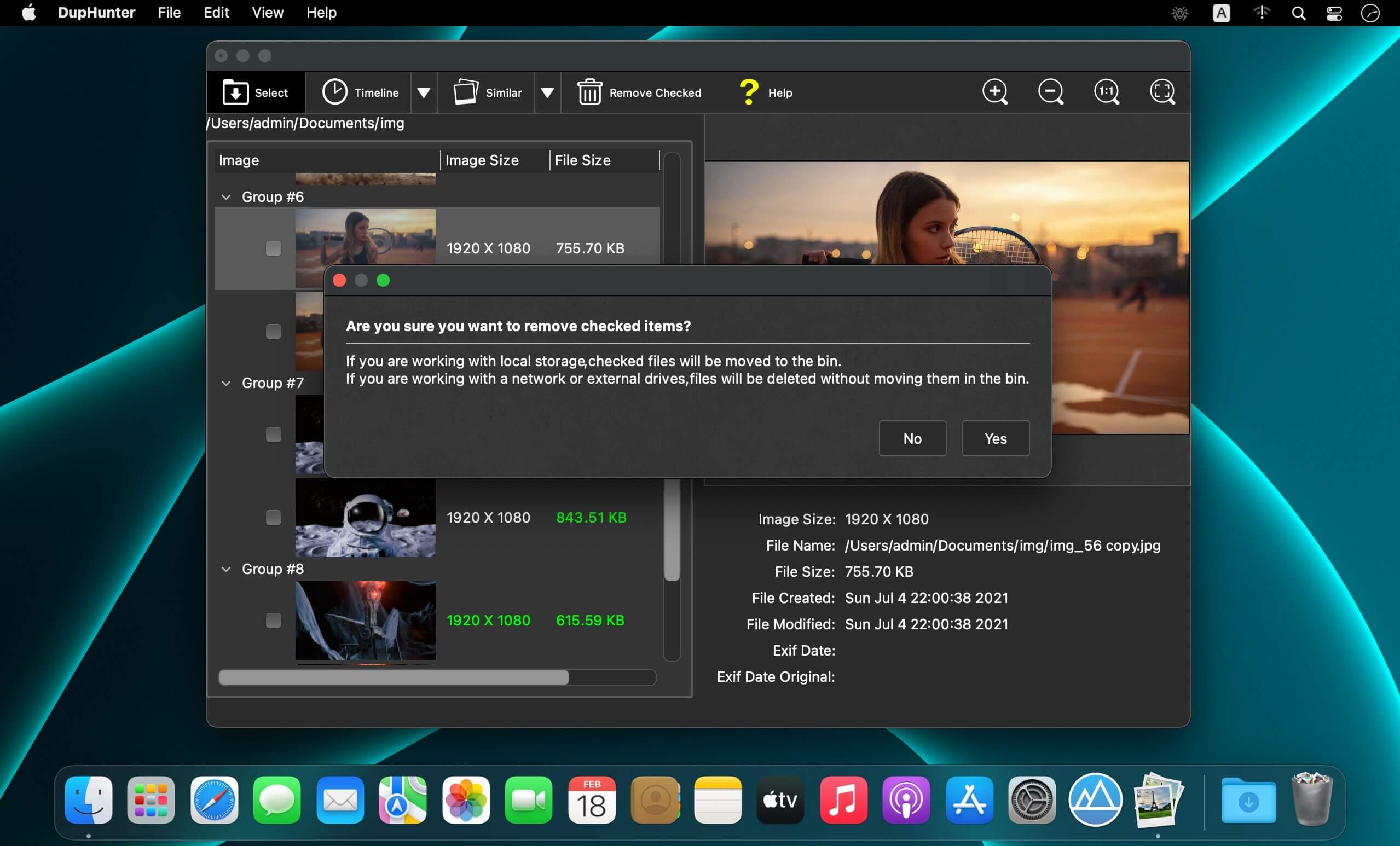
DupHunter enables new smart ways of finding duplicate images. Go to our Tutorials page and see for yourself how easy it is for anyone to do with just a few simple steps.
Top Reasons to use DupHunter
- DupHunter scans photos on a computer and gets rid of all duplicates leaving only the best images in each group of similar pictures.
- Conveniently, the program automatically detects series of photos taken with continuous shooting or locates similar images based on their content.
- DuplicateHunter is an app designed to quickly deal with all the photo duplicates. The tool implements a unique image analysis algorithm that not only detects similar images with high accuracy, but also does this extremely quickly.
How it works
DuplicateHunter finds duplicate images using two available algorithms. The first one is a classic content-based search that is useful to get rid of the same or just similar photographs on the disk. The smart analysis algorithm recognizes modified, distorted, cropped, resized and post-processed images as duplicate of their corresponding originals. The second search mode is timeline-based. It helps locating photos taken with short time gaps in between, for example, with a continuous shooting camera. In DuplicateHunter, the user sees the entire series and can easily pick the best shot of all available photos.
Version 3.0.1 :
- Release notes were unavailable when this listing was updated.
Frequently asked questions
How do I install the app?
Mount the image, drag the app into the "Applications" folder and launch it. If the system blocks the launch, allow it in "System Settings → Privacy & Security".
The app is damaged or won't launch
Reinstalling from a fresh image usually helps. Make sure your macOS version matches the one listed in the compatibility specs.
How do I update?
Download the new version from the site and install it over the current one — your settings will be preserved.
The download link doesn't work
Try a mirror or a download manager. For large files the browser often drops the connection.
How do I completely remove the app?
Use an uninstaller utility — it cleans up the service files that remain after moving the app to the trash.




Choose a download source
TeoreX DupHunter 3.0.1 · 11.38 MB