Mosaic - Photo Collage, Blend and Tile 1.1.1

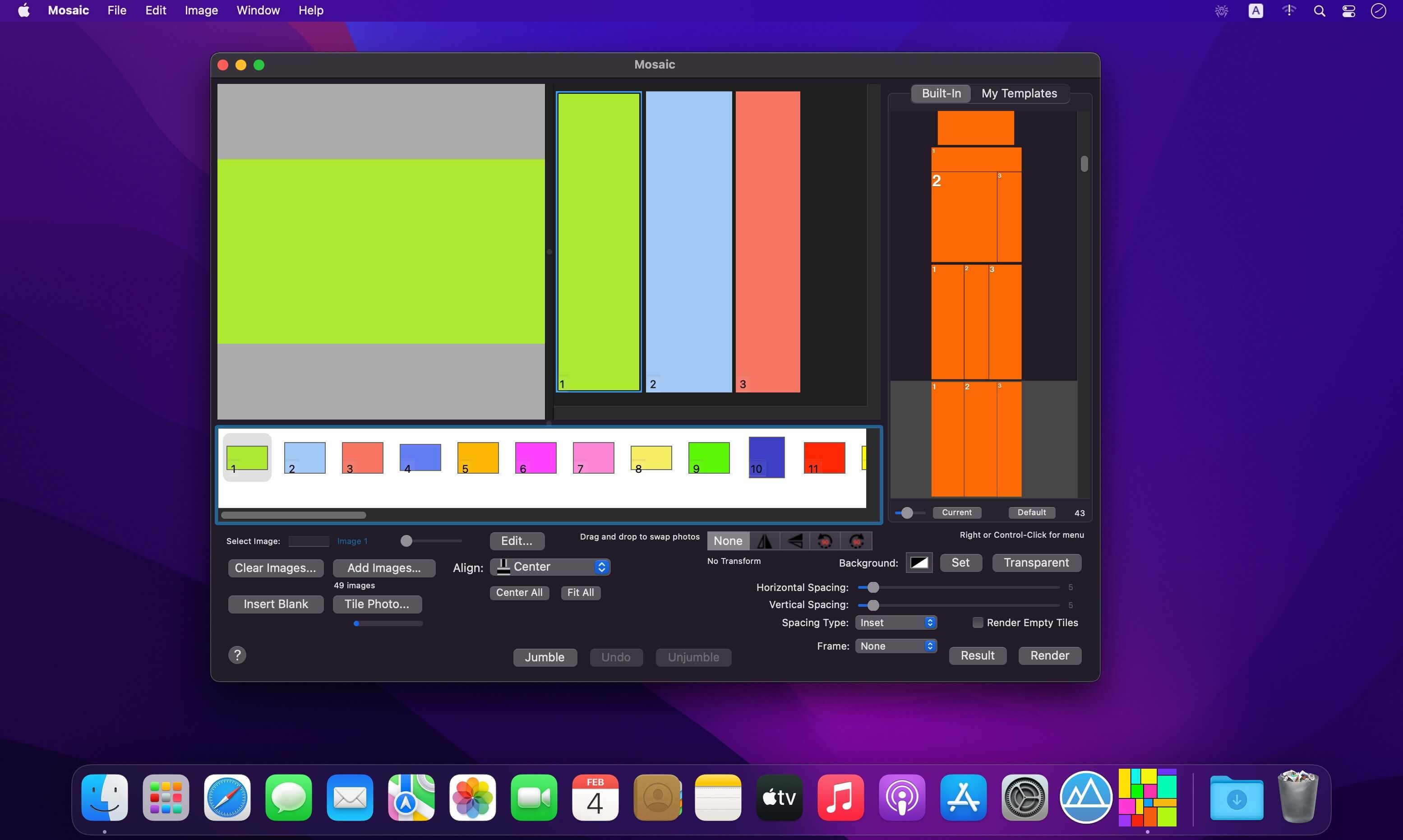
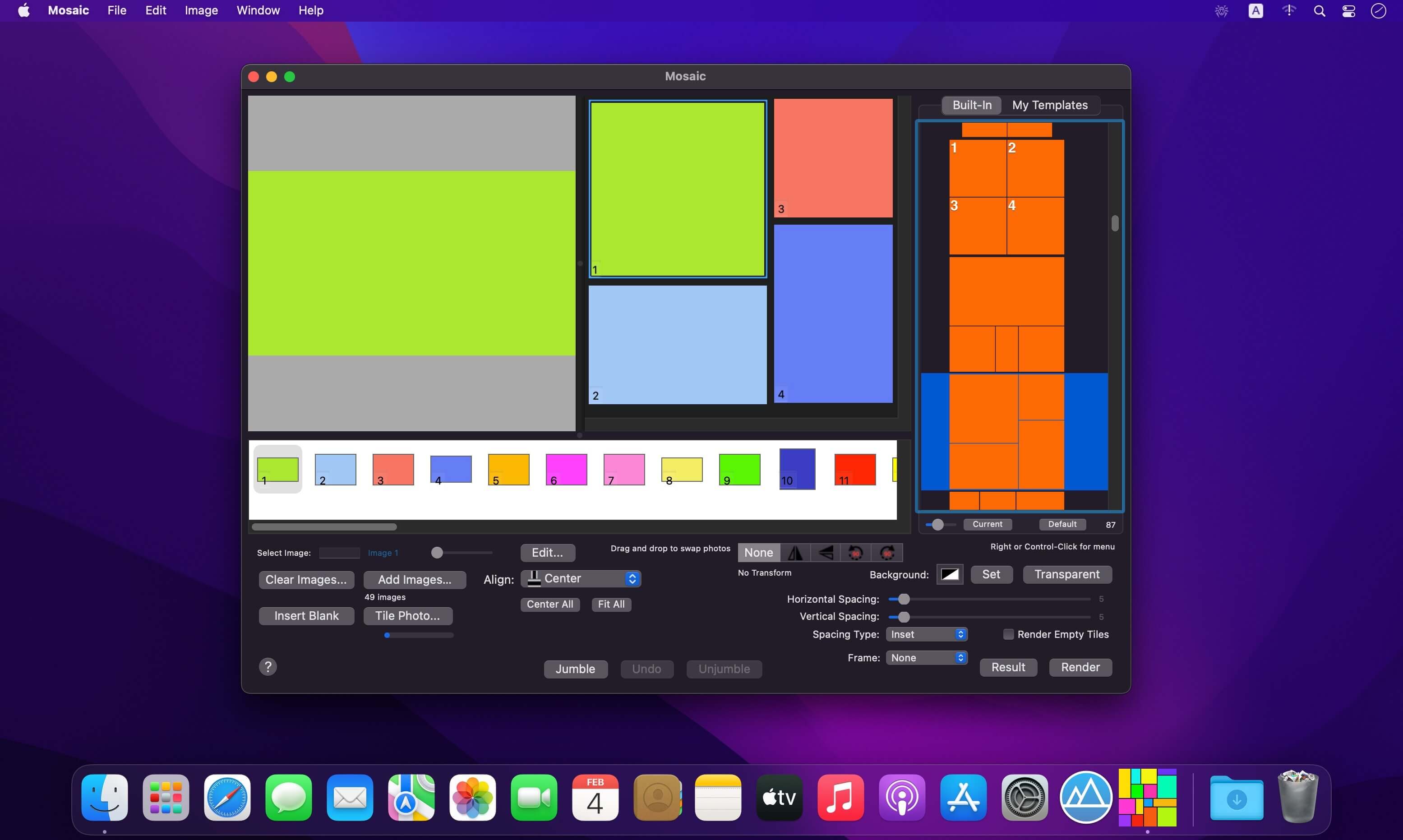
Mosaic is a fun app that creates collages consisting of tiles arranged according to a wide variety of layout templates.
Mosaic contains 48 built-in templates, but you can make your own in the Mosaic iOS editor, or download many additional templates from the website using your web browser or inside the app itself.
Because templates can be dragged "in and out" of the app "from and to" the Finder you can share them, store them, email them etc.
Each template is actually up to 5 different layouts since each can be rotated 90º left, rotated 90º right, flipped vertically or flipped horizontally.
You can set the spacing between tiles in the template, and set the background color exposed by this separation.
As an alternative to templates Mosaic has a feature called "Jumble." This mode of Mosaic randomly places the centers of each tile in the view. You can apply a jumble many times until you like the result!
Frequently asked questions
How do I install the app?
Mount the image, drag the app into the "Applications" folder and launch it. If the system blocks the launch, allow it in "System Settings → Privacy & Security".
The app is damaged or won't launch
Reinstalling from a fresh image usually helps. Make sure your macOS version matches the one listed in the compatibility specs.
How do I update?
Download the new version from the site and install it over the current one — your settings will be preserved.
The download link doesn't work
Try a mirror or a download manager. For large files the browser often drops the connection.
How do I completely remove the app?
Use an uninstaller utility — it cleans up the service files that remain after moving the app to the trash.



Choose a download source
Mosaic - Photo Collage, Blend and Tile 1.1.1 · 6.07 MB