
Batch Photo Resizer 3.2
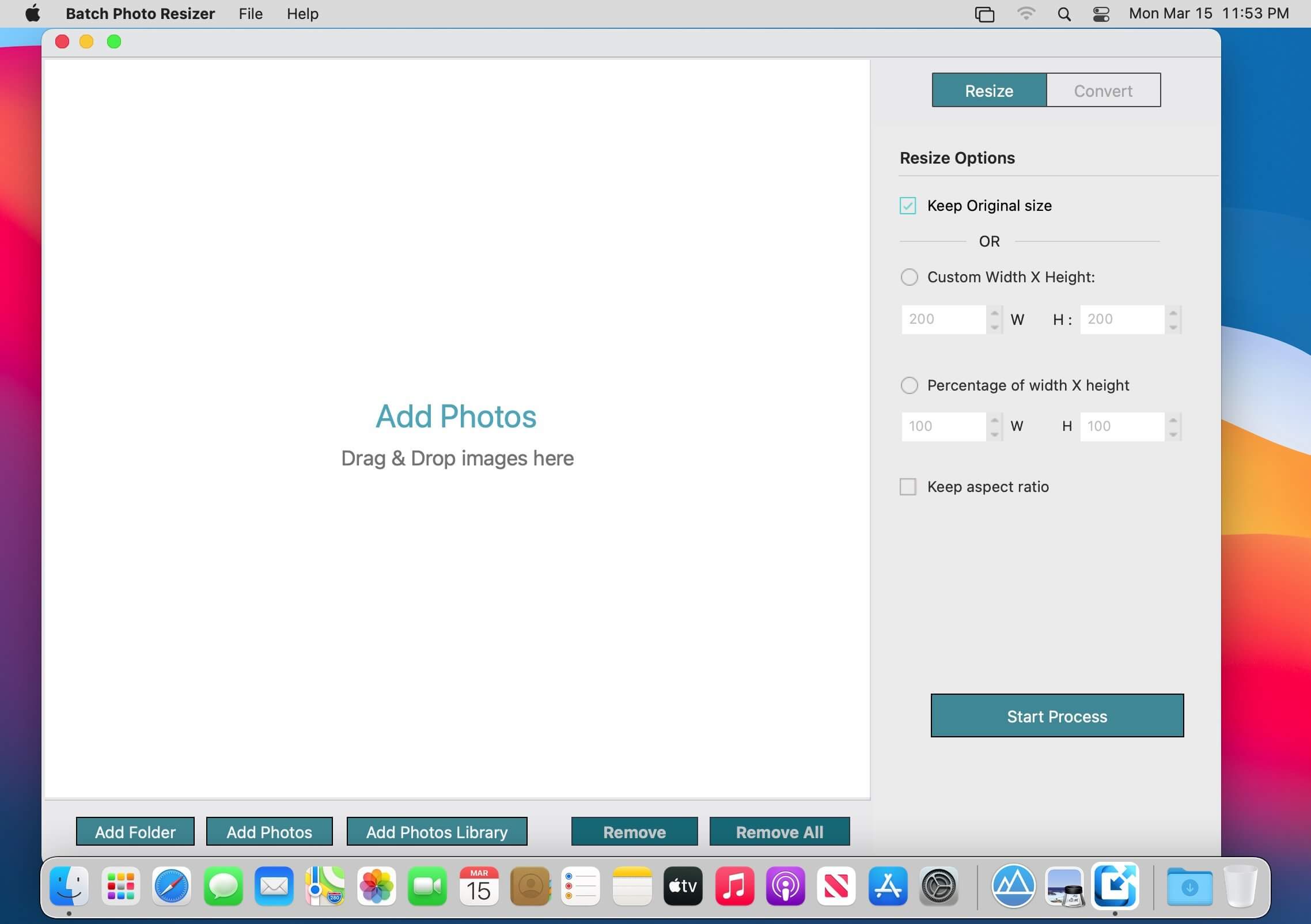
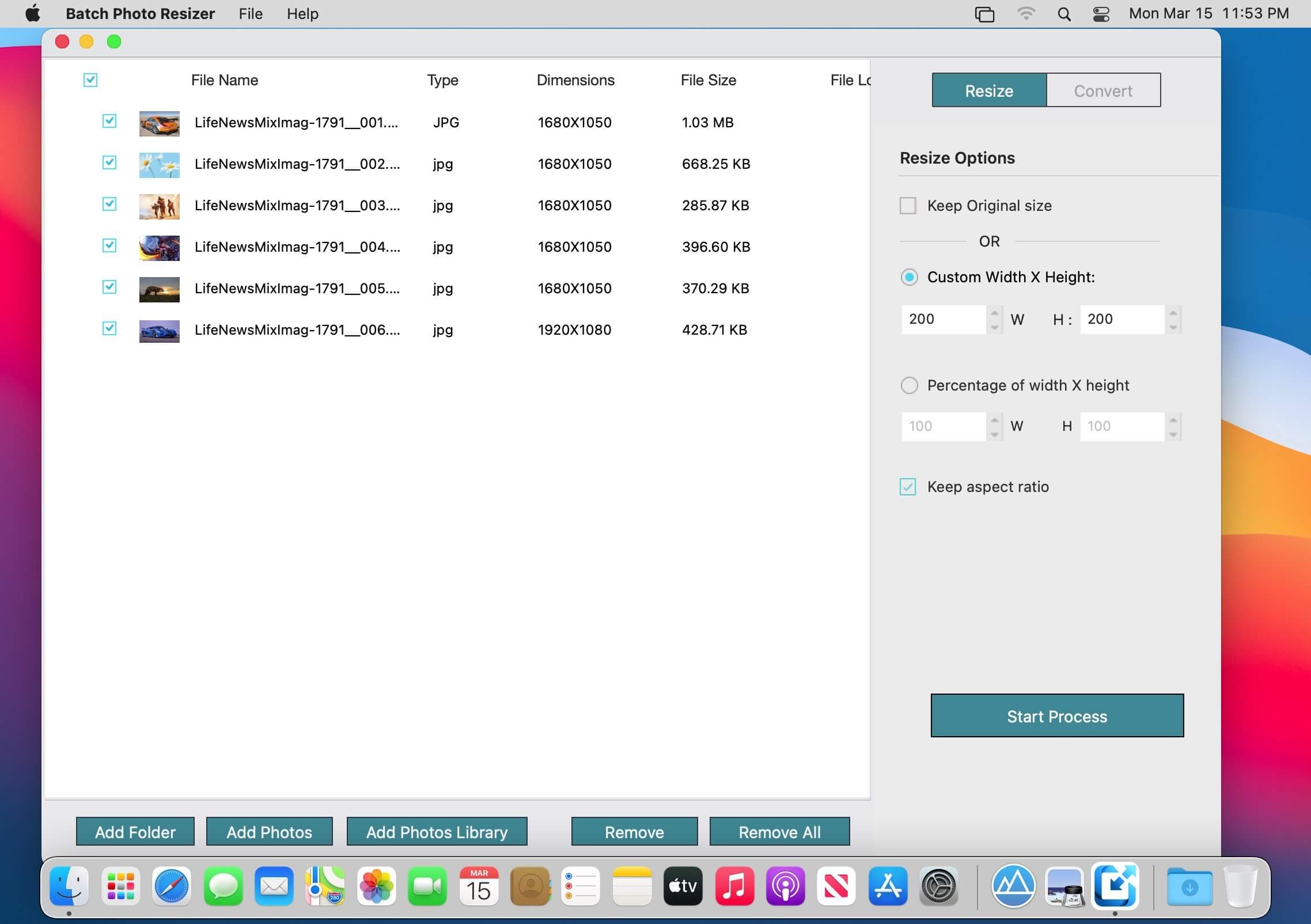
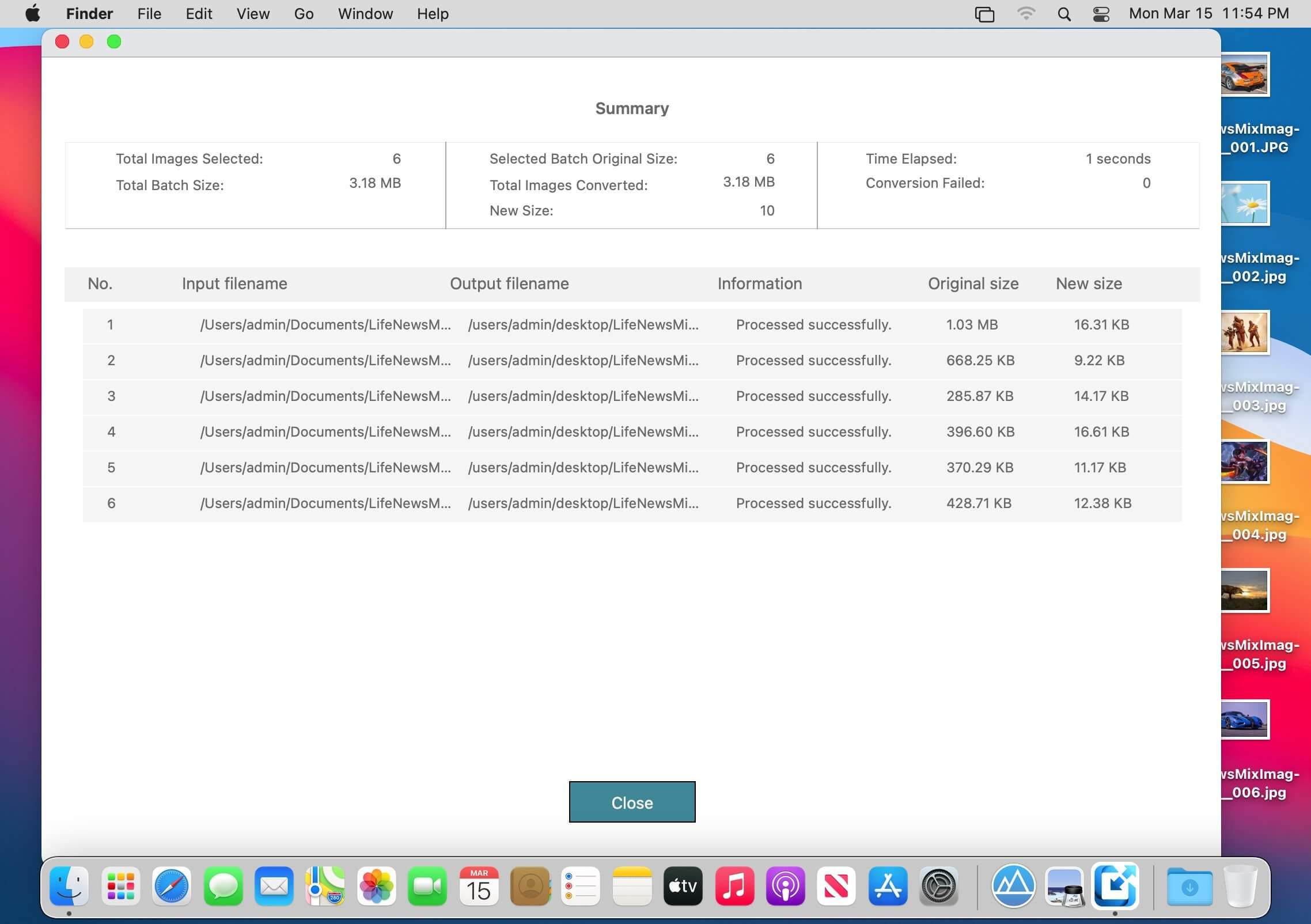
Batch Photo Resizer does much more than the name implies. it allows performing seamless conversion between multiple image formats, resizing pictures in highest quality possible and rename.
It offers a simple, friendly user interface and delivers extremely fast operation. The tool helps you quickly finish batch jobs of fitting the images into desired dimensions for social sharing and locat export.
Some of the features:
- Convert and Rename images in batch mode.
- It supports almost 50+ Raw image formats.
- Batch Rename images.
- Support folder/non-folder structure
Version 3.2:
- Bug fixes and improvements.
Frequently asked questions
How do I install the app?
Mount the image, drag the app into the "Applications" folder and launch it. If the system blocks the launch, allow it in "System Settings → Privacy & Security".
The app is damaged or won't launch
Reinstalling from a fresh image usually helps. Make sure your macOS version matches the one listed in the compatibility specs.
How do I update?
Download the new version from the site and install it over the current one — your settings will be preserved.
The download link doesn't work
Try a mirror or a download manager. For large files the browser often drops the connection.
How do I completely remove the app?
Use an uninstaller utility — it cleans up the service files that remain after moving the app to the trash.




Choose a download source
Batch Photo Resizer 3.2 · 5.25 MB