Photo Batch 1.0.2
Process, adjust, resize and crop tons of images at once
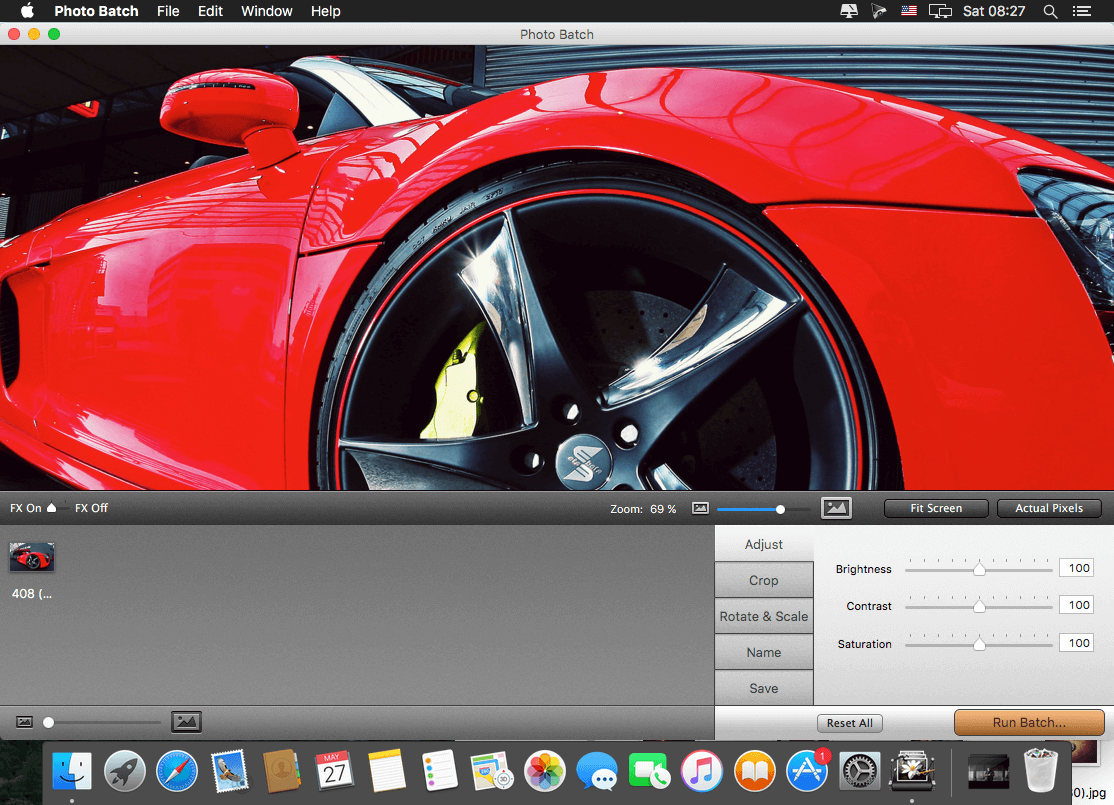
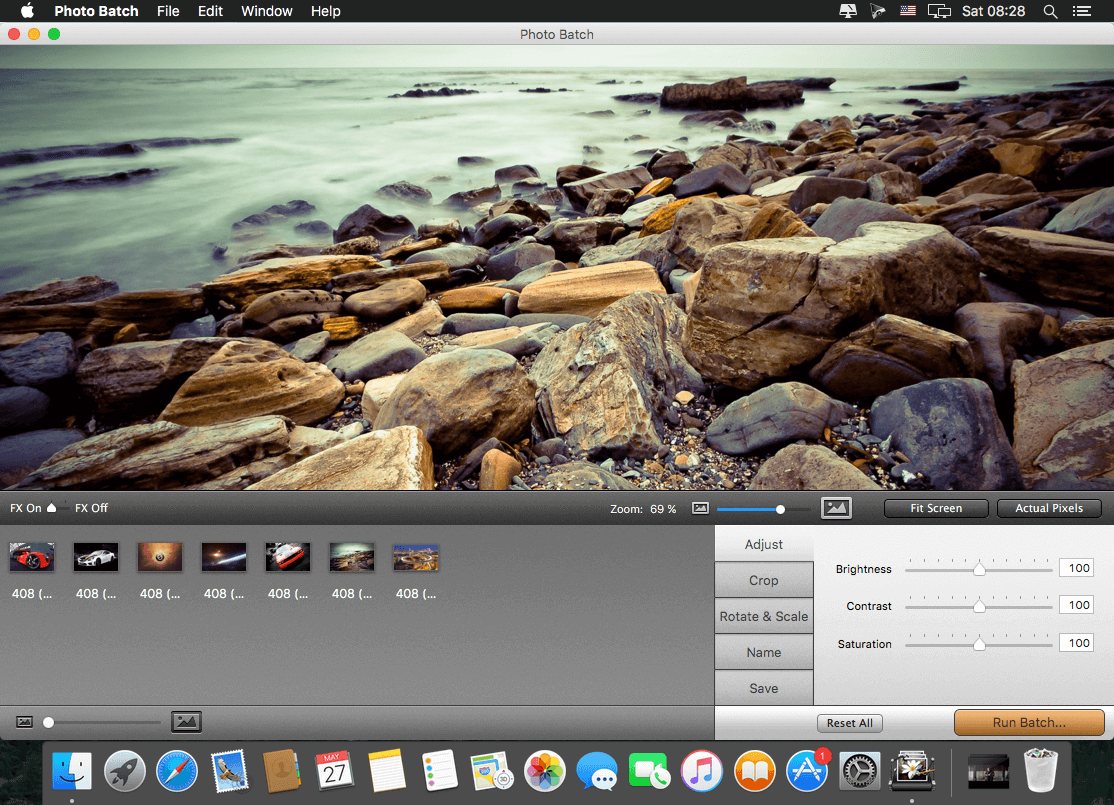
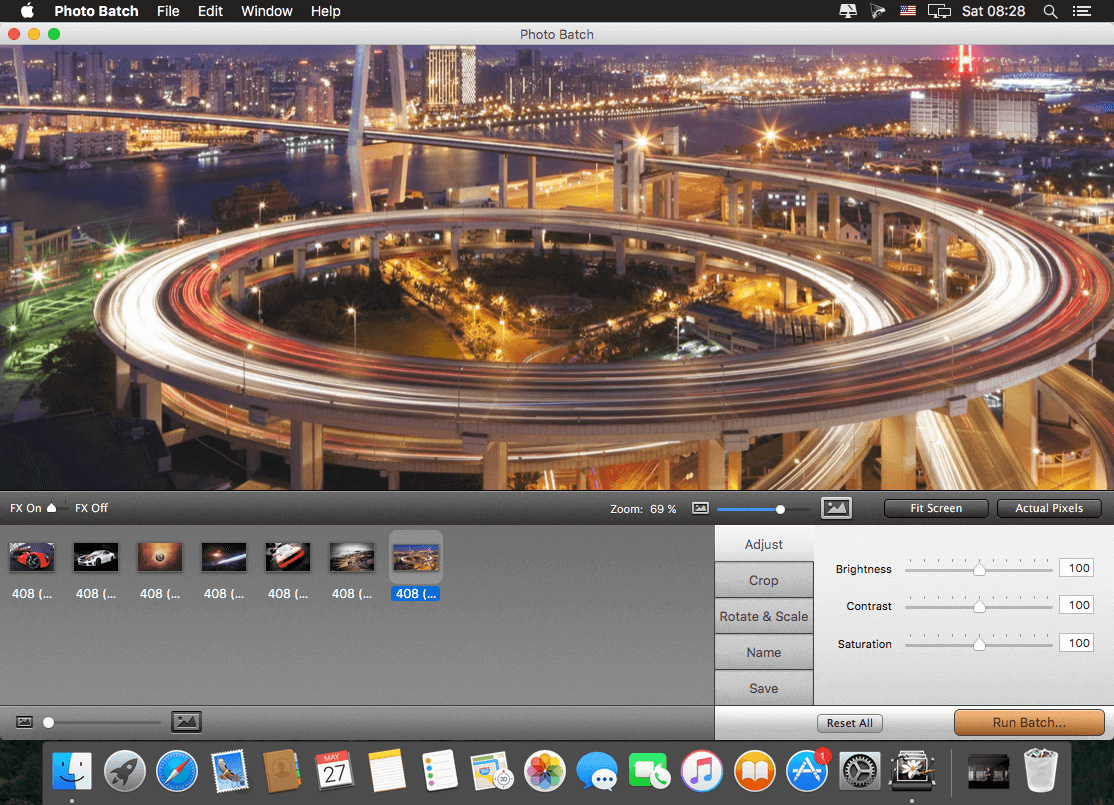
Photo Batch will help you process all your images at once. No more repetitive work, simply drag the images or the folders you wish to process into Photo Batch, then apply the desired effects, crop, rotate, resize and rename them all and finally export them.
Features:
- Adjust image brightness, contrast and saturation.
- Crop your image by percentage or by pixels.
- Resize your image by percentage or by pixels.
- Rotate all images at once.
- Maintain image aspect ratio by setting the maximum pixel height or width.
- Export all images to the same folder, regardless of where they came from.
- Instantly rename all of your images.
- Convert images from all major file formats (jpeg, png or tiff).
- Preserve original metadata.
- Retina-ready graphics.
WHAT’S NEW
- Fix in licenses window: Now the user's name is visible
- Fix in scale by Maximum Pixels' height
- Miscellaneous other minor fixes and improvments
SCREENSHOTS
Frequently asked questions
How do I install the app?
Mount the image, drag the app into the "Applications" folder and launch it. If the system blocks the launch, allow it in "System Settings → Privacy & Security".
The app is damaged or won't launch
Reinstalling from a fresh image usually helps. Make sure your macOS version matches the one listed in the compatibility specs.
How do I update?
Download the new version from the site and install it over the current one — your settings will be preserved.
The download link doesn't work
Try a mirror or a download manager. For large files the browser often drops the connection.
How do I completely remove the app?
Use an uninstaller utility — it cleans up the service files that remain after moving the app to the trash.
VersionPhoto Batch 1.0.2
DeveloperOne Periodic Inc.
CompatibilityOS X 10.6+
LanguageEnglish
IncludesPre-K'ed


Information
Visitors in the group Guests cannot leave comments on this publication.
Choose a download source
Photo Batch 1.0.2 · 9.73 MB