
Batch Rename & Convert Photos 1.2
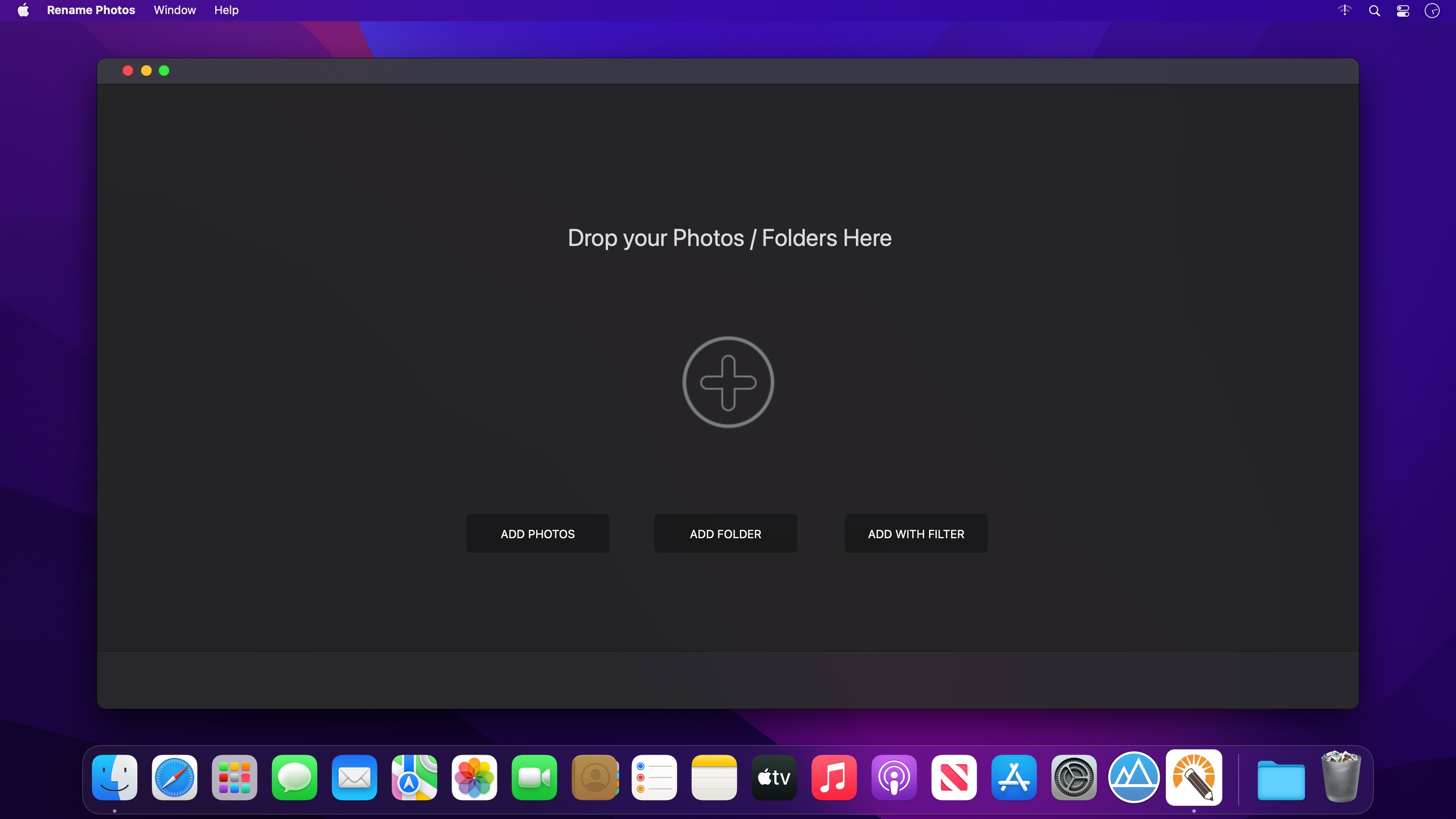

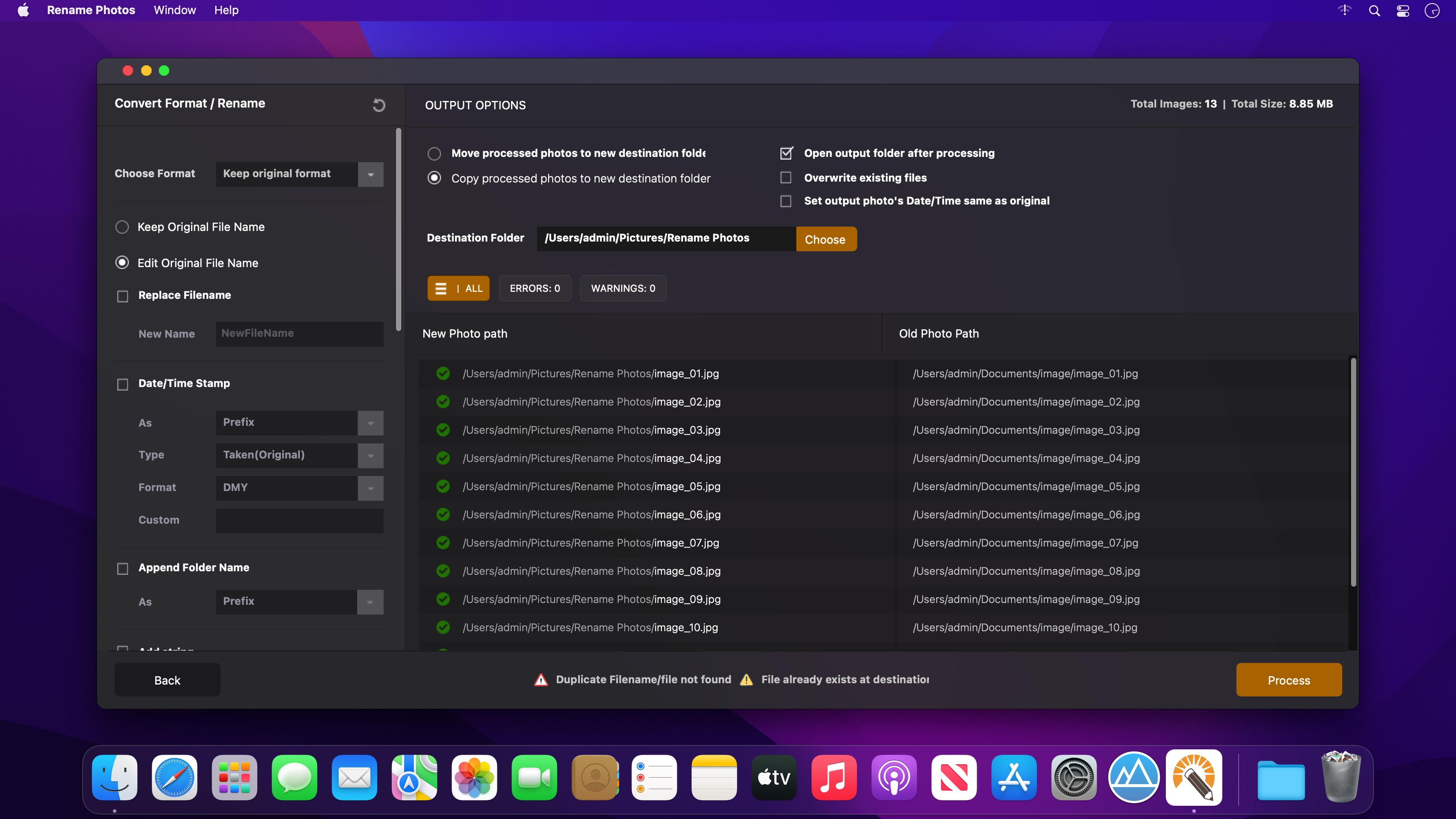
Rename Photos is a program for renaming multiple files at once. By configuring renaming methods the names can be manipulated in various ways.
It is easy to set up a batch job using multiple methods on a large amount of files.
With Rename Photos you can construct new file names by adding, removing, replacing, changing case, or giving the file a brand new name based on known information about the file.
Before performing the operations on the files you can verify that the output will be correct and if you perform the rename and regret it, you can undo the complete batch.
Some of the Features
- Rename multiple files quickly: according to many flexible criteria
- Convert file formats: convert image formats with a click.
- Rename files in many ways: add, replace, add capture and other date, insert text into file names, Convert case, add numbers. Remove or change file extensions.
- Check the detailed preview before renaming: live preview while making changes.
- Rename photos using EXIF metadata (i.e. "Date Picture Taken" and other information)
Version 1.2
- Bug fixes and improvements.
Frequently asked questions
How do I install the app?
Mount the image, drag the app into the "Applications" folder and launch it. If the system blocks the launch, allow it in "System Settings → Privacy & Security".
The app is damaged or won't launch
Reinstalling from a fresh image usually helps. Make sure your macOS version matches the one listed in the compatibility specs.
How do I update?
Download the new version from the site and install it over the current one — your settings will be preserved.
The download link doesn't work
Try a mirror or a download manager. For large files the browser often drops the connection.
How do I completely remove the app?
Use an uninstaller utility — it cleans up the service files that remain after moving the app to the trash.





Choose a download source
Batch Rename & Convert Photos 1.2 · 3.03 MB