
PicConvert 1.2
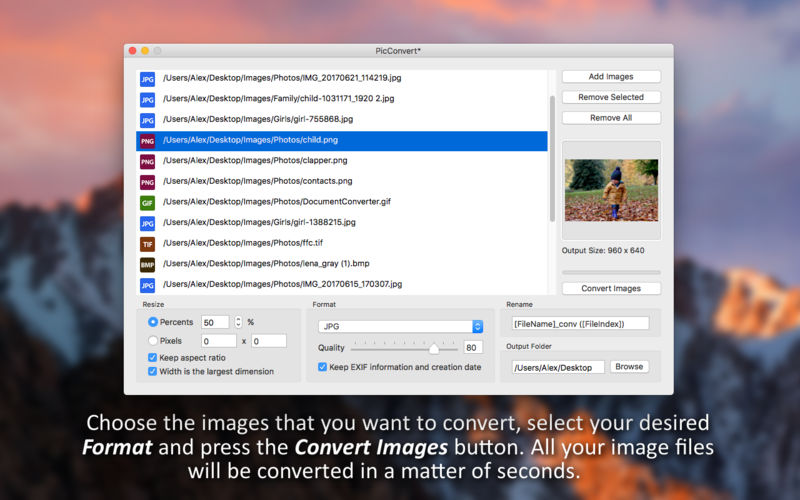
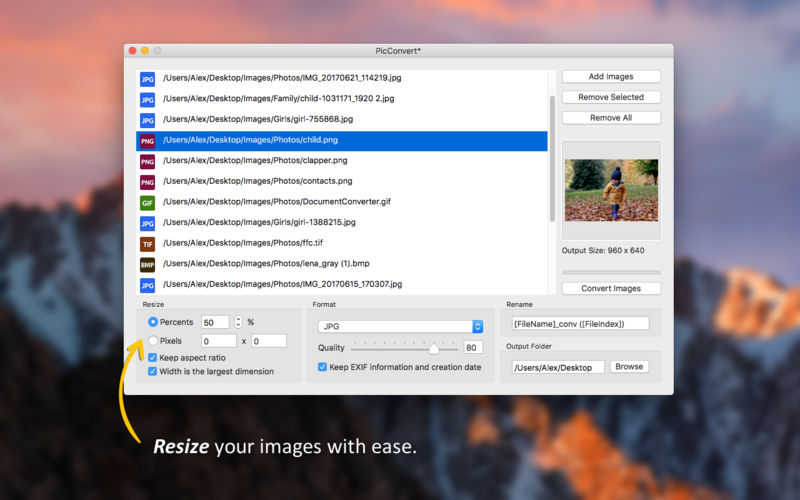
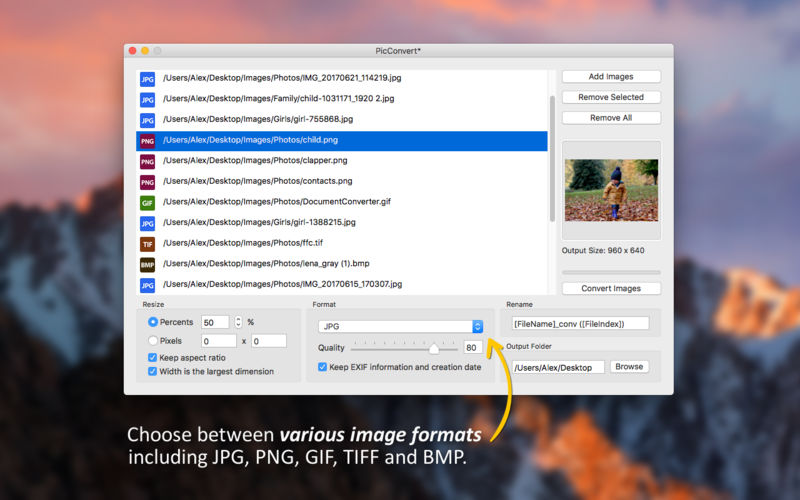
Convert, resize and rename thousands of image files in batch mode. Select the images that you want to convert, choose an image format, select the folder where you want your converted images to be saved and you're done! Your images will be converted in a matter of seconds. Easy and effective.
- Convert, resize and rename images in batch mode
- Input formats: JPG, JPEG, JPE, JP2, JPX, PNG, TIFF, TIF, GIF, BMP
- Output formats: JPG, JPEG, JPE, JP2, JPX, PNG, TIFF, TIF, GIF, BMP
- Change the image quality for the JPG, JPEG, JPE, JP2 and JPX formats
- Keep the EXIF info and creation date of the original images
- Save the converted images in a folder of your choosing
Version 1.2
- Support for dark mode in macOS Mojave and later
- Resizable app window
- All compatible image files can now be opened directly into the app using the Open With option from the macOS contextual menu
- Added support for the HEIC, HEIF and RAW image formats
- Minor bugfixes and user interface improvements
Frequently asked questions
How do I install the app?
Mount the image, drag the app into the "Applications" folder and launch it. If the system blocks the launch, allow it in "System Settings → Privacy & Security".
The app is damaged or won't launch
Reinstalling from a fresh image usually helps. Make sure your macOS version matches the one listed in the compatibility specs.
How do I update?
Download the new version from the site and install it over the current one — your settings will be preserved.
The download link doesn't work
Try a mirror or a download manager. For large files the browser often drops the connection.
How do I completely remove the app?
Use an uninstaller utility — it cleans up the service files that remain after moving the app to the trash.
VersionPicConvert 1.2
DeveloperDay 1 Solutions SRL
CompatibilitymacOS 10.10 or later
LanguageEnglish
IncludesK'ed by HCiSO



Information
Visitors in the group Guests cannot leave comments on this publication.
Choose a download source
PicConvert 1.2 · 7.89 MB