Image Resizer - Resize Photos 4.2
Reduce your image size in few seconds...
We capture our precious moments in the form of images and always want to share them with our family and friends. But a lot many times, we are unable to do so due to large image sizes. A perfect solution to this problem is Image Resizer.
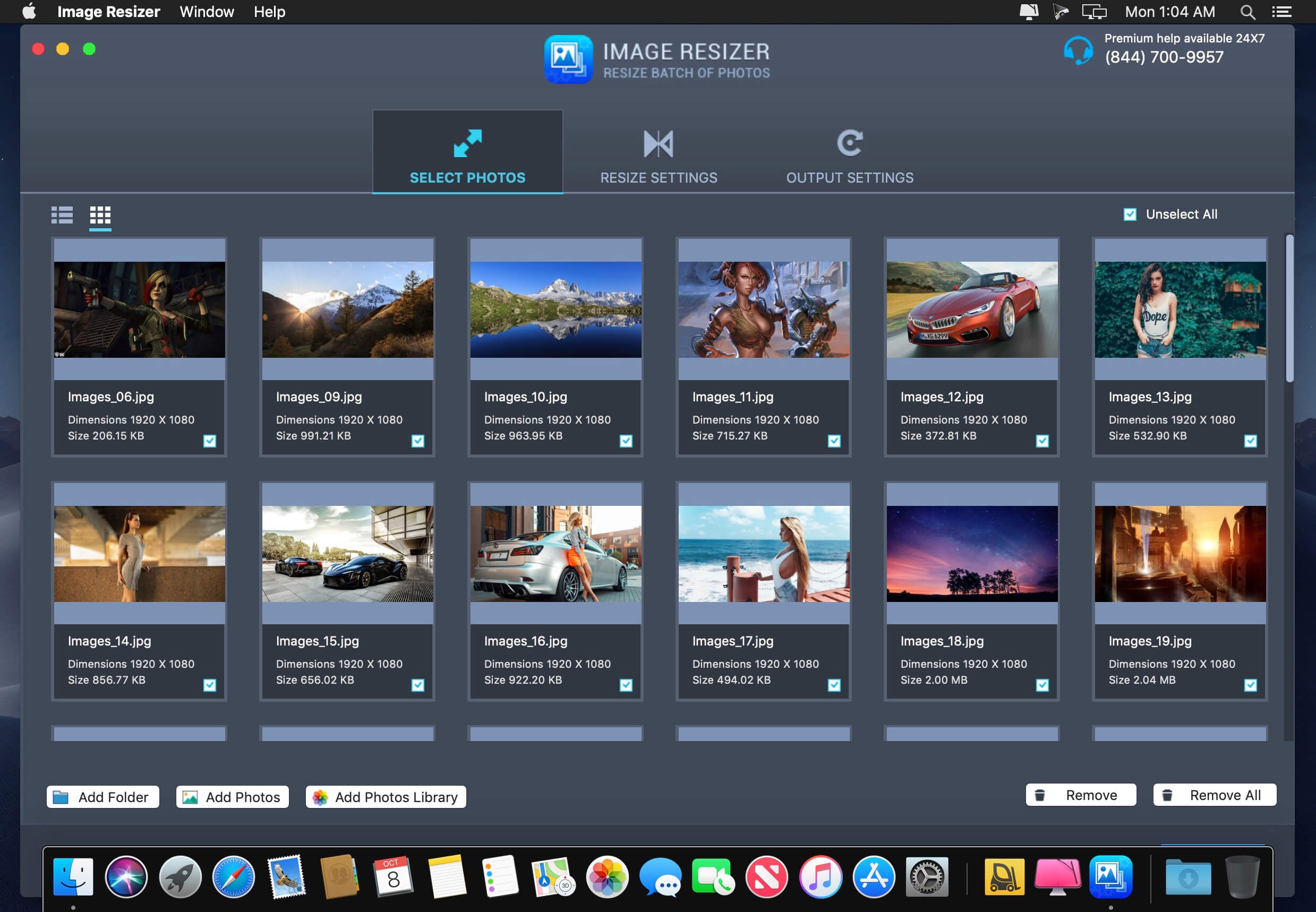
It is a useful and effective tool to resize single and multiple images, without compromising with image resolution and its quality. Using this tool, you can select photos from Photos Library, Photos or from any folder on your machine.
Get the all new Image Resizer app and be assured that you have the best tool to resize, crop, rotate, flip any image to any direction or convert it to any other format.
Awesome tool for photo resizing.
Key functions
- Resize single or batch of photos
- High quality results and great speed
- Easy image compression
- Predefined settings option
- Easily convert pictures into different formats
- Resize and convert
- User friendly UI
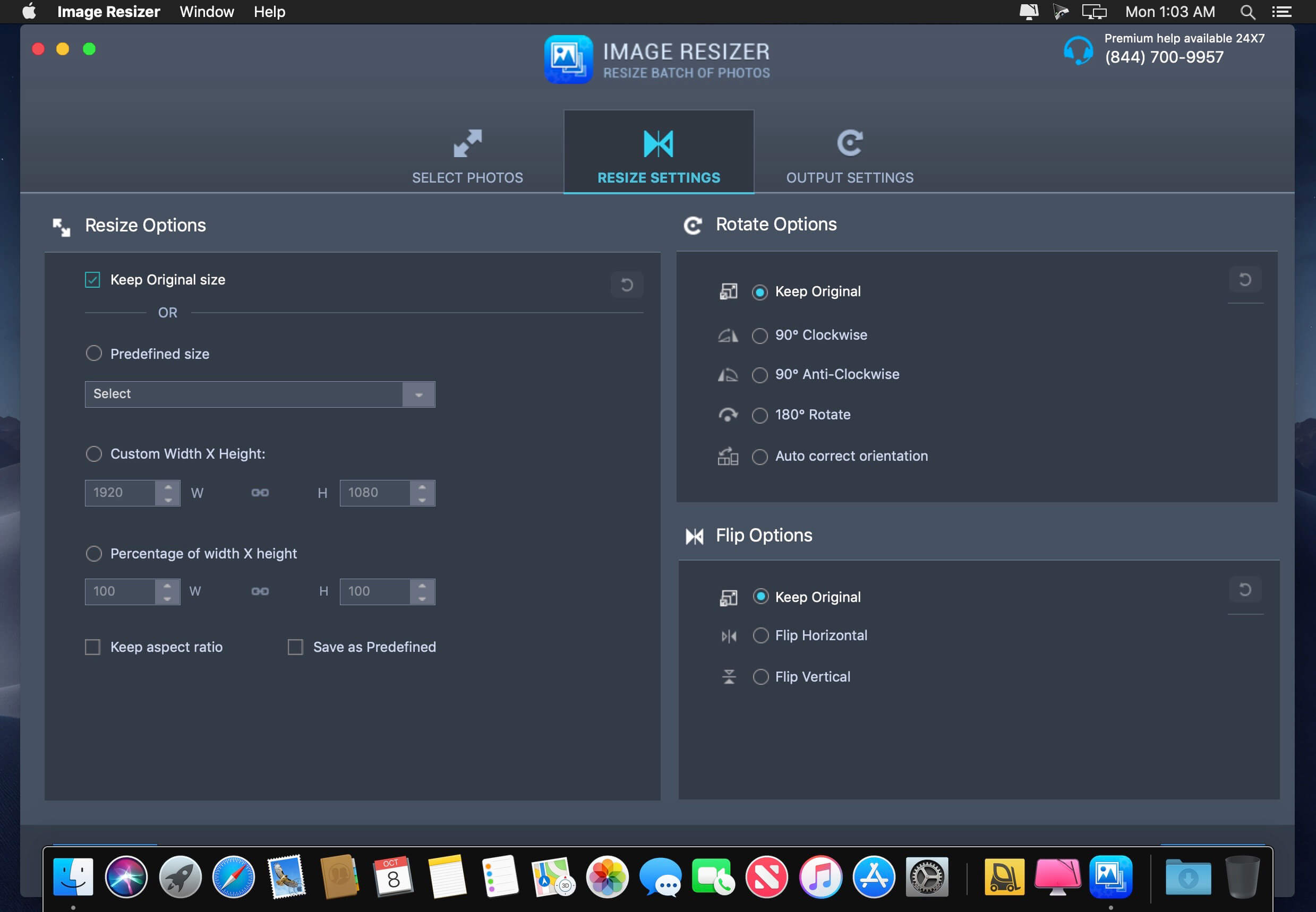
- Easy selection of output resolution, rename files or compress, choose a specific destination to save resized images.
- Rotate image to 90 degrees clockwise, anti-clockwise, rotate 180 degrees, Flip Horizontal and Vertical.
- Custom size can be chosen and photo can be resized percentage wise
- Resized images do not lose quality
How to use Image Resizer:
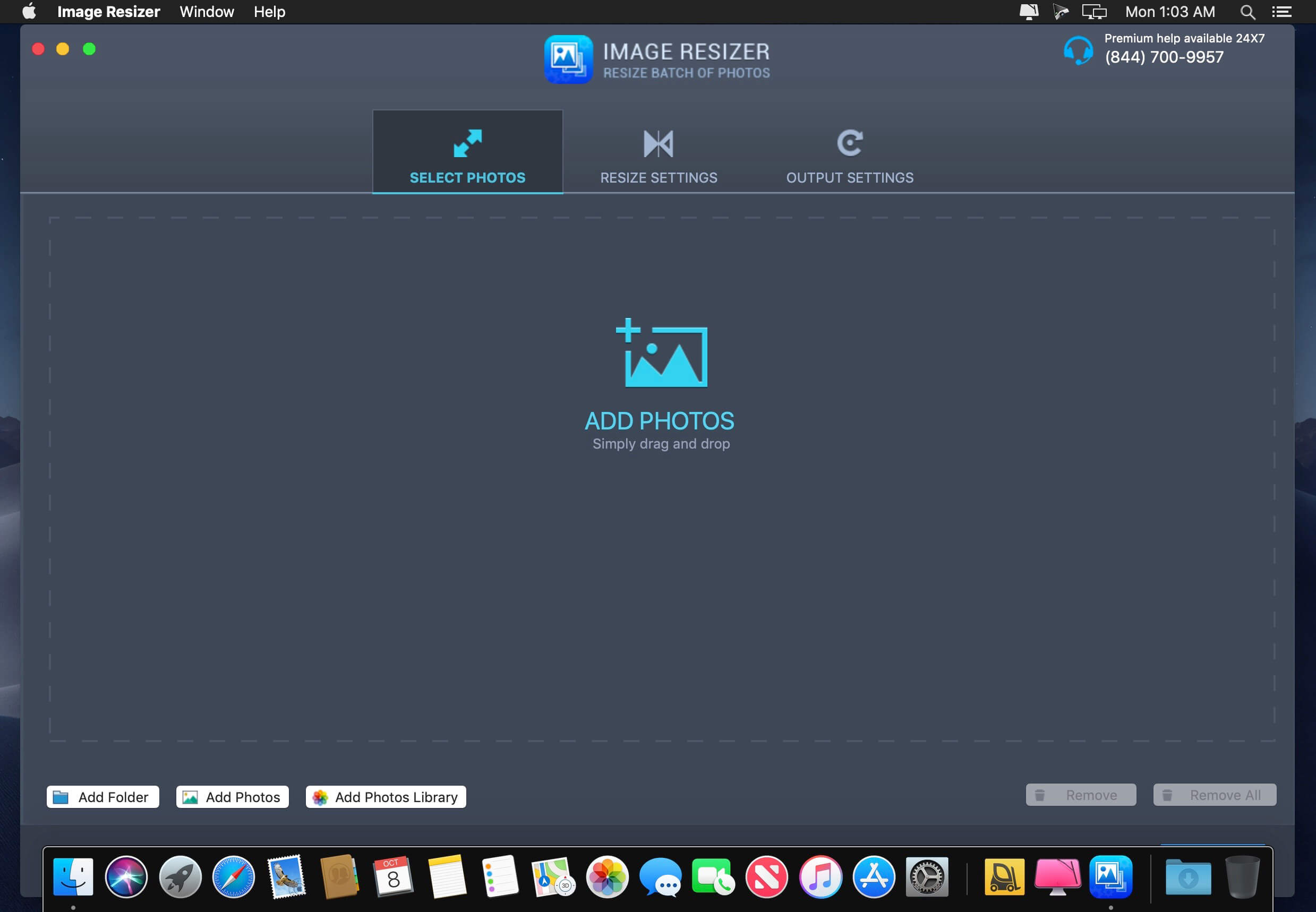
To use this app, first you need to select the location from where you wish to take the image. You can do so by selecting the option at the bottom left of the app. Then select the photo/ photos you wish to resize and perform the desired operation.
Version 4.2
- Compatible with the latest macOS.
- Minor bug fixes and improvements.
Frequently asked questions
How do I install the app?
Mount the image, drag the app into the "Applications" folder and launch it. If the system blocks the launch, allow it in "System Settings → Privacy & Security".
The app is damaged or won't launch
Reinstalling from a fresh image usually helps. Make sure your macOS version matches the one listed in the compatibility specs.
How do I update?
Download the new version from the site and install it over the current one — your settings will be preserved.
The download link doesn't work
Try a mirror or a download manager. For large files the browser often drops the connection.
How do I completely remove the app?
Use an uninstaller utility — it cleans up the service files that remain after moving the app to the trash.


Choose a download source
Image Resizer - Resize Photos 4.2 · 5.46 MB
Previous versions
Image Resizer - Resize Photos 4.2
Previous versions are available to registered users.