
Luminar 4.3.5 fix

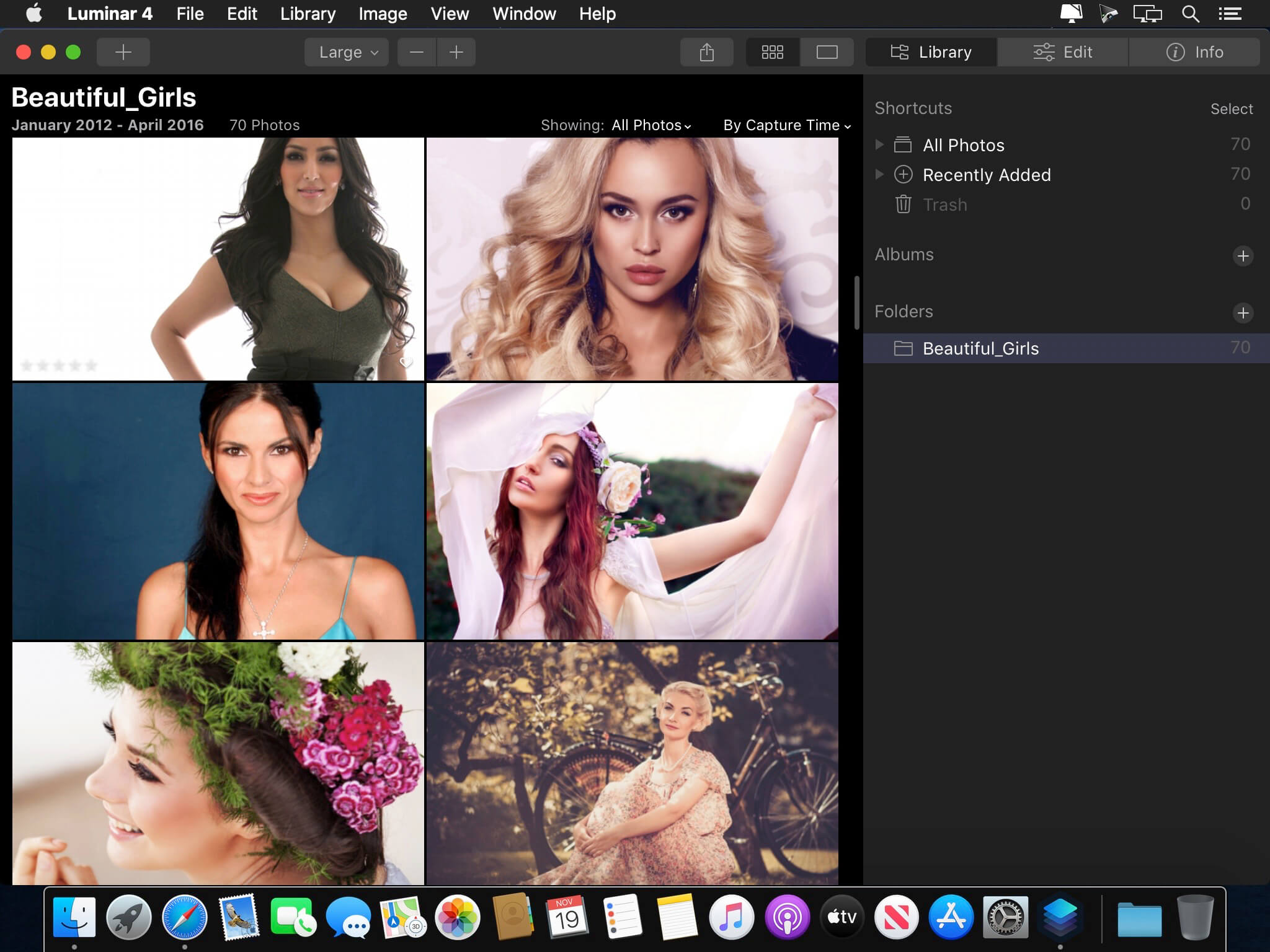
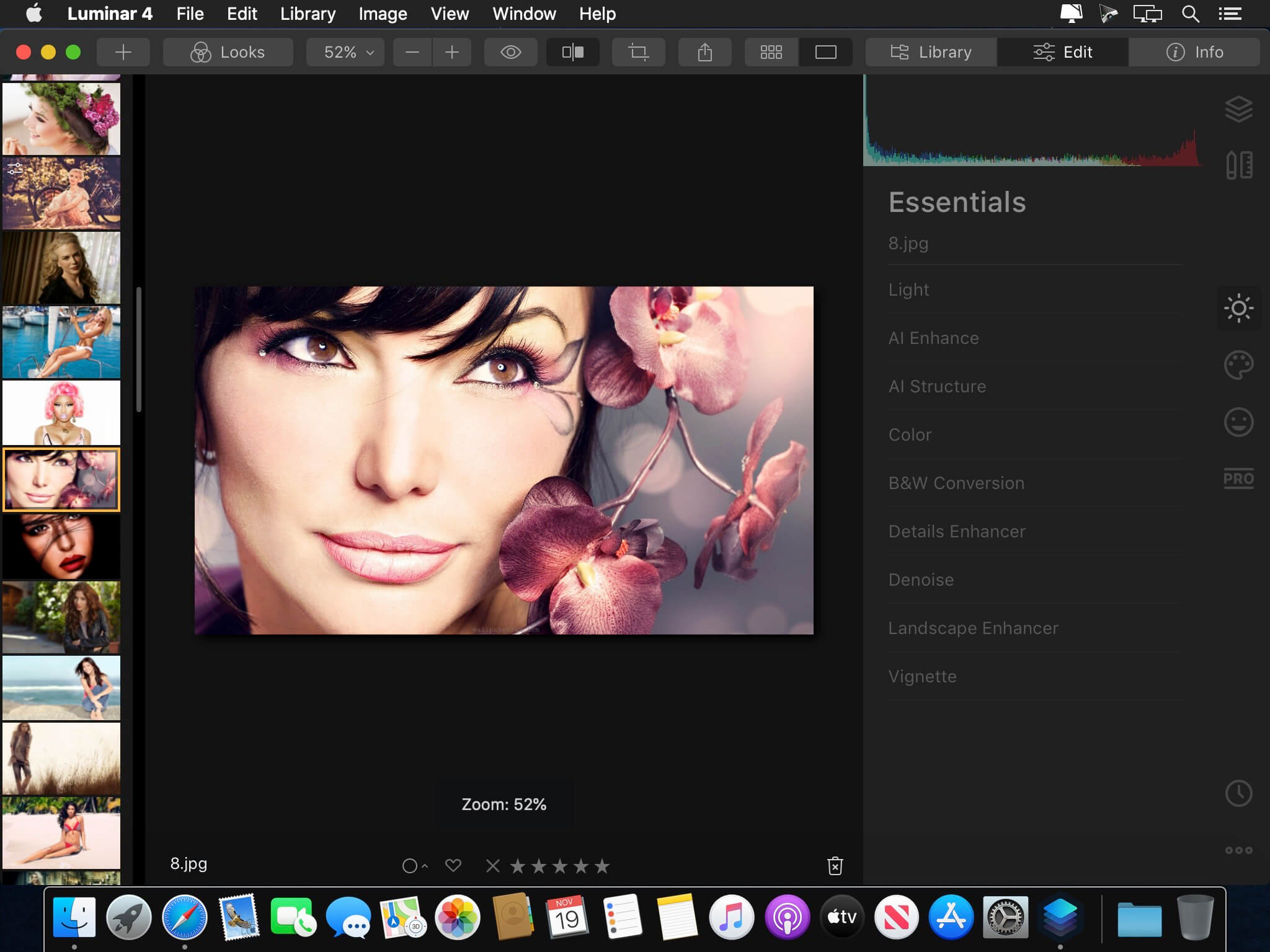
Revolutionary tools and AI technologies in Luminar 4. Luminar 4 is carving its own niche in the already saturated world of photo-editing software. The latest creation from Skylum, Luminar 4 is full of easy-to-use editing tools that are perfect for photographers who want to streamline the process of editing their photos. If you want to spend less time in front of a computer, then this is a serious contender.
AI Sky Replacement
Replace the sky to change the mood of your photo — instantly. Thanks to intelligent algorithms, this challenging task is now automated
AI Skin Enhancer & Portrait Enhancer
Enhance your portraits faster than ever with revolutionary human-aware technology. Get amazingly realistic results on portraits shot outdoors or in a studio.
AI Structure
Quickly reveal important parts of each image without spoiling the rest of the photo. This content-aware tool detects areas that could look richer and enhances them.
Sunrays
Create realistic light rays. Add a source of sunlight and move it around your image. Watch volumetric sunbeams magically seep between objects such as trees and buildings.
AI Enhance
AI Accent makes dozens of complex adjustments when you move just one slider. New human-aware technology recognizes people and applies adjustments selectively for ultra-realistic results.
Remove noise
Flawlessly remove digital noise from any type of photo. Get perfect images no matter the camera or shooting conditions.
Enhance details
Create more dramatic shots. Bring crystal-clear sharpness to your images. Enhance the clarity of small, medium or large details selectively.
Frequently asked questions
How do I install the app?
Mount the image, drag the app into the "Applications" folder and launch it. If the system blocks the launch, allow it in "System Settings → Privacy & Security".
The app is damaged or won't launch
Reinstalling from a fresh image usually helps. Make sure your macOS version matches the one listed in the compatibility specs.
How do I update?
Download the new version from the site and install it over the current one — your settings will be preserved.
The download link doesn't work
Try a mirror or a download manager. For large files the browser often drops the connection.
How do I completely remove the app?
Use an uninstaller utility — it cleans up the service files that remain after moving the app to the trash.





Choose a download source
Luminar 4.3.5 fix · 346.88 MB
Previous versions
Luminar 4.3.5 fix
Previous versions are available to registered users.