
FastScripts 3.3.8
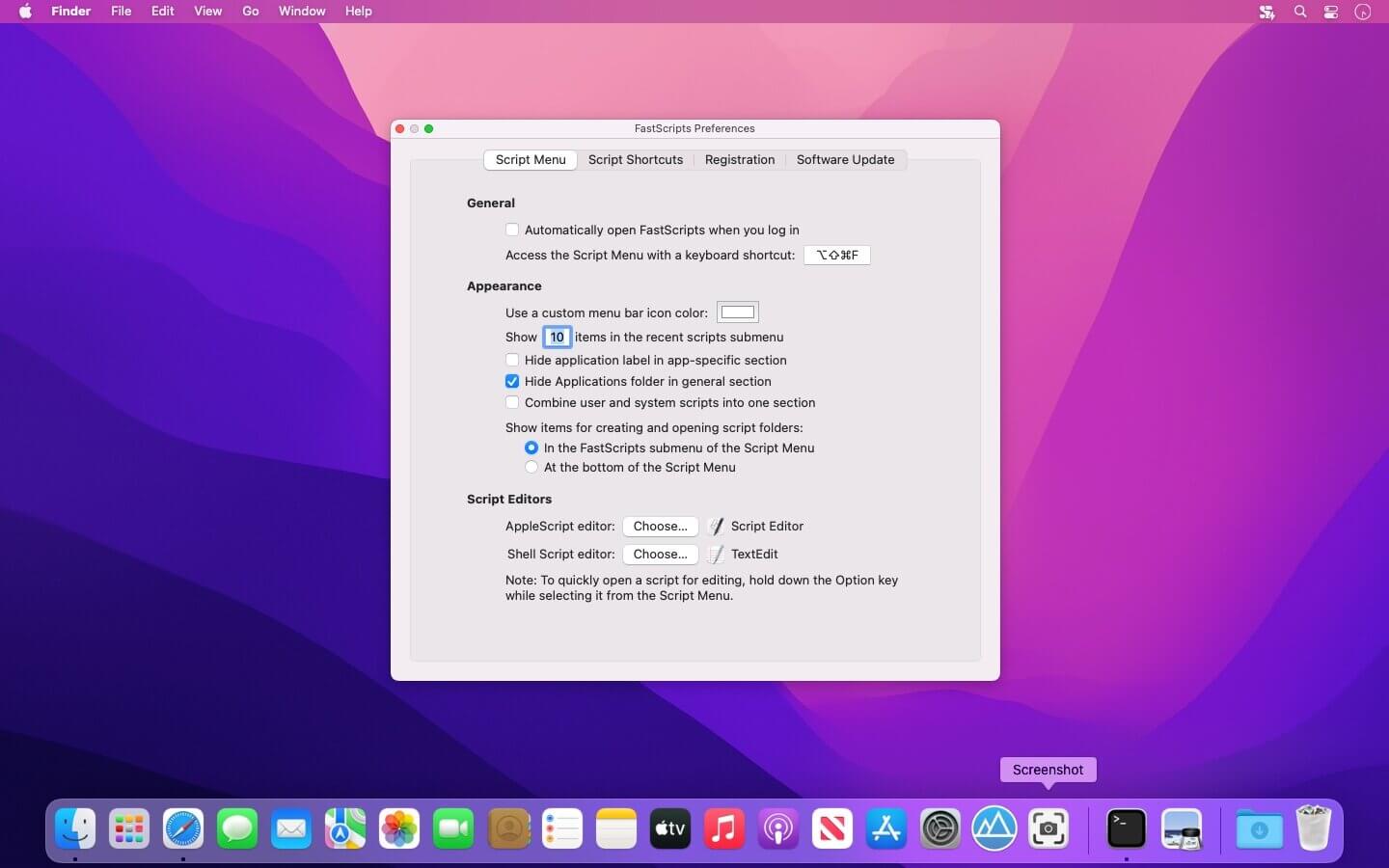

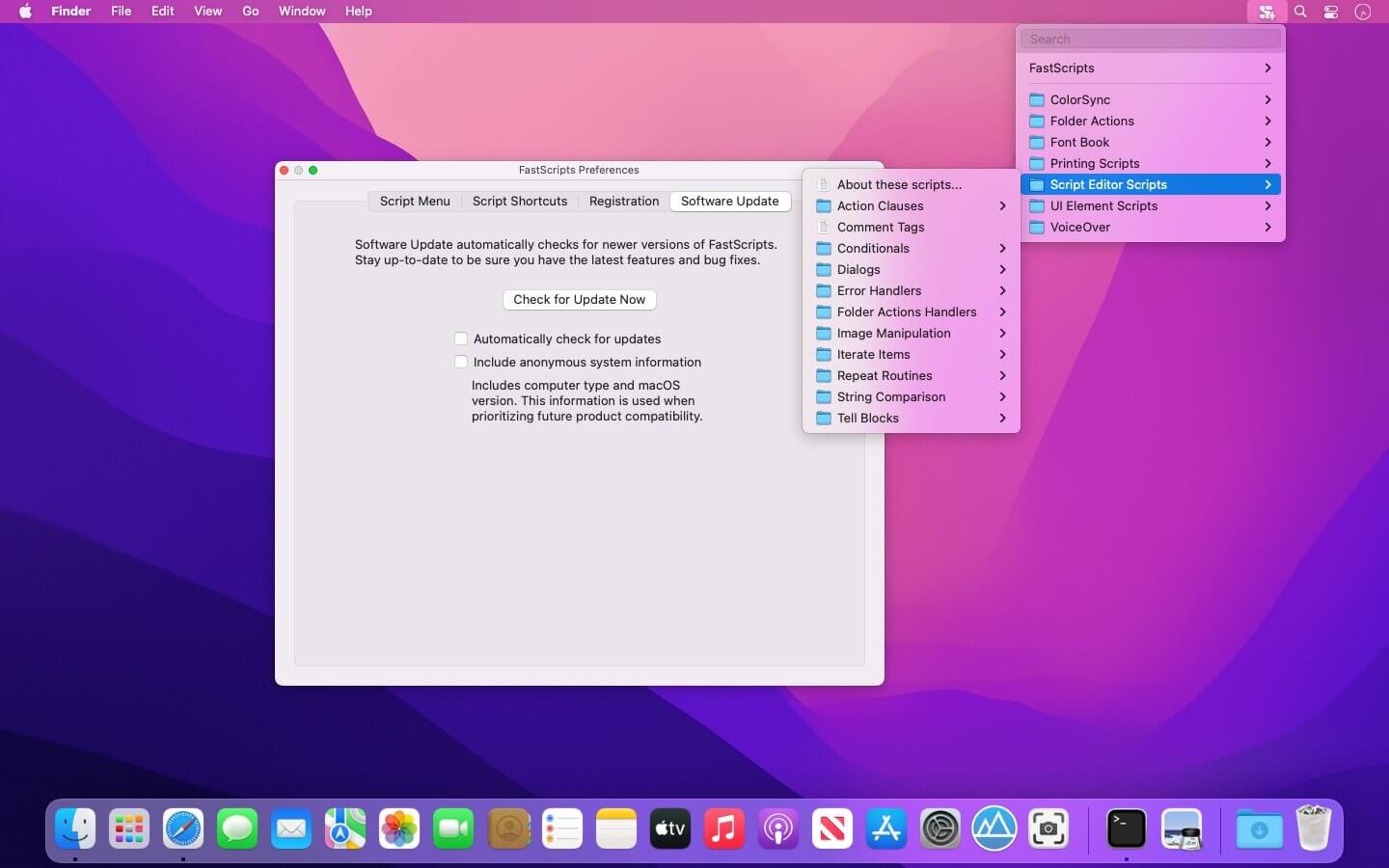
FastScripts is a utility for quickly and elegantly executing AppleScript and shell scripts from within any application. FastScripts is a super-charged replacement for the Apple "Script Menu" menu extra. In addition to the functionality provided by Apple's Script Menu utility, FastScripts offers a number of compelling improvements:
All new features in version 3:
ScriptLight: Search Your Scripts
Start typing to see a summary of matchings scripts. Select the one you want, or just press return to run the top result.
Track Your Tasks
Active scripts are listed in the script menu, so you can monitor their progress, or end them early if they've run amok.
Massively Parallel Productivity
Scripts get their own own high-performance execution process, so you won't get stuck waiting for long tasks before starting another.
Incremental Improvements
Little things that add up: keyboard shortcut conflict detection, improved message panels, and support for symbolic links!
Time-honored core features:
Powerful Keyboard Shortcuts
Global or application-specific control at the tip of your fingers. You'll spend less time mousing and more time doing.Smart Context Switching
Keep your focus on the current application, while time-saving scripts attract your attention only when necessary.And yet there is even more...
Curious about what else FastScripts has to offer? Read more on the finer points page.
Enhanced Script Menu
An upgrade to the Apple Script Menu - a familiar design with many usability improvements and a refined UI.Scripting Language Agnostic
AppleScript, Perl, Automator workflows, even whole applications and documents can be added to your Scripts folder and invoked by FastScripts.
Version 3.3.7
- Holding the option key to edit a selected script now works with AppleScript Droplets and Automator Applications
- Alias files now show the icon of the destination file, instead of the incorrect icon provided by the system
- Fixed a rare crash that could occur while entering a license registration code
- Fixed the description of the "has keyboard shortcut" scripting property to reflect its read-only nature
Frequently asked questions
How do I install the app?
Mount the image, drag the app into the "Applications" folder and launch it. If the system blocks the launch, allow it in "System Settings → Privacy & Security".
The app is damaged or won't launch
Reinstalling from a fresh image usually helps. Make sure your macOS version matches the one listed in the compatibility specs.
How do I update?
Download the new version from the site and install it over the current one — your settings will be preserved.
The download link doesn't work
Try a mirror or a download manager. For large files the browser often drops the connection.
How do I completely remove the app?
Use an uninstaller utility — it cleans up the service files that remain after moving the app to the trash.




Choose a download source
FastScripts 3.3.8 · 8.28 MB
Previous versions
FastScripts 3.3.8
Previous versions are available to registered users.