iStatistica Pro 7.1.3
iStatistica Pro — system monitoring, battery stats, and network insights.
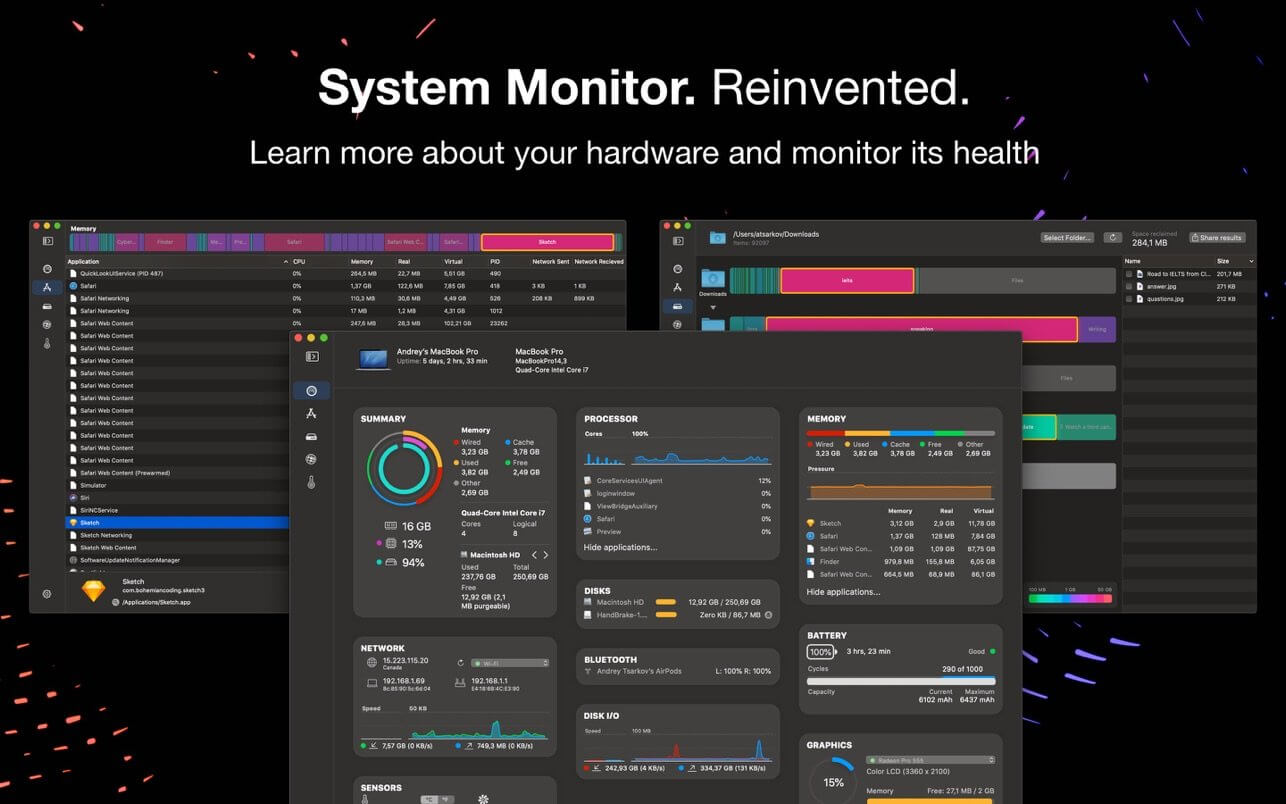
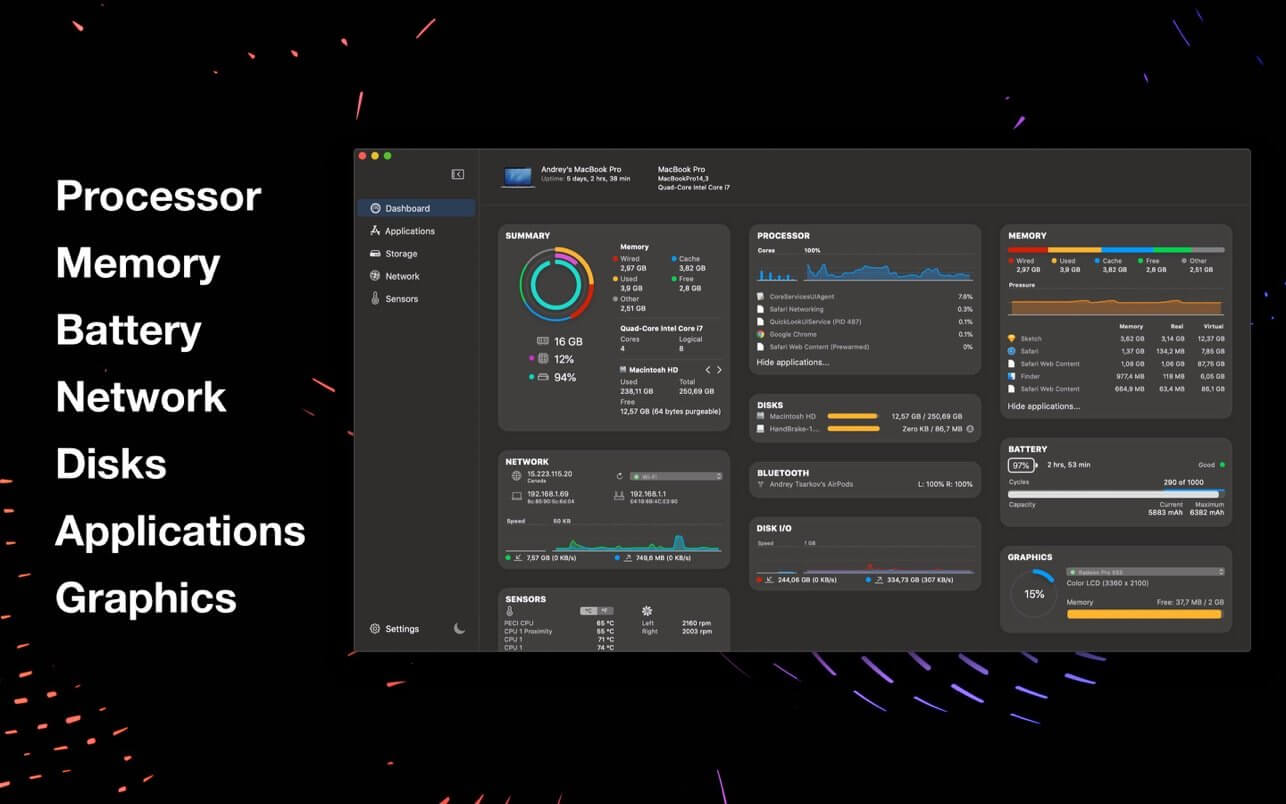
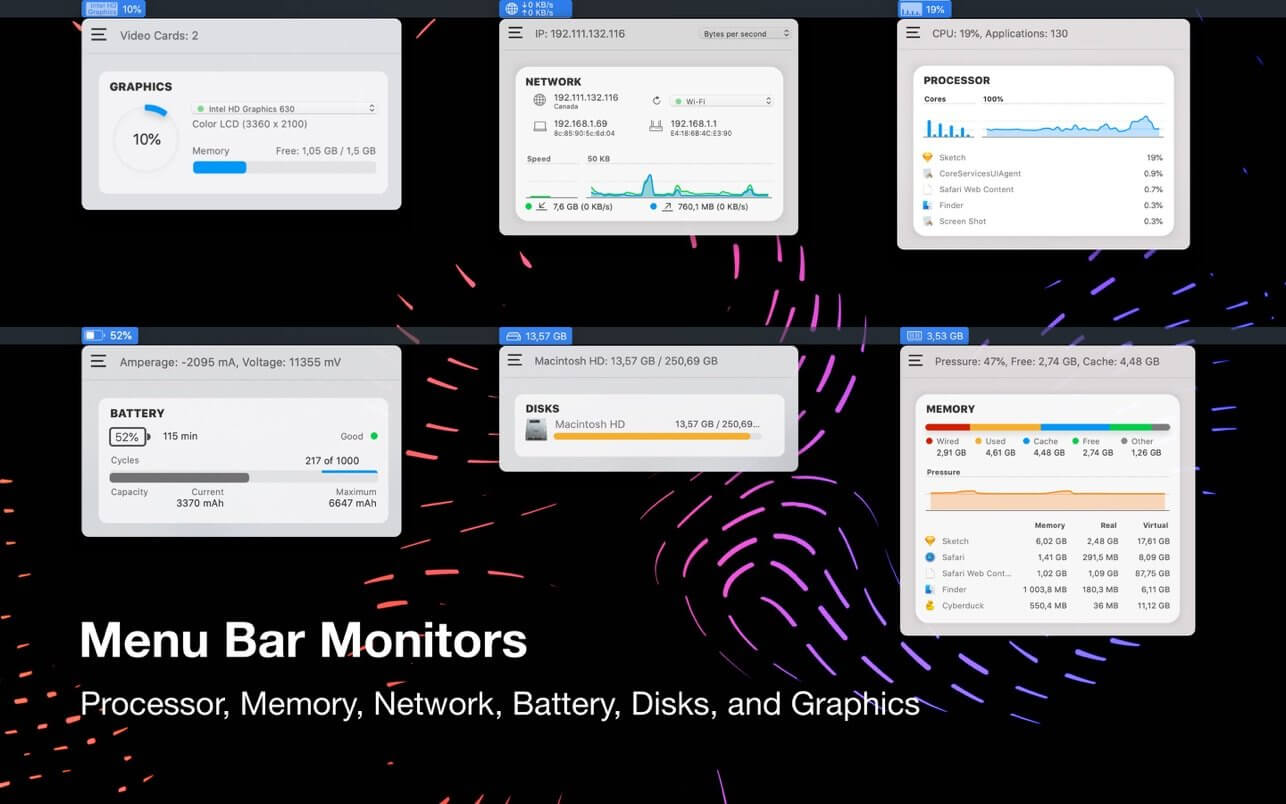
See exactly what your Mac is doing, in real time. iStatistica Pro puts CPU, memory, battery, network, and storage stats in one place, plus web access to check them from any device on your network.
Key features:
- Real-time CPU and memory monitoring — see current usage, memory pressure, and history over time
- Battery health tracking — check charging cycles, capacity, and overall health at a glance
- Network activity overview — view local, external, and gateway IPs plus live speed and data rate charts
- Storage visualization — find and remove unneeded files, and eject external drives safely
- Temperature and fan monitoring — track CPU, GPU, and memory temperatures along with fan speeds
- Detailed app statistics — monitor which apps are using the most system resources
- Remote web access — check your Mac's stats from any browser on your local network, secured by IP and passkey restrictions
Version 7.1.3
- macOS 27 compatibility
- Bug fixes
Frequently asked questions
How do I install the app?
Mount the image, drag the app into the "Applications" folder and launch it. If the system blocks the launch, allow it in "System Settings → Privacy & Security".
The app is damaged or won't launch
Reinstalling from a fresh image usually helps. Make sure your macOS version matches the one listed in the compatibility specs.
How do I update?
Download the new version from the site and install it over the current one — your settings will be preserved.
The download link doesn't work
Try a mirror or a download manager. For large files the browser often drops the connection.
How do I completely remove the app?
Use an uninstaller utility — it cleans up the service files that remain after moving the app to the trash.




Choose a download source
iStatistica Pro 7.1.3 · 19.96 MB
Previous versions
iStatistica Pro 7.1.3
Previous versions are available to registered users.