
Stats 3.0.17
Stats menu bar system monitor for CPU, RAM, and sensors
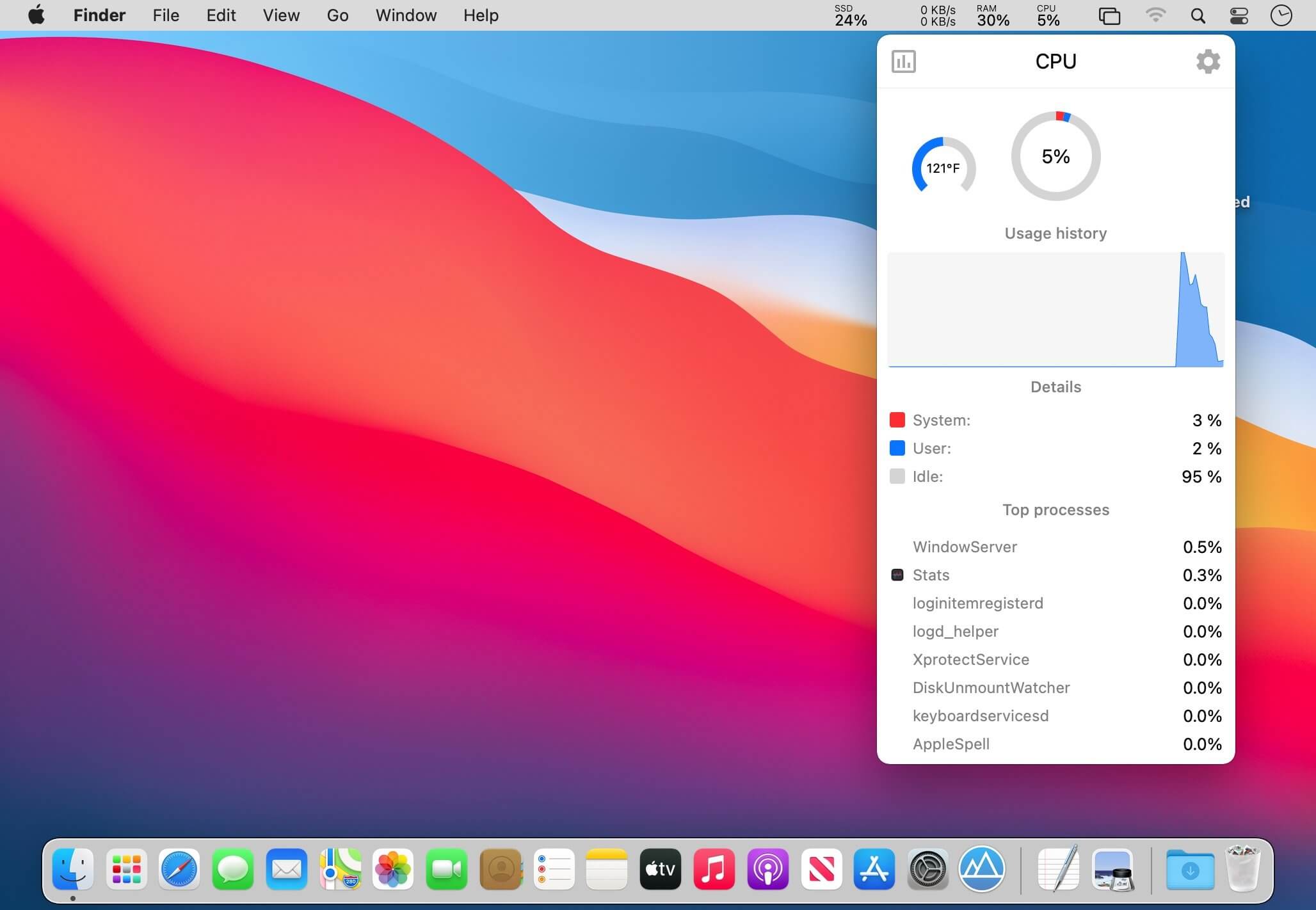
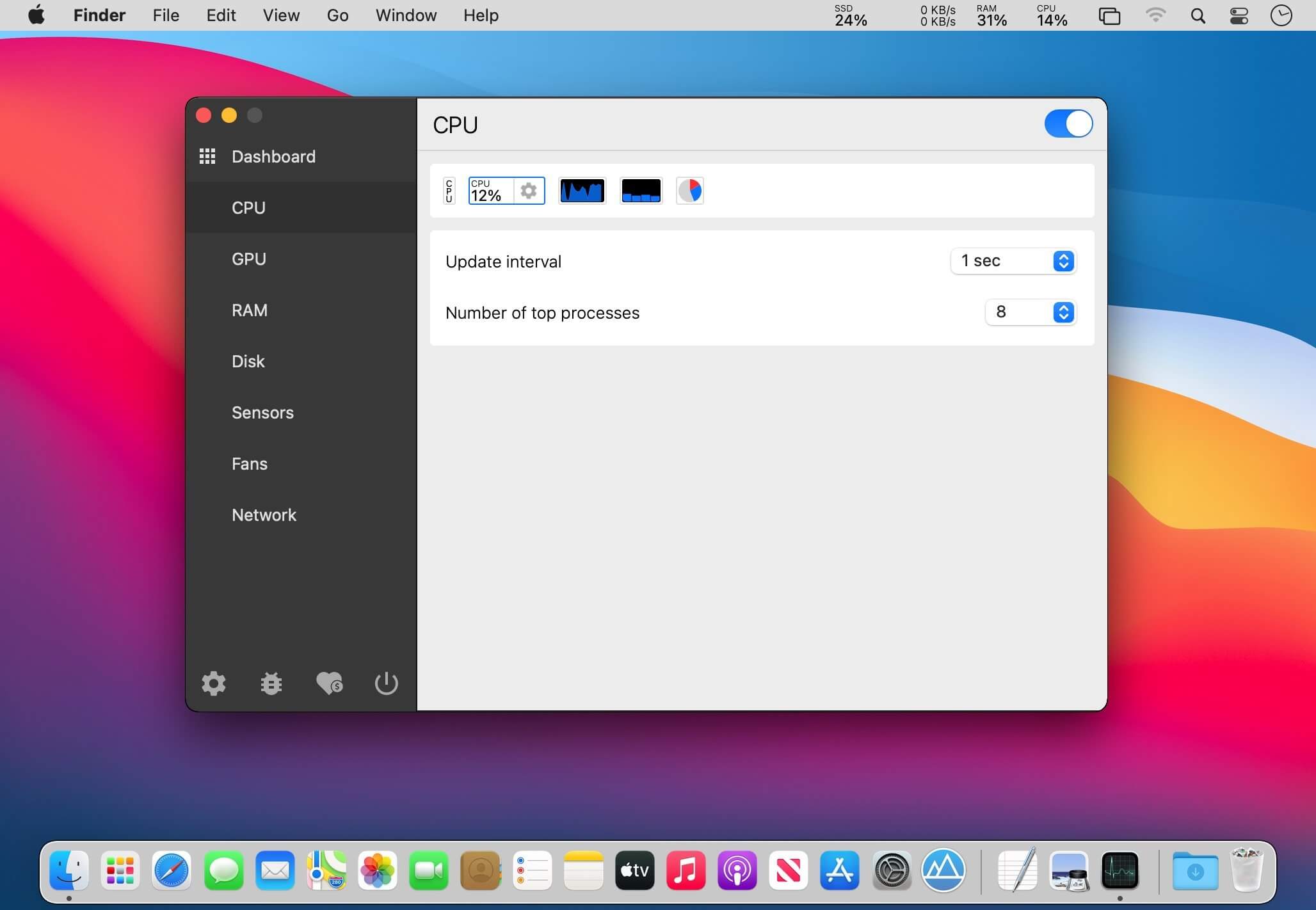
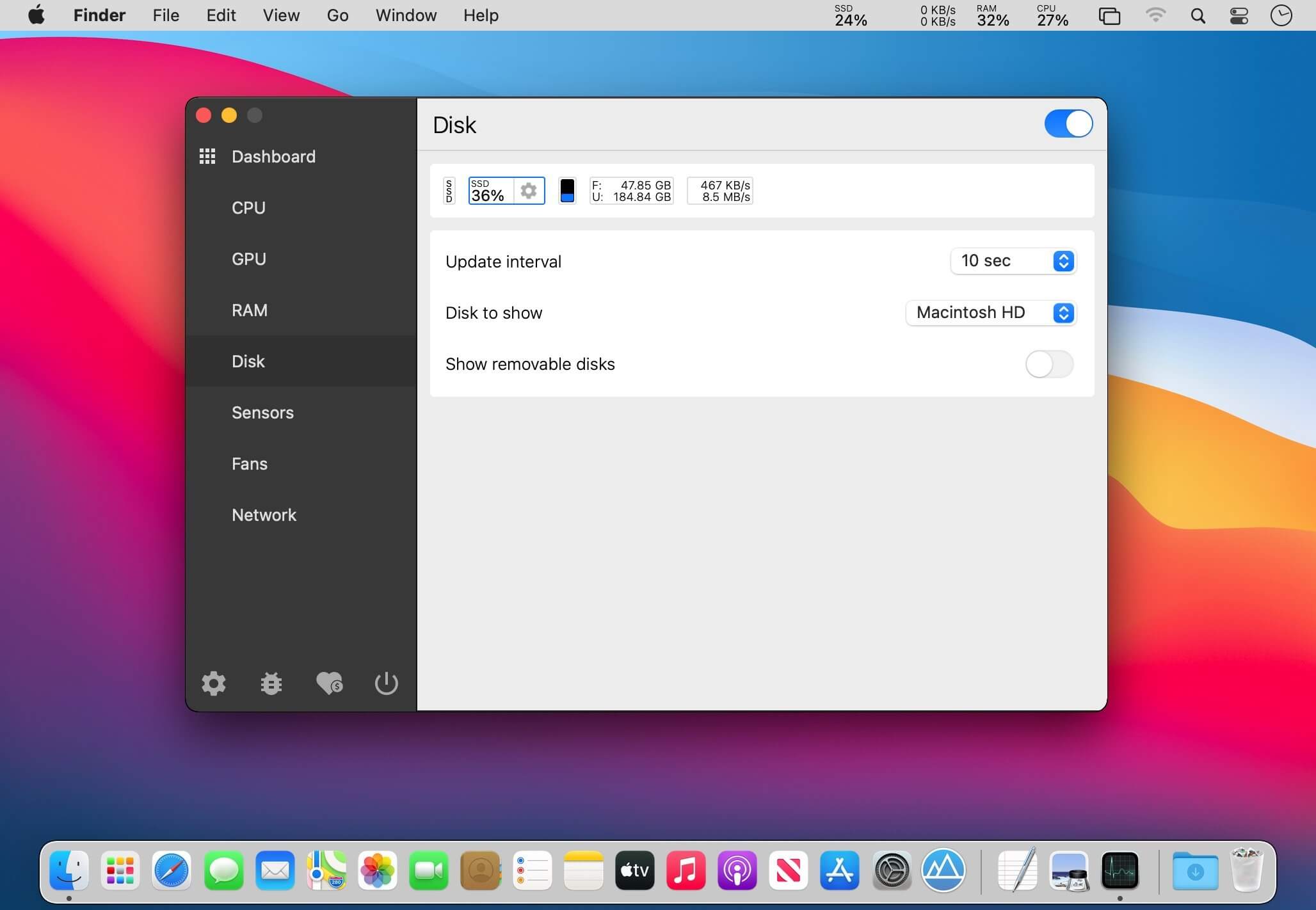
macOS gives you no easy way to check how hot your Mac's components run or how much power they draw. Stats puts those readings in the menu bar. It's free and open source.
- Pick exactly which sensors to watch, so you only see the data you care about.
- CPU, RAM, disk and network usage show up too, each as its own icon you can drag into place.
- Clicking any reading opens more detail.
- There are a few indicator styles to choose from. Labels can be shown or hidden, which helps when an icon is hard to read at a glance.
- You set the update interval, so readings refresh as often as you want.
- Battery level sits right next to everything else.
- Stats is actively developed, and more features are expected.
Version 3.0.17
Bug fixes:
- fix: fixed the Battery reader overwriting the battery values with a connected UPS (#3616)
- fix: fixed malformed data handling in the GPU reader, Network reader and small thread-safety in Logger
- fix: fixed the Remote popup height calculation
- fix: fixed ICMP connectivity reader leaking sockets on repeated prepare
New features:
- feat: added the A18 Pro platform with CPU and GPU temperature sensors (#3625)
- feat: added a formatter cache to avoid recreating byte count, number and measurement formatters on every read
- feat: added attributed string cache to the Battery and Stack widgets to avoid measuring and rebuilding text on every draw
- feat: added cache for process icon to avoid resolving NSRunningApplication on every popup update
Localization:
- lang: updated the translations with the new keys and removed the unused ones
Frequently asked questions
How do I install the app?
Mount the image, drag the app into the "Applications" folder and launch it. If the system blocks the launch, allow it in "System Settings → Privacy & Security".
The app is damaged or won't launch
Reinstalling from a fresh image usually helps. Make sure your macOS version matches the one listed in the compatibility specs.
How do I update?
Download the new version from the site and install it over the current one — your settings will be preserved.
The download link doesn't work
Try a mirror or a download manager. For large files the browser often drops the connection.
How do I completely remove the app?
Use an uninstaller utility — it cleans up the service files that remain after moving the app to the trash.
Choose a download source
Stats 3.0.17 · 7.21 MB