
EventScripts 1.30
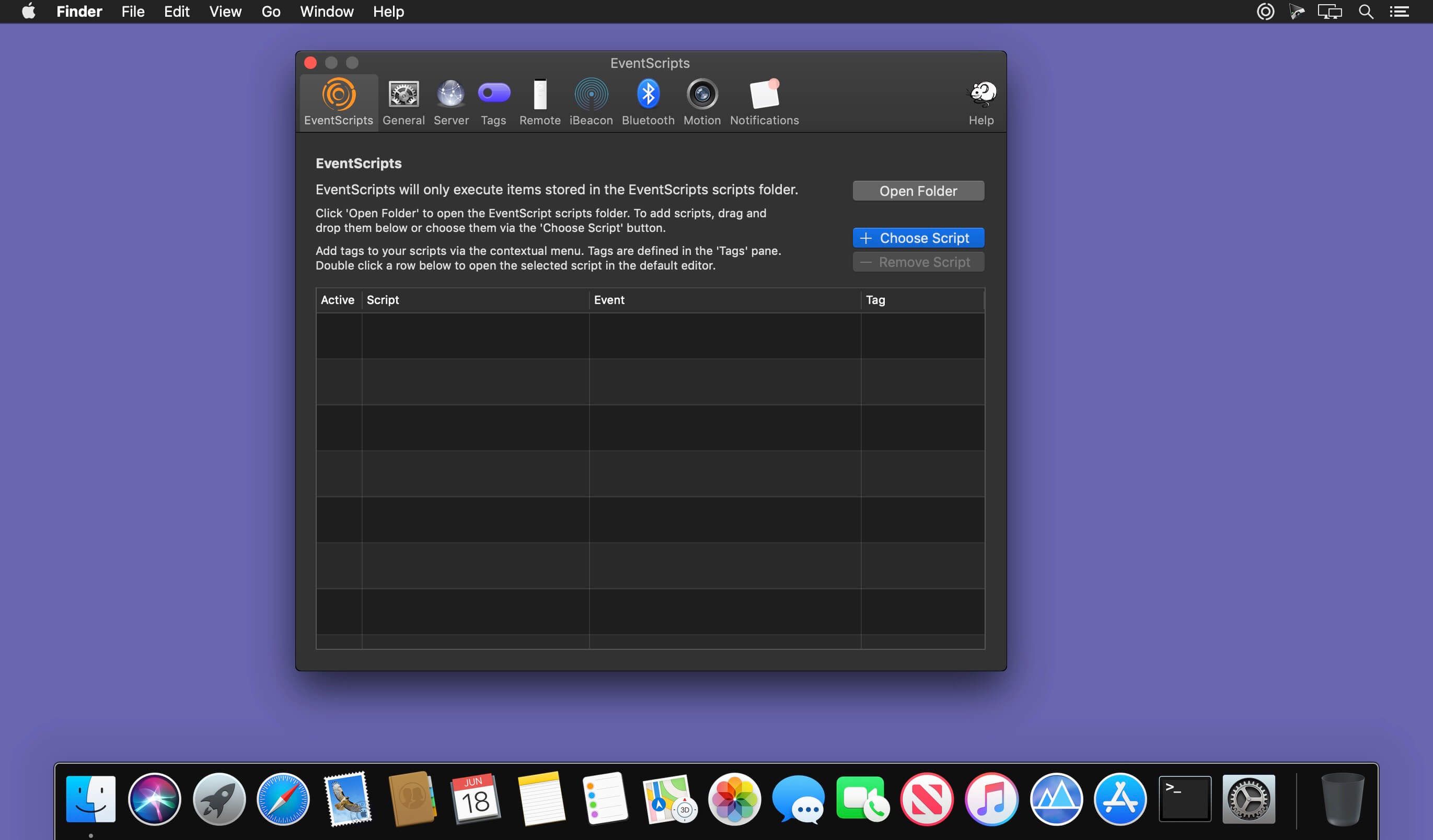
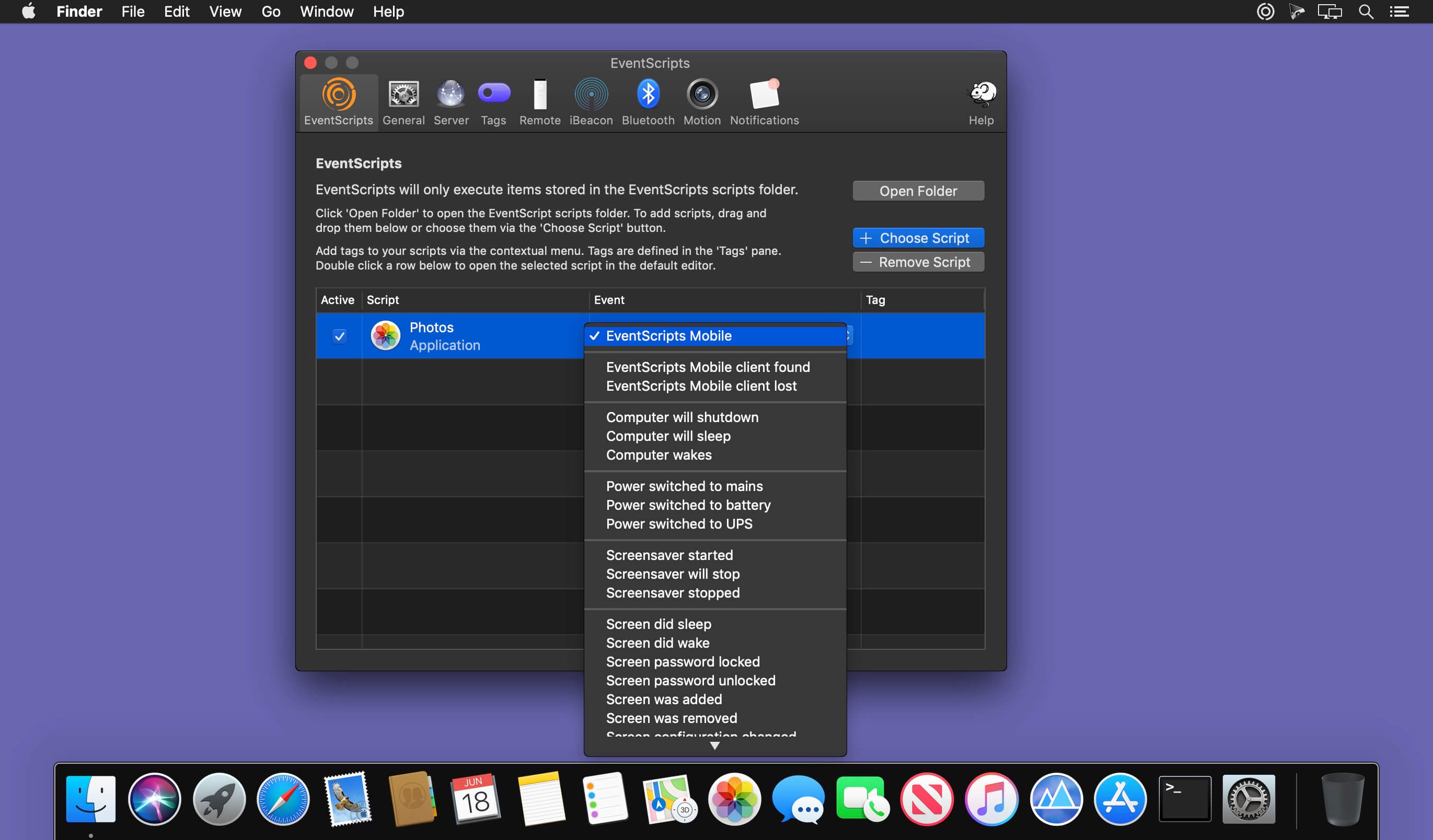
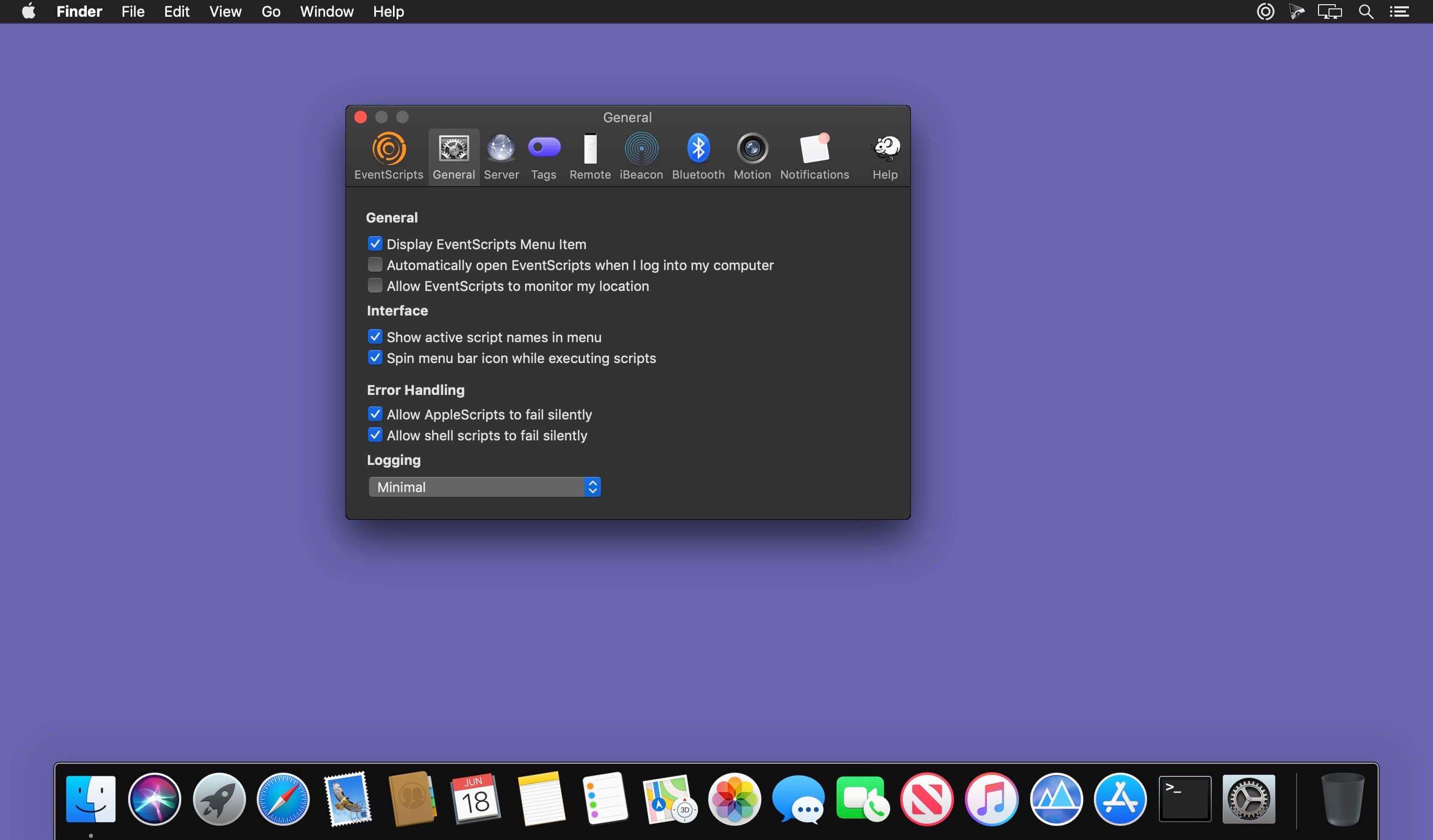
EventScripts triggers your scripts whenever monitored events occur. AppleScripts, Automator workflows, Perl scripts, shell scripts and applications can all be executed by EventScripts.
EventScripts can also remote control your Mac by triggering scripts using your Apple Remote control.
You can even run scripts from your iPhone, iPad or iPod Touch using the companion application EventScripts Mobile.
EventScripts is also scriptable allowing you to use EventScripts to send Prowl and Pushover notifications to your iOS device.
EventScripts passes parameters to all the scripts that it executes that provide additional information about the event that triggered execution.
The events that EventScripts supports include:
- Bluetooth device and iBeacon proximity; Apple Remote button presses; location changes; internet connectivity changes; application launches and quits; computer shutdown; file downloads; sleep and wake events; screen sleep, wake and locking; screensaver start and stop; time machine backup completion; bluetooth availability; wifi network name changes; iTunes track changes; Airplay availability; screenshot generation; volume mounting and ejection and many many more…
- Our web site contains many useful example scripts for controlling Plex, Transmission and other popular applications as well as templates for writing your own AppleScript scripts.
Version 1.30:
- Fixes a bug that prevented EventScripts from launching at login when requested to.
- Improves the explanation provided when asking for permission when the application executes user scripts that access the downloads folder.
Frequently asked questions
How do I install the app?
Mount the image, drag the app into the "Applications" folder and launch it. If the system blocks the launch, allow it in "System Settings → Privacy & Security".
The app is damaged or won't launch
Reinstalling from a fresh image usually helps. Make sure your macOS version matches the one listed in the compatibility specs.
How do I update?
Download the new version from the site and install it over the current one — your settings will be preserved.
The download link doesn't work
Try a mirror or a download manager. For large files the browser often drops the connection.
How do I completely remove the app?
Use an uninstaller utility — it cleans up the service files that remain after moving the app to the trash.
VersionEventScripts 1.30
DeveloperDavid Blishen
CompatibilitymacOS 10.13 or later, 64-bit processor
LanguageEnglish
IncludesK'ed by TNT

Information
Visitors in the group Guests cannot leave comments on this publication.
Choose a download source
EventScripts 1.30 · 15.77 MB
Previous versions
EventScripts 1.30
Previous versions are available to registered users.