
iLock 3.2.0
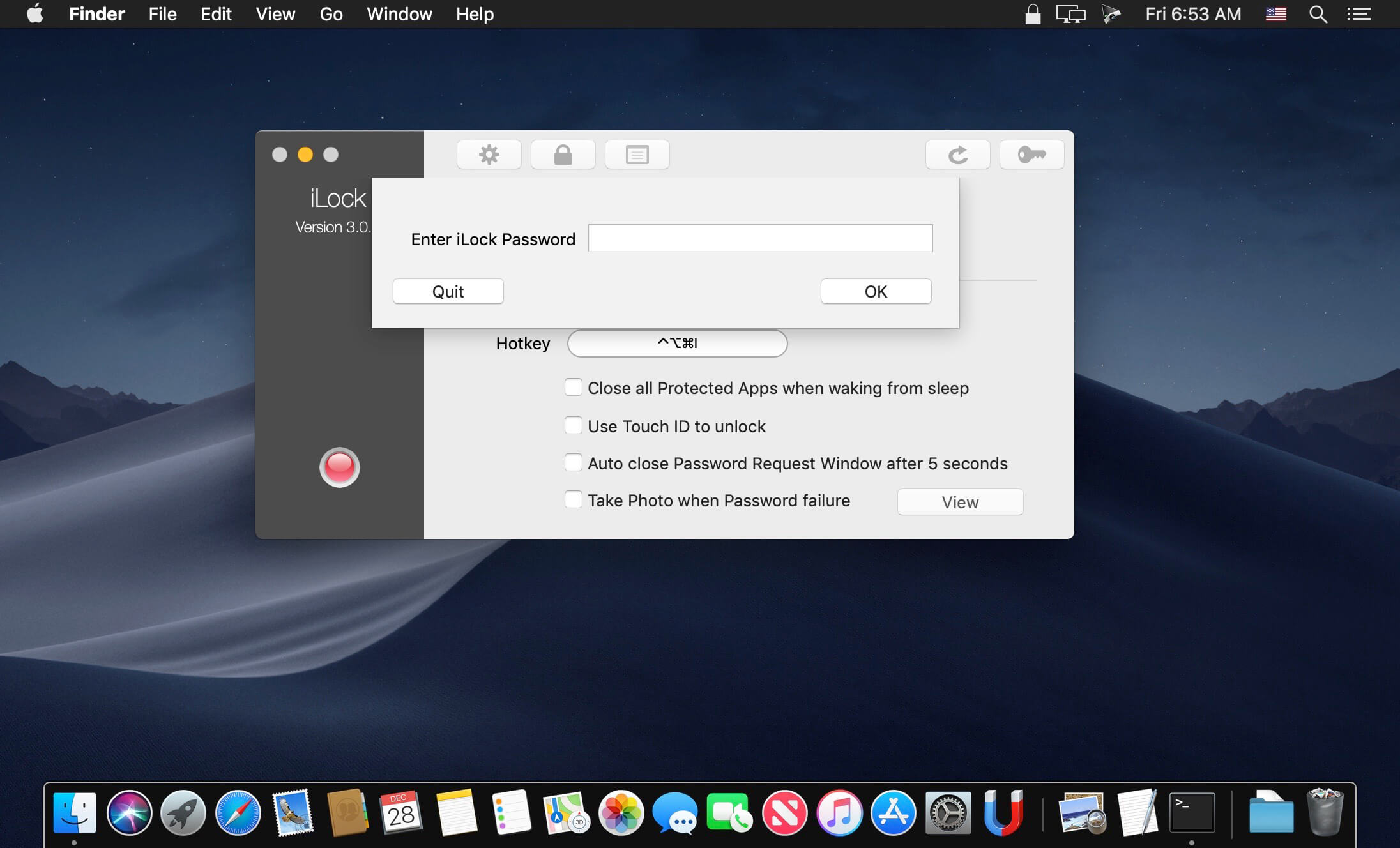
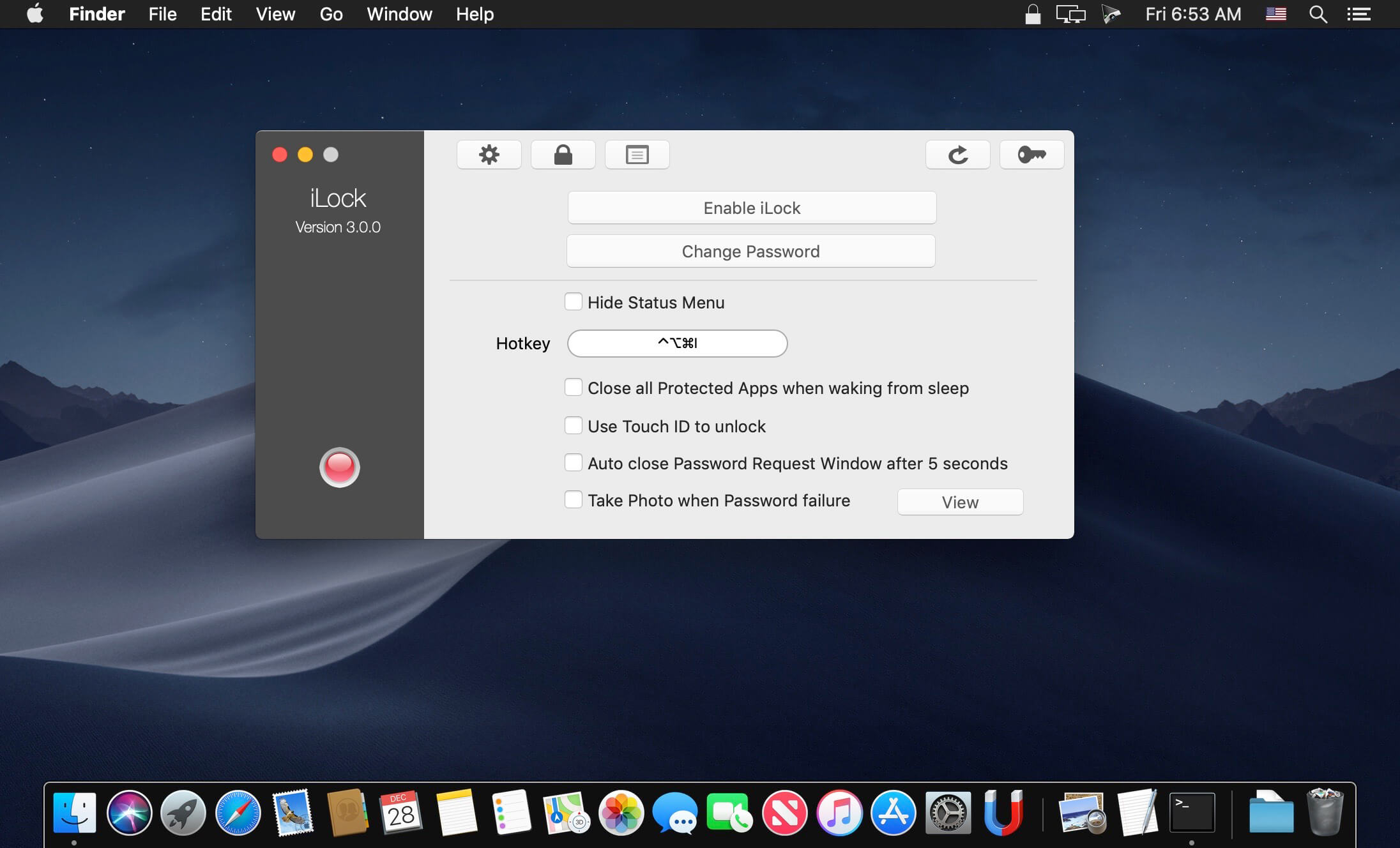
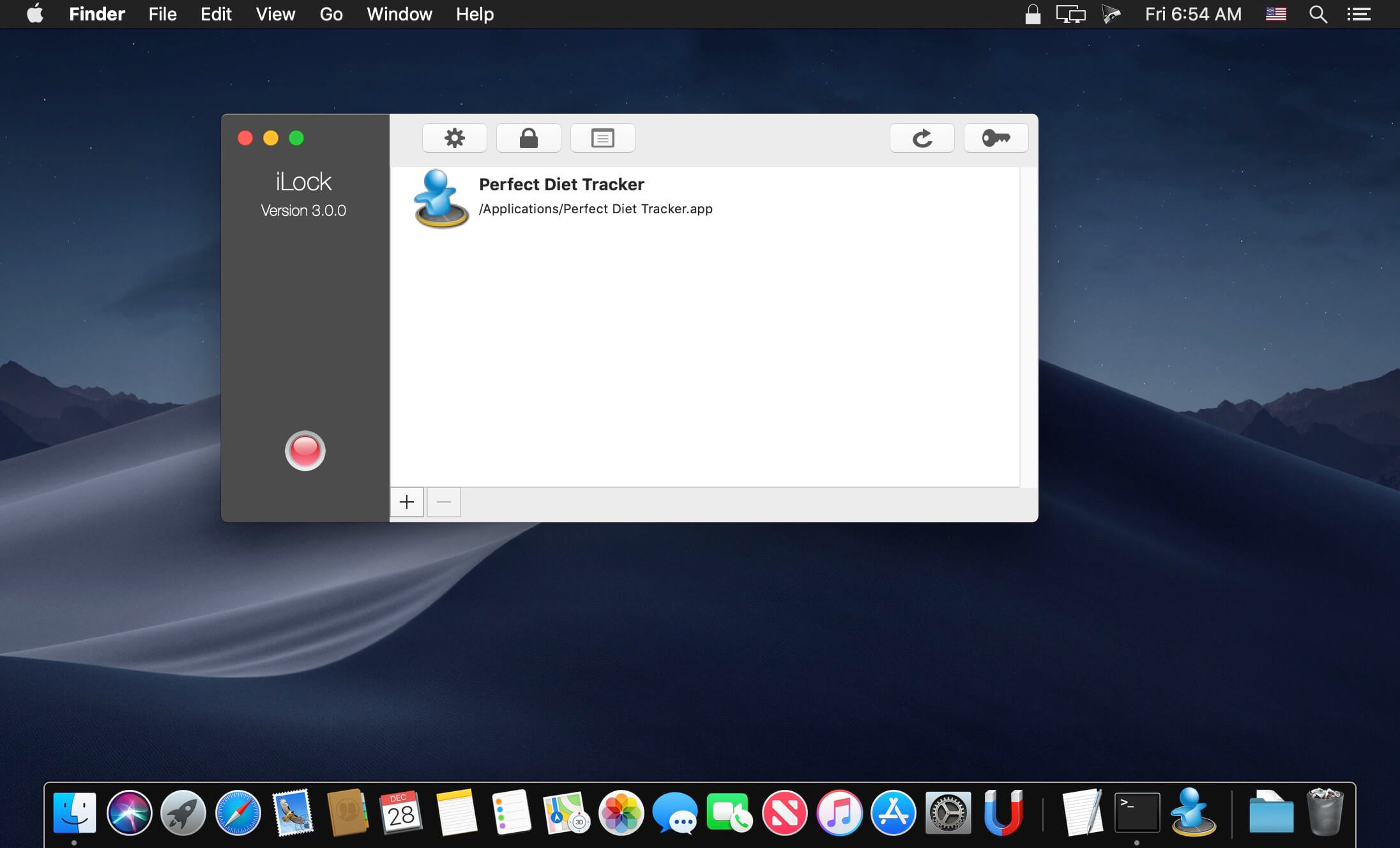
iLock password-protects any macOS application from unauthorized usage without modifying anything in your system settings and/or applications. It is safe to use!
Version 3.2.0:
- Added icon tooltips.
- Improved TouchID support.
- Fixed issue with saving log file.
- Fixed issue when running on Apple Silicone.
- Now full macOS 11 compatible.
Frequently asked questions
How do I install the app?
Mount the image, drag the app into the "Applications" folder and launch it. If the system blocks the launch, allow it in "System Settings → Privacy & Security".
The app is damaged or won't launch
Reinstalling from a fresh image usually helps. Make sure your macOS version matches the one listed in the compatibility specs.
How do I update?
Download the new version from the site and install it over the current one — your settings will be preserved.
The download link doesn't work
Try a mirror or a download manager. For large files the browser often drops the connection.
How do I completely remove the app?
Use an uninstaller utility — it cleans up the service files that remain after moving the app to the trash.
VersioniLock 3.2.0
DeveloperOSXBytes
CompatibilityOS X 10.10 or later, 64-bit processor
LanguageMultilangual
IncludesSerial (block outbound connections)




Information
Visitors in the group Guests cannot leave comments on this publication.
Choose a download source
iLock 3.2.0 · 12.08 MB
Previous versions
iLock 3.2.0
Previous versions are available to registered users.