
TokenLock 4.72
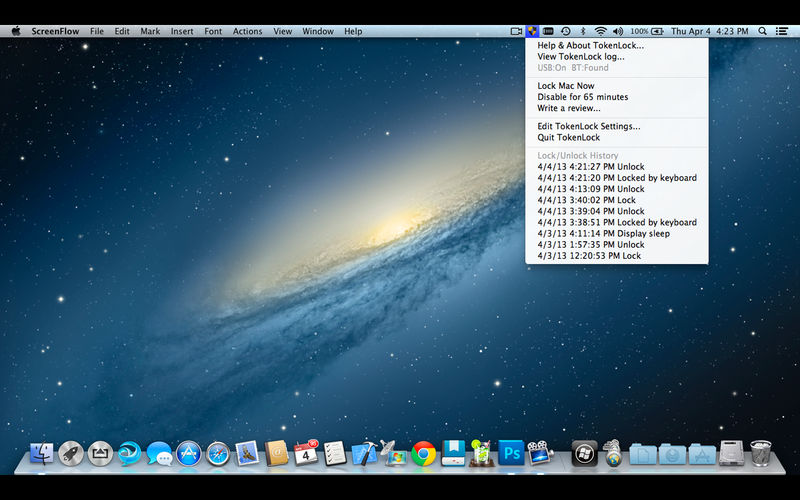
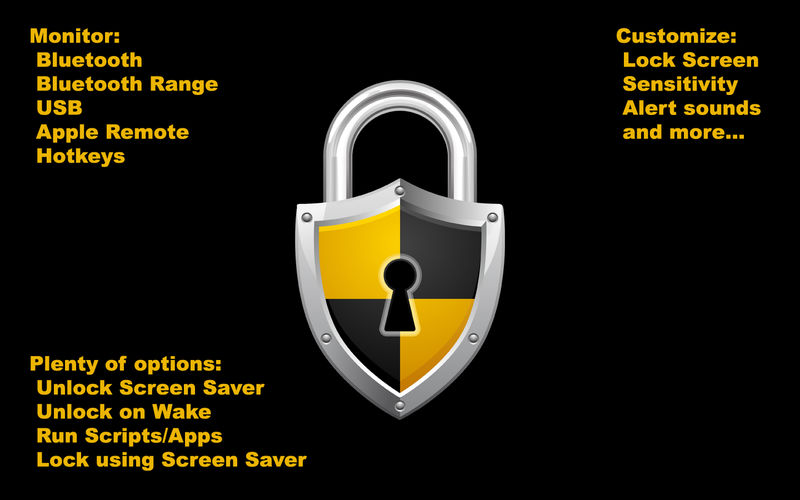
TokenLock allows you to use a Bluetooth device (with optional proximity), a USB device, a hotkey, or your Apple Remote to lock (and optionally also unlock) your Mac.
Features
- Lock on USB device removal.
- Lock on Bluetooth device disconnect.
- Lock on Bluetooth device minimum signal strength (OS X 10.7 Lion)
- Lock with a hotkey.
- Lock with your Apple IR Remote.
- Lock by clicking the TokenLock dock icon.
- Lock by selecting Lock from status bar menu.
- Unlock screen saver on return of USB device.
- Unlock screen saver on return of BlueTooth device.
- Unlock with your Apple IR Remote.
- Designate 'safe' WiFi networks.
- Disable locking for a predefined amount of time.
- Growl support for status messages.
- Sleep Aware: When the computer sleeps, this causes USB disconnections. TokenLock is smart enough to realize this and avoids "Double locking" your computer when the USB device you choose has not re-initialized yet after sleep mode.
- Security information area to help you understand security risks and options as you configure them.
Version 4.72
- Bugfix for the latest MacOS
Frequently asked questions
How do I install the app?
Mount the image, drag the app into the "Applications" folder and launch it. If the system blocks the launch, allow it in "System Settings → Privacy & Security".
The app is damaged or won't launch
Reinstalling from a fresh image usually helps. Make sure your macOS version matches the one listed in the compatibility specs.
How do I update?
Download the new version from the site and install it over the current one — your settings will be preserved.
The download link doesn't work
Try a mirror or a download manager. For large files the browser often drops the connection.
How do I completely remove the app?
Use an uninstaller utility — it cleans up the service files that remain after moving the app to the trash.
VersionTokenLock 4.72
DeveloperJeremy Laurenson
CompatibilityOS X 10.6 or later, 64-bit processor
LanguageEnglish
IncludesK'ed by TNT




Information
Visitors in the group Guests cannot leave comments on this publication.
Choose a download source
TokenLock 4.72 · 3 MB