Enolsoft PDF Converter 4.1.0
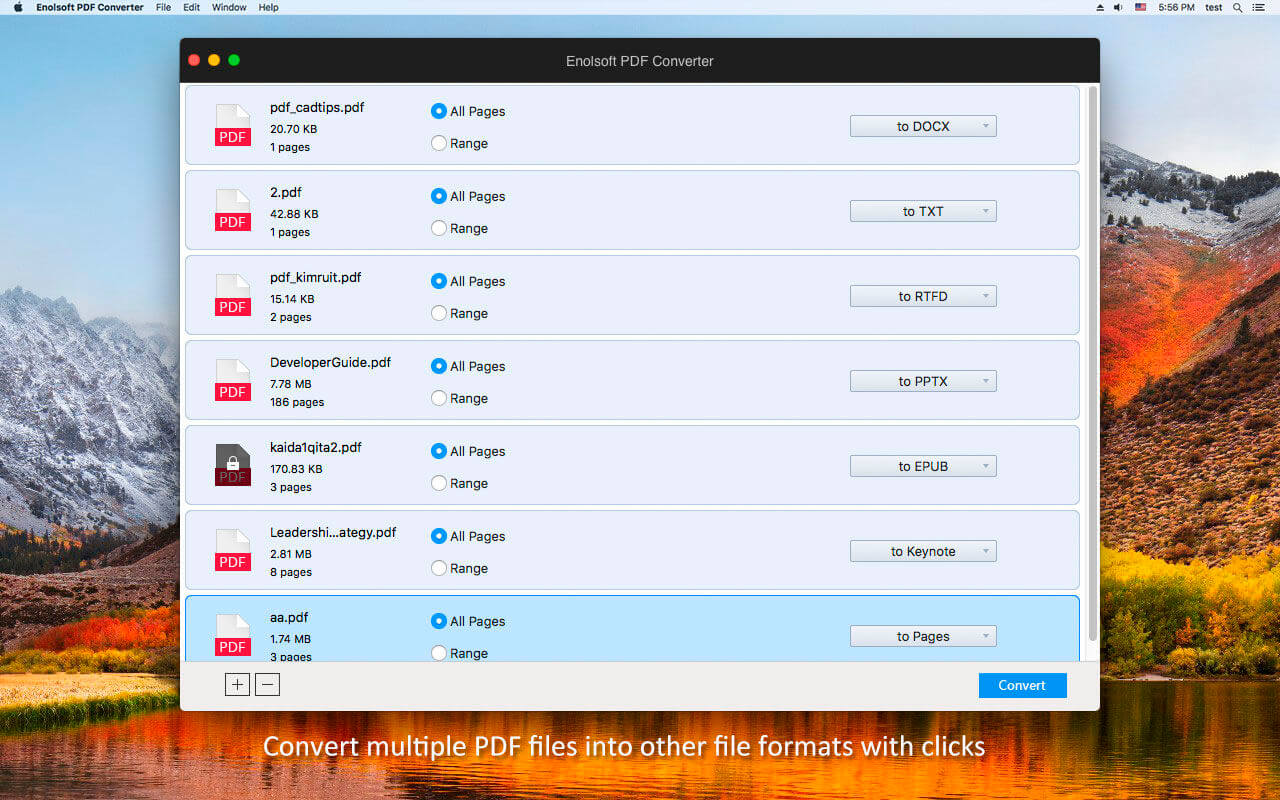
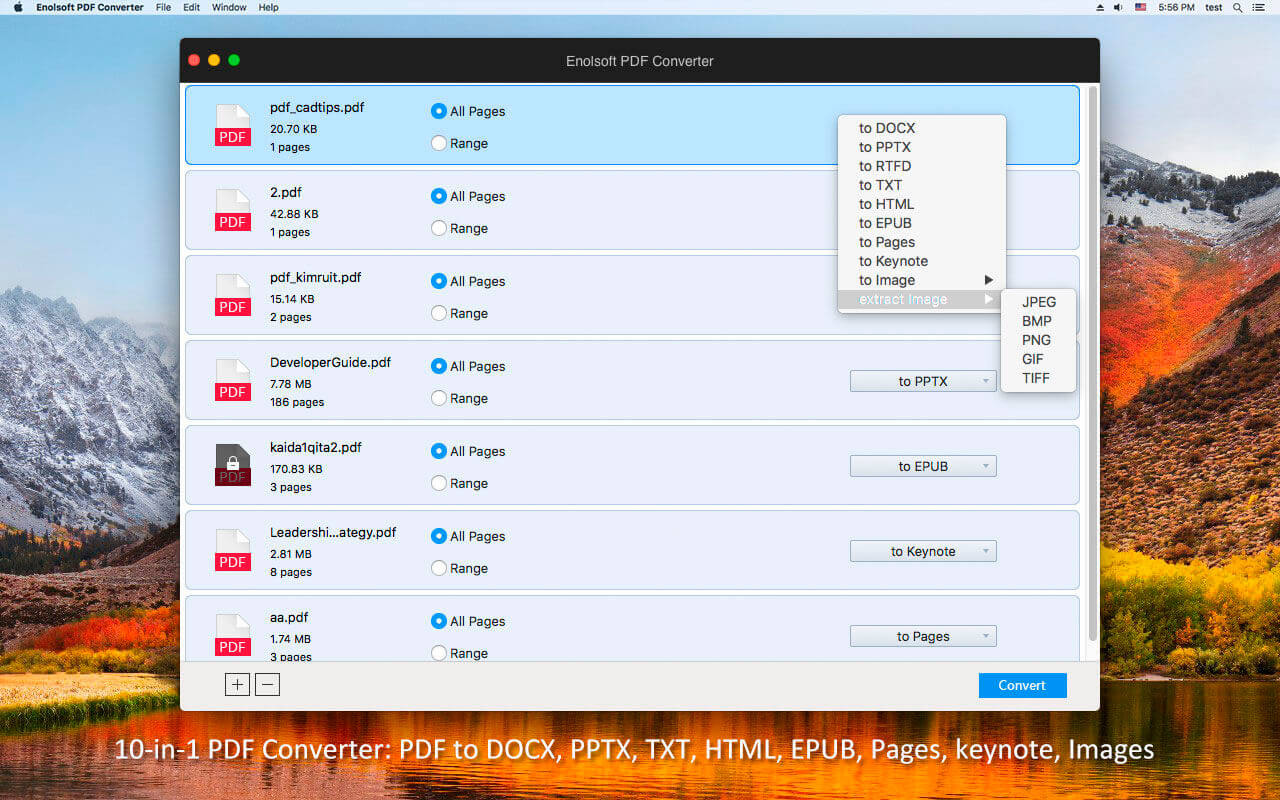
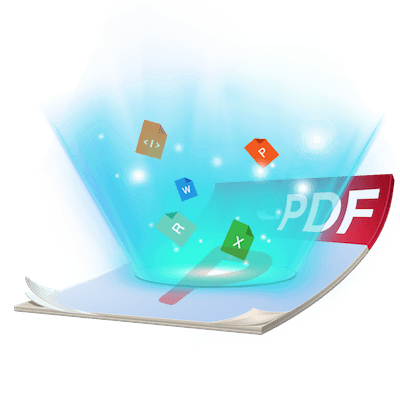
Enolsoft PDF-Converter is an all-in-one PDF conversion software for you to convert native PDF files(scanned PDFs not included) to Microsoft Word(.docx), PowerPoint(.pptx), iWork formats(Keynote, Pages), ePub, RTFD, Text, HTML, Images and more! It's powerful, easy-to-use, fast and accurate! Handling PDF tasks has never been easier when you can convert it to any format you need!
10-in-1 PDF Converter
- Convert PDF files to Microsoft Word(.docx) format.
- Convert PDF files to Microsoft PowerPoint(.pptx) format.
- Convert PDF files to standard plain TEXT format.
- Convert PDF files to rich text RTFD format.
- Convert PDF files to ePub ebook format.
- Convert PDF files to Keynote(.key) file.
- Convert PDF files to Pages(.pages) file.
- Convert PDF files to HTML format.
- Convert PDF to Image: JPEG, PNG, TIFF, GIF and BMP format.
- Extract images from single or multiple PDF files easily.
- Batch convert multiple PDF files (including encrypted PDF files) at one time.
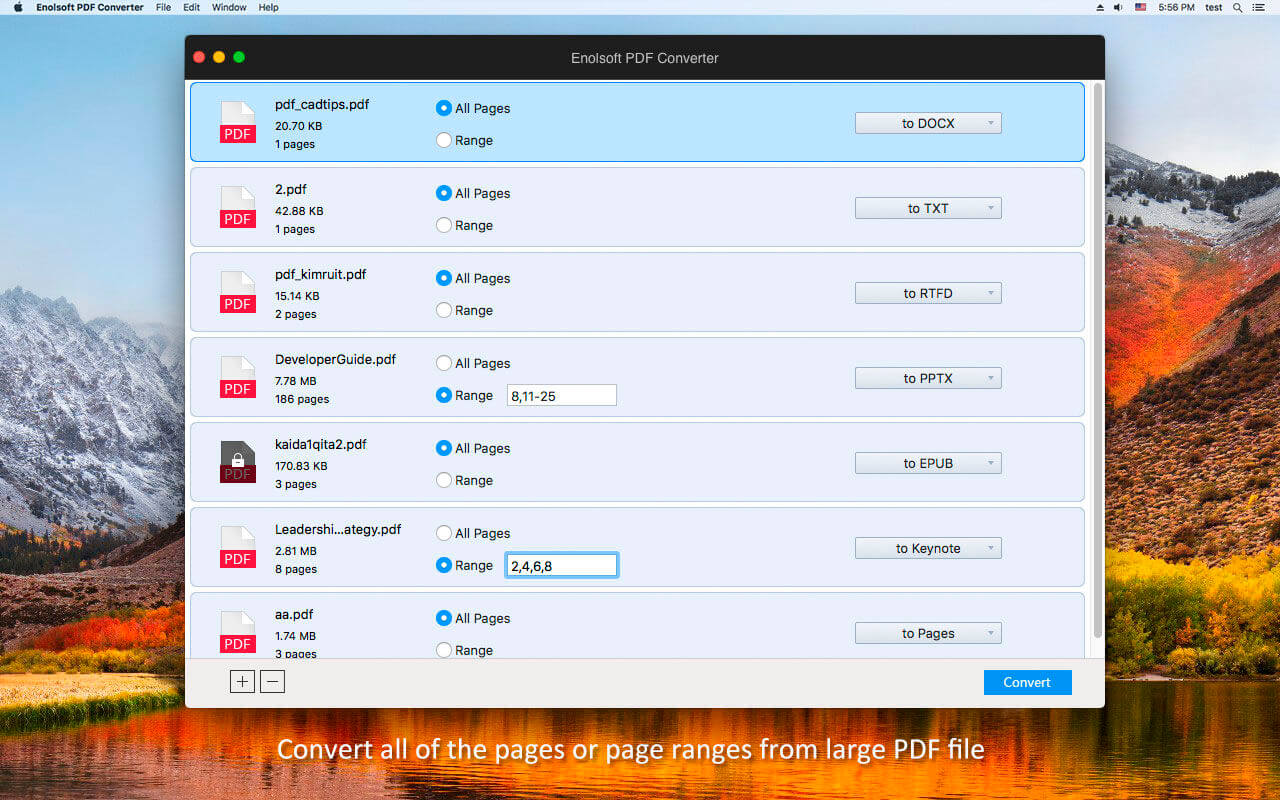
- Convert your selected specific pages or page ranges from large PDF file.
Greatly preserve original text, hyperlinks, images, layouts, tables, and graphics in the converted files.
Fast, Easy and Efficient
- Convert native PDF files in high speed.
- Support encrypted PDF files conversion.
- Support customizing the output quality when converting PDF to image format.
- Standalone, does not require Adobe Reader or Acrobat.
- Very easy-to-use experience, drag-n-drop supported.
Version 4.1.0
- Changed App icon.
- Fully Compatible with macOS Mojave.
- Add maximize and minimize icon in navigation bar.
- Fixed the white out issue that may occur when choosing certain texts.
Frequently asked questions
How do I install the app?
Mount the image, drag the app into the "Applications" folder and launch it. If the system blocks the launch, allow it in "System Settings → Privacy & Security".
The app is damaged or won't launch
Reinstalling from a fresh image usually helps. Make sure your macOS version matches the one listed in the compatibility specs.
How do I update?
Download the new version from the site and install it over the current one — your settings will be preserved.
The download link doesn't work
Try a mirror or a download manager. For large files the browser often drops the connection.
How do I completely remove the app?
Use an uninstaller utility — it cleans up the service files that remain after moving the app to the trash.
VersionPDF Converter 4.1.0
DeveloperEnolsoft
CompatibilityOS X 10.10 or later, 64-bit processor
LanguageEnglish
IncludesK'ed by TNT

Information
Visitors in the group Guests cannot leave comments on this publication.
Choose a download source
Enolsoft PDF Converter 4.1.0 · 12.63 MB