
XnConvert 1.85.1
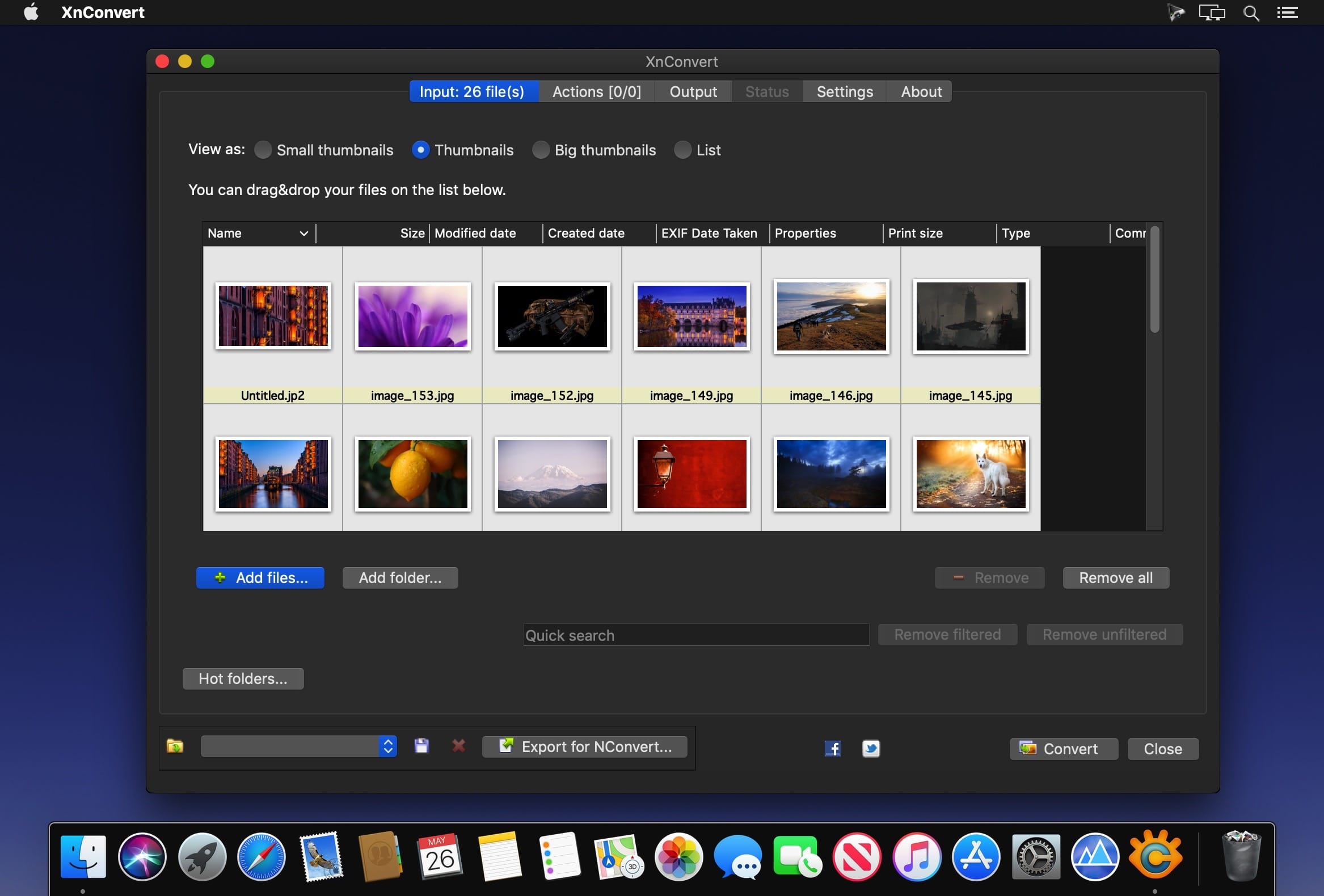
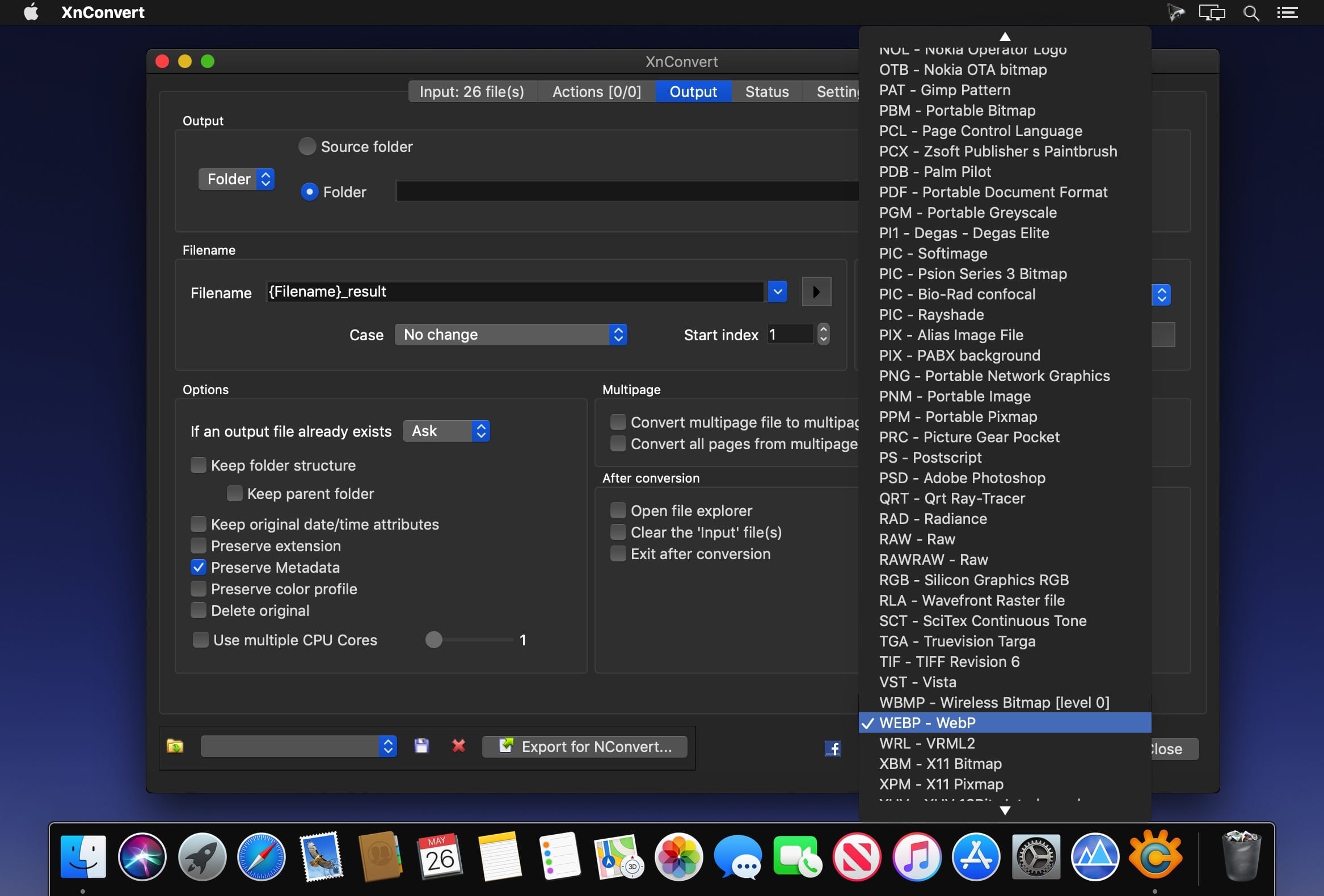
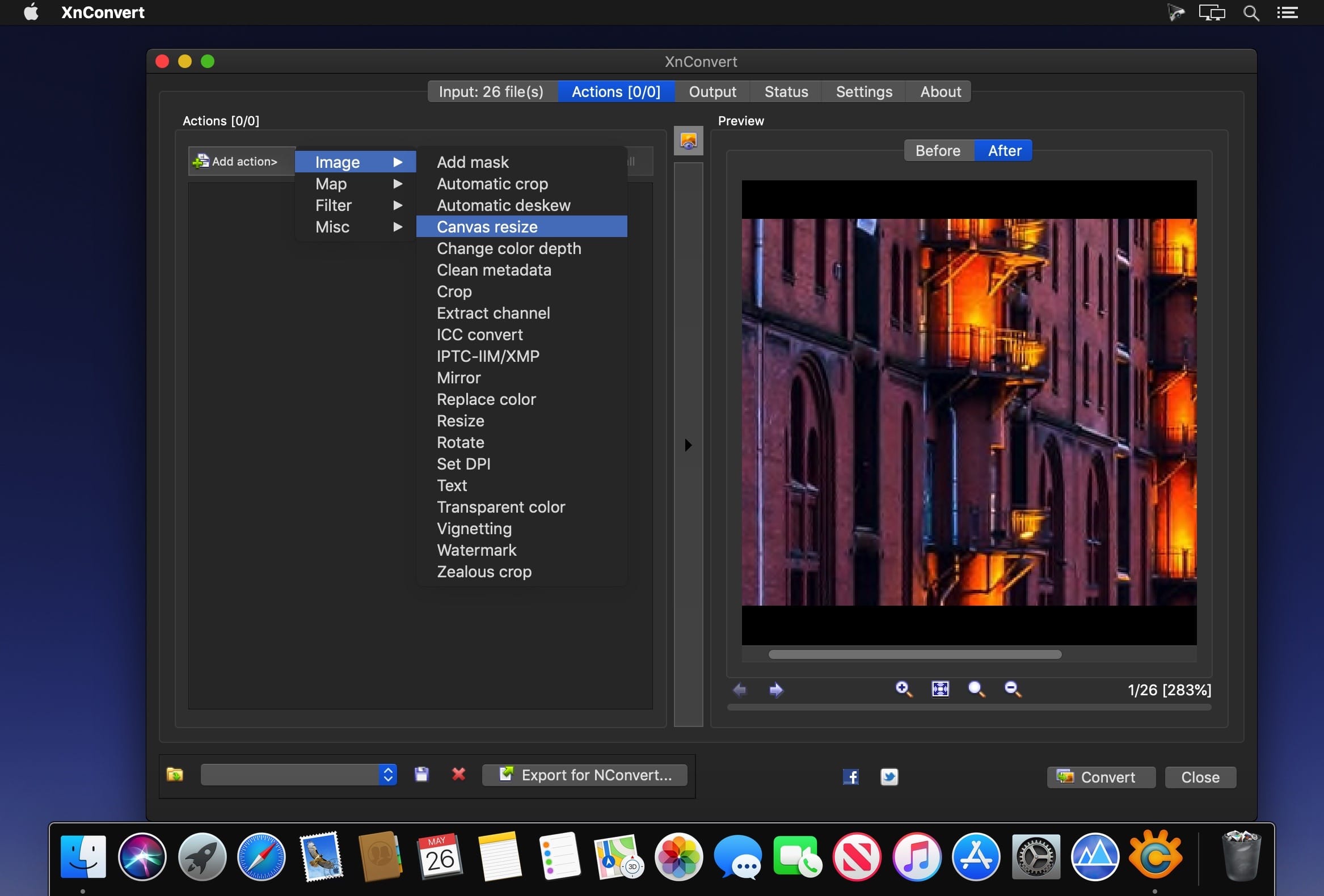
XnConvert is a batch image-converter and resizer with a powerful and ease of use experience. All common picture and graphics formats are supported (i.e. JPG, PNG, TIFF, GIF, Camera RAW, JPEG2000, WebP, OpenEXR) as well as supporting over 500 other image formats. Also available within the batch operations include rotating, adding of watermarks, adding of text along with many image-adjustment features such as brightness, shadows and more.
Among the features included are:
- Batch adding of files and folders
- Support for drag-n-drop of files
- Batch rotating, cropping, resizing and more
- Adding of photo masks
- Preserving or removing image metadata in conversions
- Multipage image file support (i.e animated GIF, APNG, TIFF)
- Command line integration via NConvert
- Filters - such as 'Blur', 'Gaussian Blur', 'Emboss', "Sharpen' and much more
- Effects - such as 'Old photo'
Version 1.85.1:
- Release notes were unavailable when this listing was updated.
Frequently asked questions
How do I install the app?
Mount the image, drag the app into the "Applications" folder and launch it. If the system blocks the launch, allow it in "System Settings → Privacy & Security".
The app is damaged or won't launch
Reinstalling from a fresh image usually helps. Make sure your macOS version matches the one listed in the compatibility specs.
How do I update?
Download the new version from the site and install it over the current one — your settings will be preserved.
The download link doesn't work
Try a mirror or a download manager. For large files the browser often drops the connection.
How do I completely remove the app?
Use an uninstaller utility — it cleans up the service files that remain after moving the app to the trash.
VersionXnConvert 1.85.1
Developerpierre gougelet
CompatibilitymacOS 10.12 or later, 64-bit processor
LanguageMultilingual



Information
Visitors in the group Guests cannot leave comments on this publication.
Choose a download source
XnConvert 1.85.1 · 23.51 MB