GoodNotes 5.9.8
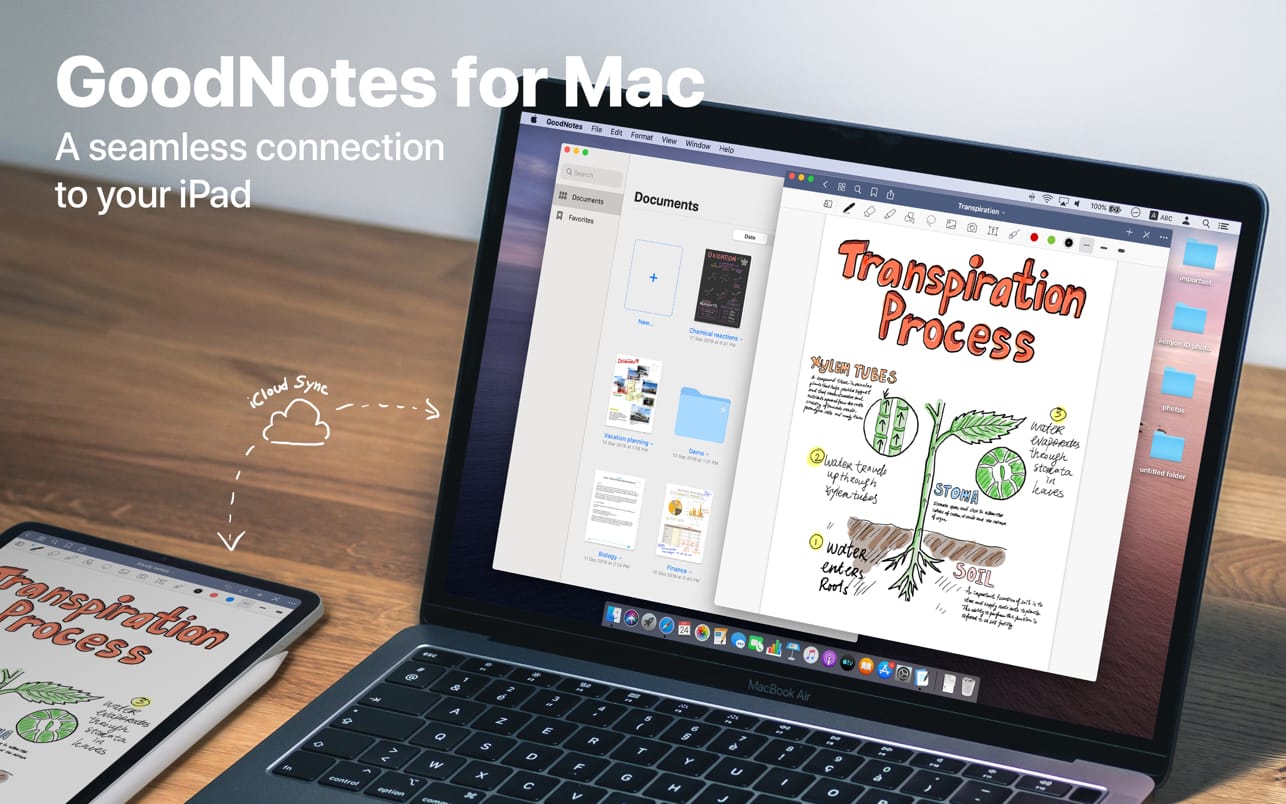
Transform your Mac into smart digital paper and a powerful document management system.
Use the same features from GoodNotes' iPad version on your Mac and work with your documents where you want and when you want.
CREATE, IMPORT, AND EDIT DOCUMENTS ON YOUR MAC
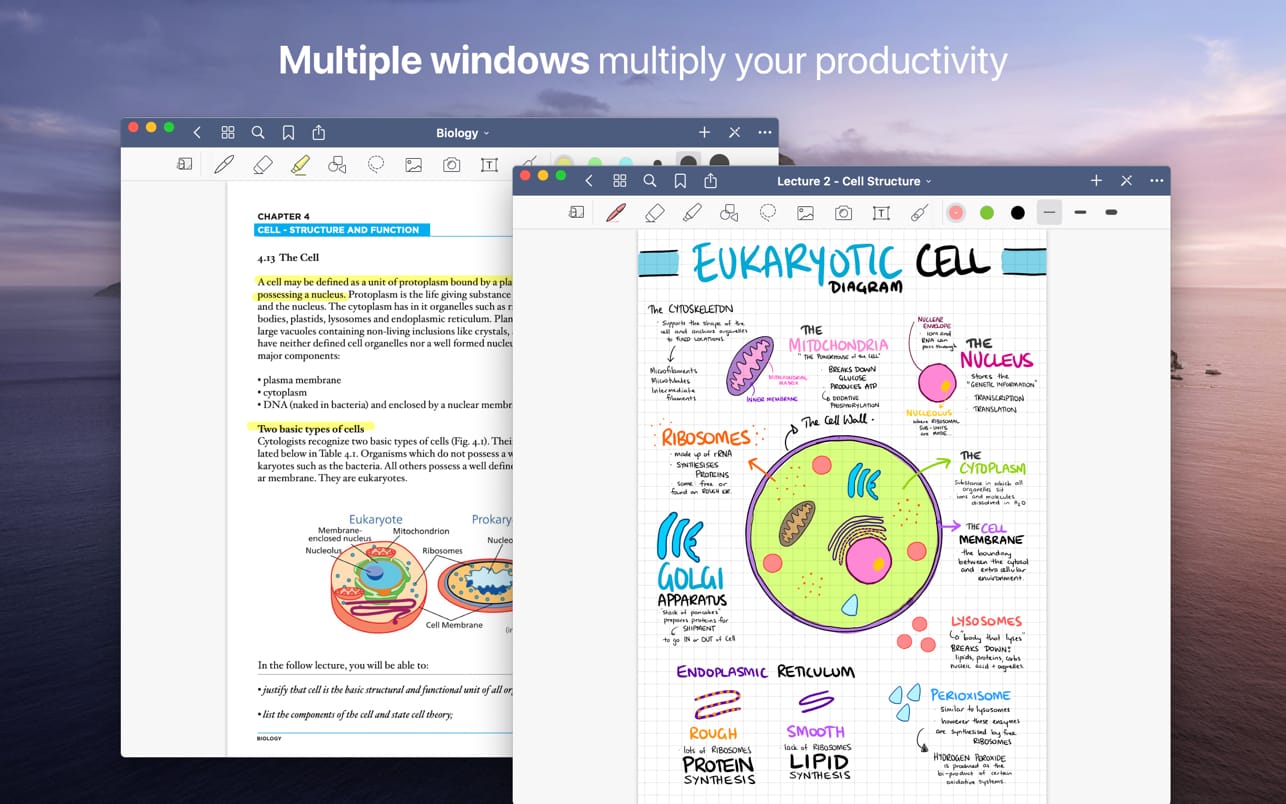
- Create digital notebooks and type text with your keyboard or write and draw with the mouse/trackpad or the Apple Pencil using Sidecar on your iPad
- Import PDF and images to annotate them in GoodNotes
- Add documents from your Mac to existing GoodNotes notebooks via drag and drop
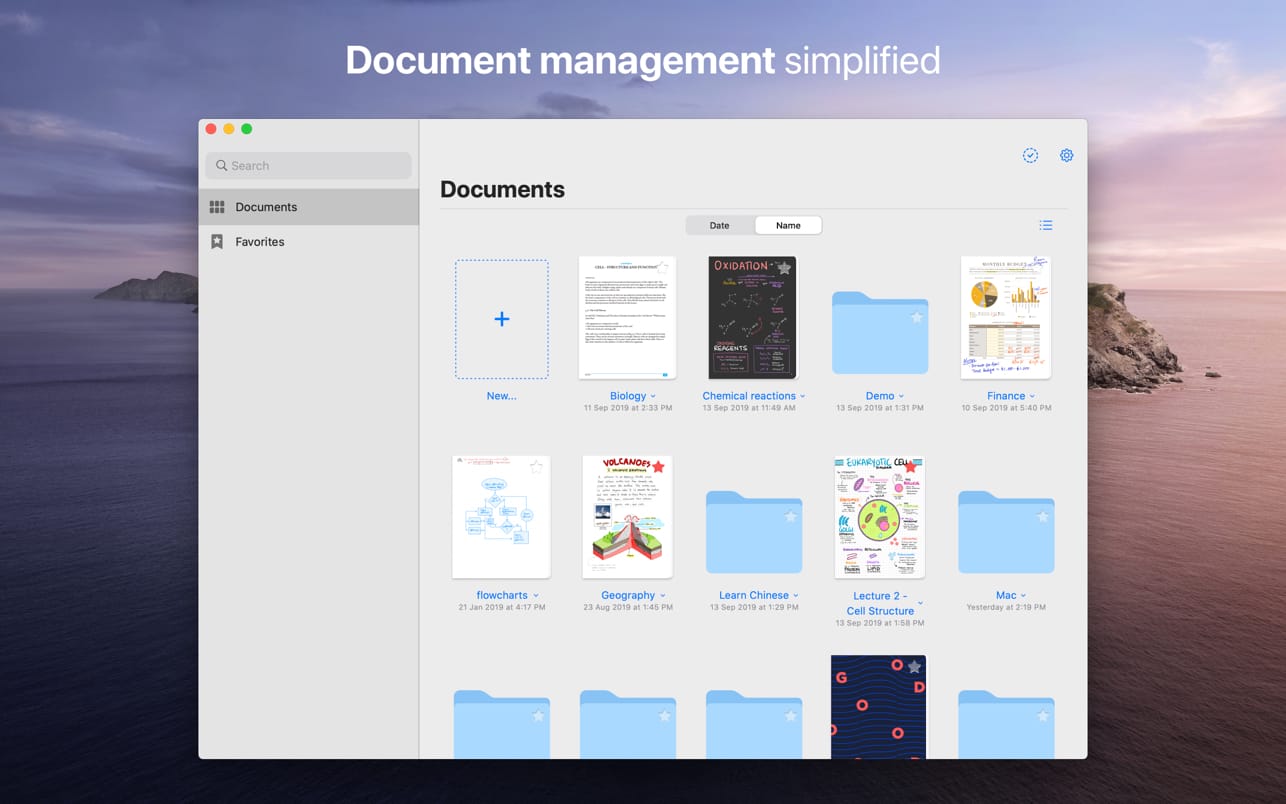
PAPERLESS DOCUMENT MANAGEMENT
- Organize your documents in folders and create unlimited subfolders
- Mark your most important documents, pages, and folders as Favorites to access them quickly
- Create custom outlines for easier navigation through your documents
- Instant export of documents or pages as PDF via drag and drop
ALL YOUR NOTES ALWAYS WITH YOU
- Sync your latest changes to your iPad, iPhone, and other Macs using iCloud
- Prepare documents on your Mac and pick them up on another device to continuously work on them
ESCAPE THE LIMITS OF ANALOG PAPER
- Move, resize, and rotate your handwriting or change colors
- Draw perfect shapes and lines with the Shapes Tool
- powerful & smart eraser tool: Choose to erase the entire stroke or only parts of it. Set it to "Erase Highlighter Only" to leave the ink intact
- Navigate through imported PDFs with existing hyperlinks
Version 5.9.8
- Bug fixes and stability improvements
Version 5.9.0
Download GoodNotes 5 for free on iPad, Mac, and iPhone and create your first 3 notebooks for free.
Get the full GoodNotes experience with a One-Time Unlock In-App Purchase (IAP):
- Create unlimited notebooks
- Unlock handwriting recognition to search handwritten notes
- Import documents via e-mail
- Prioritized email support
Frequently asked questions
How do I install the app?
Mount the image, drag the app into the "Applications" folder and launch it. If the system blocks the launch, allow it in "System Settings → Privacy & Security".
The app is damaged or won't launch
Reinstalling from a fresh image usually helps. Make sure your macOS version matches the one listed in the compatibility specs.
How do I update?
Download the new version from the site and install it over the current one — your settings will be preserved.
The download link doesn't work
Try a mirror or a download manager. For large files the browser often drops the connection.
How do I completely remove the app?
Use an uninstaller utility — it cleans up the service files that remain after moving the app to the trash.
Choose a download source
GoodNotes 5.9.8 · 433.33 MB
Previous versions
GoodNotes 5.9.8
Previous versions are available to registered users.