
Note-C 2.3.0
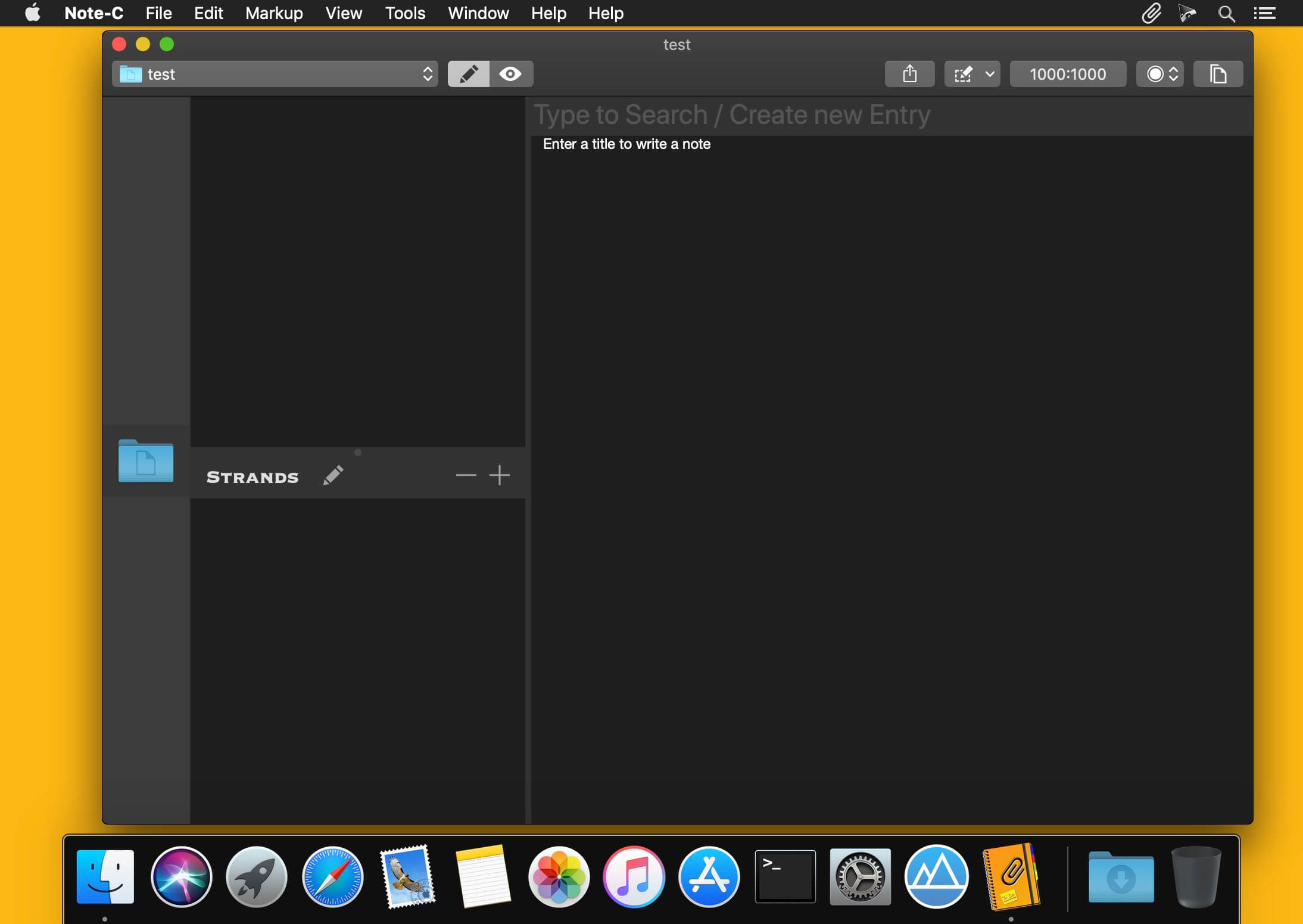
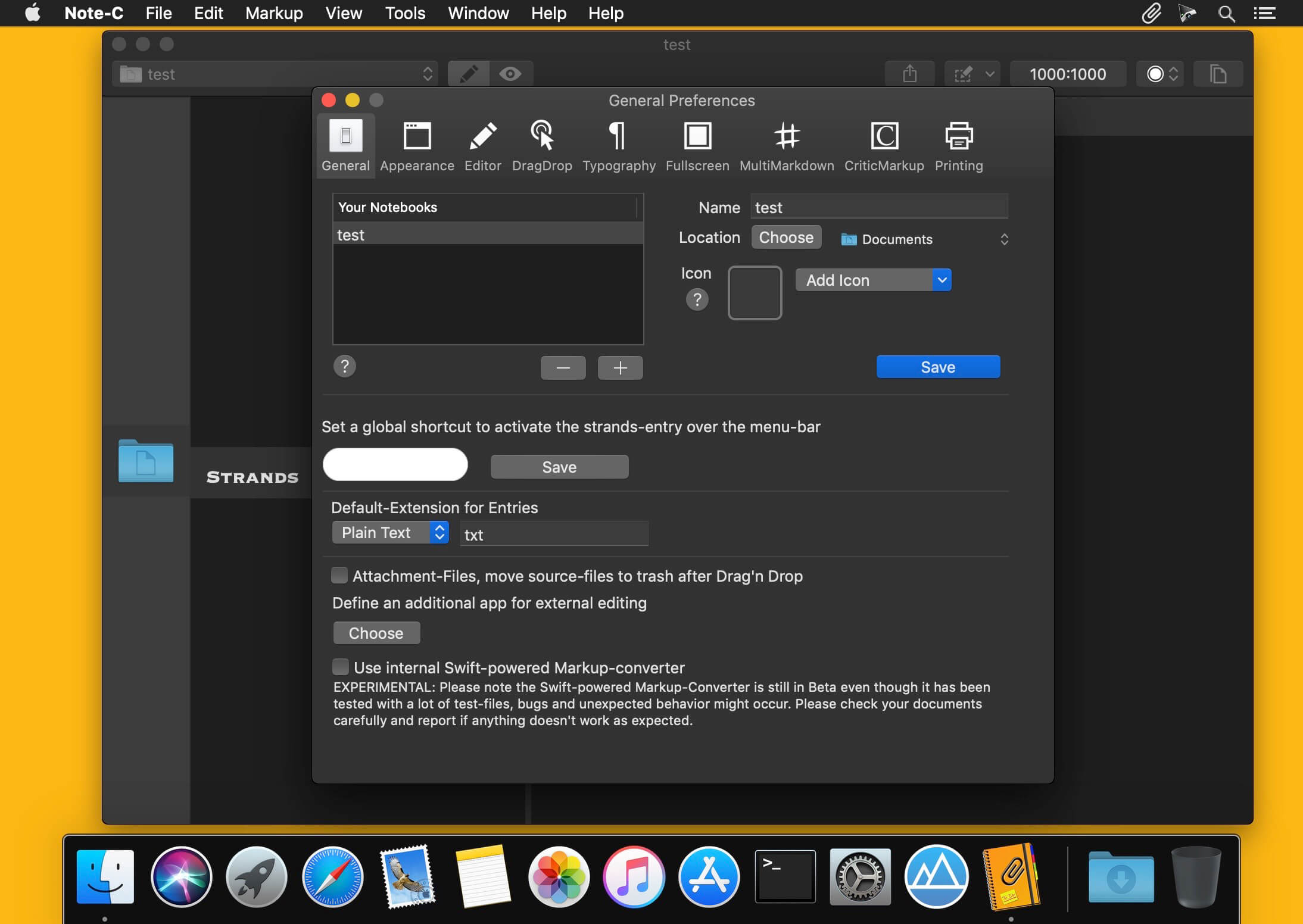
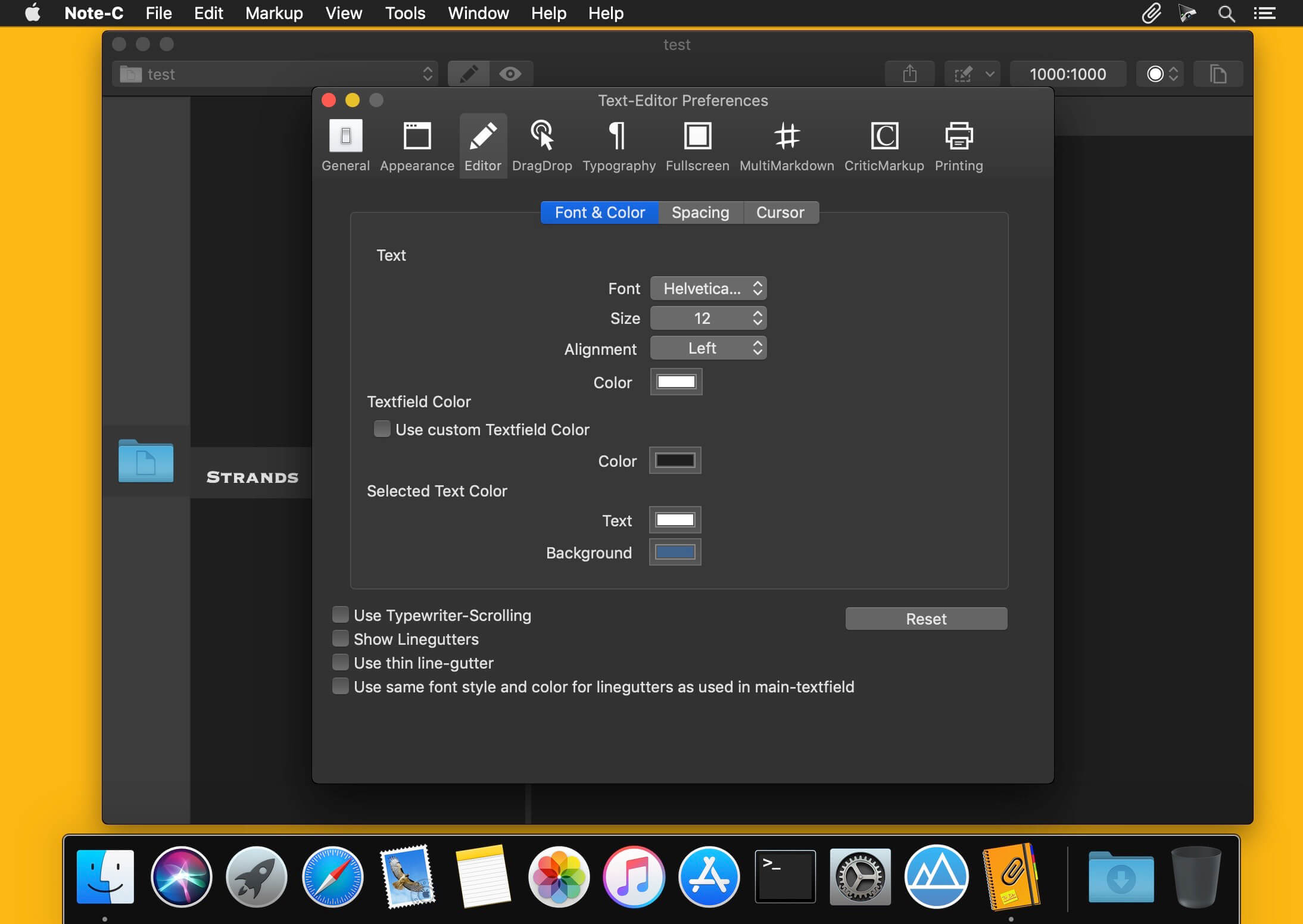
Whether notes, ideas, recipes, articles or entire books, Note-C is the app for all your texts! Note-C assist you with helpful functions to collect, manage, write and while keeping full control of your texts at any time.
Version 2.3.0
- New internal markup interpreter with improvements for all Markup languages supported by Note-C
- New feature that simplifies the correction of misspelled words and allows suggested corrections to be displayed via keyboard shortcuts. This feature can be activated in the preferences under the item Typography. More details about this feature can be found in the help
- New preference options in the Typography section to adjust the system-wide text settings for "Automatically replace two spaces with periods" and "Automatically capitalize words after a period" in Note-C
Frequently asked questions
How do I install the app?
Mount the image, drag the app into the "Applications" folder and launch it. If the system blocks the launch, allow it in "System Settings → Privacy & Security".
The app is damaged or won't launch
Reinstalling from a fresh image usually helps. Make sure your macOS version matches the one listed in the compatibility specs.
How do I update?
Download the new version from the site and install it over the current one — your settings will be preserved.
The download link doesn't work
Try a mirror or a download manager. For large files the browser often drops the connection.
How do I completely remove the app?
Use an uninstaller utility — it cleans up the service files that remain after moving the app to the trash.



Choose a download source
Note-C 2.3.0 · 7.75 MB