
Past for iChat 1.2.6
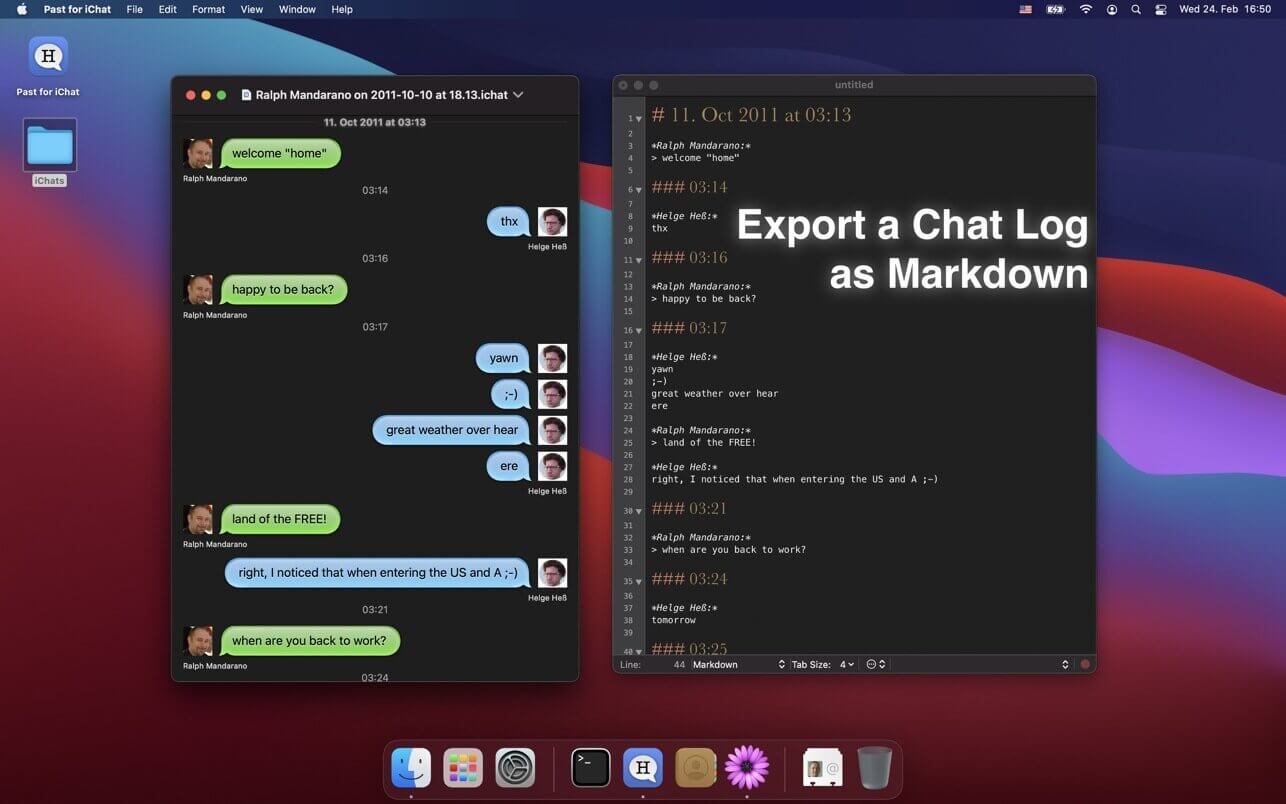
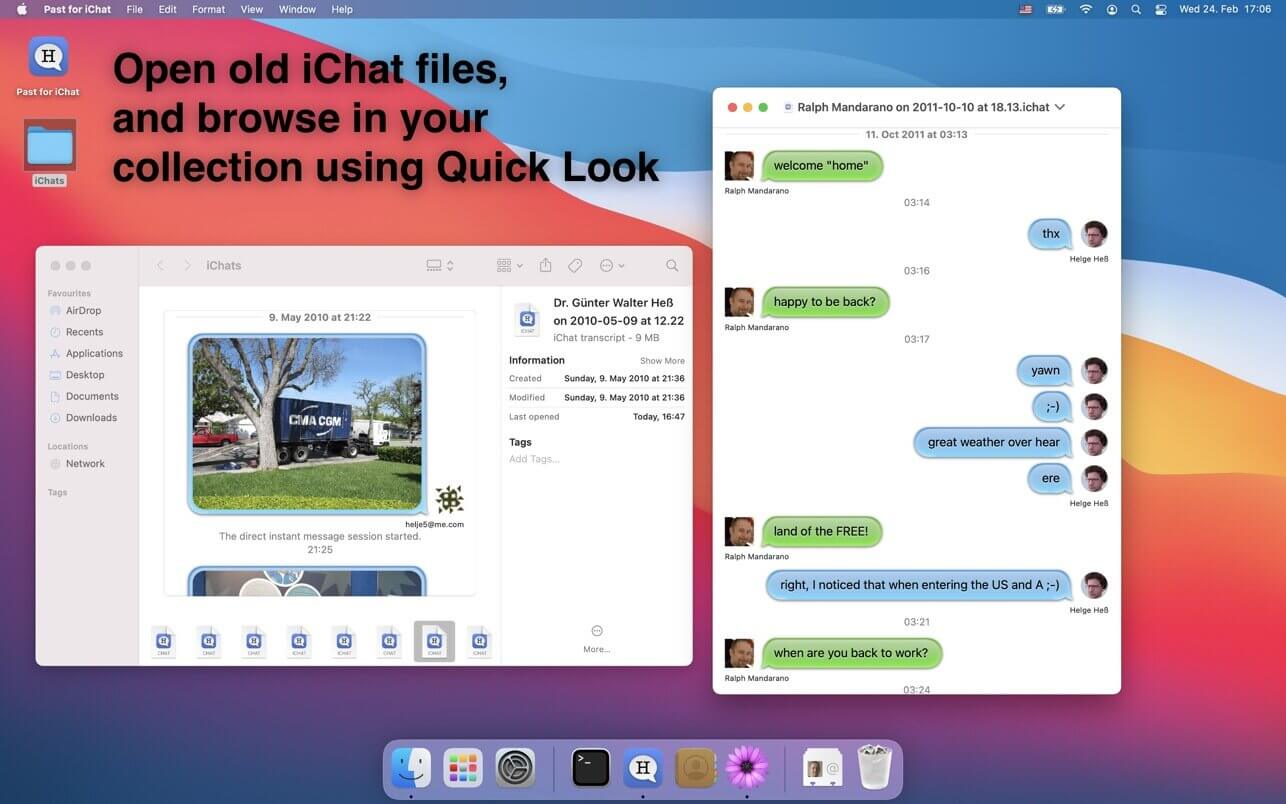

Past for iChat is a little application to open and view old chat log files created by Apple's iChat application (.ichat and .chat files) on macOS Big Sur, Monterey and later. iChat was the predecessor of the new and improved Messages app.
Starting with macOS Big Sur the refreshed Messages application doesn't support opening old iChat chat log files anymore. Past for iChat keeps your history alive by allowing you to open those.
The application also features a simple Markdown export of the chat logs and a Quick Look plugin for previewing chat logs in Finder, Spotlight or other applications.
Note: This application is only useful for people with older iChat chat log files (usually older than 5 years). I.e. this app does neither open files created by Big Sur/Monterey itself, not iPhone chat logs.
Version 1.2.6
- This release fixes incorrectly rendered quotes in HTML/PDF exports.
- It may also fix an issue with decoding attachment cells.
Frequently asked questions
How do I install the app?
Mount the image, drag the app into the "Applications" folder and launch it. If the system blocks the launch, allow it in "System Settings → Privacy & Security".
The app is damaged or won't launch
Reinstalling from a fresh image usually helps. Make sure your macOS version matches the one listed in the compatibility specs.
How do I update?
Download the new version from the site and install it over the current one — your settings will be preserved.
The download link doesn't work
Try a mirror or a download manager. For large files the browser often drops the connection.
How do I completely remove the app?
Use an uninstaller utility — it cleans up the service files that remain after moving the app to the trash.




Choose a download source
Past for iChat 1.2.6 · 5.84 MB