Notebooks 4.0.0
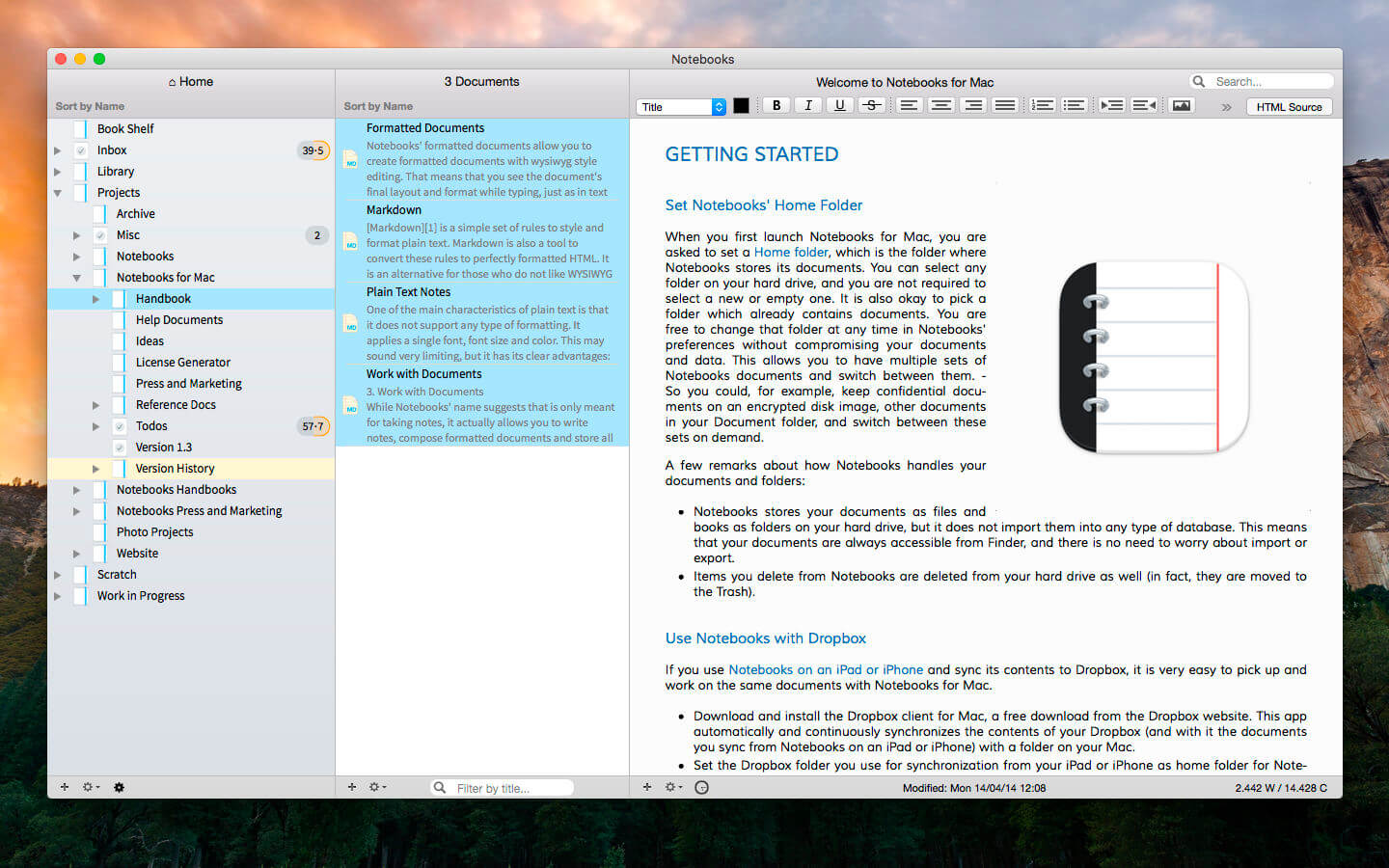
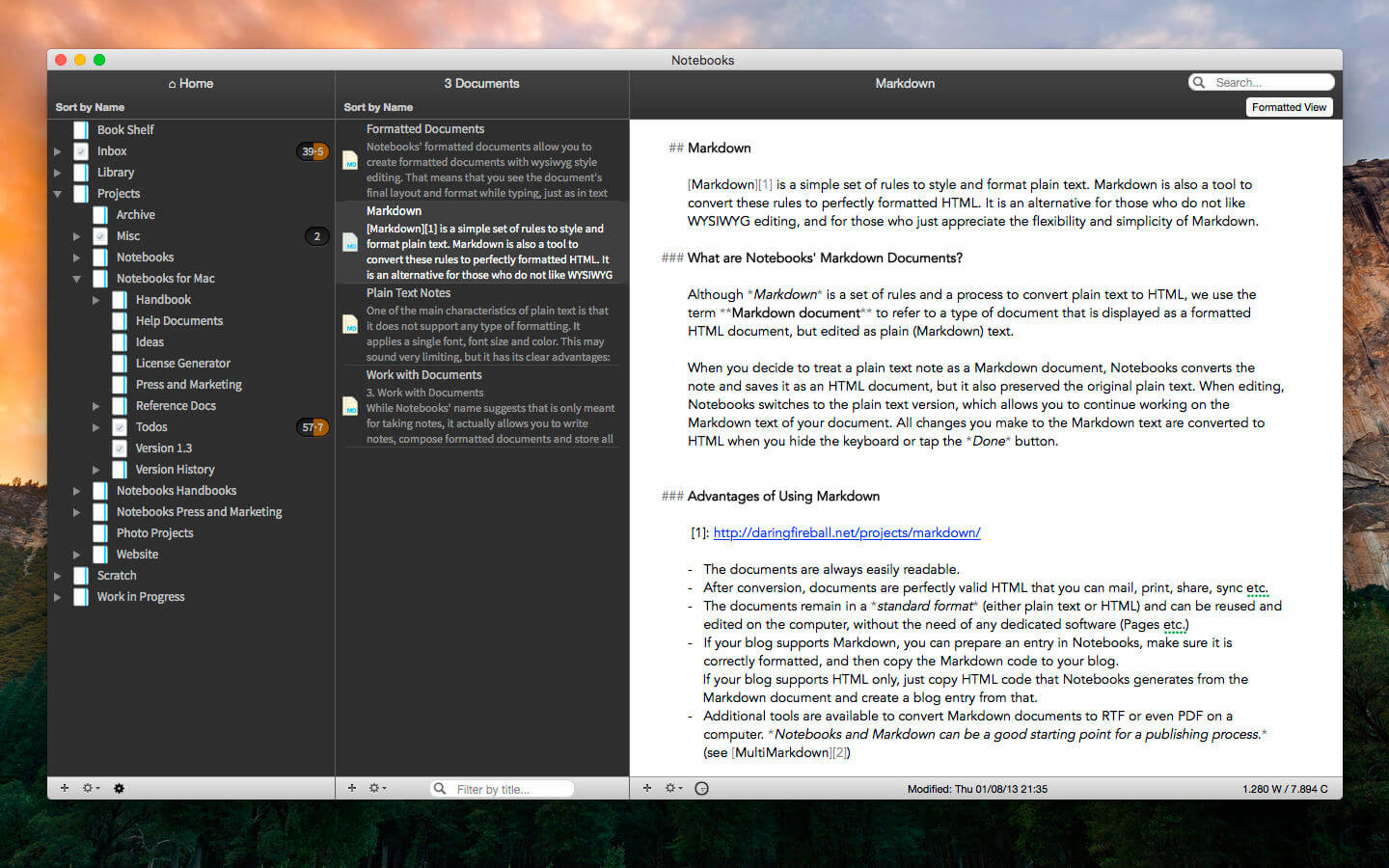
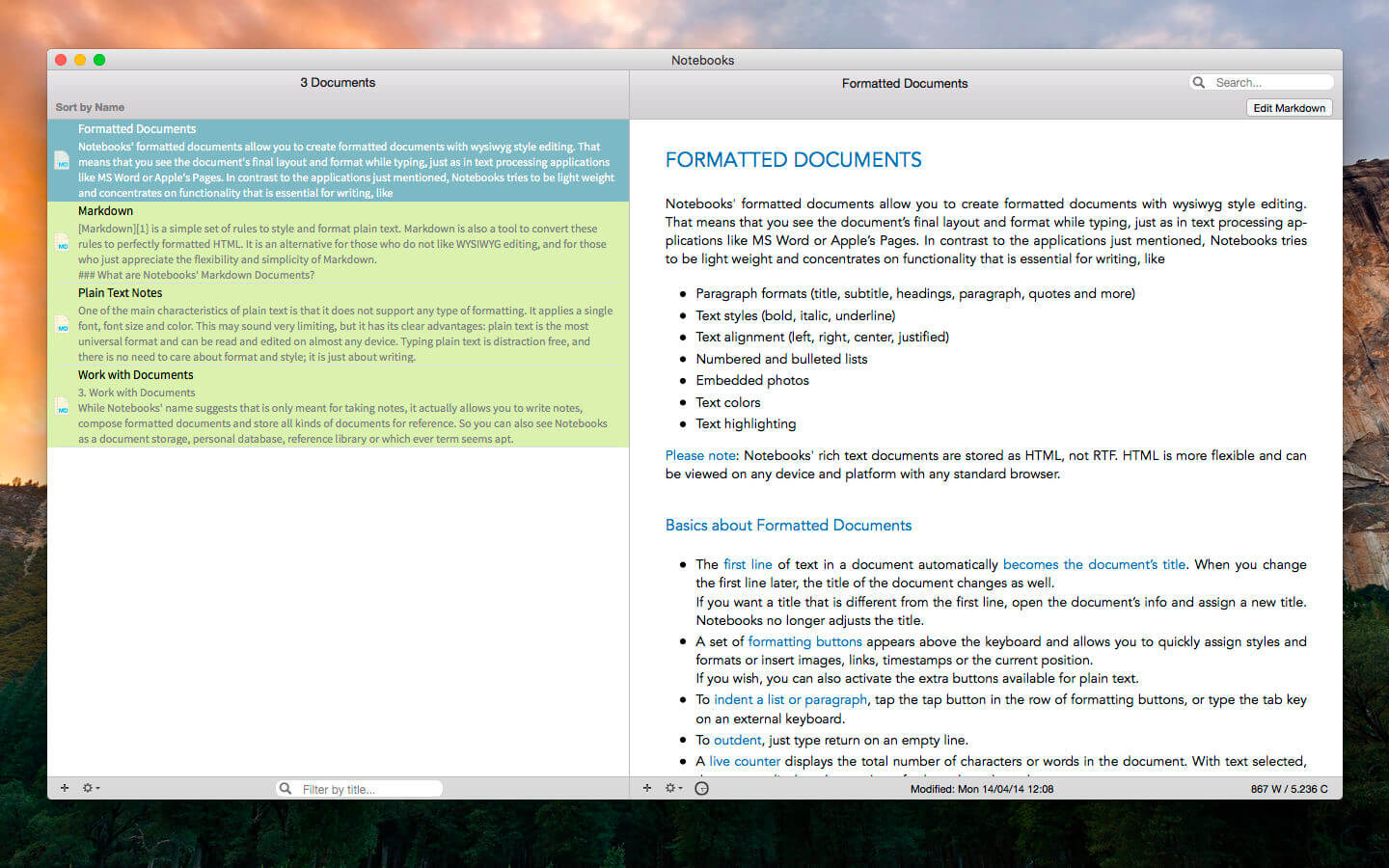
Notebooks allows you to create as many books as you need to write, store and structure your details of life, and it will quickly become the one and only repository for all journals, ideas, notes, drafts, stories and diaries but also for your projects, task lists, documents, files and everything else you want to keep close at hand.
Use Notebooks to create carefully formatted documents with styles and embedded photos, or to quickly write plain text notes. Convert between these formats any time, and if you want to use Markdown, Notebooks knows how to handle that as well. It is a perfect, distraction free writing environment.
Notebooks stores and displays almost any type of document: plain text and formatted text, PDF, web pages, MS Office documents, photos, videos, music and much more. Everything you want to keep organized can go directly into Notebooks.
Notebooks also keeps your task lists and allows you to tick off your to-dos as you complete them. Divide your projects into nested sub projects, which makes them easier to handle, and cross-reference into your reference library, which, of course, is in Notebooks, too.
Notebooks can share its files with the mobile versions of Notebooks on the iPad and iPhone, which allows you to conveniently work on your documents from your desktop, but also on your iPad, iPhone or iPod touch when you are on your way. The synchronization between the devices currently supports Dropbox and many WebDAV servers (with Dropbox currently being the most convenient option).
Notebooks stores all your documents as regular files on your computer’s hard drive, so you can always access them through Finder to open and edit with other applications, too.
So whether you need to write something down or look something up, you need to have Notebooks on your Mac.
Version 4.0
Image Viewer
- Fix the bug that scroll to wrong position when select initial position as 'Always Top'.
- This update focuses on refinements, reliability, and visual consistency across the app. Several improvements enhance everyday editing, task extraction works more consistently, typing performance has been improved, the outline and document list have been refined to behave more predictably, working with PDFs is more convenient, and much more.
- This update also enhances Liquid Glass support, introduces a new app icons, and resolves interface inconsistencies.
- Overall, this release is about making Notebooks feel more solid, more predictable,
and more polished. - You find more details on our website.
Frequently asked questions
How do I install the app?
Mount the image, drag the app into the "Applications" folder and launch it. If the system blocks the launch, allow it in "System Settings → Privacy & Security".
The app is damaged or won't launch
Reinstalling from a fresh image usually helps. Make sure your macOS version matches the one listed in the compatibility specs.
How do I update?
Download the new version from the site and install it over the current one — your settings will be preserved.
The download link doesn't work
Try a mirror or a download manager. For large files the browser often drops the connection.
How do I completely remove the app?
Use an uninstaller utility — it cleans up the service files that remain after moving the app to the trash.



Choose a download source
Notebooks 4.0.0 · 21.22 MB
Previous versions
Notebooks 4.0.0
Previous versions are available to registered users.