Paperless 2.4.1
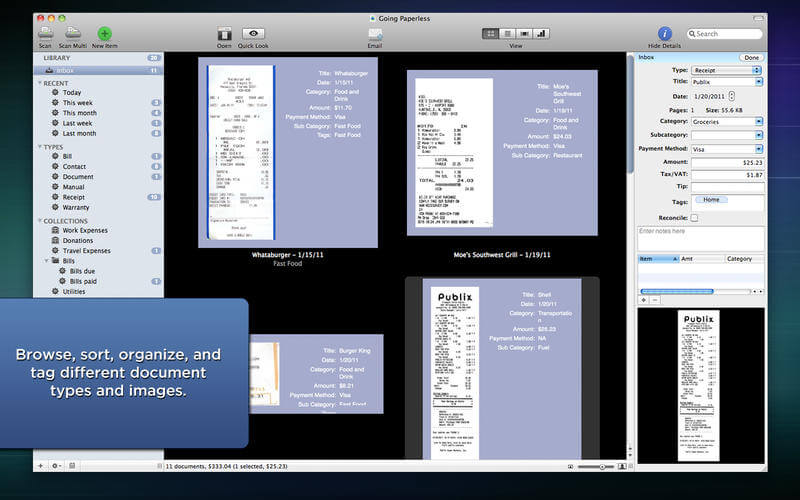
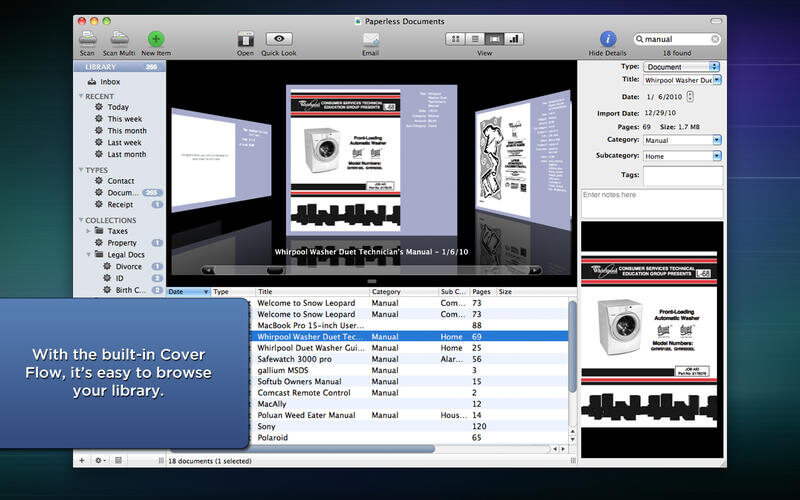
Paperless is a digital documents manager. Remember when everyone talked about how we would soon be a paperless society? Now it seems like we use paper more than ever. Let's face it - we need and we use paper. But Paperless 2 is one of those incredibly useful applications that will help you manage all your paper and digital documents and at the same time positively affect the environment.
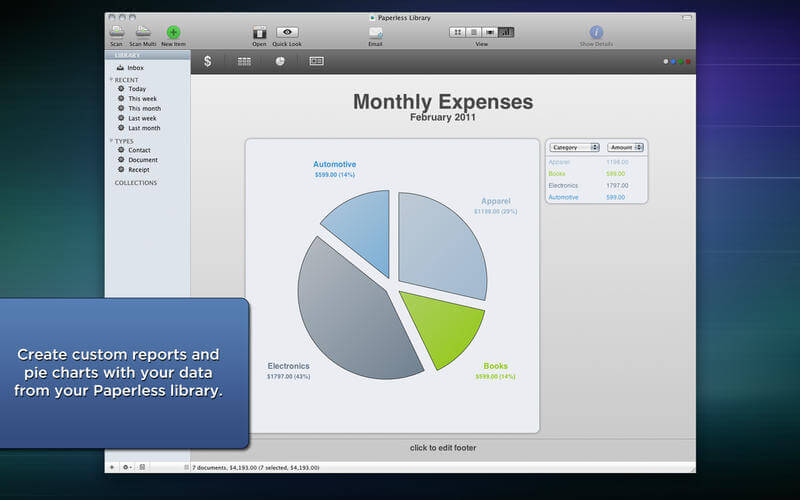
When it's tax time no more bringing a shoebox full of receipts to your accountant. According to ruling Rev. Proc. 97-22 from the IRS, a digital document is acceptable. With Paperless 2 you can create a Smart Collection and keep all your documents neat and tidy and in one place. Additionally, once you store your receipts in Paperless 2, you can select the receipts to email, print, or export to PDF, or even show as a chart.
Paperless 2 has the ability to keep up and maintain the task of not only reducing your need for paper but managing the paper you use. Simply scan your receipts, bills, statements, warranty cards, business cards - any paper document and the OCR function of Paperless 2 recognizes the data and adds it to the Details Window. The built-in search functionality even lets you find and organize receipts and documents into Smart Collections. Already have your documents as PDFs or other file formats? No problem. Simply drag and drop them into Paperless 2. By taking your paper receipts, product manuals and other documents and creating an electronic record you've already reduced your need for paper.
Version 2.4.1:
- Provides a work around for High Sierra beta (10.13.3) issues which affect an import bug.
- Corrected other High Sierra issues.
Frequently asked questions
How do I install the app?
Mount the image, drag the app into the "Applications" folder and launch it. If the system blocks the launch, allow it in "System Settings → Privacy & Security".
The app is damaged or won't launch
Reinstalling from a fresh image usually helps. Make sure your macOS version matches the one listed in the compatibility specs.
How do I update?
Download the new version from the site and install it over the current one — your settings will be preserved.
The download link doesn't work
Try a mirror or a download manager. For large files the browser often drops the connection.
How do I completely remove the app?
Use an uninstaller utility — it cleans up the service files that remain after moving the app to the trash.
VersionPaperless 2.4.1
DeveloperMarinersoftware
CompatibilityOS X 10.7 or later, 64-bit processor
LanguageEnglish
IncludesSerial

Information
Visitors in the group Guests cannot leave comments on this publication.
Choose a download source
Paperless 2.4.1 · 37.39 MB