
Pichi 1.0.0
Screenshots
Click to enlarge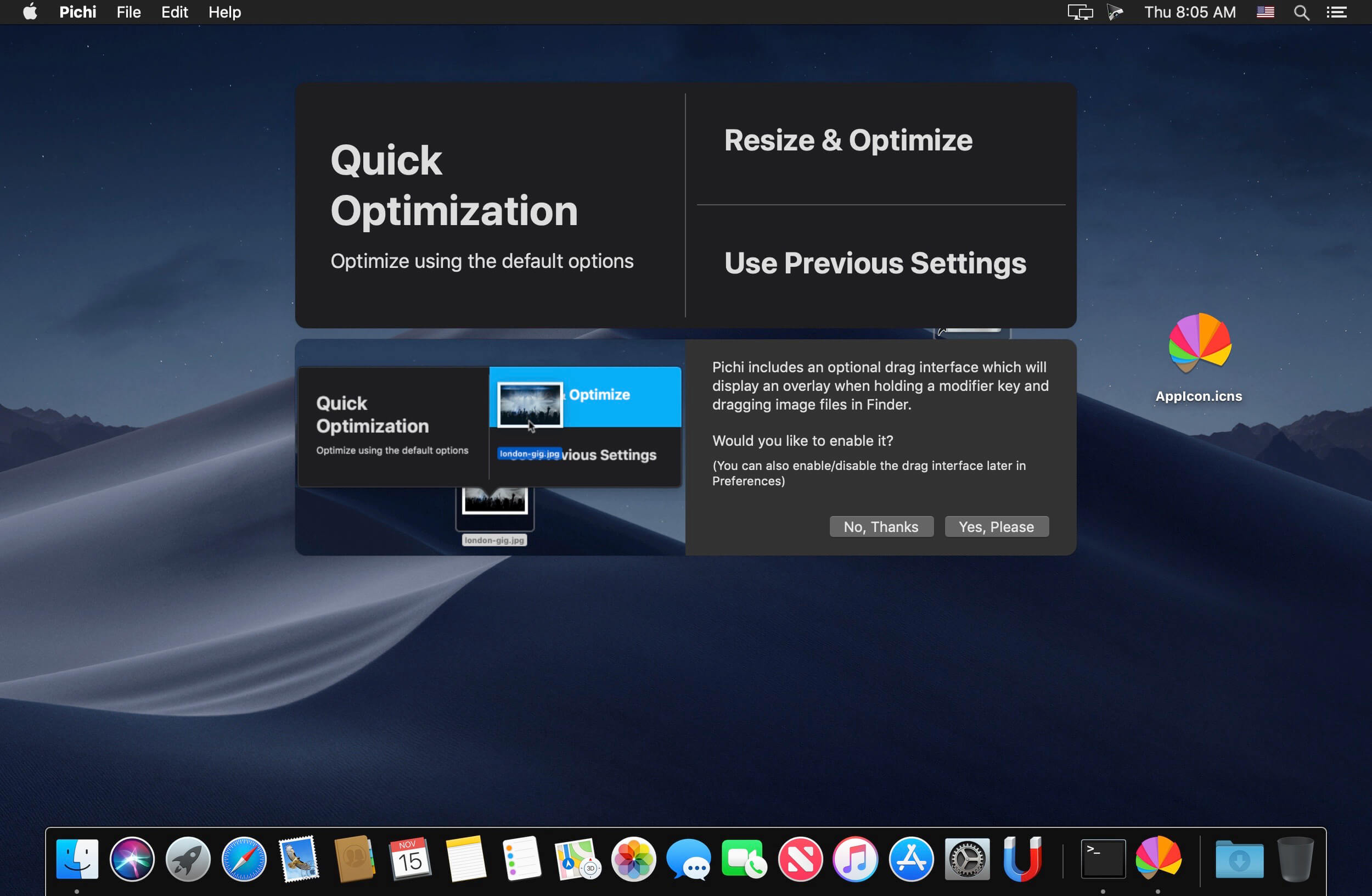
Pichi optimizes and resizes your images.
Features:
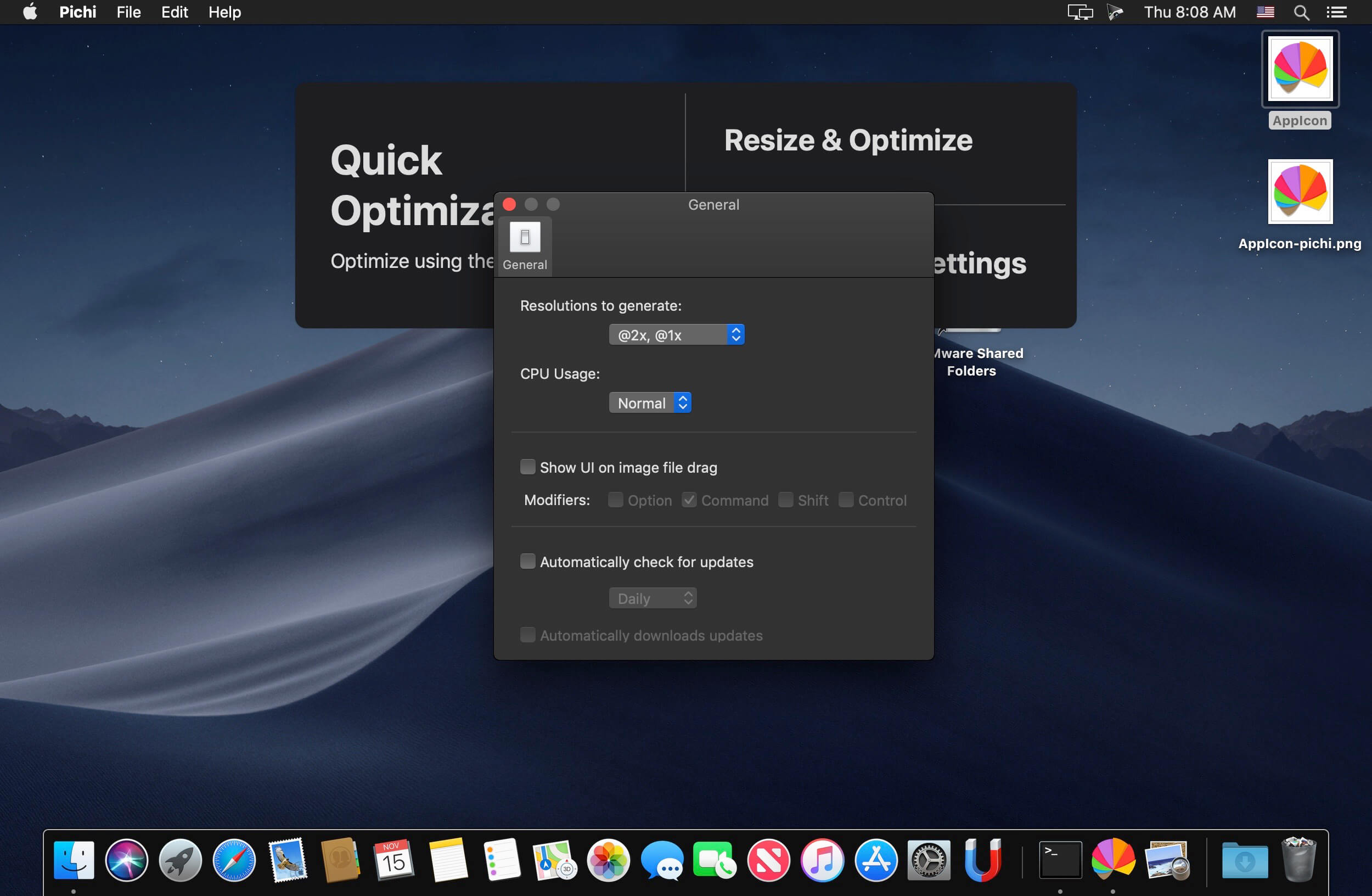
- The fastest way to optimize images: Display the UI when dragging images files, even when the app is closed.
- Batch processing: Just drop/select a selection of images with no upper limit.
- Quick Optimization: Get results fast using the default settings. PNGs optimized as PNGs and JPEGs optimized as JPEGs.
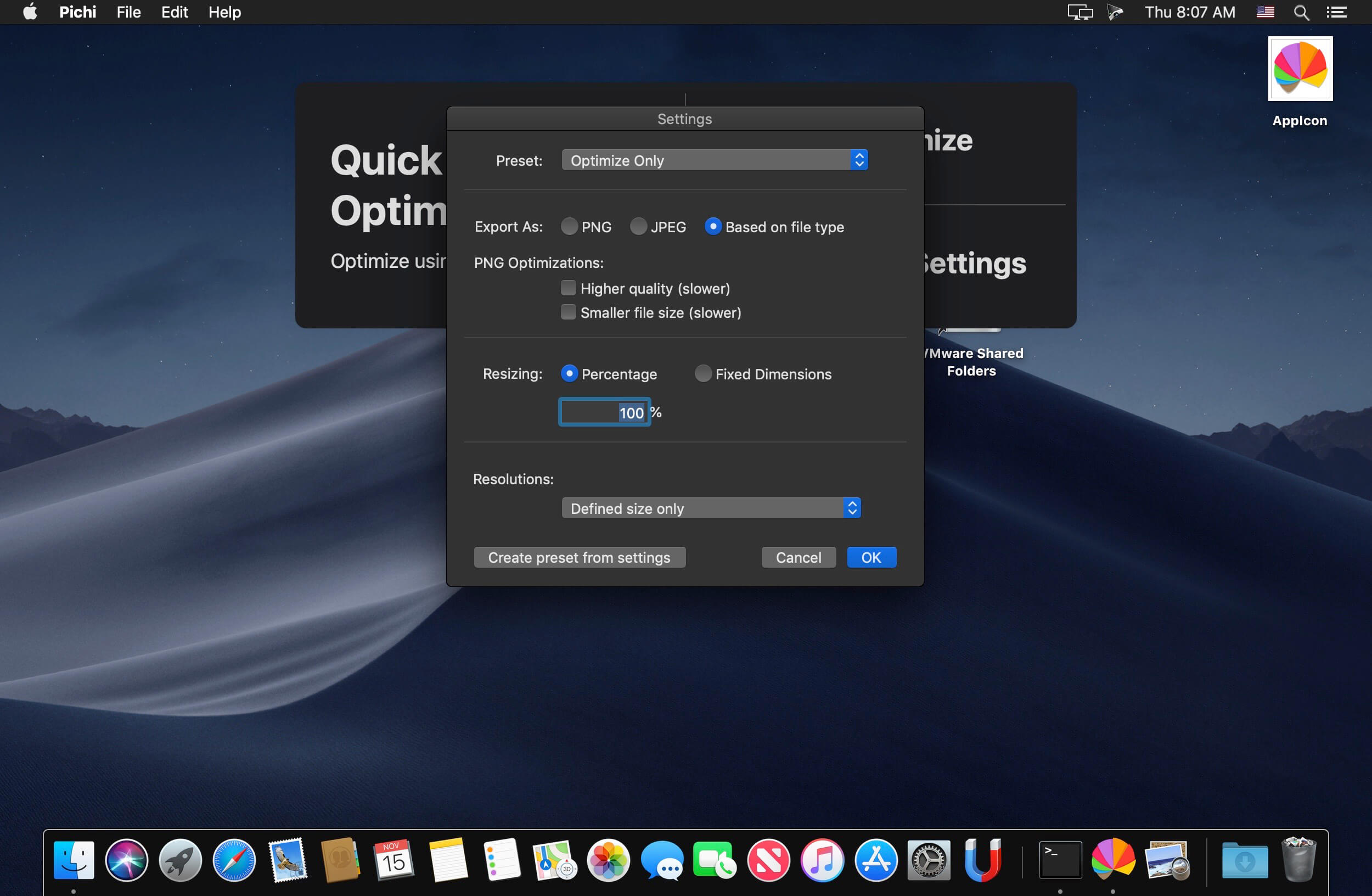
- Convert PNG to JPEG, convert all images to PNG or JPEG, or don't do any file conversion.
- Resize images based on a percentage, flexible width or height or fixed dimensions.
- Resize using one of the 20+ social media and ad platform presets.
- Create custom presets.
- Output @1x, @2x and @3x for multiple resolution support.
- Beautiful UI including Dark Mode.
Version 1.0.0:
- Initial release
Comments
No comments yet. Be the first.
Information
Visitors in the group Guests cannot leave comments on this publication.