
Vector Magic Desktop Edition 1.20
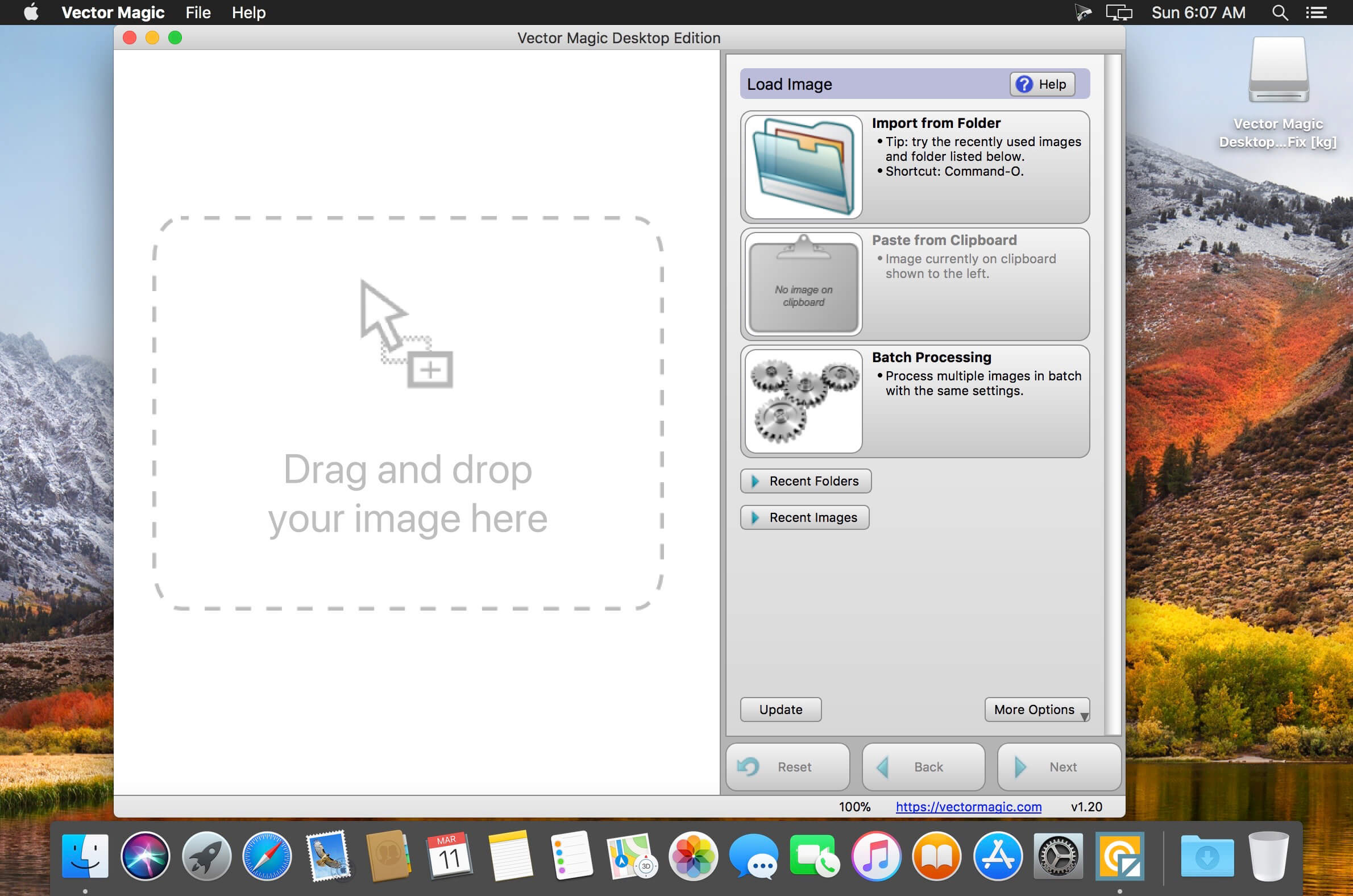
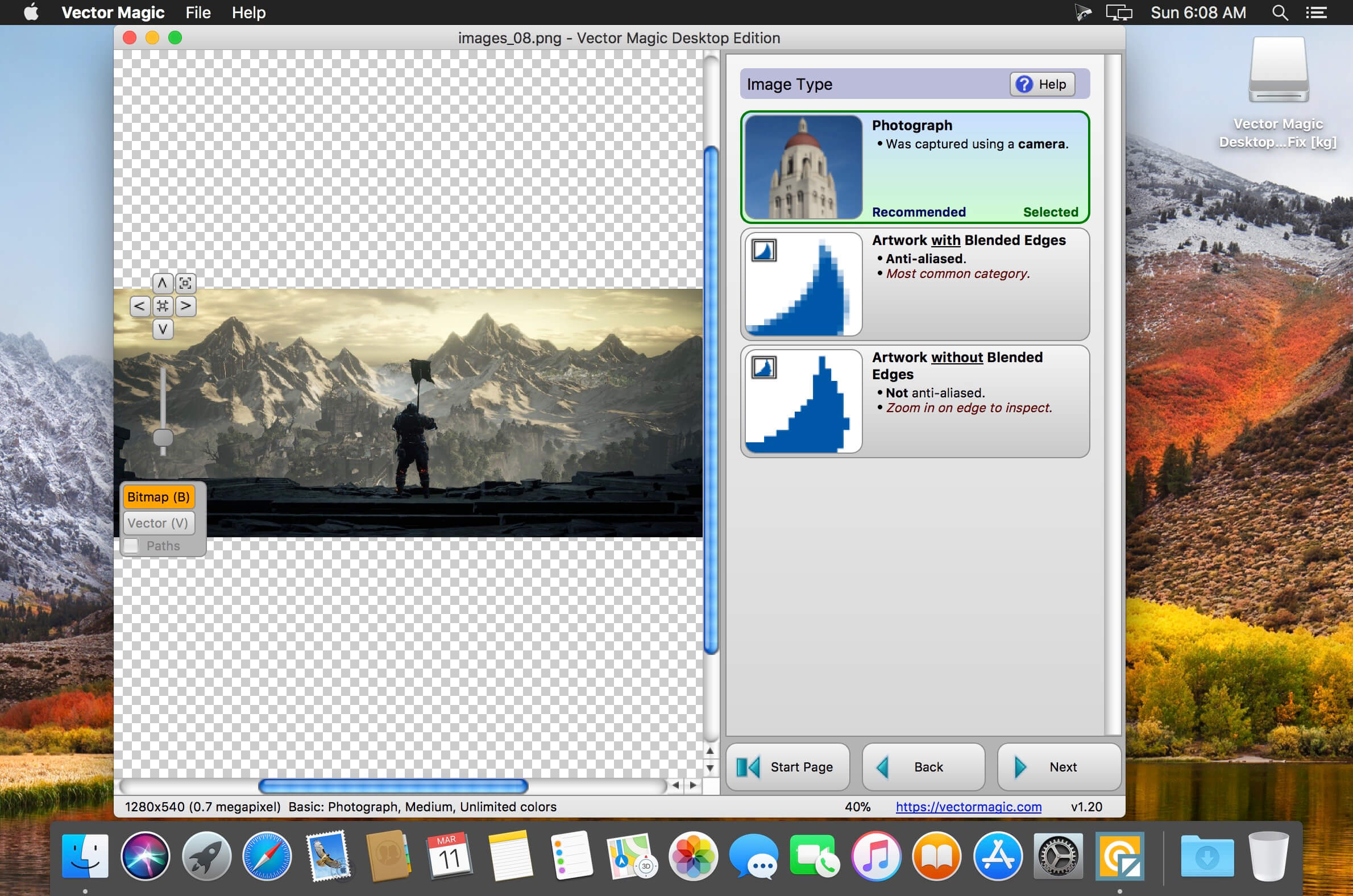
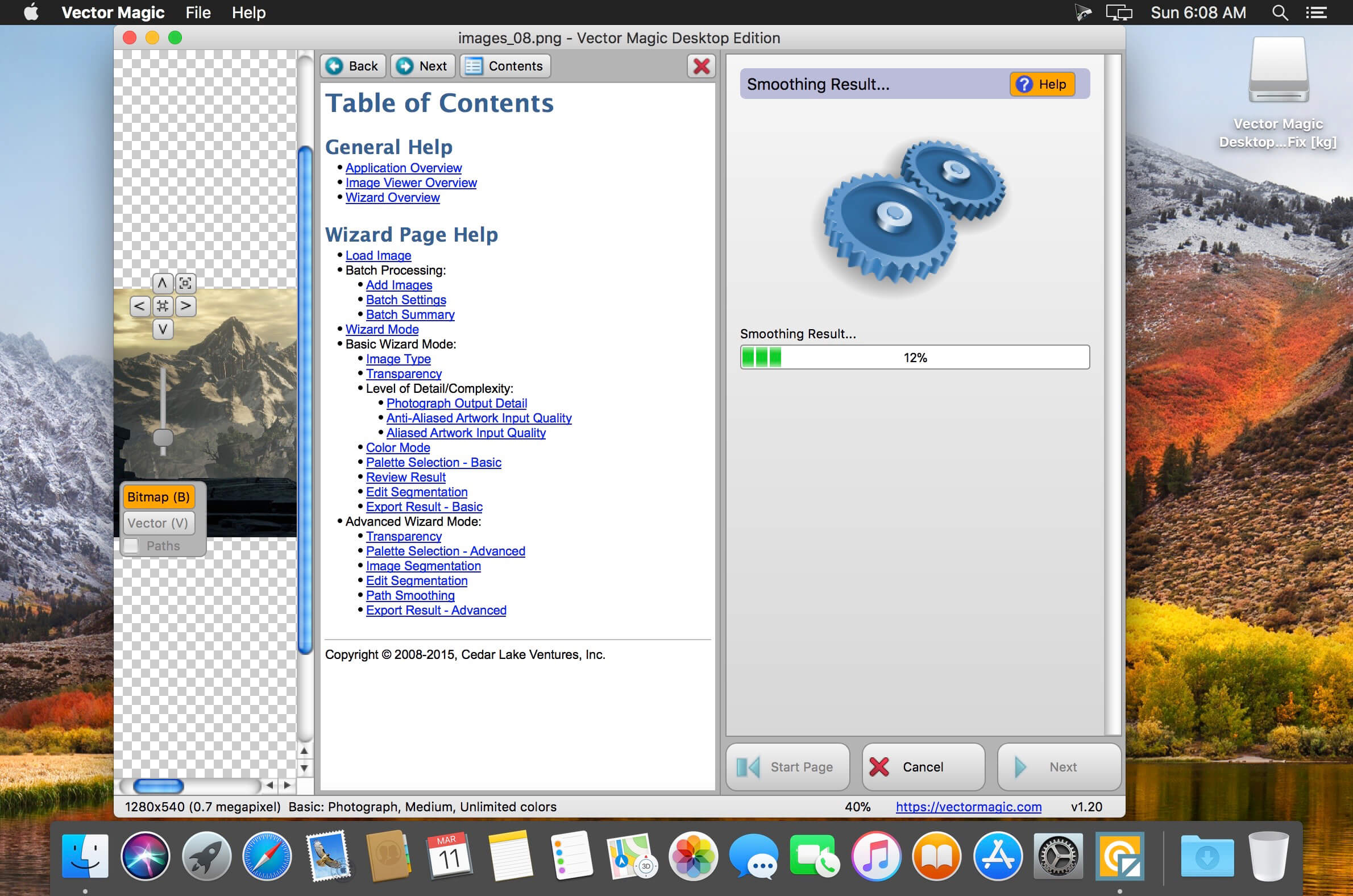

Vector Magic converts bitmap images like JPEGs, GIFs and PNGs to the crisp, clean, scalable vector art of EPS, SVG, and PDF with the world's best auto-tracing software.
Vector images are images described by shapes such as circles and squares, as opposed to bitmap images which are described by pixels - squares of color arranged in a grid.
The shapes are precise mathematical descriptions of the image and can be scaled without becoming blurry or "pixelated" (that blocky look that bitmap/raster images so often get when scaled up).
- Fully automatic vectorization
- Basic vectorization mode, with easy-to-choose settings
- Advanced vectorization mode, with fine-grained control
- EPS, SVG and PDF vector output
- AI, DXF vector output
- PNG bitmap output
- GIF, BMP bitmap output
- Bitmap output, 1x zoom
- Bitmap output, any zoom
- Powerful preview to inspect the result in detail
- Segmentation editing capabilities
- Super-convenient drag-and-drop interface
- Super-convenient copy-paste input
- Vectorize very large images
- Group shapes by color
- Transparency support
- Batch processing
Frequently asked questions
How do I install the app?
Mount the image, drag the app into the "Applications" folder and launch it. If the system blocks the launch, allow it in "System Settings → Privacy & Security".
The app is damaged or won't launch
Reinstalling from a fresh image usually helps. Make sure your macOS version matches the one listed in the compatibility specs.
How do I update?
Download the new version from the site and install it over the current one — your settings will be preserved.
The download link doesn't work
Try a mirror or a download manager. For large files the browser often drops the connection.
How do I completely remove the app?
Use an uninstaller utility — it cleans up the service files that remain after moving the app to the trash.
VersionVector Magic Desktop Edition 1.20
DeveloperCedar Lake Ventures, Inc.
CompatibilityOS X 10.4 or later, 64-bit processor, Fix for 10.12
LanguageEnglish, Deutsch, Español, Français
IncludesK




Choose a download source
Vector Magic Desktop Edition 1.20 · 22.83 MB
Comments 2