
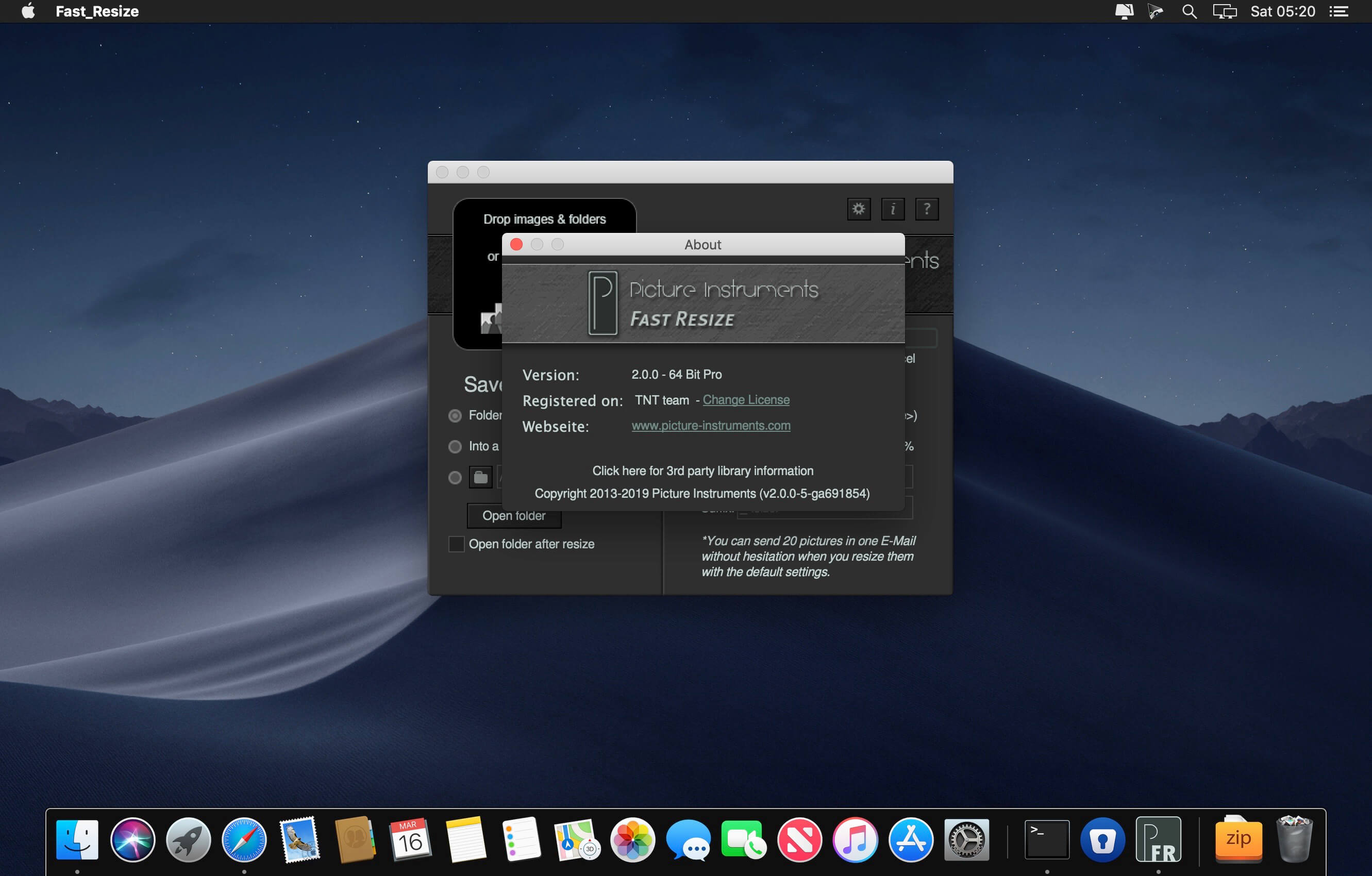
Picture Instruments Fast Resize Pro 2.0.0
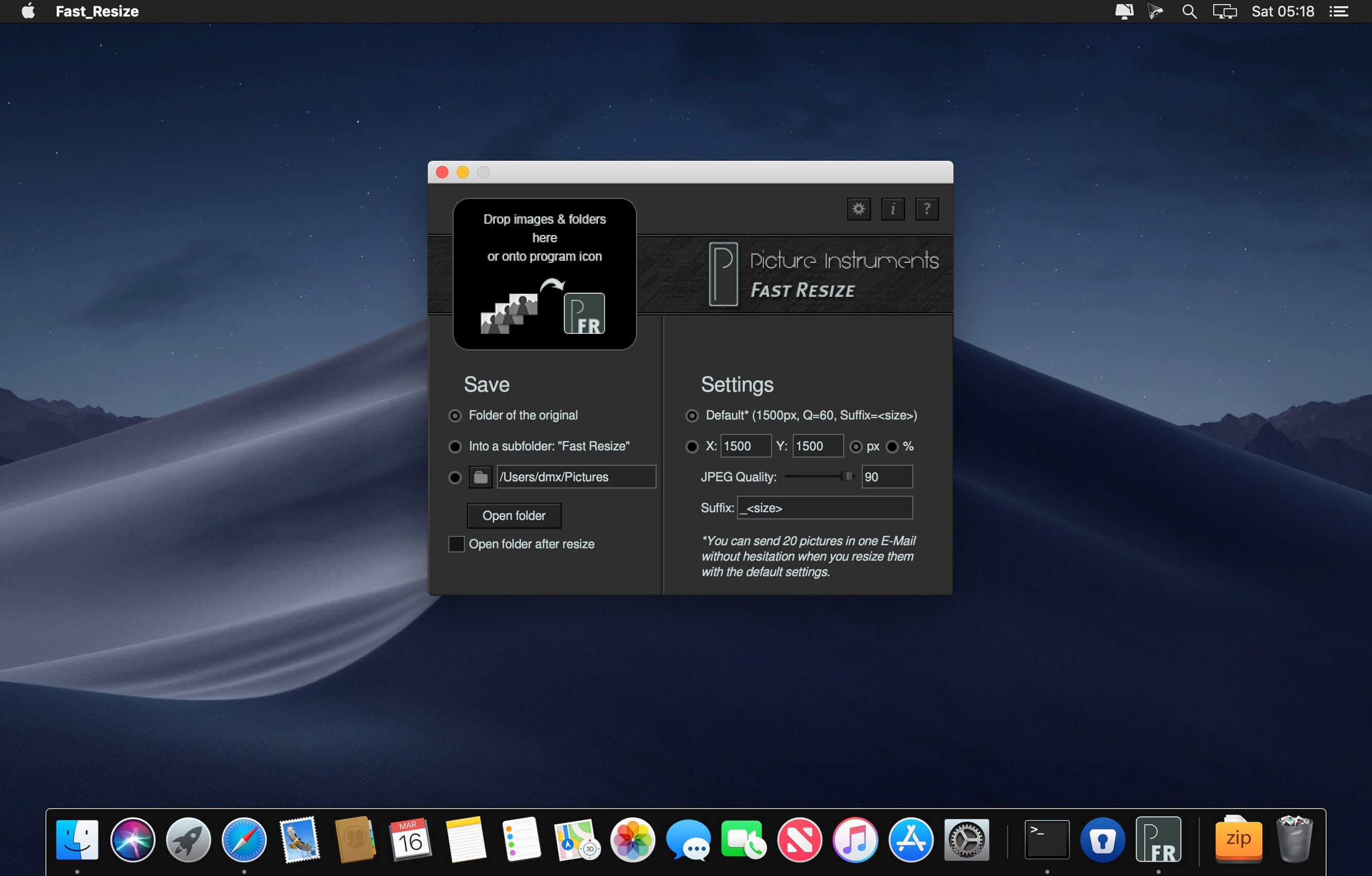
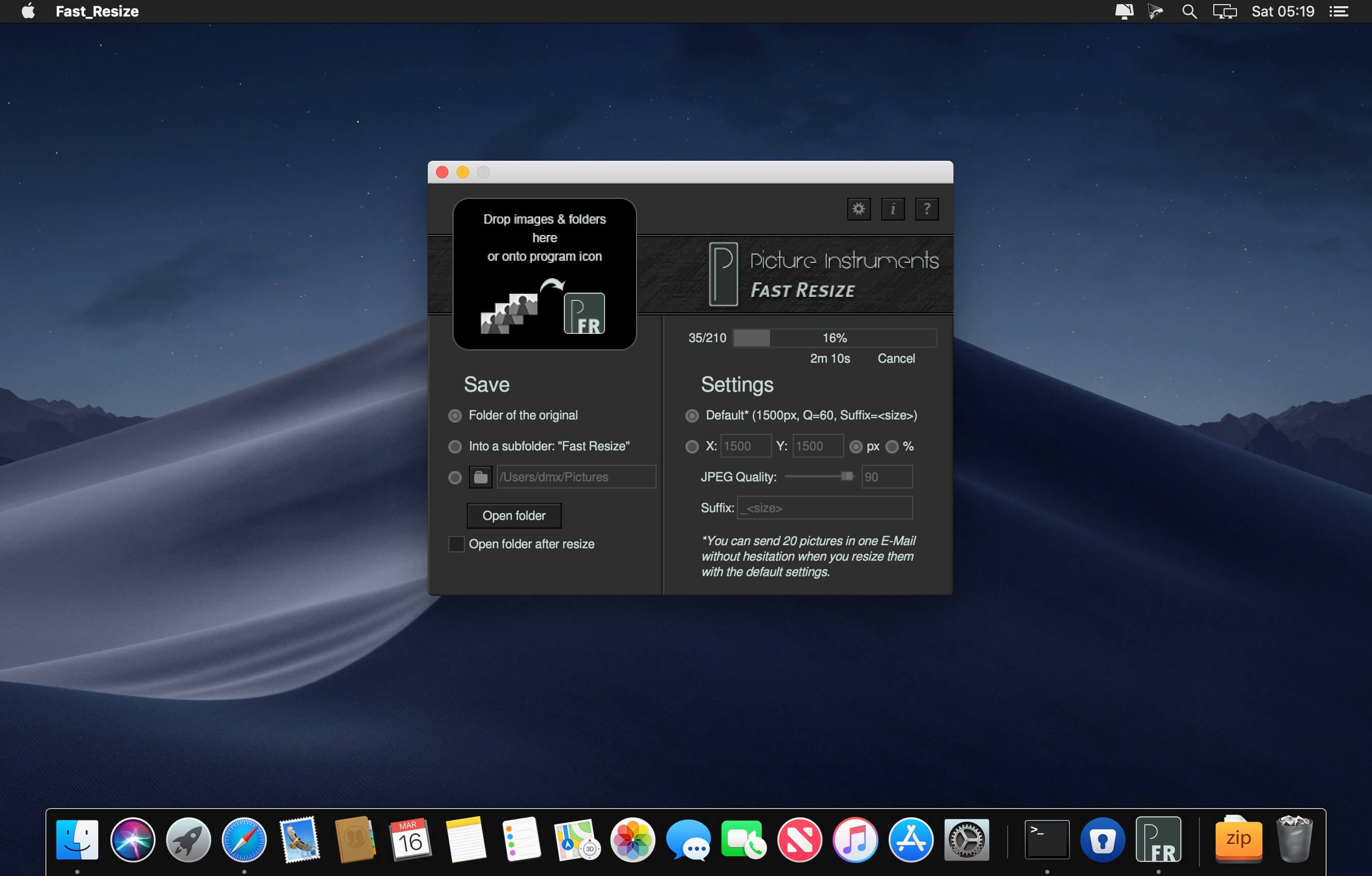
Quickly resize a few images to send them in an email for example…is quickly done with the software Fast Resize! Simply drag a few images or even an entire folder containing many images onto the program icon and the folder containing the resized images will open automatically.
After that you could easily drag your images onto an email client. Scaling your images with Fast Resizes default settings will easily allow you to send up to 20 of these images in one email with most service providers.
In addition to the default settings you can also manually set your scaling options in the software. You can select a fixed output size in pixels or in percent of the original size. The JPEG compression factor can manually be set between 0 and 100% quality. In addition you can also add an individual file name extension, which will be added to each scaled image.
In addition to a random character string you can also add various attributes of the scaled image in angle brackets. for example represents the length of the long edge of the image in pixels. The string x would add the extension x1500 to an image with the size of 1000x1500 pixels. You can find all available attributes in the help section in Fast Resize.
Scaled images can be saved to the originanl folder, to a subfolder "Fast Resize" within the original folder or into a folder that you can assign individually. Optional the folder containing the scaled images will open automatically after every scaling but you can also open this folder at a later point from within the program without searching for it. In addition to dragging the images you wish to scale onto the program icon you can also just drag them over the active window of the open program.
Frequently asked questions
How do I install the app?
Mount the image, drag the app into the "Applications" folder and launch it. If the system blocks the launch, allow it in "System Settings → Privacy & Security".
The app is damaged or won't launch
Reinstalling from a fresh image usually helps. Make sure your macOS version matches the one listed in the compatibility specs.
How do I update?
Download the new version from the site and install it over the current one — your settings will be preserved.
The download link doesn't work
Try a mirror or a download manager. For large files the browser often drops the connection.
How do I completely remove the app?
Use an uninstaller utility — it cleans up the service files that remain after moving the app to the trash.
VersionFast Resize Pro 2.0.0
DeveloperPicture Instruments
CompatibilityOS X 10.9 or later, 64-bit processor
LanguageEnglish
IncludesK'ed by TNT





Information
Visitors in the group Guests cannot leave comments on this publication.
Choose a download source
Picture Instruments Fast Resize Pro 2.0.0 · 21.08 MB