Similar Image Detector 2.0.0
Do you have many duplicate or similar photos on your Mac and you don’t know how to eliminate them in batches? With Similar Image Detector, you can find all the duplicate or similar photos on your mac with great ease. Similar Image Detector is a simple and efficient utility for finding duplicate or similar photos on your external hard drives and local disks, in Apple Photos, iPhoto. And you could organize them with Trash, Move and Copy functions.
Similar Image Detector is a duplicate and similar photos finder and remover for:
- Photographers: Who take a series of photos of the same scene for getting the perfect shot.
- Art Designer: Who edit photos with software like Photoshop, Pixelmator etc., and make backups just in case.
- Photo collector: Who have photos scattered all over the system: external storage deice, SD card, hard drives and local disks, or in Apple Photos, iPhoto and so on.
- Just clean your mac: You have a mess in your photo collection or just want to free disk space by removing junk photos.
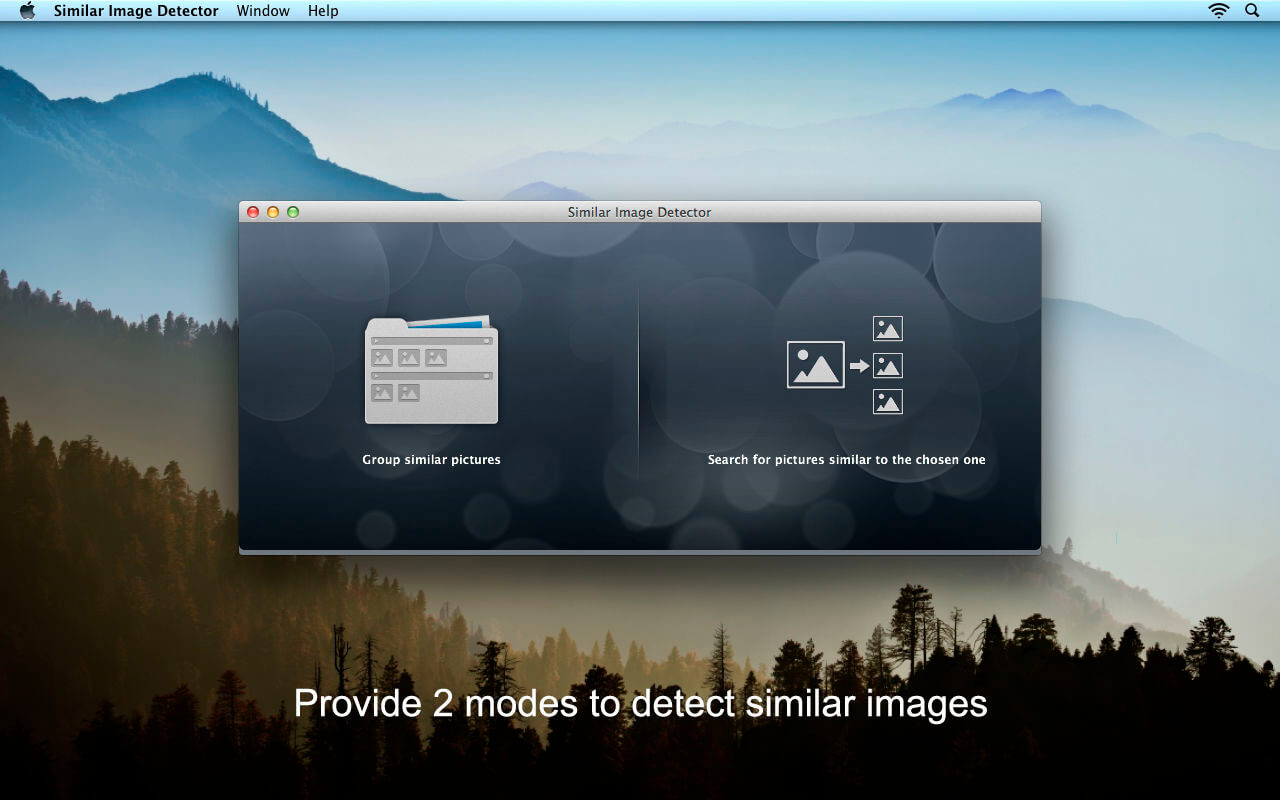
2 Modes to Detect Duplicate & Similar Photos
- Import one or more folders whose contents to be grouped by similarity
- Add a photo to compare against the photos in chosen folders and find duplicate and similar ones from the folders
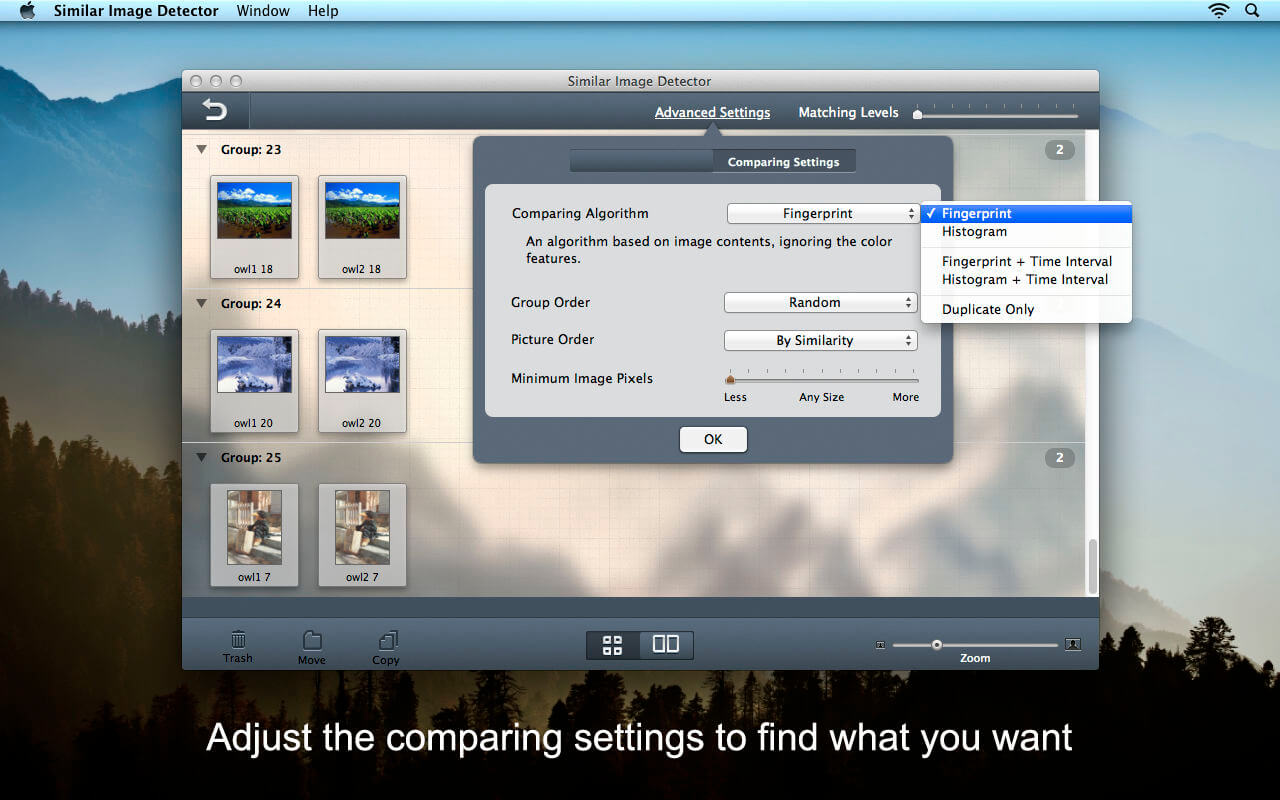
- Select the comparing algorithm from 5 modes: Fingerprint, Histogram and more
- Support to choose the group order ways: Random, Similarity, Title or Date
- Customize the photos order by similarity or number
- Reset the minimum photo pixels as need
- Enable to scan by the matching levels
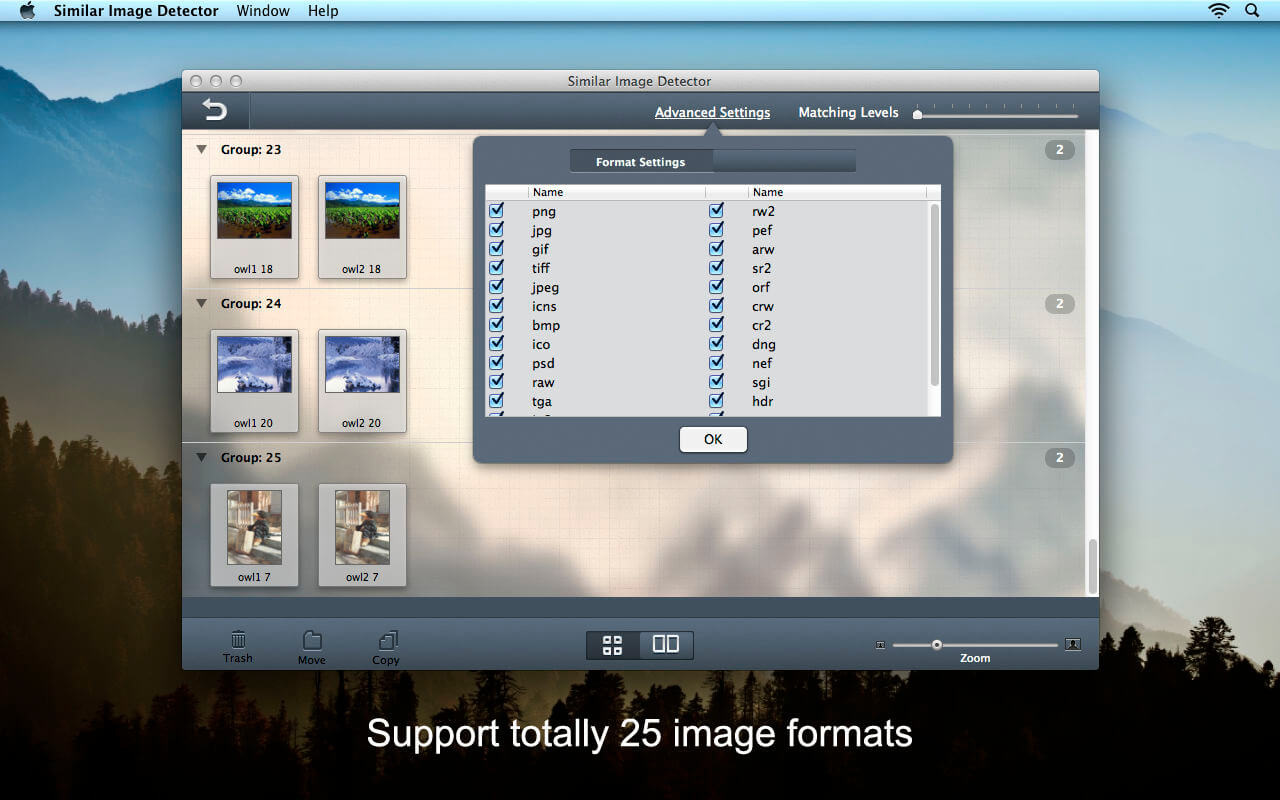
- *.png, *.jpg, *.gif, *.tiff, *.jpeg, *.icns, *.bmp, *.ico, *.psd
- *.raw, *.tga, *.jp2, *.xbm, *.rw2, *.pef, *.arw, *.sr2,
- *.orf, *.crw *.cr2, *.dng, *.nef, *.sgi, *.hdr, *.mrw
- Choose any group of similar photos to compare carefully
- Support to compare any two similar photos in one group
- It will automatically show you the similarity of two similar pictures with the sophisticated comparing algorithm
- Remove the duplicates and helpless photos forever
- Move some featured photos to the appointed folder
- Copy some important photos for other use if you need
Frequently asked questions
How do I install the app?
Mount the image, drag the app into the "Applications" folder and launch it. If the system blocks the launch, allow it in "System Settings → Privacy & Security".
The app is damaged or won't launch
Reinstalling from a fresh image usually helps. Make sure your macOS version matches the one listed in the compatibility specs.
How do I update?
Download the new version from the site and install it over the current one — your settings will be preserved.
The download link doesn't work
Try a mirror or a download manager. For large files the browser often drops the connection.
How do I completely remove the app?
Use an uninstaller utility — it cleans up the service files that remain after moving the app to the trash.
VersionSimilar Image Detector 2.0.0
DeveloperEnolsoft
CompatibilityOS X 10.7 or later, 64-bit processor
LanguageEnglish
IncludesK'ed by TNT




Information
Visitors in the group Guests cannot leave comments on this publication.
Choose a download source
Similar Image Detector 2.0.0 · 11.34 MB