
DeliverExpress 2.7.13
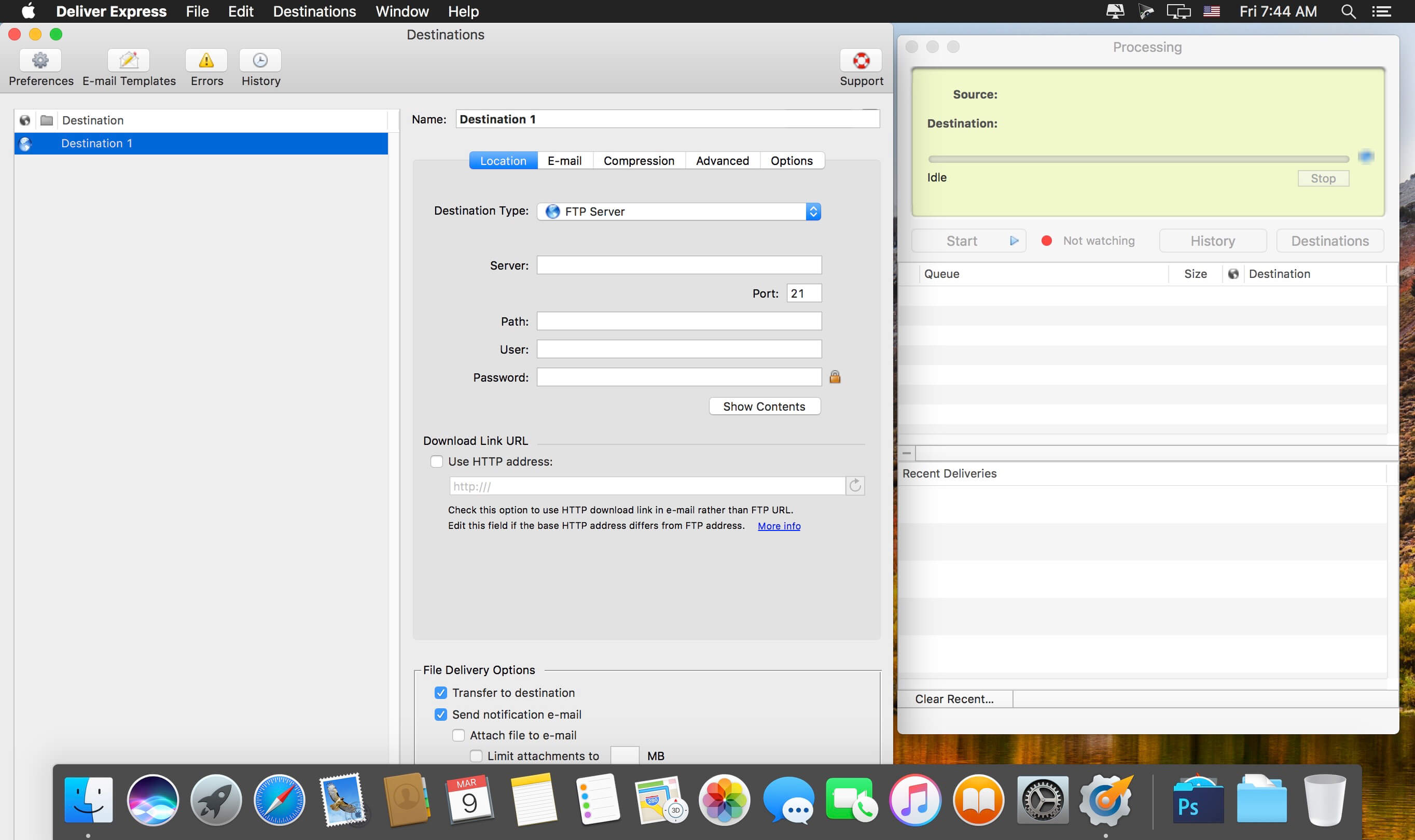
Deliver Express is an automated solution to send and share files easily across the Internet and local networks. Deliver Express processes files automatically from hot folders and offers automatic e-mail notifications, multi-destination transfer, detailed delivery history and much more.
As a company-wide solution, it can process deliveries absolutely unattended on a dedicated station serving an entire workgroup. It's an ideal solution for ad agencies, audio and video recording studios, publications and others. The program supports FTP, SFTP, WebDAV, Amazon S3, Google Storage, AFP, SMB and local destinations.
Features
- Automate delivery to remote and local servers from watch hot folders.
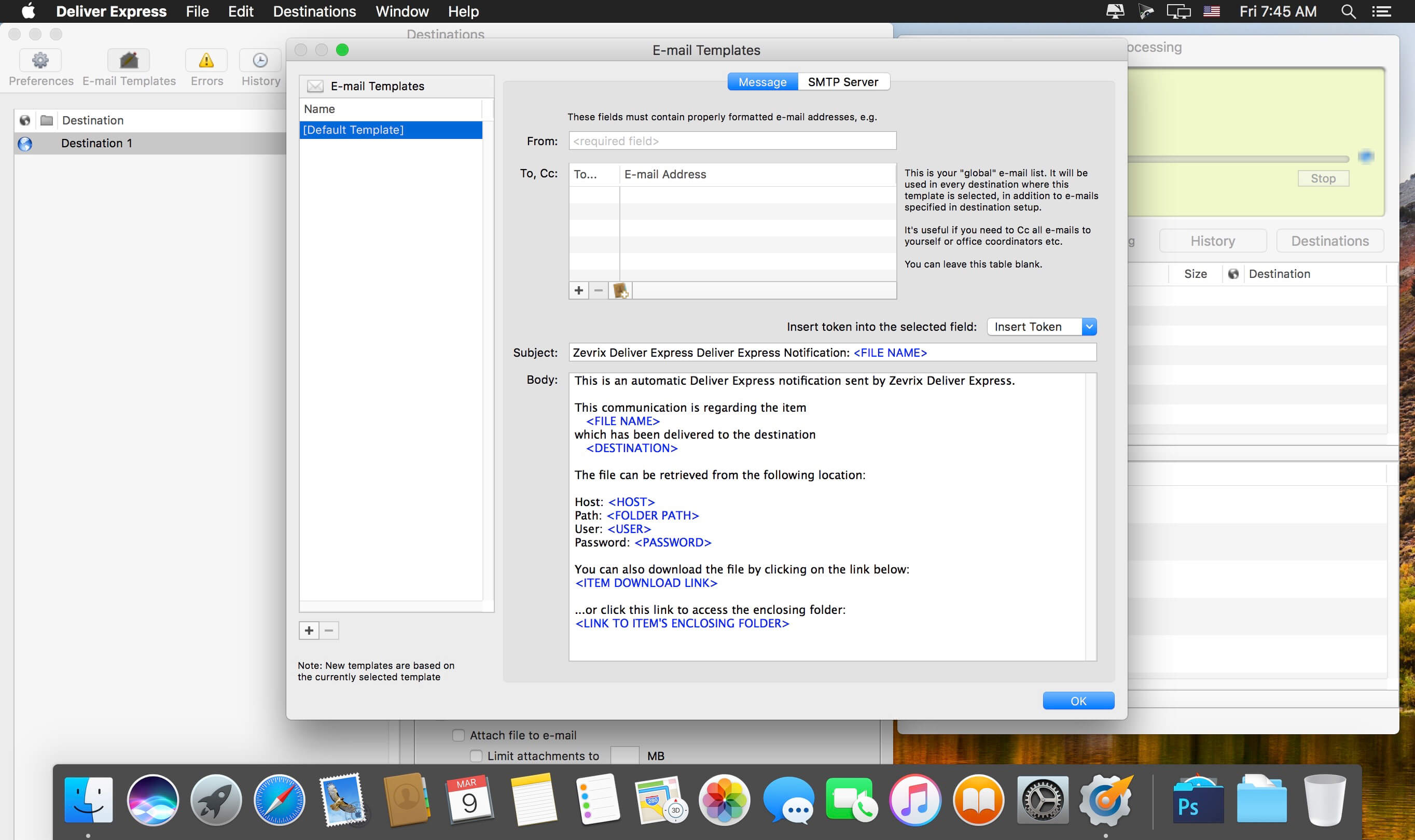
- Automatic e-mail notifications.
- Variable e-mail templates.
- Automatic .zip/.dmg compression.
- Create lo-res PDF and attach to e-mail.
- Attach files from specific subfolder to e-mail.
- Encrypt disk images with passwords.
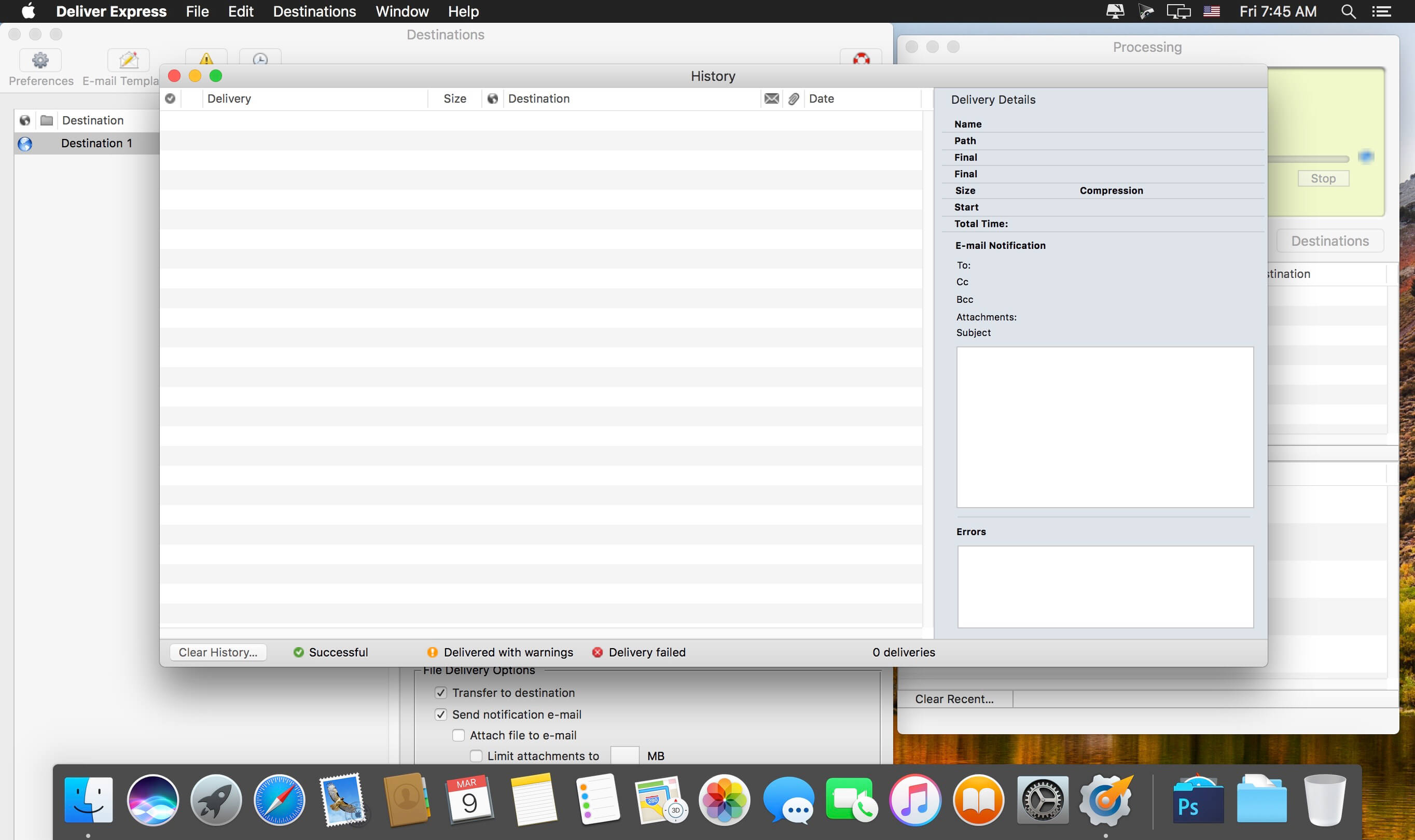
- Detailed history of all deliveries.
- Add e-mails from Address Book.
Version 2.7.13:
- Updated: Updated icon to avoid the default icon disfigurement applied by macOS Tahoe.
Frequently asked questions
How do I install the app?
Mount the image, drag the app into the "Applications" folder and launch it. If the system blocks the launch, allow it in "System Settings → Privacy & Security".
The app is damaged or won't launch
Reinstalling from a fresh image usually helps. Make sure your macOS version matches the one listed in the compatibility specs.
How do I update?
Download the new version from the site and install it over the current one — your settings will be preserved.
The download link doesn't work
Try a mirror or a download manager. For large files the browser often drops the connection.
How do I completely remove the app?
Use an uninstaller utility — it cleans up the service files that remain after moving the app to the trash.





Choose a download source
DeliverExpress 2.7.13 · 12.86 MB
Previous versions
DeliverExpress 2.7.13
Previous versions are available to registered users.