
Dropshare 6.15.0
Drop a file, get a link, share it anywhere
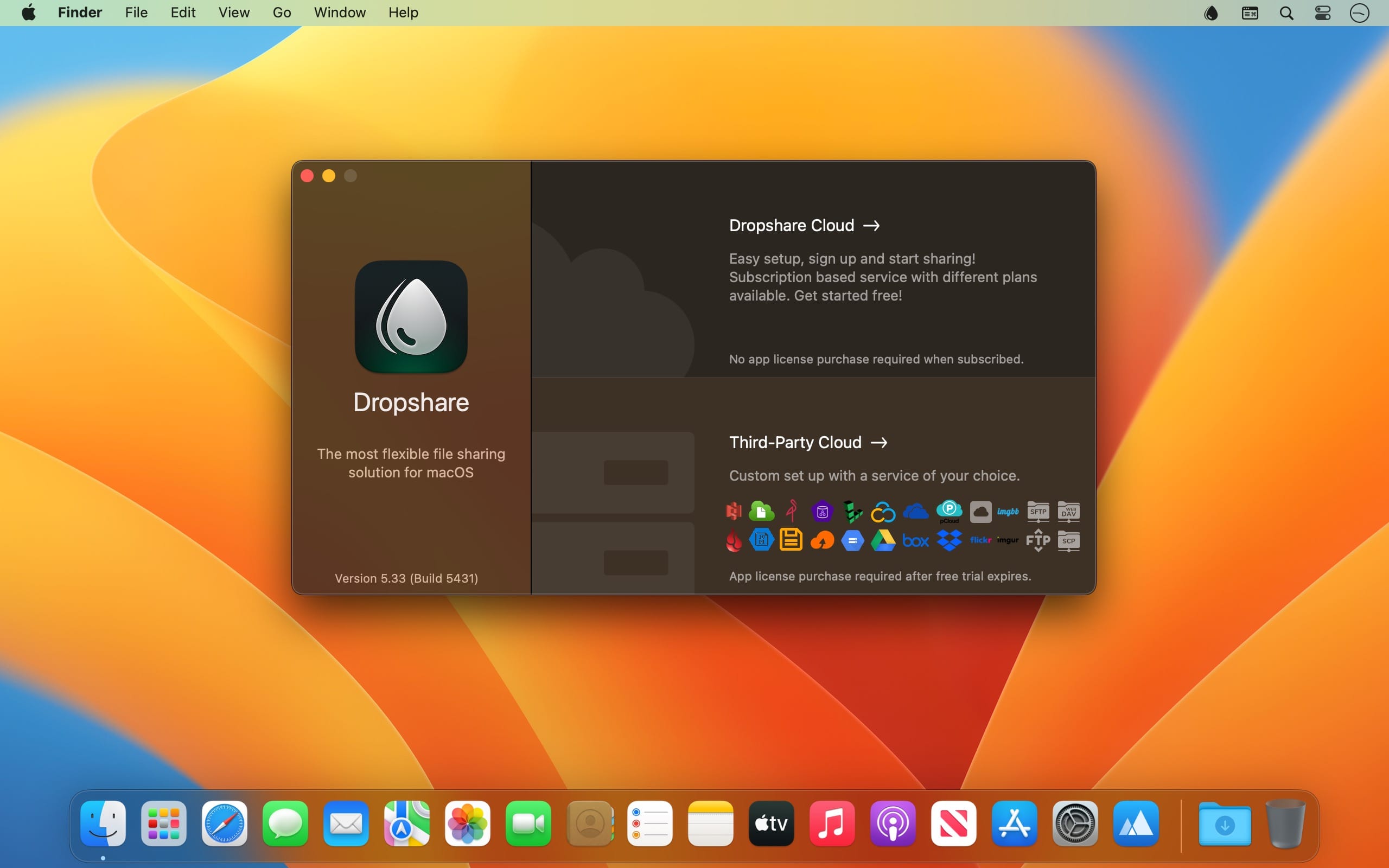
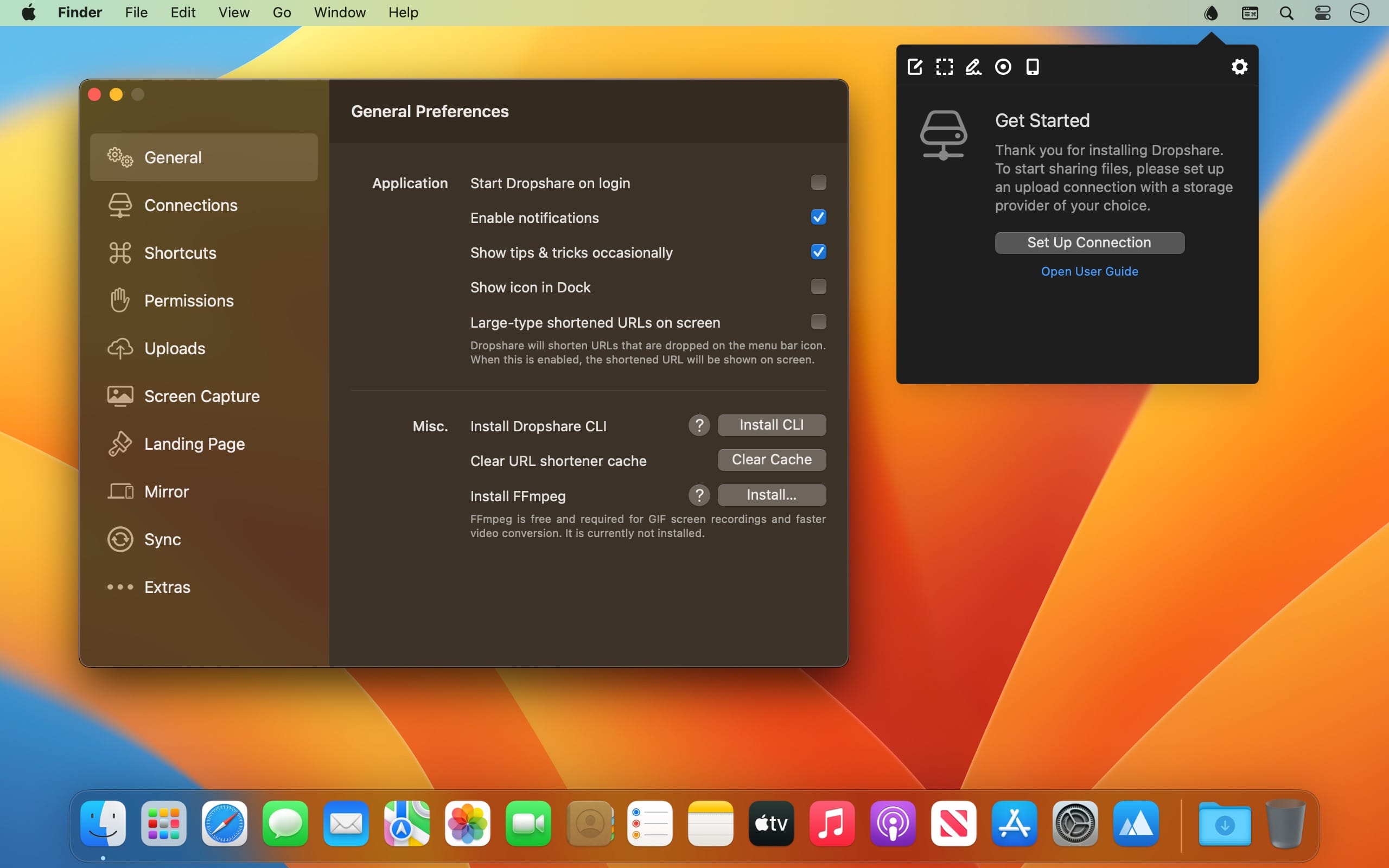
Dropshare is a file sharing utility for macOS that sits in your menu bar and runs quietly in the background until you need it. Drag in any file, folder, text snippet, screenshot, or screen recording, and it goes straight to the storage destination you've configured, with a ready-to-paste link waiting on your clipboard. It works well for freelancers, teams, and anyone who regularly sends files to clients, colleagues, or friends and wants to keep control over where that data lives.
Features
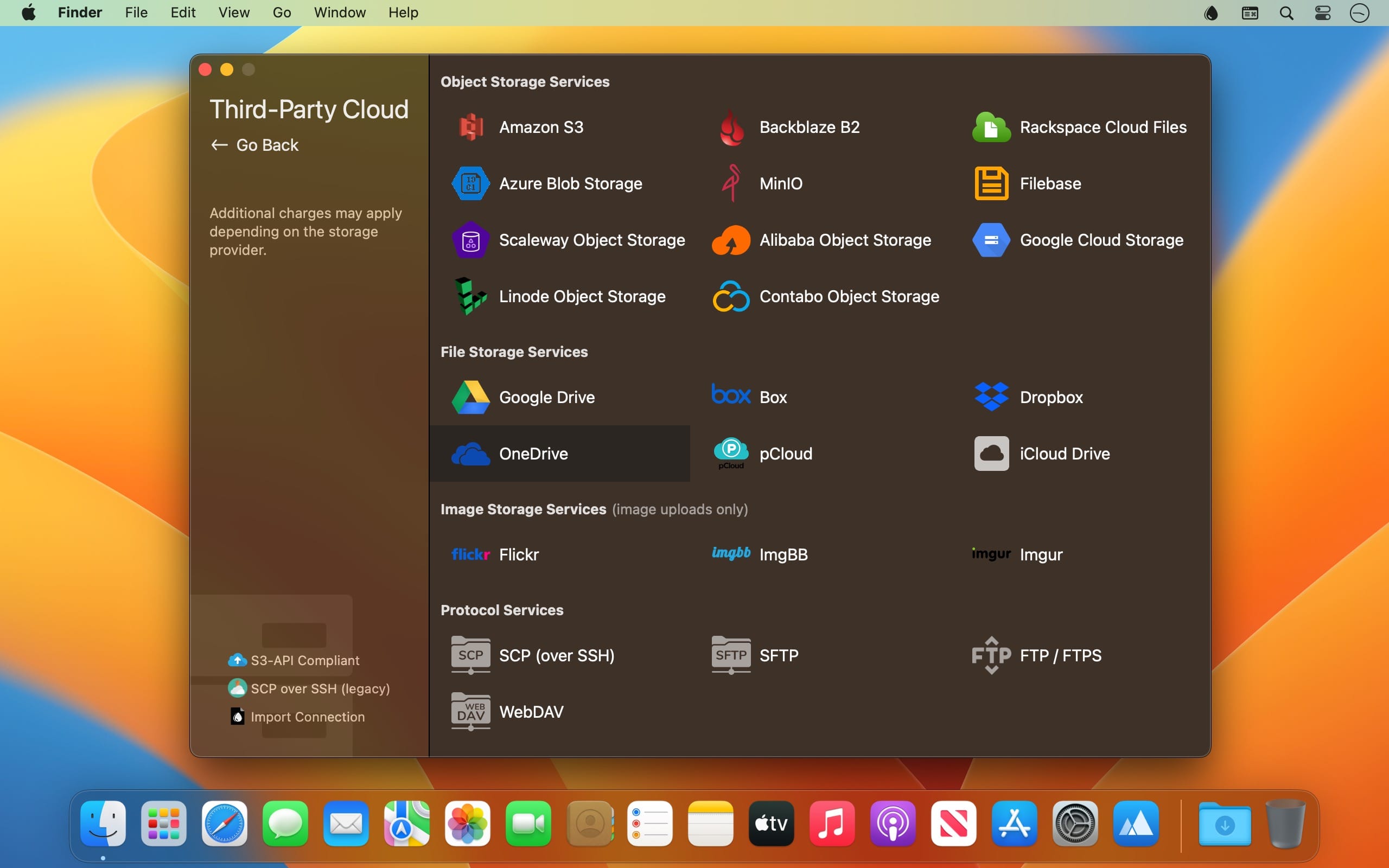
- Wide storage support — upload to your own server via SCP, SFTP, FTP, or WebDAV, or to Amazon S3, Backblaze B2, Google Cloud Storage, Microsoft Azure, Google Drive, Dropbox, OneDrive, pCloud, Imgur, Flickr, and more
- Dropshare Cloud — built-in hosting option that lets you start uploading in minutes
- Automatic share links — a link to the uploaded file is copied to your clipboard as soon as, or even before, the upload finishes
- Multiple connections — set up several destinations and switch between them with custom keyboard shortcuts or by holding ⌘ while dragging
- Direct transfers — files travel straight from your Mac to your provider without passing through Dropshare's infrastructure
- Screen capture and annotation — take and mark up screenshots with the built-in editor or supported apps like CleanShot X and Shottr
- Screen recording — capture video or GIFs with optional voice, Mac audio, webcam video, and on-screen keyboard shortcuts
- AI screenshot naming — automatically name screenshots so they are easier to identify and search
- Custom landing pages — share files through branded download pages using built-in designs, community templates, or your own HTML, CSS, and jаvascript
- Flexible upload options — start uploads via drag and drop, keyboard shortcuts, or the Share menu from almost any app
Version 6.15.0
Improvements
- Fixed an issue that would prevent encrypted uploads from working properly with FTP(S) connections
Frequently asked questions
How do I install the app?
Mount the image, drag the app into the "Applications" folder and launch it. If the system blocks the launch, allow it in "System Settings → Privacy & Security".
The app is damaged or won't launch
Reinstalling from a fresh image usually helps. Make sure your macOS version matches the one listed in the compatibility specs.
How do I update?
Download the new version from the site and install it over the current one — your settings will be preserved.
The download link doesn't work
Try a mirror or a download manager. For large files the browser often drops the connection.
How do I completely remove the app?
Use an uninstaller utility — it cleans up the service files that remain after moving the app to the trash.


Choose a download source
Dropshare 6.15.0 · 44.5 MB
Previous versions
Dropshare 6.15.0
Previous versions are available to registered users.