
Clover Configurator 5.27.0.0
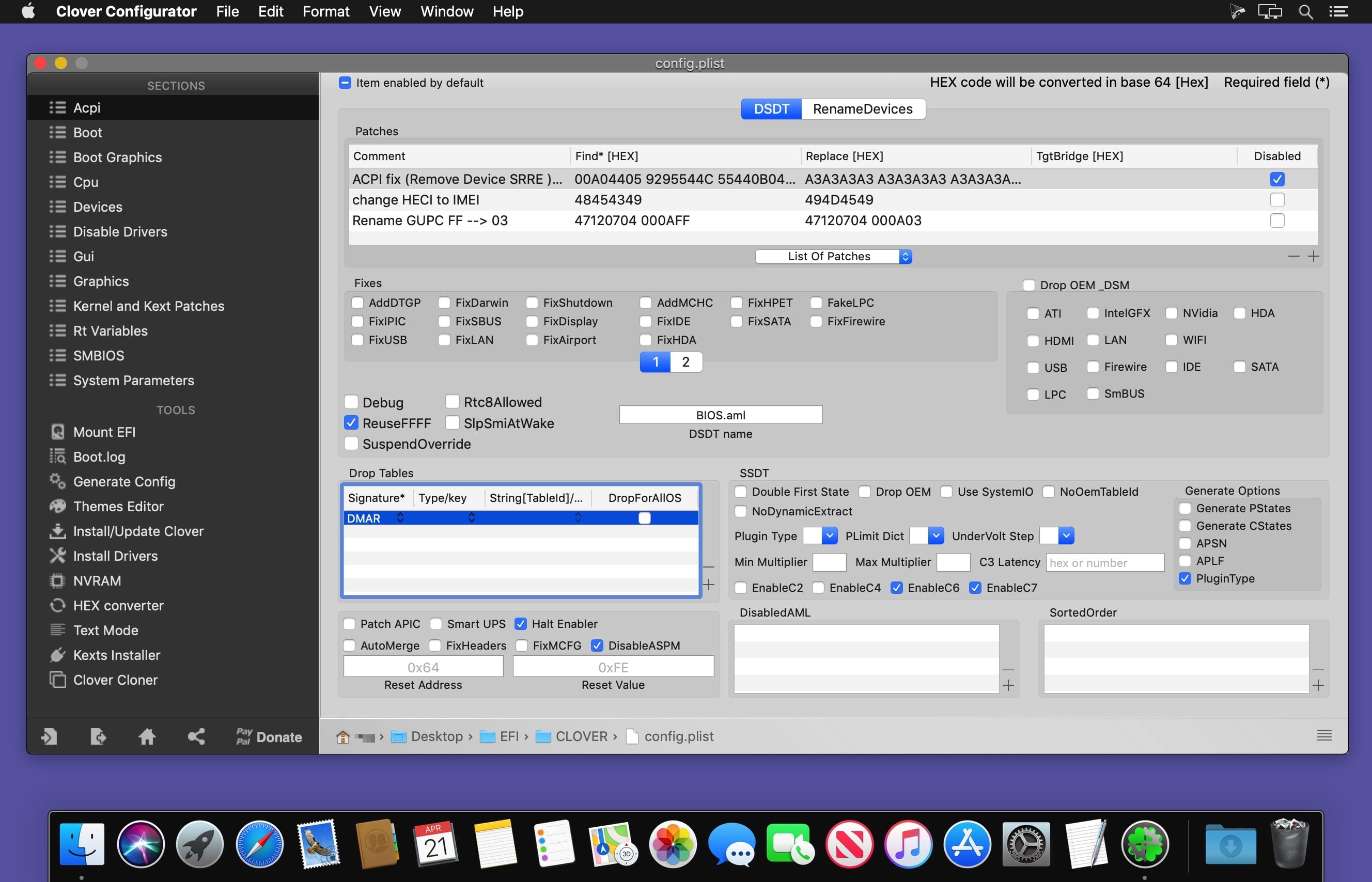
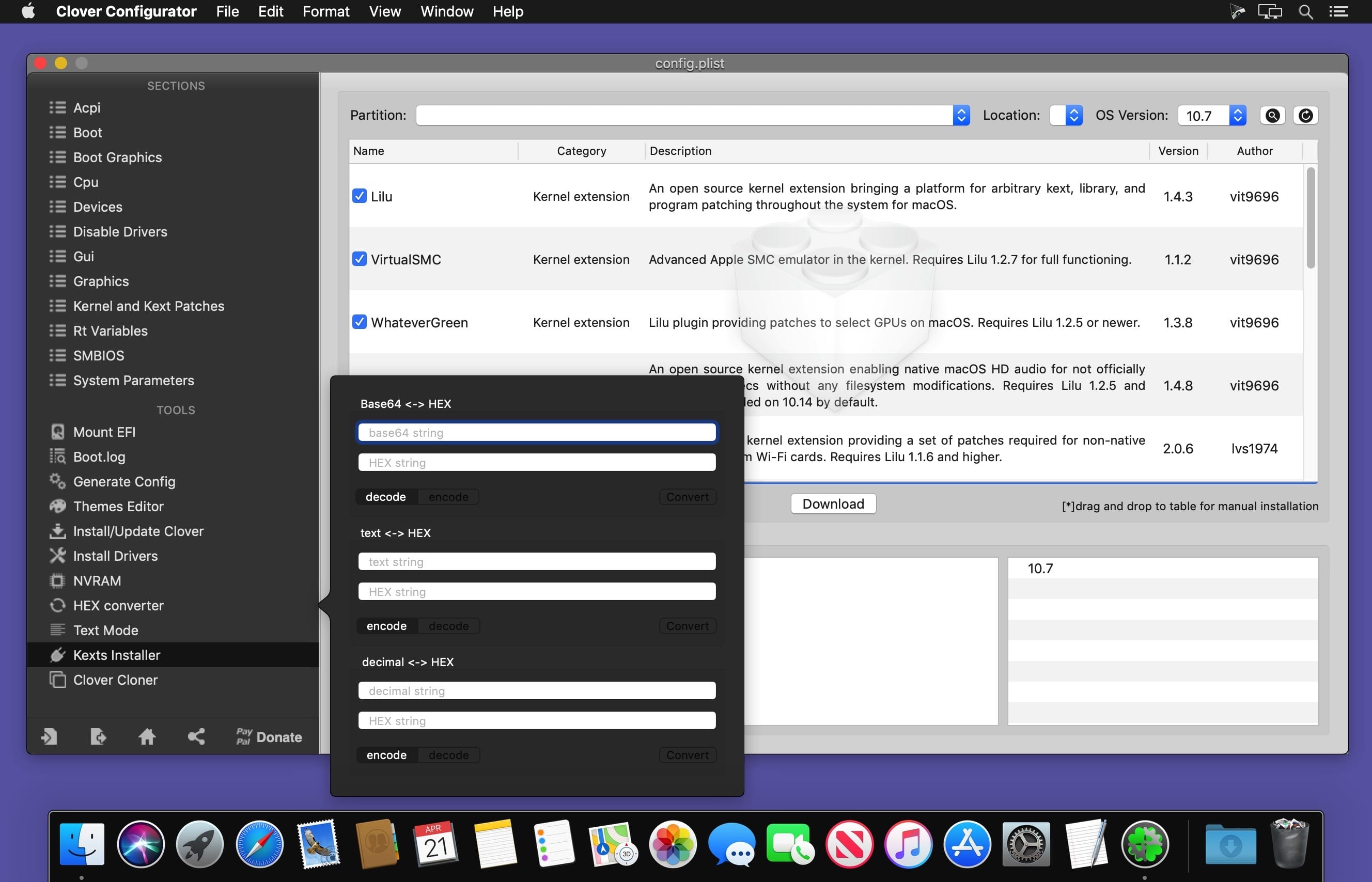
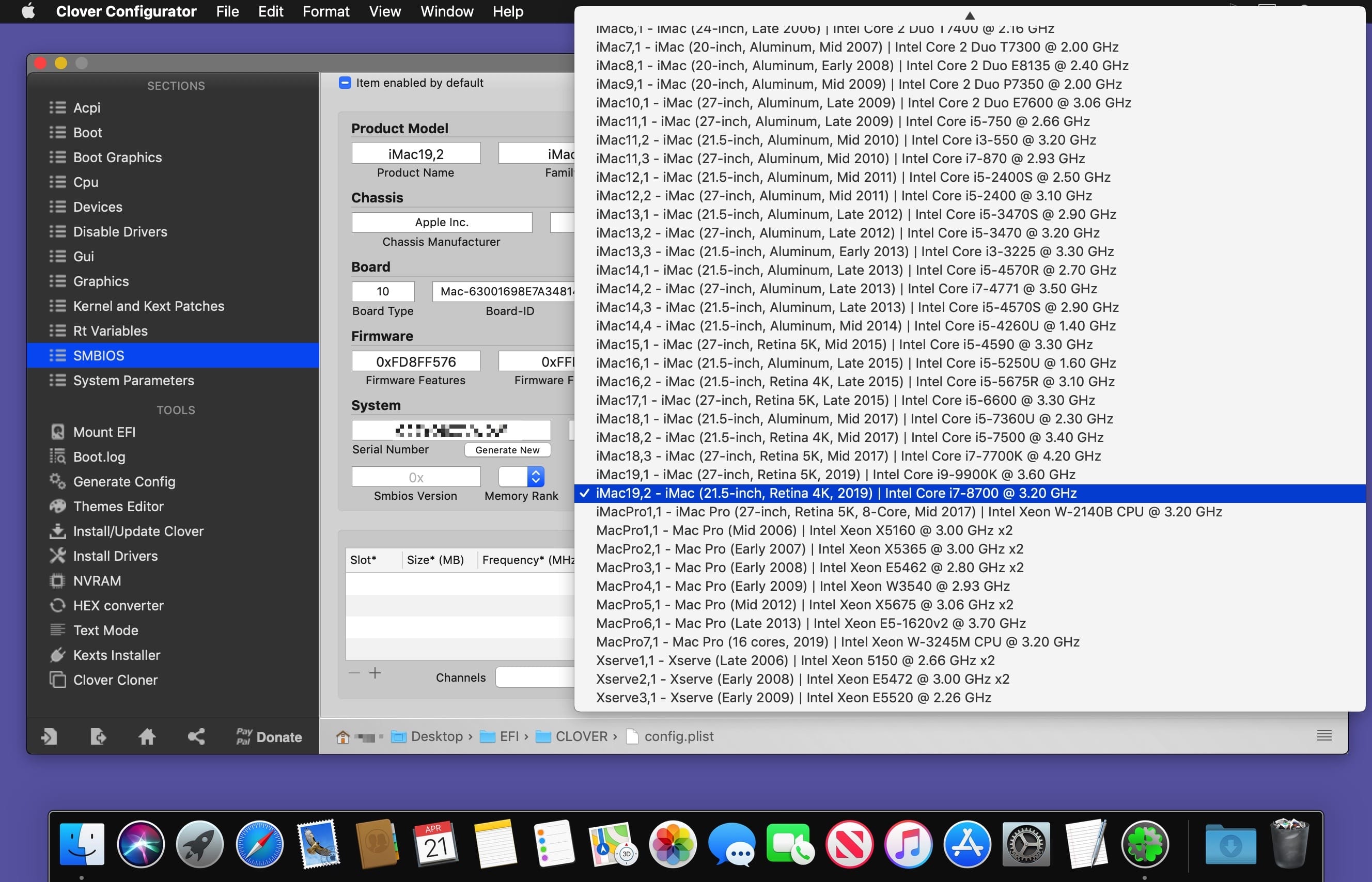
Clover Configurator designed to help you create custom configuration files for the Clover EFI bootloader via a streamlined graphical interface.
Upon launch, Clover Configurator will check to see if there are already available configuration files, and enables you to view their content. In addition, Clover Configurator can check for the latest Clover EFI revision, and helps you download and install the bootloader.
The Clover Configurator app is organized around two major functionalities: you can use the available tools to perform certain tasks, or you can customize certain parameters associated with the Clover EFI configuration file.
Version 5.27.0.0
- Added BlockSkywalk key in KernelAndKextPatches properties (Clover Rev. 5155+)
- Improved Multiple SMBIOS Entries feature in SMBIOS section
Frequently asked questions
How do I install the app?
Mount the image, drag the app into the "Applications" folder and launch it. If the system blocks the launch, allow it in "System Settings → Privacy & Security".
The app is damaged or won't launch
Reinstalling from a fresh image usually helps. Make sure your macOS version matches the one listed in the compatibility specs.
How do I update?
Download the new version from the site and install it over the current one — your settings will be preserved.
The download link doesn't work
Try a mirror or a download manager. For large files the browser often drops the connection.
How do I completely remove the app?
Use an uninstaller utility — it cleans up the service files that remain after moving the app to the trash.





Choose a download source
Clover Configurator 5.27.0.0 · 6.22 MB