Transmit 5.11.7
FTP client for Mac with cloud storage and fast sync
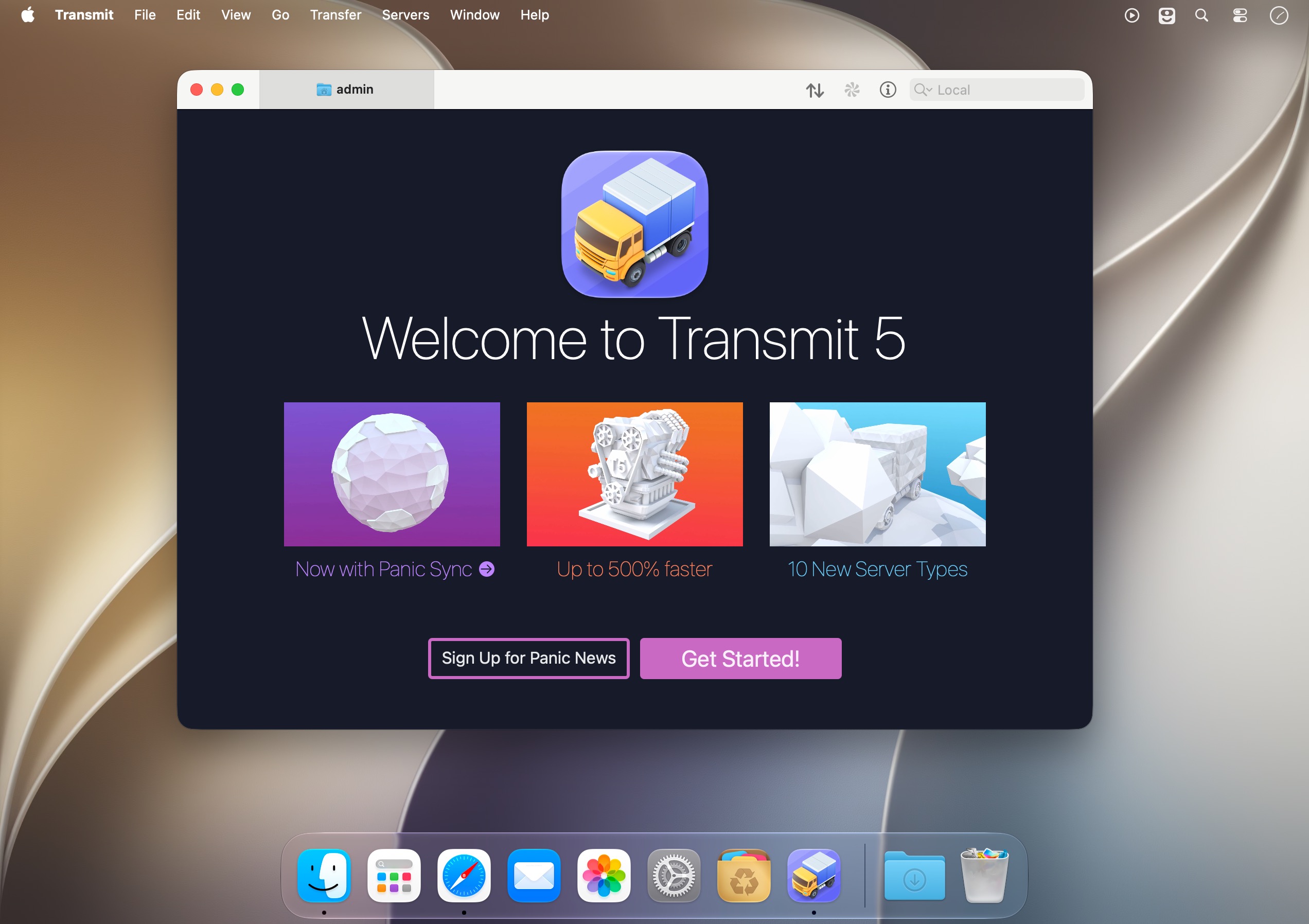
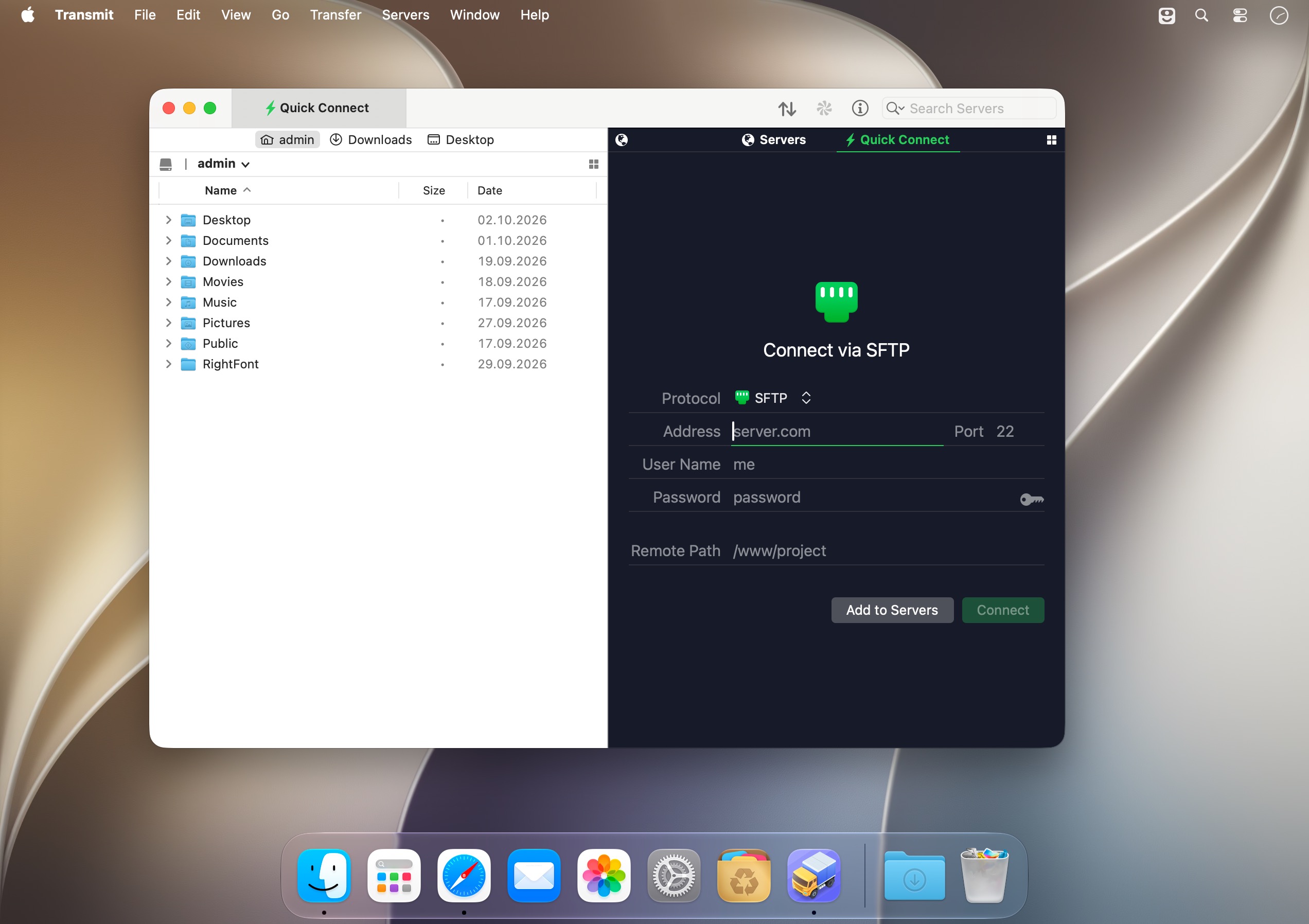
Transmit 5: file transfer for Mac, rebuilt for speed
Upload, download, and manage files across dozens of servers and cloud services, all from one clean, familiar Mac app. Transmit 5 takes everything you rely on in a file transfer client and makes it faster, smarter, and more connected than ever.
More servers, one simple window
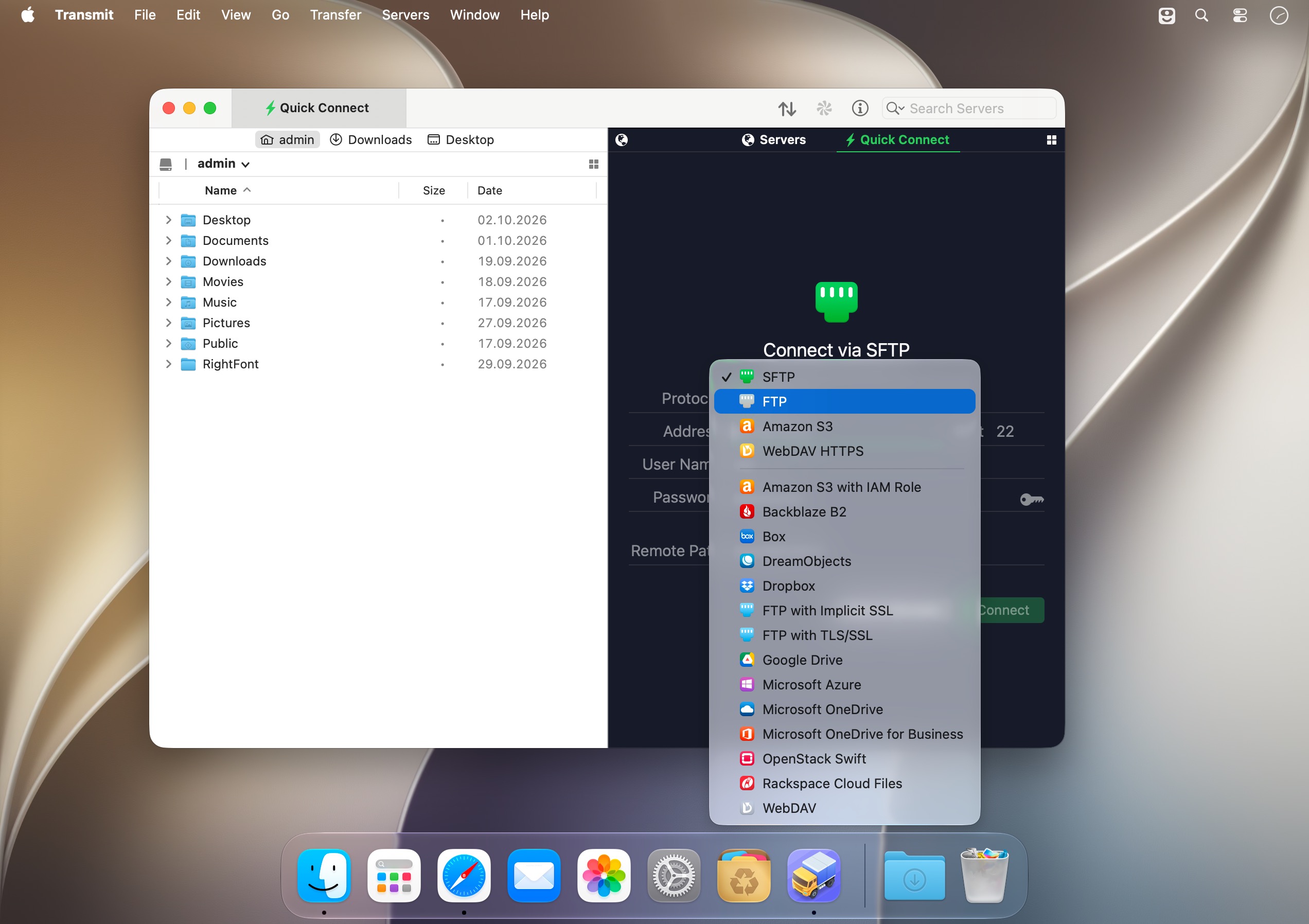
Transmit now connects to 11 new cloud services, including Backblaze B2, Box, Google Drive, DreamObjects, Dropbox, Microsoft Azure, and Rackspace Cloud Files. And the classics are still here and better than ever: FTP, SFTP, WebDAV, and Amazon S3. Even complex services become drag-and-drop simple.
More sync, more control
Transmit 5 includes Panic Sync, a secure and fast way to sync your sites. The robust File Sync feature now supports local-to-local and remote-to-remote sync, with more fine-grained control over exactly what gets updated.
More speed, rebuilt from the engine up
We took Transmit's engine apart and rebuilt it to significantly boost speed. Transmit 5 is better at multithreading and smarter with complex folders. A new activity view keeps your focus on what's happening right now. It's very fast.
Key features
- Cloud services: connect to Backblaze B2, Box, Google Drive, DreamObjects, Dropbox, Microsoft Azure, Rackspace Cloud Files, and more.
- Classic protocols: full support for FTP, SFTP, WebDAV, and Amazon S3.
- Panic Sync: sync your sites securely and quickly.
- File Sync: local-to-local and remote-to-remote sync with fine-grained control.
- Rebuilt engine: improved multithreading and smarter handling of complex folders.
- Activity view: see exactly what Transmit is doing right now.
- Get Info sidebar: inspect items as you browse, right in the browser.
- Batch Rename: powerful, flexible, and built in for local or remote files.
- Places bar: jump to your favorite folders with a single click.
- Keys: manage and generate secure keys right in Transmit.
- Tags: organize your files with tags.
- 2-factor login: an extra layer of security when you sign in.
- Open in Terminal: jump from Transmit straight to the command line.
- Extra large Amazon S3 file support: move big files to S3 with ease.
- Brand new UI: a fresh, familiar, and powerful interface.
Download Transmit 5 and move your files faster, wherever they live.
Version 5.11.7:
- Fixed drag and drop of file browser items whens using column view
Frequently asked questions
How do I install the app?
Mount the image, drag the app into the "Applications" folder and launch it. If the system blocks the launch, allow it in "System Settings → Privacy & Security".
The app is damaged or won't launch
Reinstalling from a fresh image usually helps. Make sure your macOS version matches the one listed in the compatibility specs.
How do I update?
Download the new version from the site and install it over the current one — your settings will be preserved.
The download link doesn't work
Try a mirror or a download manager. For large files the browser often drops the connection.
How do I completely remove the app?
Use an uninstaller utility — it cleans up the service files that remain after moving the app to the trash.




Choose a download source
Transmit 5.11.7 · 32.59 MB
Previous versions
Transmit 5.11.7
Previous versions are available to registered users.
Comments 1