
Aktuell 3.8.1

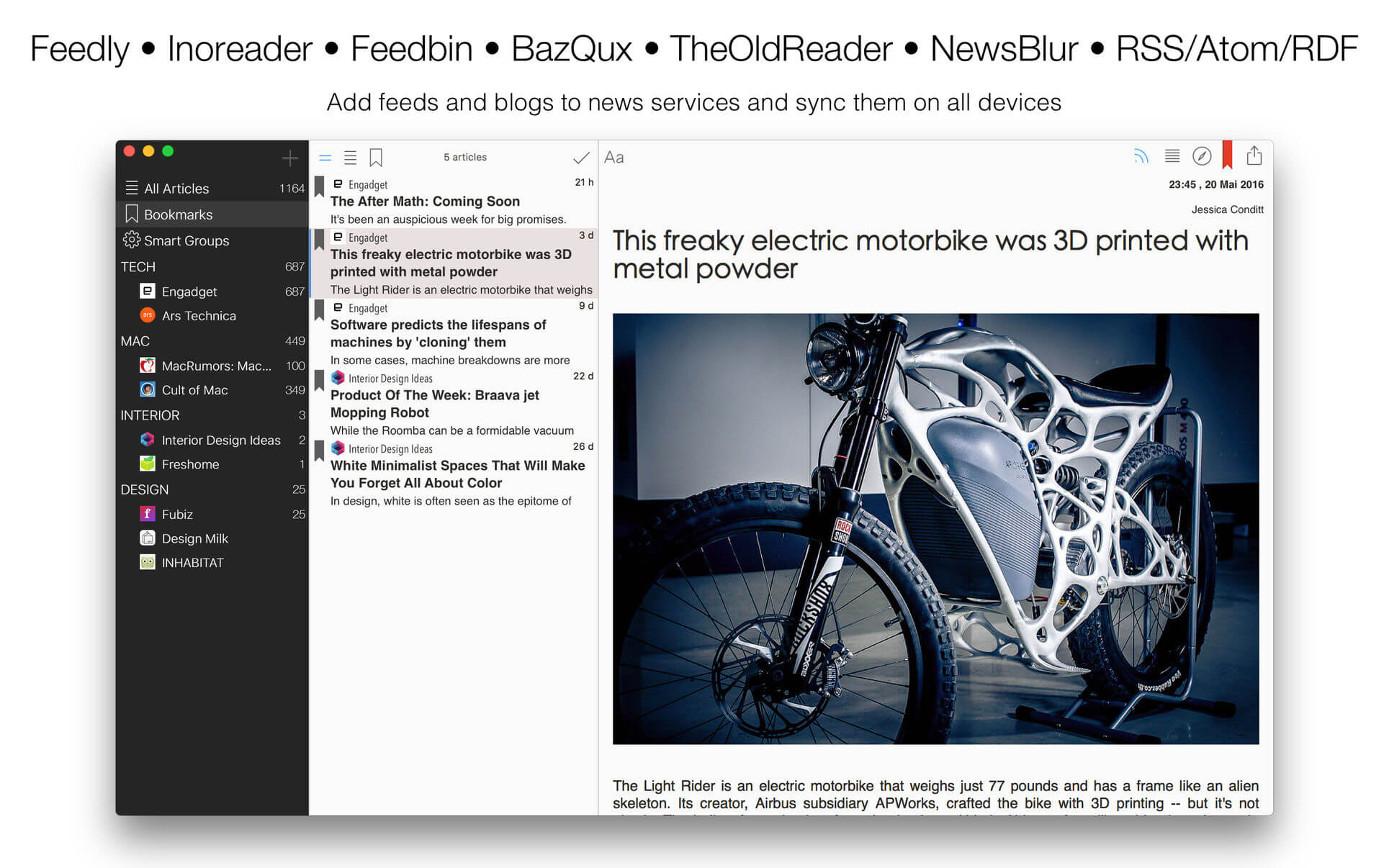

Aktuell is a modern, intuitive, elegant reader for blogs and news. All your favorite feeds in one app. Be up to date!
SYNCING
- Feedly
- Inoreader
- Feedbin
- Very fast built-in RSS/Atom/RDF sync, support of all versions of standards
- Ability to sync all feeds or selected feeds automatically in background
- Unlimited groups and feeds
- Organizing feeds in groups
- Drag and Drop of feeds and groups to change order
- OPML import/export
- Standard Share Menu option
- Email articles
- iMessage
- Sina Weibo
- VK
- Built-in bookmarks
- Evernote
- Instapaper
- Readability
- Themes
- Unique new settings for changing fonts and font sizes of article list and of article view
- Thumbnails in article list
- Distraction-free and intuitive modern UI
- Mark articles as read as scroll in article list
- Reader Mode (distraction-free)
- Opening articles in external browser
- In-App Browser
- Simple Podcasts support, audio and video
- Video support in articles
- Gestures
- Shortcuts, customizable
- Keyboard navigation with arrow keys (between panes)
- OS X El Capitan look and feel, designed special for this OS
- San Francisco font
- Retina display support
- Translated professionally and from native speakers
- English, Deutsch, Français, 汉语, 中文, 日本語, Español, Português, Italiano, Svenska, Nederlands, Dansk, Norsk, Čeština, Latviešu, Lietuvių, Türkçe, Русский, Українська
Version 3.8.1
Changes in version 3.8:
- Syncing services were improved
Changes in version 3.8:
- Mercury web parser (mercury.postlight.com) as Reader Mode
- Syncing services were improved
- UI Improvements
- Improvements
Frequently asked questions
How do I install the app?
Mount the image, drag the app into the "Applications" folder and launch it. If the system blocks the launch, allow it in "System Settings → Privacy & Security".
The app is damaged or won't launch
Reinstalling from a fresh image usually helps. Make sure your macOS version matches the one listed in the compatibility specs.
How do I update?
Download the new version from the site and install it over the current one — your settings will be preserved.
The download link doesn't work
Try a mirror or a download manager. For large files the browser often drops the connection.
How do I completely remove the app?
Use an uninstaller utility — it cleans up the service files that remain after moving the app to the trash.
VersionAktuell 3.8.1
DeveloperRuslan Hakimzhanov
CompatibilityOS X 10.10 or later, 64-bit processor
LanguageEnglish
IncludesK'ed by TNT





Information
Visitors in the group Guests cannot leave comments on this publication.
Choose a download source
Aktuell 3.8.1 · 13.69 MB