
Smart Zipper - RAR&7Zip Tool 2.10
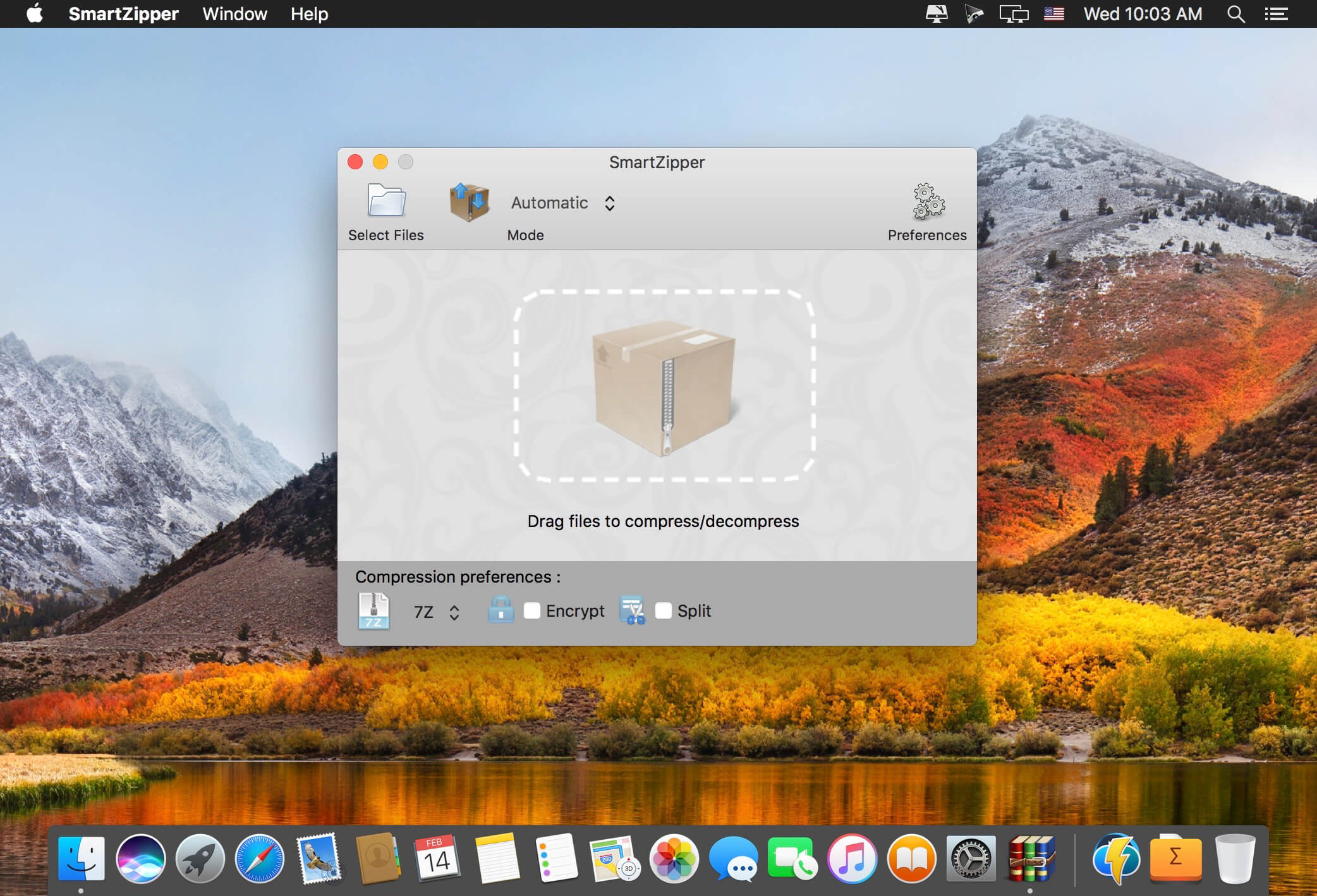
Smart Zipper is an easy-to-use and efficient compression and decompression tool.
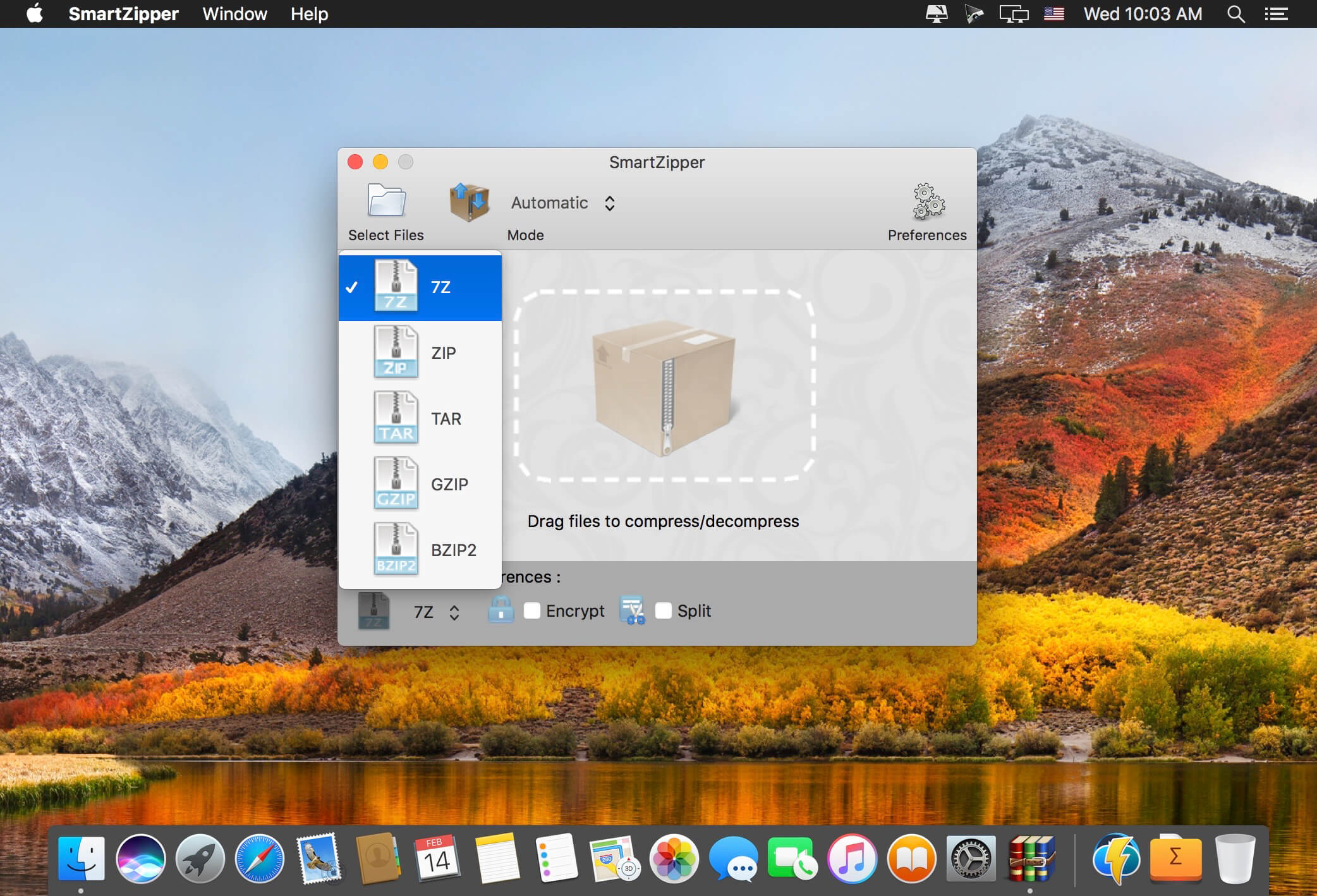
Smart Zipper is designed to handle many more formats than Archive Utility, Supported file formats include RAR, 7z, ISO, CAB, Zip, Lzma, Tar, Gzip, Bzip2, PAX and many other more or less obscure formats.
Extraction formats supported:
Over 20 different file types ranging from RAR, 7z, ISO, CAB, Zip, StuffIt, Lzma, Tar, Gzip, Bzip2, PAX and much more.
Compression formats supported:
7z, Zip, Gzip, Tar, Bzip2 with 5 different compression levels.
Smart Zipper is designed to handle many more formats than Archive Utility, Supported file formats include RAR, 7z, ISO, CAB, Zip, Lzma, Tar, Gzip, Bzip2, PAX and many other more or less obscure formats.
Features:
- Opening a compressed package: You can drag a compressed package into the window or select a package directly from within the program through the file browser. You can decompress the package directly or browse the contents of the compressed package.
- Creating a compressed package: You can drag multiple documents or folders into the window, or select the documents or folders to be compressed in the file browser.
- Protect your dаta: SmartZipper can create a password to protect your data.
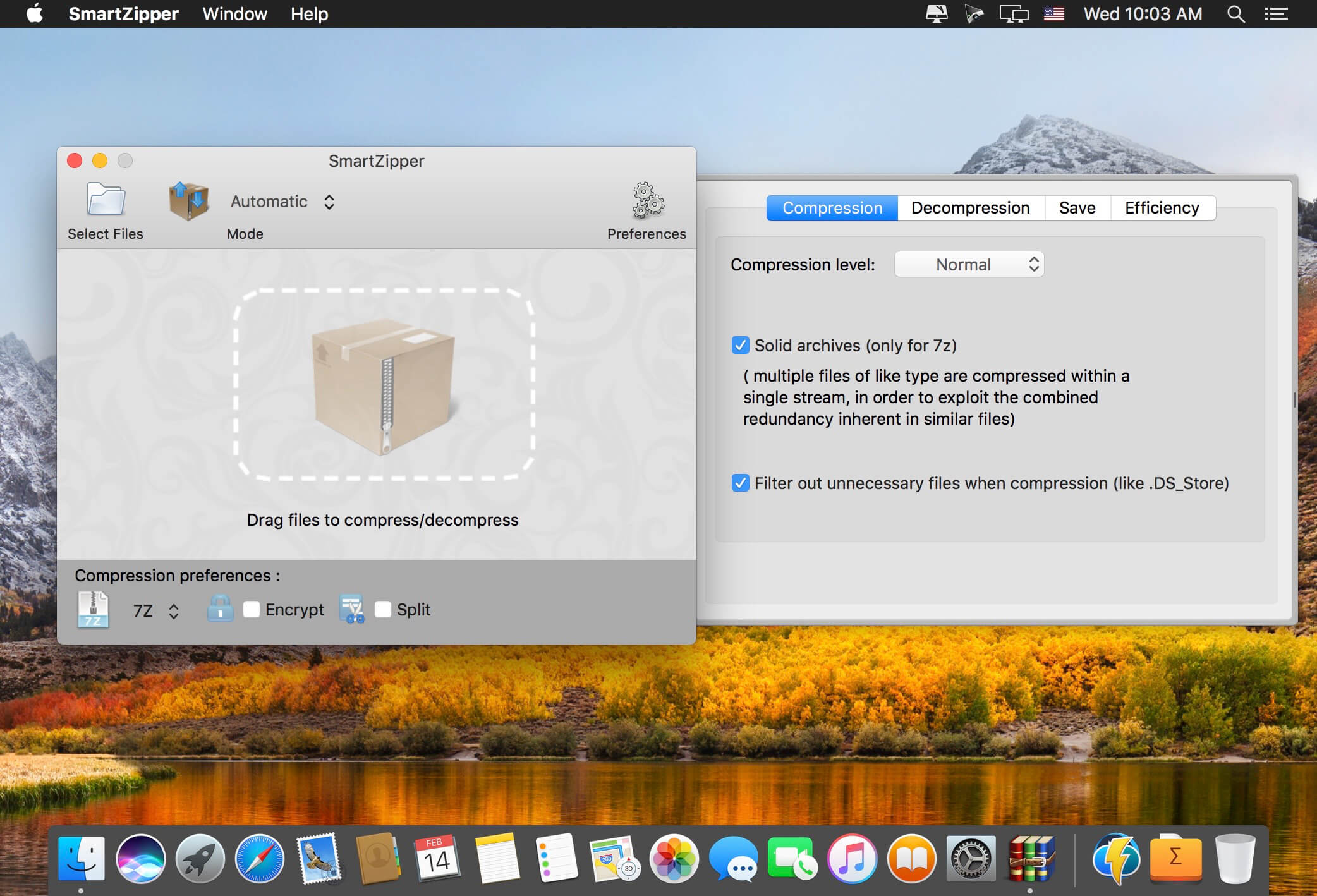
- Supported compression levels: No compression, fastest compression, fast compression, normal compression, high compression, maximum compression.
Version 2.00
- Some bugs fixed.
Frequently asked questions
How do I install the app?
Mount the image, drag the app into the "Applications" folder and launch it. If the system blocks the launch, allow it in "System Settings → Privacy & Security".
The app is damaged or won't launch
Reinstalling from a fresh image usually helps. Make sure your macOS version matches the one listed in the compatibility specs.
How do I update?
Download the new version from the site and install it over the current one — your settings will be preserved.
The download link doesn't work
Try a mirror or a download manager. For large files the browser often drops the connection.
How do I completely remove the app?
Use an uninstaller utility — it cleans up the service files that remain after moving the app to the trash.



Choose a download source
Smart Zipper - RAR&7Zip Tool 2.10 · 7.45 MB
Previous versions
Smart Zipper - RAR&7Zip Tool 2.10
Previous versions are available to registered users.