App Tamer 2.8.3
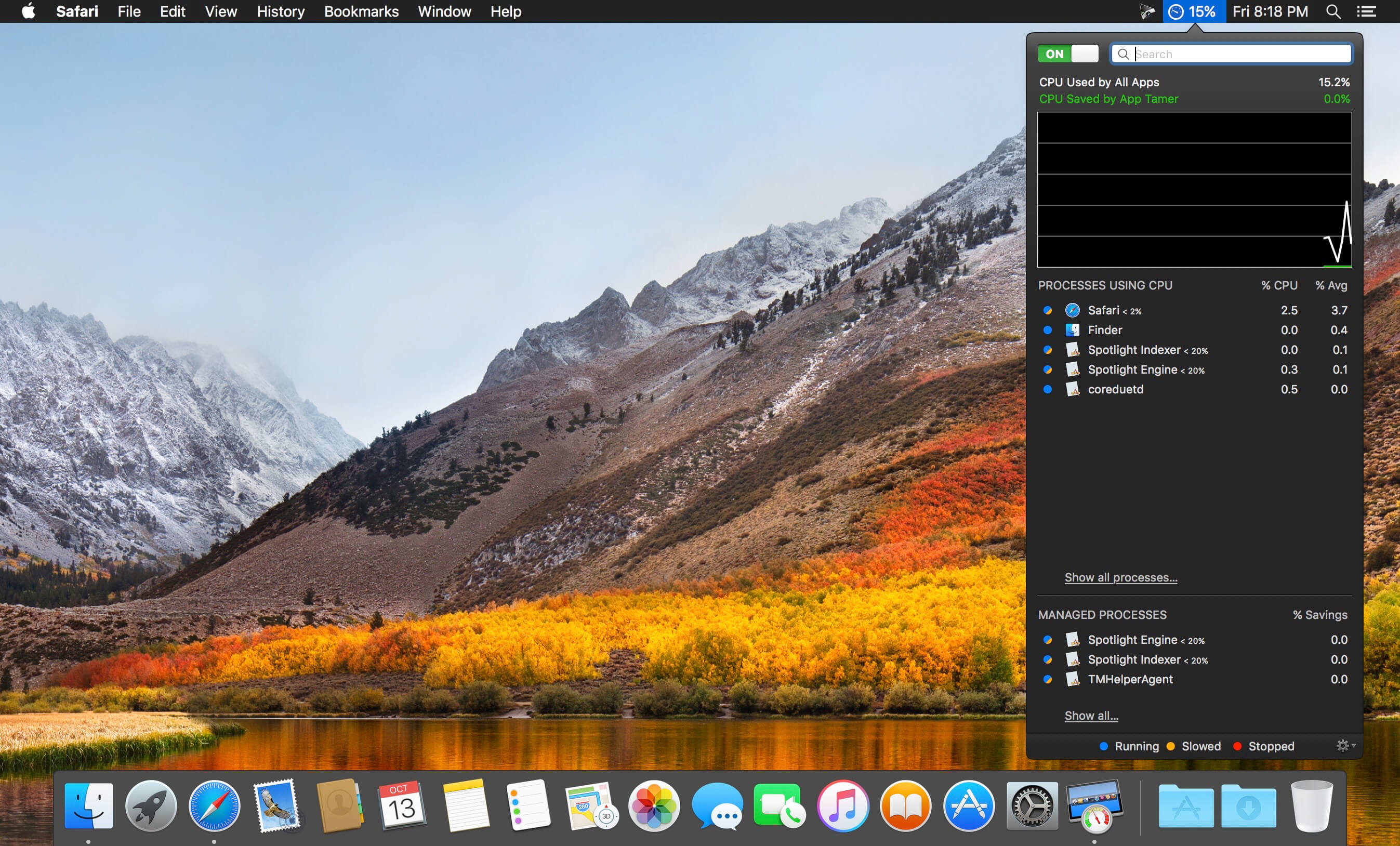
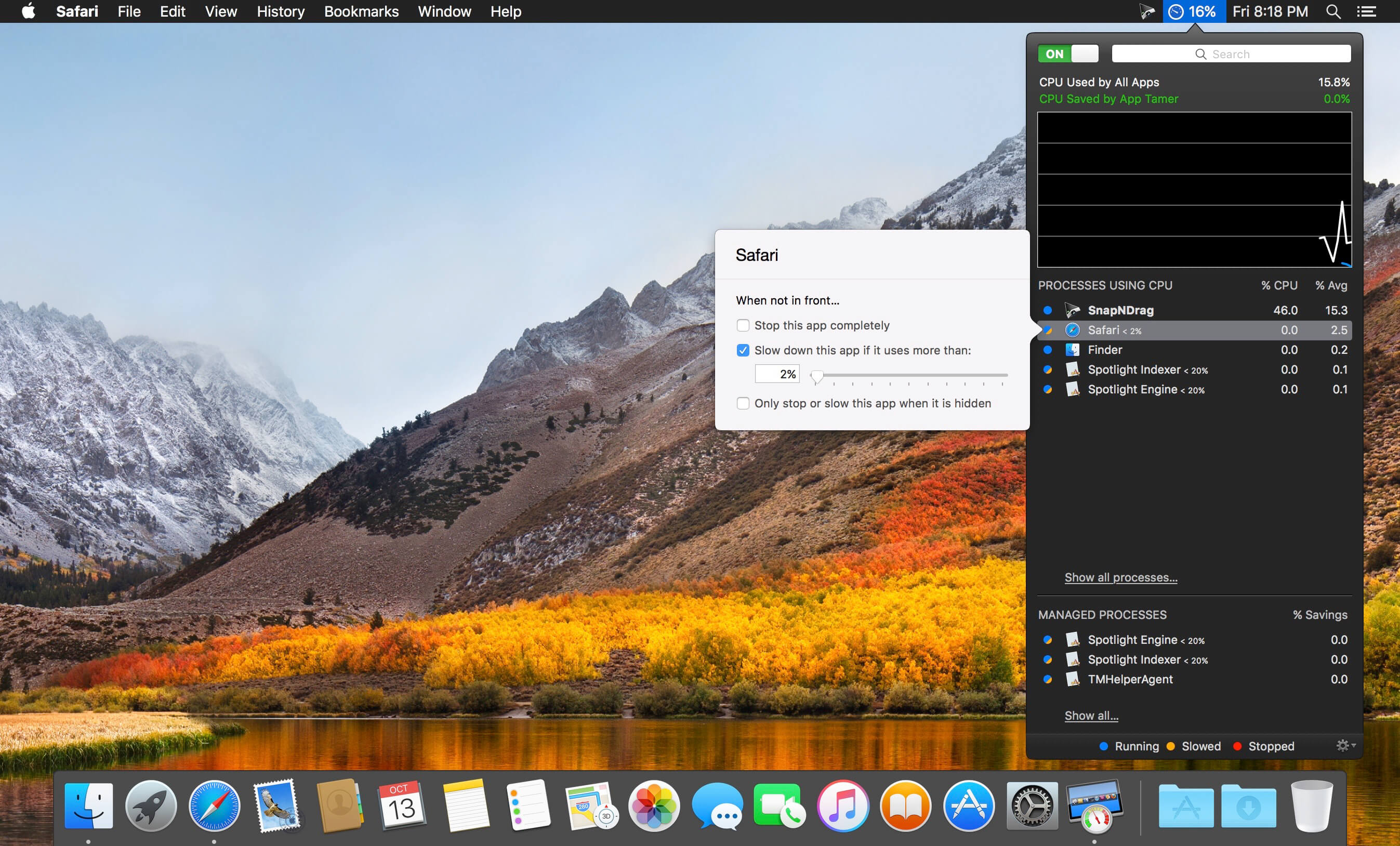
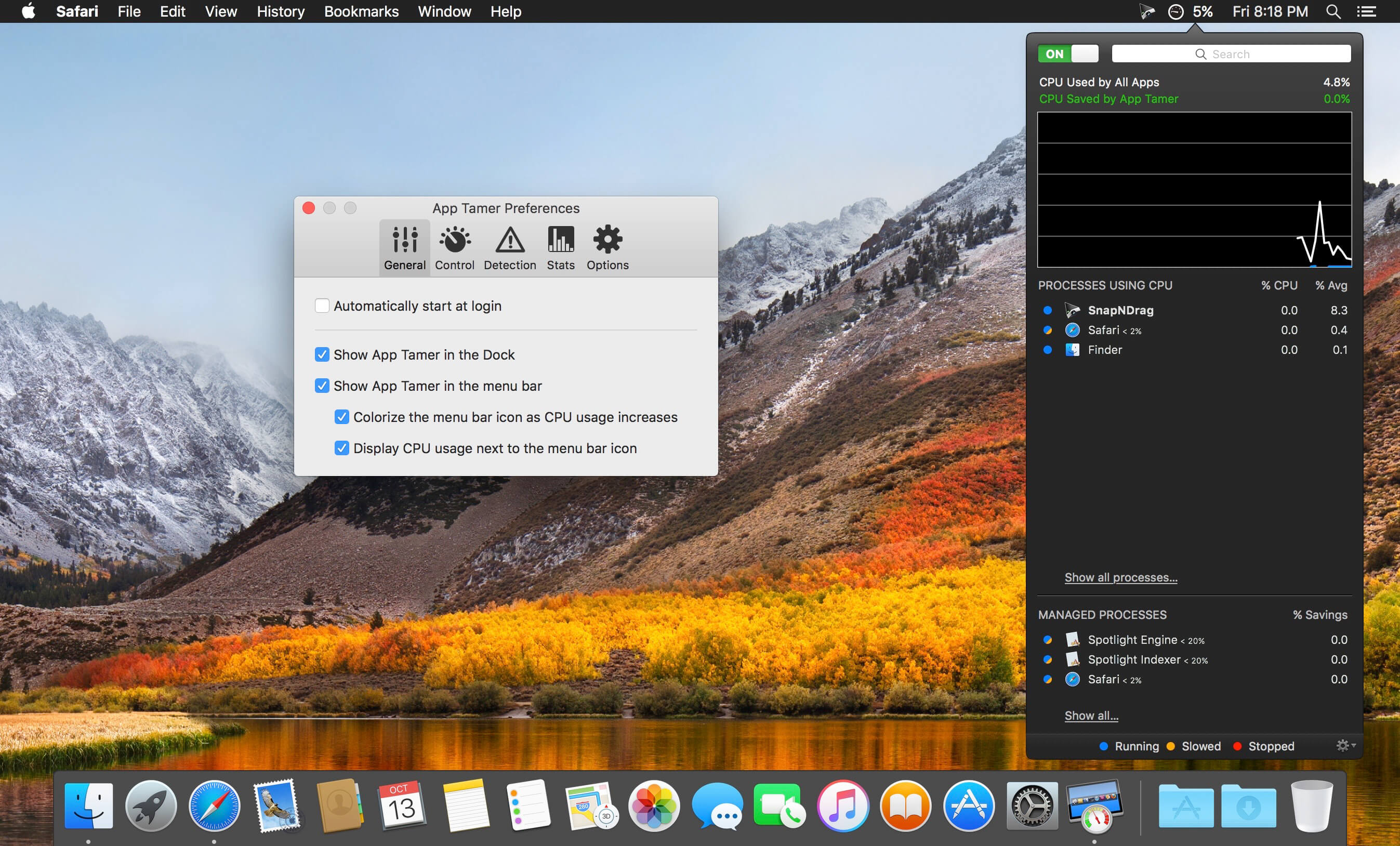
App Tamer tames your processor-monopolizing apps and keeps them from chewing up excessive CPU time and battery life. Powered by a unique AutoStop feature, App Tamer stops each application when you switch away from it -- when you return to that app, it restarts automatically!
App Tamer is built around an attractive and clear user interface, designed for managing all your running applications with minimum distraction or frustration. With helpful displays, you can monitor the average percentage of your processor(s) being used by each app, or access a graphical history or your CPU usage. Easily enable AutoStop for any application, or limit it to a certain amount of CPU time.
Don't waste time trying to manage CPU usage on an app-by-app basis -- liberate your Mac with App Tamer!
Version 2.8.22:
- Fixed a bug that could cause slowed processes to run slowly even in the foreground after the system wakes from sleep.
- On Apple Silicon Macs, performance and efficiency core usage can now be shown in the menu bar even when overall CPU usage is not displayed.
- When App Tamer is forced to quit or crashes, it will now restore any process priority and performance / efficiency core settings that it changed for running processes.
- Corrected a problem when reinstalling App Tamer's helper app that could cause the alert to flicker and make it difficult to enter your admin password.
- When entering license information, a bug could cause Little Snitch to silently block App Tamer's attempts to valid a license. This has been fixed.
Frequently asked questions
How do I install the app?
Mount the image, drag the app into the "Applications" folder and launch it. If the system blocks the launch, allow it in "System Settings → Privacy & Security".
The app is damaged or won't launch
Reinstalling from a fresh image usually helps. Make sure your macOS version matches the one listed in the compatibility specs.
How do I update?
Download the new version from the site and install it over the current one — your settings will be preserved.
The download link doesn't work
Try a mirror or a download manager. For large files the browser often drops the connection.
How do I completely remove the app?
Use an uninstaller utility — it cleans up the service files that remain after moving the app to the trash.



Choose a download source
App Tamer 2.8.3 · 10.58 MB
Previous versions
App Tamer 2.8.3
Previous versions are available to registered users.