
The Unarchiver 4.3.9

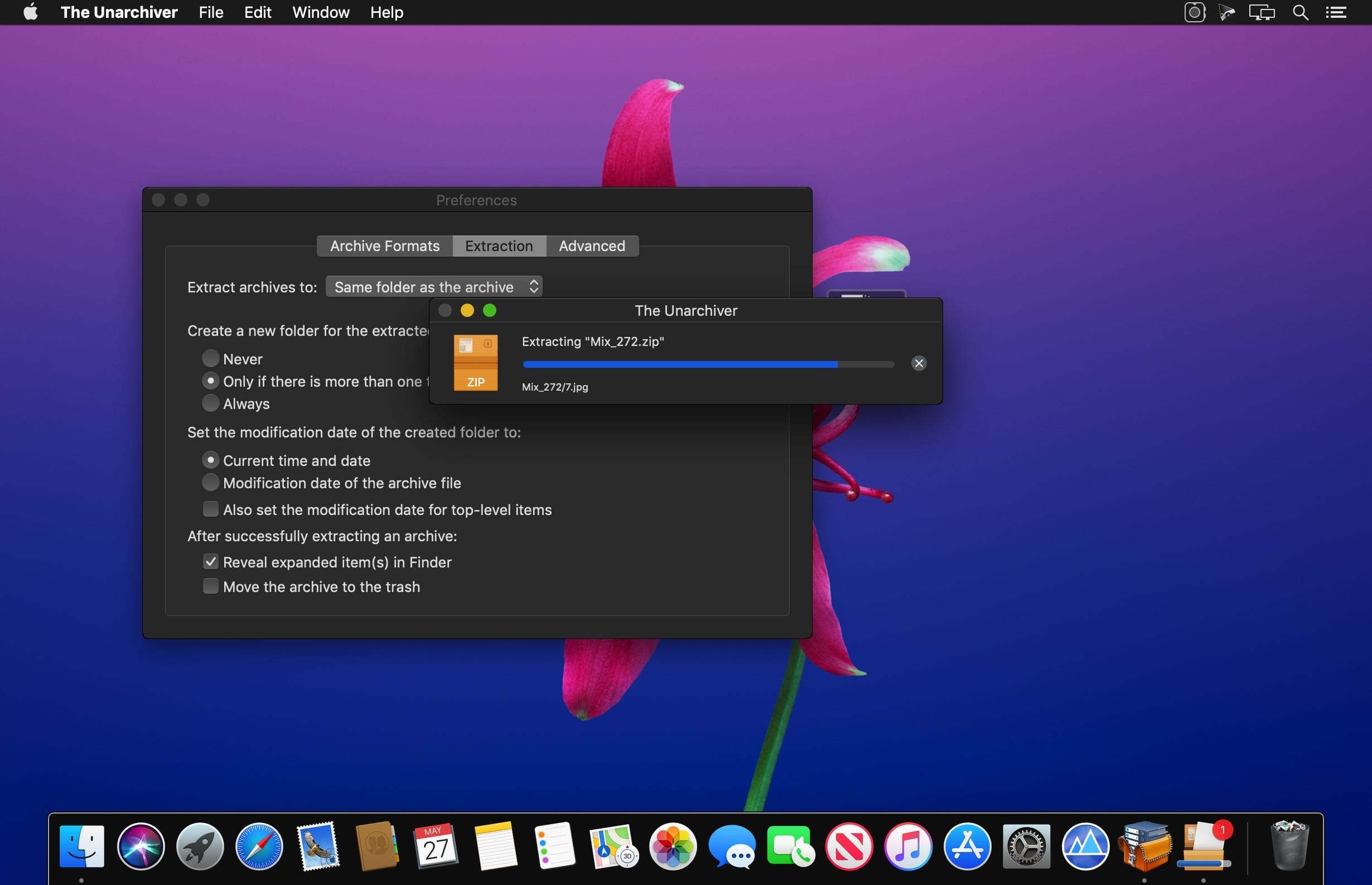
The Unarchiver is a small and easy to use program that can unarchive many different kinds of archive files. It will open common formats such as Zip, RAR (including v5), 7-zip, Tar, Gzip and Bzip2. It will also open many older formats, such as StuffIt, DiskDoubler, LZH, ARJ and ARC. It will even open other kinds of files, like ISO and BIN disc images, some Windows .EXE installers. The list is actually much longer - see the program homepage for the full list.
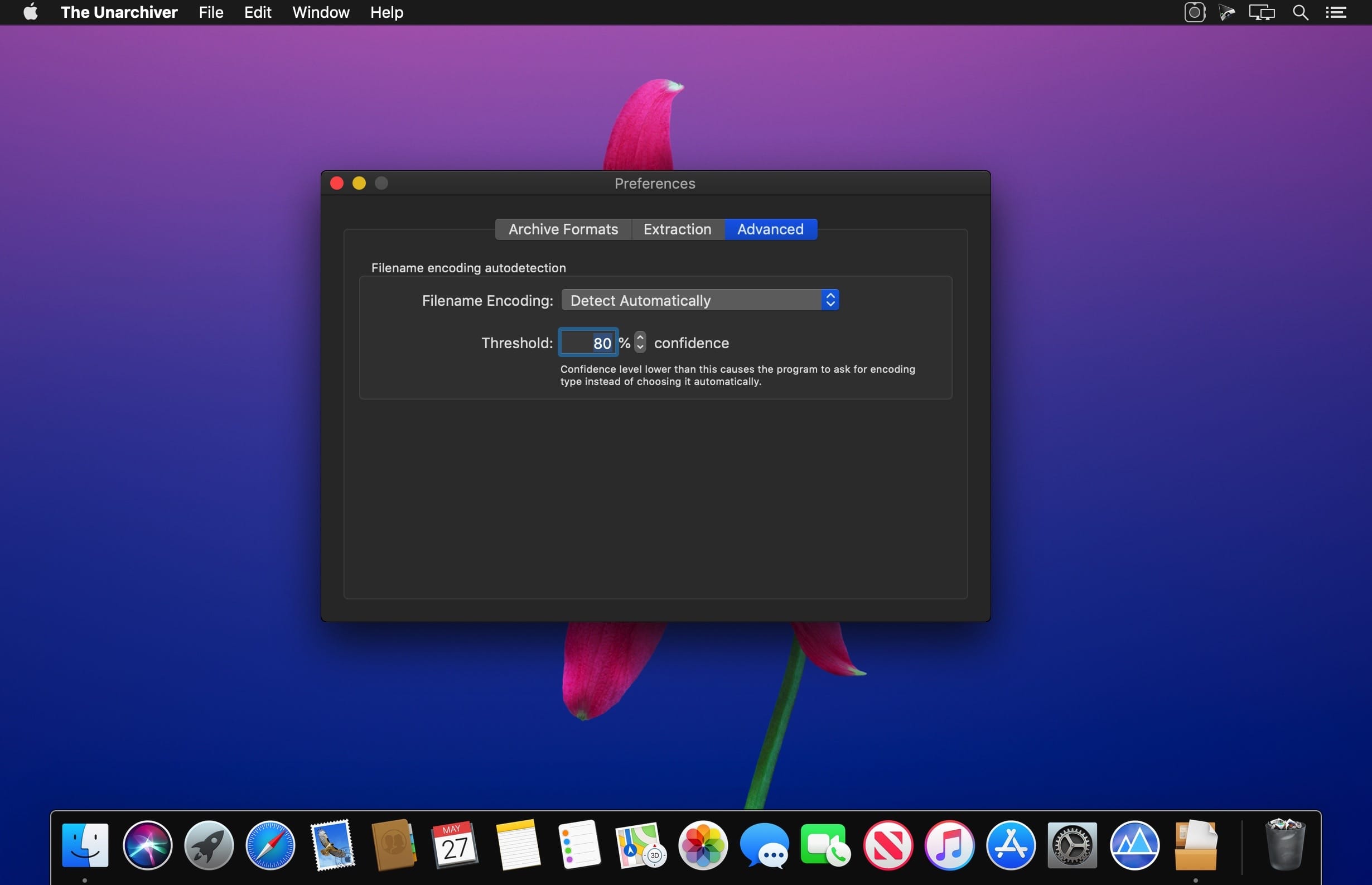
The Unarchiver also tries to detect and correctly handle the filename encoding in the archives it opens, allowing you to open files from every part of the world without getting garbled filenames.
The Unarchiver aims to be the only unarchiving program you will ever need, and to stay out of your way.
Version 4.3.9:
- Minor bugs and known crashes
Frequently asked questions
How do I install the app?
Mount the image, drag the app into the "Applications" folder and launch it. If the system blocks the launch, allow it in "System Settings → Privacy & Security".
The app is damaged or won't launch
Reinstalling from a fresh image usually helps. Make sure your macOS version matches the one listed in the compatibility specs.
How do I update?
Download the new version from the site and install it over the current one — your settings will be preserved.
The download link doesn't work
Try a mirror or a download manager. For large files the browser often drops the connection.
How do I completely remove the app?
Use an uninstaller utility — it cleans up the service files that remain after moving the app to the trash.




Choose a download source
The Unarchiver 4.3.9 · 23.19 MB
Previous versions
The Unarchiver 4.3.9
Previous versions are available to registered users.