
A-Zippr: RAR & Zip Extractor Premium 2.1
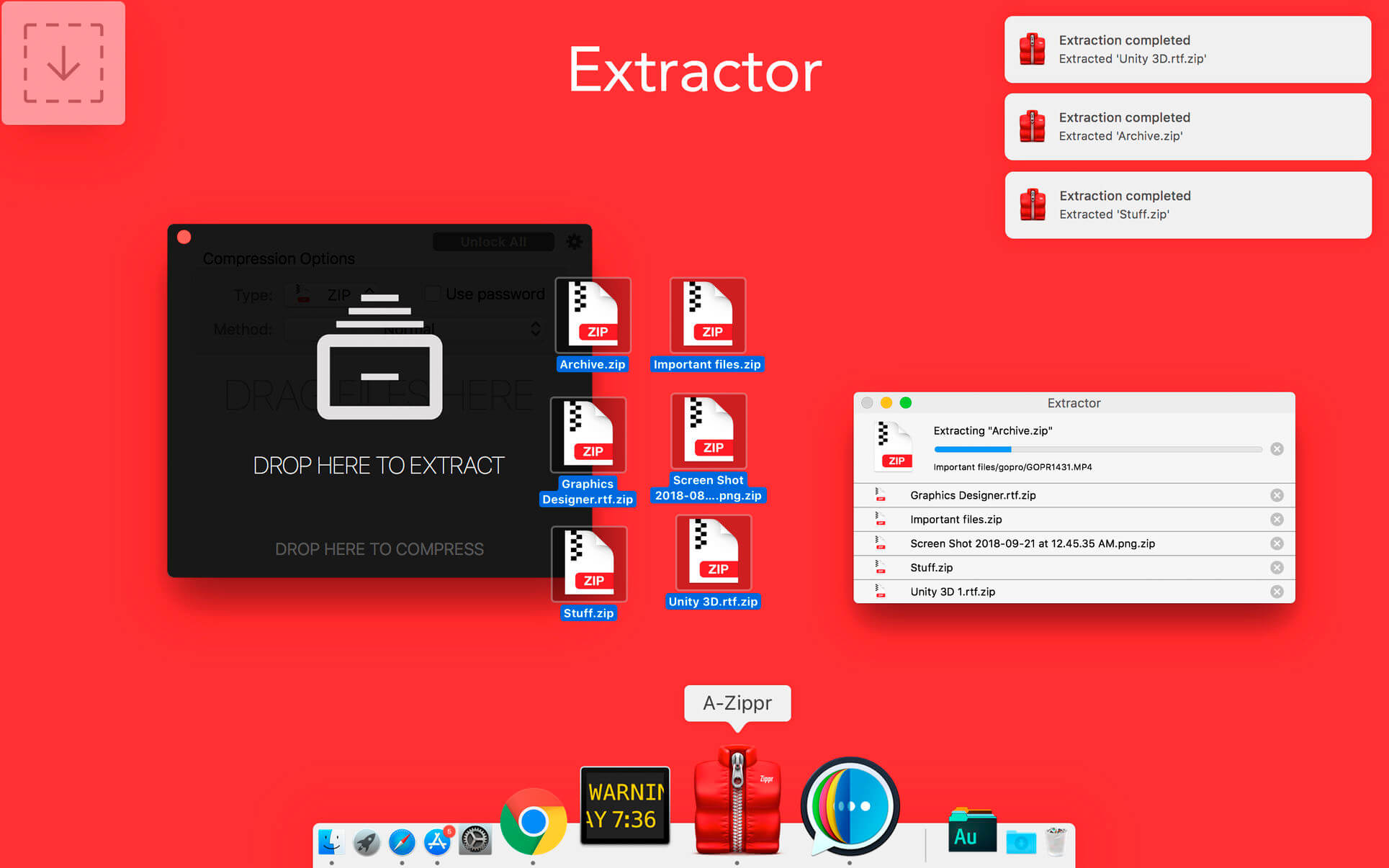
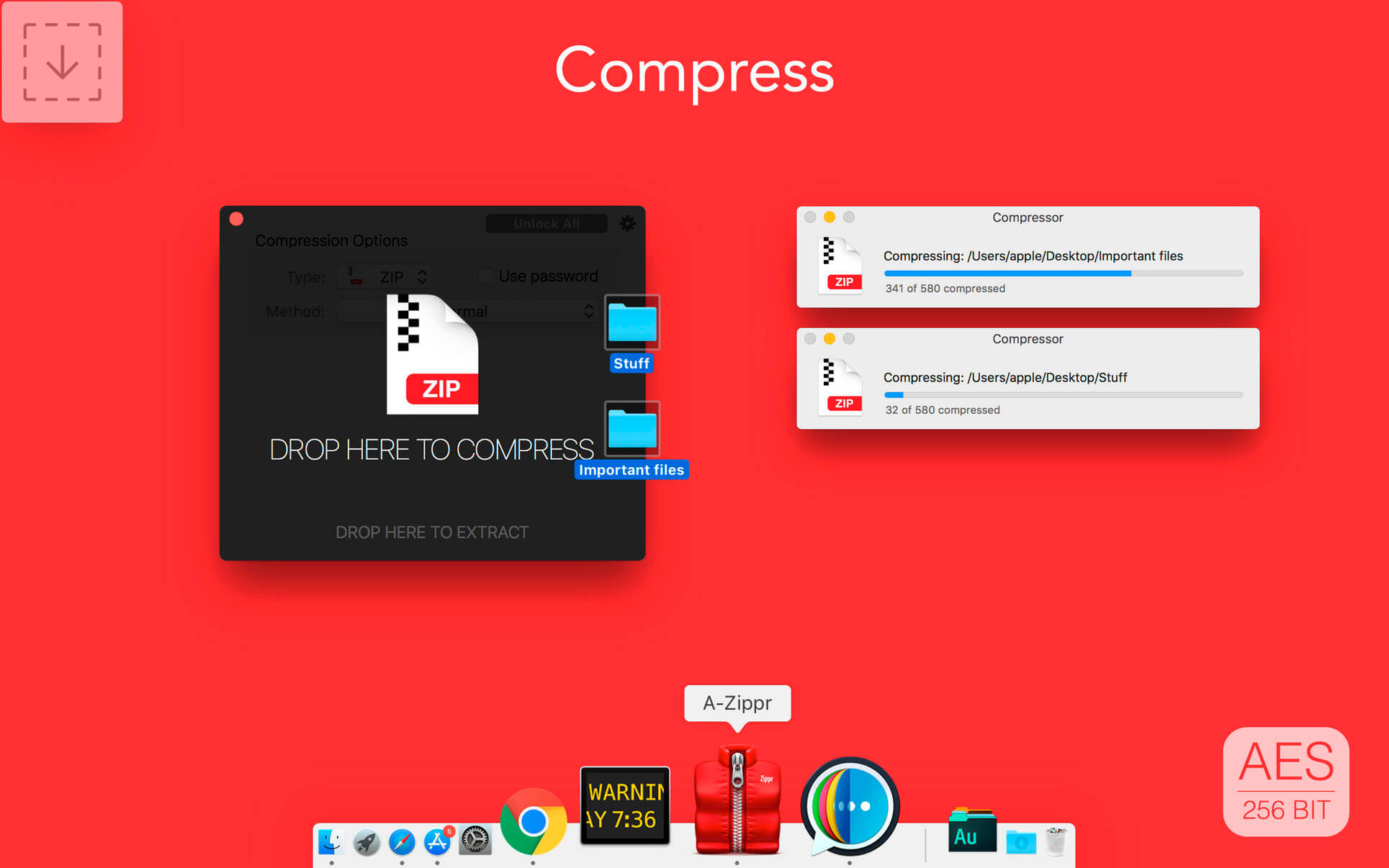
A-Zippr is a simple, fast and powerful utility to open the zip, RAR and other archives like 7z, SIT, TAR, and 70+ different file formats and compress in 8 commonly used archive formats. It is handcrafted to make it most customizable to archive and unarchive files on MAC.
- Zip and Unzip files instantly
- Preview file details before extracting.
- Protect files with strong 256 bit AES encryption
- Extract only files you choose without having to extract the entire archive.
- Notifies once compression or extract completion.
Archive & Unarchive:(EASY)
- Drag and drop the file to Zipping or unZip
- Resize file size for faster sharing and to reduce storage.
- Extract major file formats like Zip, RAR, TAR, LHA, 7Z, JAR and 70+ more formats
- Automatically identify to zip or unzip the file when dropped to Floating drop window
- Set floating drop window to any corner of the screen.
- Compress files in the different method like fast, faster, normal, slow and slowest.
File encryption:(SECURE)
- Password-protect confidential files and apply powerful AES encryption.
- Prevent unauthorized access of email attachments
- Encrypt individual files within a zipped folder.
Preview Files:(SAFE)
- Quick look framework to preview files before unarchive (not even in temp file like other apps)
- Unarchive individual files from an archived folder.
- Get detailed file information individually before unarchive.
- Native user experience to preview files.
Now all the archive files you have will automatically open with The Unarchiver and you’ll forget the “Unknown format” alerts and extraction errors forever. Having a RAR extractor for Mac saves you tons of time when dealing with archives.
If you have any problem or suggestion, please email to [email protected] without hesitation.
Supporting file formats:
Archive: ZIP, TAR, 7Z, GZIP, BZIP2, ISO, XZ, LZIP
Unarchive: ZIP, Z01, RAR, 7Z, TAR, LHA, ZIPZ, SIT, SITX, HQX, BIN, MACBIN, AS, GZ, GZIP, TGZ, TAR,GZ, BZ2, BZIP2, BZ, TBZ2, TBZ, XZ, TXZ, ISO, CDI, NRG, MDF, GTAR, Z, TAZ, TAR.Z, LZMA, XAR, XIP, ACE, PAK, SPK, ZOO, LBR, LQR, LZR, PMA, CAB, RPM, DEB, ALZ, DD, CPT, PIT, NOW, SEA, EXE, MSI, CPIO, CPGZ, PAX, WARC, HA, ADF, ADZ, DMS, F, LZX, DCS, PKD, XMS, ZOM, PP, NSA, SAR, JAR, CBZ, CBR, NDS, PKG, A, SWF, LZ, TLZ
Version 2.1
- Fixed crash
- Improved performance
Frequently asked questions
How do I install the app?
Mount the image, drag the app into the "Applications" folder and launch it. If the system blocks the launch, allow it in "System Settings → Privacy & Security".
The app is damaged or won't launch
Reinstalling from a fresh image usually helps. Make sure your macOS version matches the one listed in the compatibility specs.
How do I update?
Download the new version from the site and install it over the current one — your settings will be preserved.
The download link doesn't work
Try a mirror or a download manager. For large files the browser often drops the connection.
How do I completely remove the app?
Use an uninstaller utility — it cleans up the service files that remain after moving the app to the trash.





Choose a download source
A-Zippr: RAR & Zip Extractor Premium 2.1 · 30.25 MB
Previous versions
A-Zippr: RAR & Zip Extractor Premium 2.1
Previous versions are available to registered users.