CDRConverter for CorelDRAW 1.3
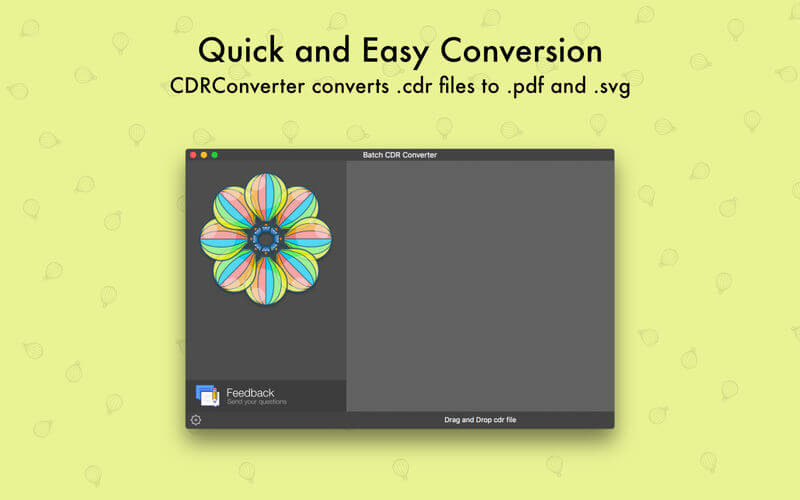
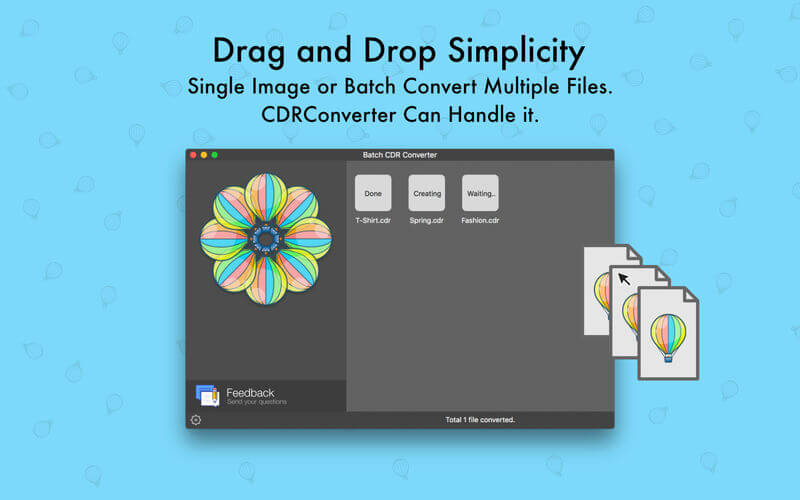

CDRConverter allows you convert single or multiple CorelDRAW files into .pdf on macOS. As every designer knows CorelDRAW is discontinued after version 11. Now We have developed a simple application that converts CorelDRAW files on macOS into Vector PDF format file. Opening CorelDRAW format files on macOS is possible now.
CDRConverter features:
- Convert CorelDraw files into PDF documents;
- Convert CorelDraw files into SVG files;
- Converts CDR to quality Vector Editable PDF files;
- Doesn't need of CorelDraw, CDRConverter creates high quality vector PDF files from CorelDraw files;
- Convert Single or Multiple files at once.
- Drag and Drop to Convert.
Notable features:
- CDRConverter runs on your macOS.
- Can convert single or multiple files at once.
- Fast file converting.
- Standalone software, CorelDraw, Adobe Acrobat and Reader NOT required!
Version 1.3
- Added German translation
- Added Russian translation
- Improved icons, translations and interface
- Video tutorial is available on web page
- Fixed many background issues
Frequently asked questions
How do I install the app?
Mount the image, drag the app into the "Applications" folder and launch it. If the system blocks the launch, allow it in "System Settings → Privacy & Security".
The app is damaged or won't launch
Reinstalling from a fresh image usually helps. Make sure your macOS version matches the one listed in the compatibility specs.
How do I update?
Download the new version from the site and install it over the current one — your settings will be preserved.
The download link doesn't work
Try a mirror or a download manager. For large files the browser often drops the connection.
How do I completely remove the app?
Use an uninstaller utility — it cleans up the service files that remain after moving the app to the trash.

Choose a download source
CDRConverter for CorelDRAW 1.3 · 16.89 MB
Previous versions
CDRConverter for CorelDRAW 1.3
Previous versions are available to registered users.