Creative Convert 1.4.3
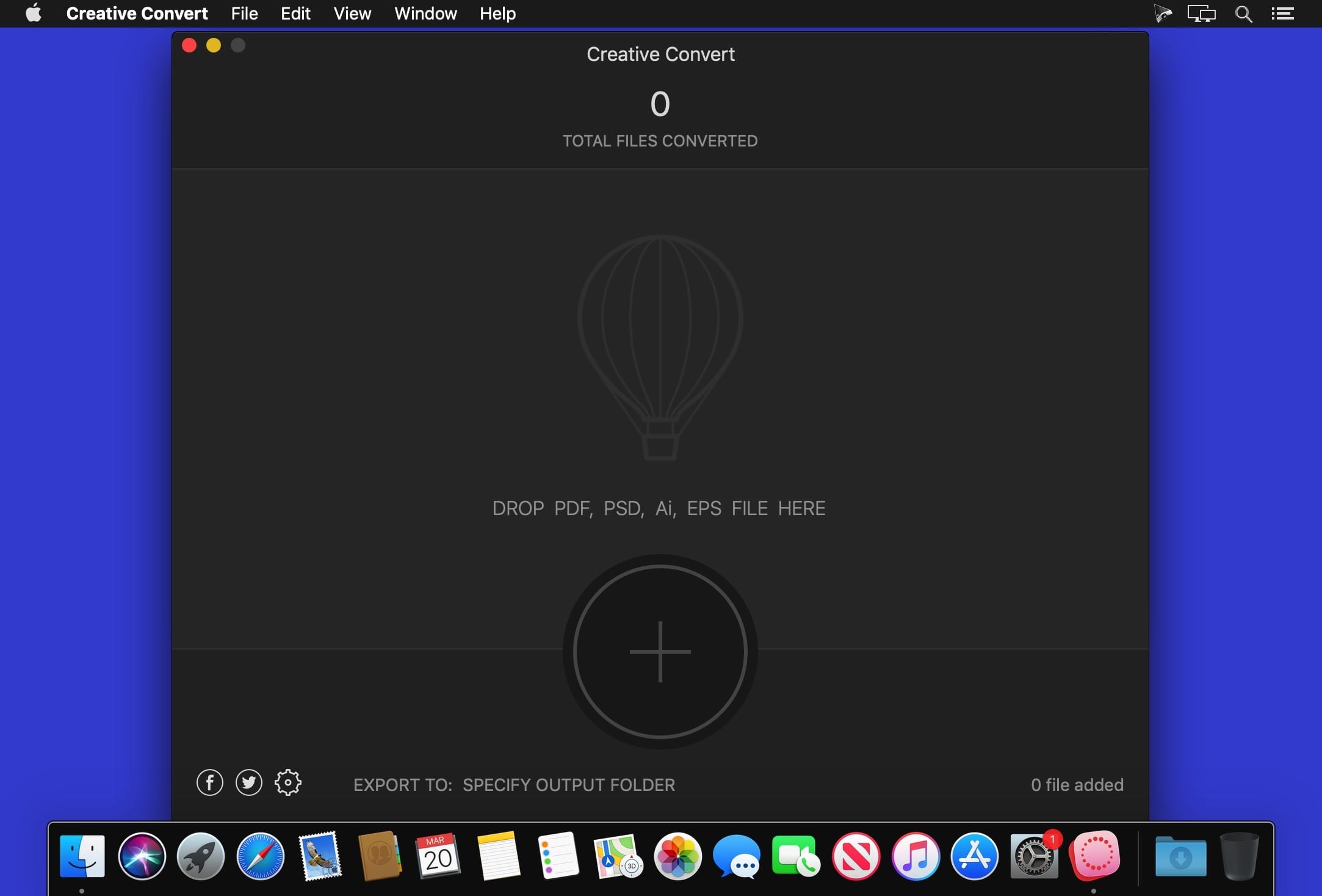
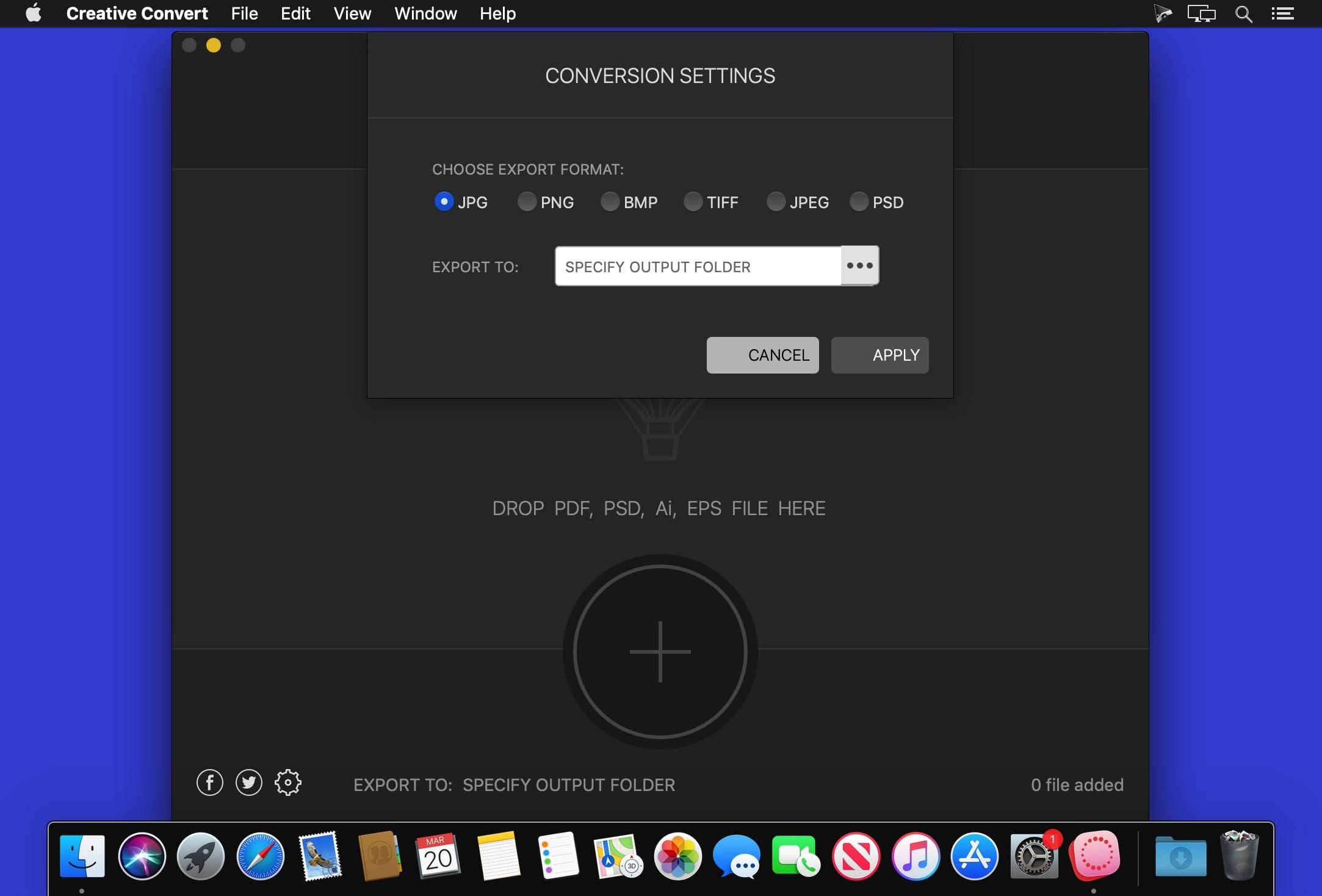
Creative Convert is a simple, beautiful app for converting PDF, Ai, PSD and/or EPS files into separate Graphic file formats.
Creative Convert features:
- Convert PDF, Adobe Illustrator, Adobe Photoshop and/or EPS documents into JPG, PNG, BMP, TIFF, JPEG and PSD images;
- Doesn't need of PDF Reader or Image Editor, Creative Convert creates high quality Graphic files from your creative files;
- Saves Each page as Separate Graphic image;
- Convert Single or Multiple files at once;
- Drag and Drop Convert;
- Convert documents with hundreds of pages like PDF or Adobe Illustrator file with one click.
Creative Convert allows you convert single or multiple PSD, Ai, EPS and/or PDF files into other file formats on macOS. It's simple and Beautiful.
- Creative Convert - Stable and Fast;
- Creative Convert - User-friendly Interface;
- No file size limit or page limitation to convert;
Version 1.4.3
Creative Convert 1.4.3 brings following changes and improvements:
- Support for latest system - Creative Convert is now compatible with the latest OS versions
- Improved translations
- Fixed bug where not counting total file
Frequently asked questions
How do I install the app?
Mount the image, drag the app into the "Applications" folder and launch it. If the system blocks the launch, allow it in "System Settings → Privacy & Security".
The app is damaged or won't launch
Reinstalling from a fresh image usually helps. Make sure your macOS version matches the one listed in the compatibility specs.
How do I update?
Download the new version from the site and install it over the current one — your settings will be preserved.
The download link doesn't work
Try a mirror or a download manager. For large files the browser often drops the connection.
How do I completely remove the app?
Use an uninstaller utility — it cleans up the service files that remain after moving the app to the trash.

Choose a download source
Creative Convert 1.4.3 · 9.47 MB