
Bluetail - Vector Designer 2.3.1
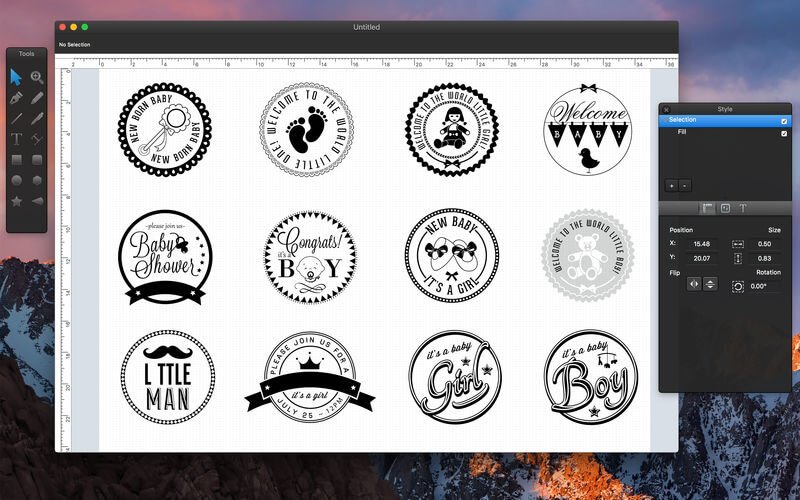
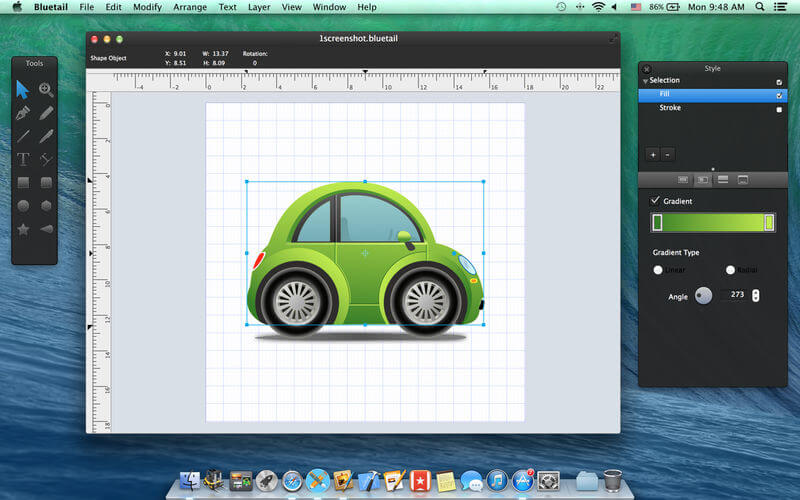

Bluetail is a beautifully designed easy to use vector drawing application to help you create inspiring vector graphics.
Bluetail has all tools, giving you power that let you draw any kind of shapes, technical illustrations and beautiful art.
Features:
- Export designs as Vector PDF, PNG, JPEG and TIFF files.
- Export Designs as Vector SVG file.
- Import SVG files.
- Import CorelDRAW (cdr) files.
- Professional Drawing Tools.
- Bezier Pen Tool for creating custom shapes.
- Pencil Tool for free drawing and sketching.
- Custom Shape Tools: Polygon, Star, Arc.
- Boolean operations to combine simple shapes into complex shapes.
- Path selection and editing.
- Fill and Stroke feature: Shapes can have unlimited fills and strokes.
- Shadows: fill and stroke shadow give your ideas even better look.
- Shape dimensioning feature.
- Rotate, Scale tool.
- Convert to outline.
- Text Tools.
- Copy and Paste Style.
- Apply multiple strokes, fills, and shadows to any object.
- Arrange the order of fills, strokes using drag and drops.
- Simple and powerful interface, built for OS X.
- 64 - bit native.
- Optimized for Retina and non-retina displays.
- Text Path Tool.
- Layers and Groups.
- Lock, Unlock shapes and layers.
- Alignment Guides.
- Rulers - pixels, inches, millimeters, centimeters.
- Snap to Grid
- Align and Distribute objects.
- Duplicate.
- Linear and Radial Gradients.
- Convert Text to Paths.
- Expand Stroke.
Version 2.3.1
- Added Image Fill and properties for image adjustment
- and bug fixes
Frequently asked questions
How do I install the app?
Mount the image, drag the app into the "Applications" folder and launch it. If the system blocks the launch, allow it in "System Settings → Privacy & Security".
The app is damaged or won't launch
Reinstalling from a fresh image usually helps. Make sure your macOS version matches the one listed in the compatibility specs.
How do I update?
Download the new version from the site and install it over the current one — your settings will be preserved.
The download link doesn't work
Try a mirror or a download manager. For large files the browser often drops the connection.
How do I completely remove the app?
Use an uninstaller utility — it cleans up the service files that remain after moving the app to the trash.
VersionBluetail - Vector Designer 2.3.1
DeveloperAbdusodiq Saidov © Bluetail Team
CompatibilityOS X 10.6.6 or later, 64-bit processor
LanguageEnglish
IncludesK'ed by TNT

Information
Visitors in the group Guests cannot leave comments on this publication.
Choose a download source
Bluetail - Vector Designer 2.3.1 · 7.14 MB