
Logo Art 1.0.5

Drag and Drop Logo and Graphic Design Vector Application.
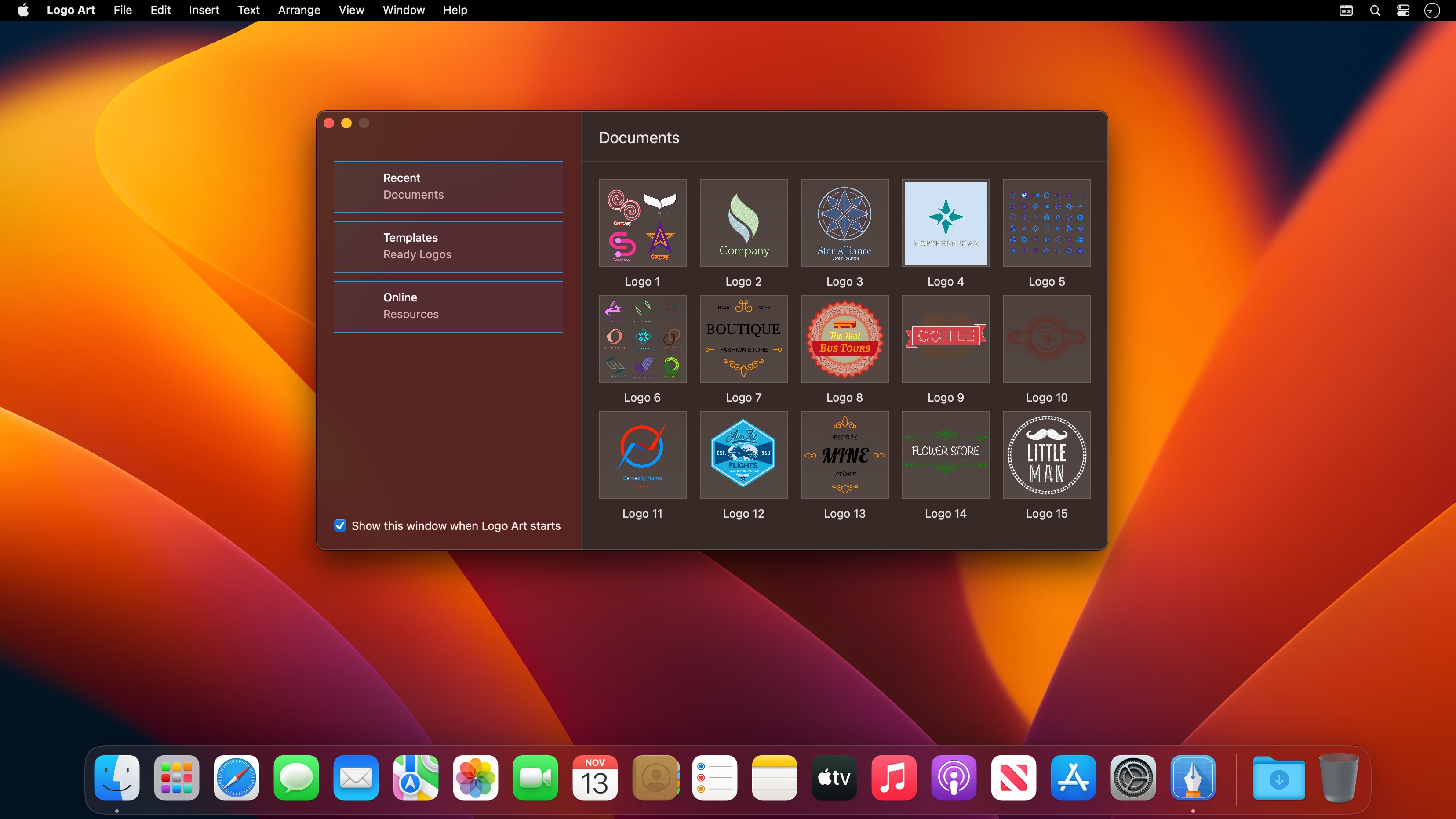
Logo Art is a beautifully designed easy to use vector drawing application to help you create inspiring vector logo graphics.
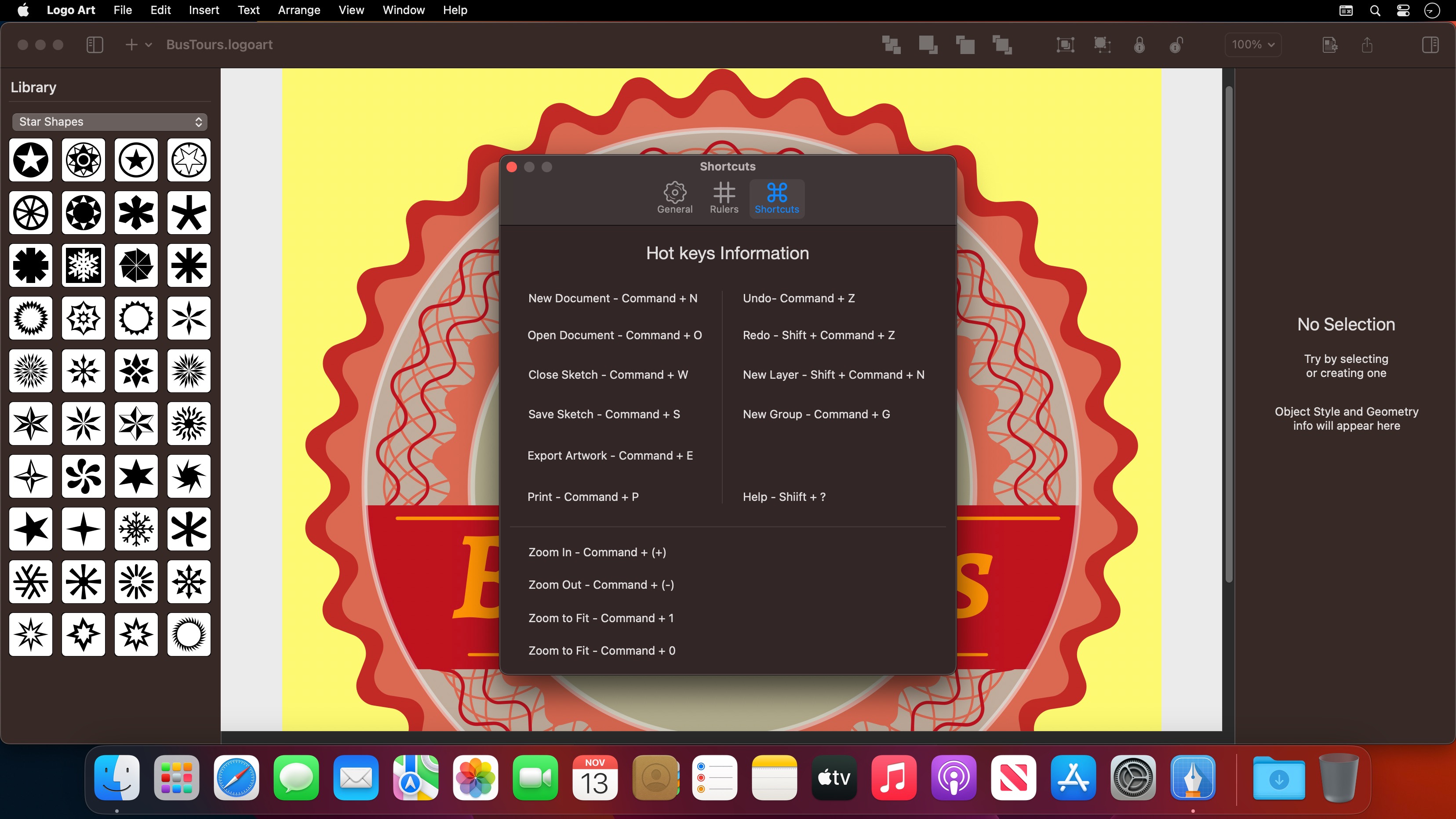
Logo Art has all tools, giving you power that let you draw any kind of shapes, technical illustrations, cricut prints and beautiful art.
Easy to use Logo Design Software with Vector Drawing Tools and Ready Design Elements.
Includes Ready icons, Design Elements, Shape Collections. Total 11 Shape Collections, more than 850 elements in various categories like animals, human, science, medical, education, symbols, plant and many more. Shape collections are updated regularly with new ones.
Features:
- Shape library - ready design elements
- Ready Templates
- Cricut prints
- Export designs as Vector PDF, PNG, JPEG and TIFF files.
- Professional Drawing Tools.
- Bezier Pen Tool for creating custom shapes.
- Custom Shape Tools: Polygon, Star, Triangle.
- Path selection and editing.
- Fill and Stroke feature: Shapes can have unlimited fills and strokes.
- Shadows: fill and stroke shadow give your ideas even better look.
- Shape dimensioning feature.
- Rotate, Scale tool.
- Text Tools.
Styles:
- Copy and Paste Style.
- Apply multiple strokes, fills, shadows and patterns to any object.
- Delete existing stylem element or add new element.
Other Features:
- Simple and powerful interface, built for macOS.
- Lock, Unlock shapes and layers.
- Alignment Guides.
- Rulers - pixels, inches, millimeters, centimeters.
- Snap to Grid, Guide and Other objects.
- Align and Distribute objects.
- Duplicate.
- Convert Text to Shape.
Version 1.0.5
- Greetings from Turkey!
- in this update we have made background optimizations, Logo Art is faster than ever!
Frequently asked questions
How do I install the app?
Mount the image, drag the app into the "Applications" folder and launch it. If the system blocks the launch, allow it in "System Settings → Privacy & Security".
The app is damaged or won't launch
Reinstalling from a fresh image usually helps. Make sure your macOS version matches the one listed in the compatibility specs.
How do I update?
Download the new version from the site and install it over the current one — your settings will be preserved.
The download link doesn't work
Try a mirror or a download manager. For large files the browser often drops the connection.
How do I completely remove the app?
Use an uninstaller utility — it cleans up the service files that remain after moving the app to the trash.




Choose a download source
Logo Art 1.0.5 · 9.01 MB