
CDRViewer Pro 2.2
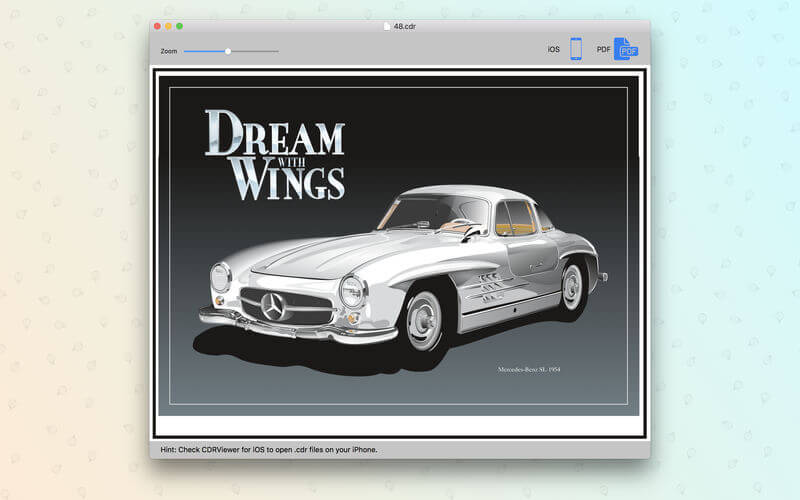
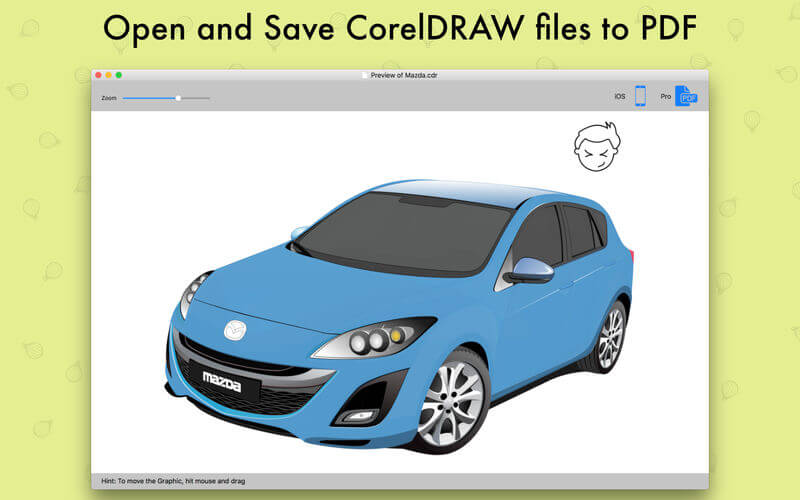

CDRViewer Pro is a pro version of CDRViewer which allows you open and view CorelDRAW files. As every designer knows CorelDRAW was discontinued after version 11. Now we have developed a simple application that opens CorelDRAW files on OS X and exports to vector PDF format file.
When you install CDRViewer Pro on your Mac OS, you will be able to open CDR files. CDR file format stands for CorelDRAW and this extension is proprietary format used by CorelDRAW software. CDR format is not recognized by other image editing programs and to save to other image formats it needs to be opened in CorelDRAW and then exported in other format. With CDRViewer Pro there is no need to use another operating system and another machine, or another software to display and save CDR file formats.
Features
- CDRViewer Pro runs on OS X
- CDRViewer Pro can export your CDR (CorelDRAW) files to vector PDF file format
- Fast file loading and zooming function
- All previously opened CDR files are archived for faster access for later use
- Now supports Cyrillic and other characters
- Standalone software, CorelDraw, Adobe Acrobat and Reader not required!
Version 2.2
Thank you to everyone who provided their feedback and comments, we've really enjoyed getting the chance to chat with you all.
New
Thank you to everyone who provided their feedback and comments, we've really enjoyed getting the chance to chat with you all.
New
- CDRViewer Pro is fully compatible with macOS High Sierra
- Updated English language translations
- New .cdr file rendering form to show content
- Mouse Scrolling
- Added ColerDRAW file Gallery
- Resolved a bug that CDRViewer Pro's main window not shown for some users
- Fixed an issue that would result incorrect font type
Frequently asked questions
How do I install the app?
Mount the image, drag the app into the "Applications" folder and launch it. If the system blocks the launch, allow it in "System Settings → Privacy & Security".
The app is damaged or won't launch
Reinstalling from a fresh image usually helps. Make sure your macOS version matches the one listed in the compatibility specs.
How do I update?
Download the new version from the site and install it over the current one — your settings will be preserved.
The download link doesn't work
Try a mirror or a download manager. For large files the browser often drops the connection.
How do I completely remove the app?
Use an uninstaller utility — it cleans up the service files that remain after moving the app to the trash.
VersionCDRViewer Pro 2.2
DeveloperAbdusodiq Saidov © Iconshots
CompatibilityOS X 10.10 or later, 64-bit processor
LanguageEnglish
IncludesK'ed by TNT




Information
Visitors in the group Guests cannot leave comments on this publication.
Choose a download source
CDRViewer Pro 2.2 · 37.33 MB