
CorelDRAW Graphics Suite 2021.5 - Corporate v23.5.0.506
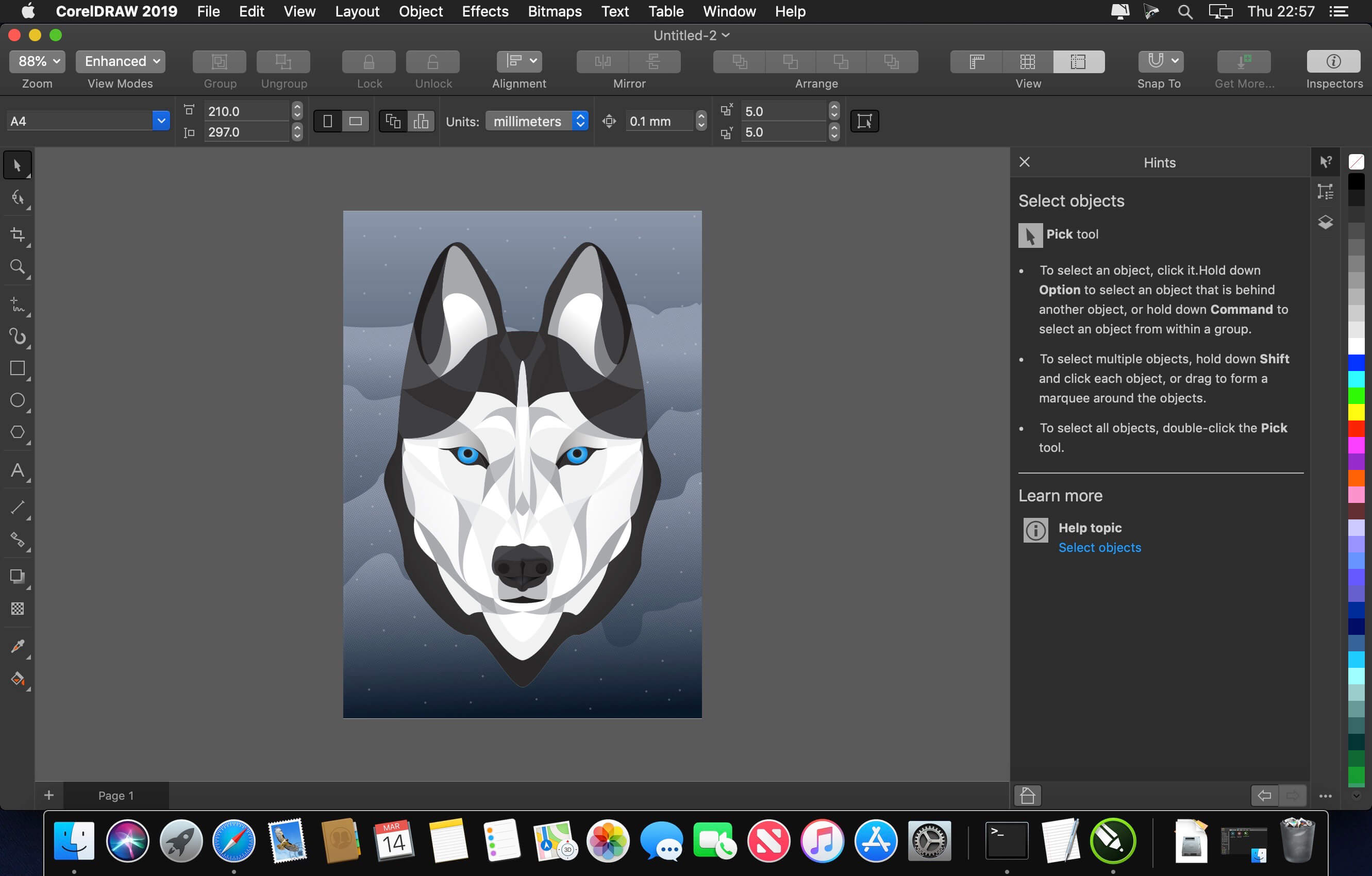
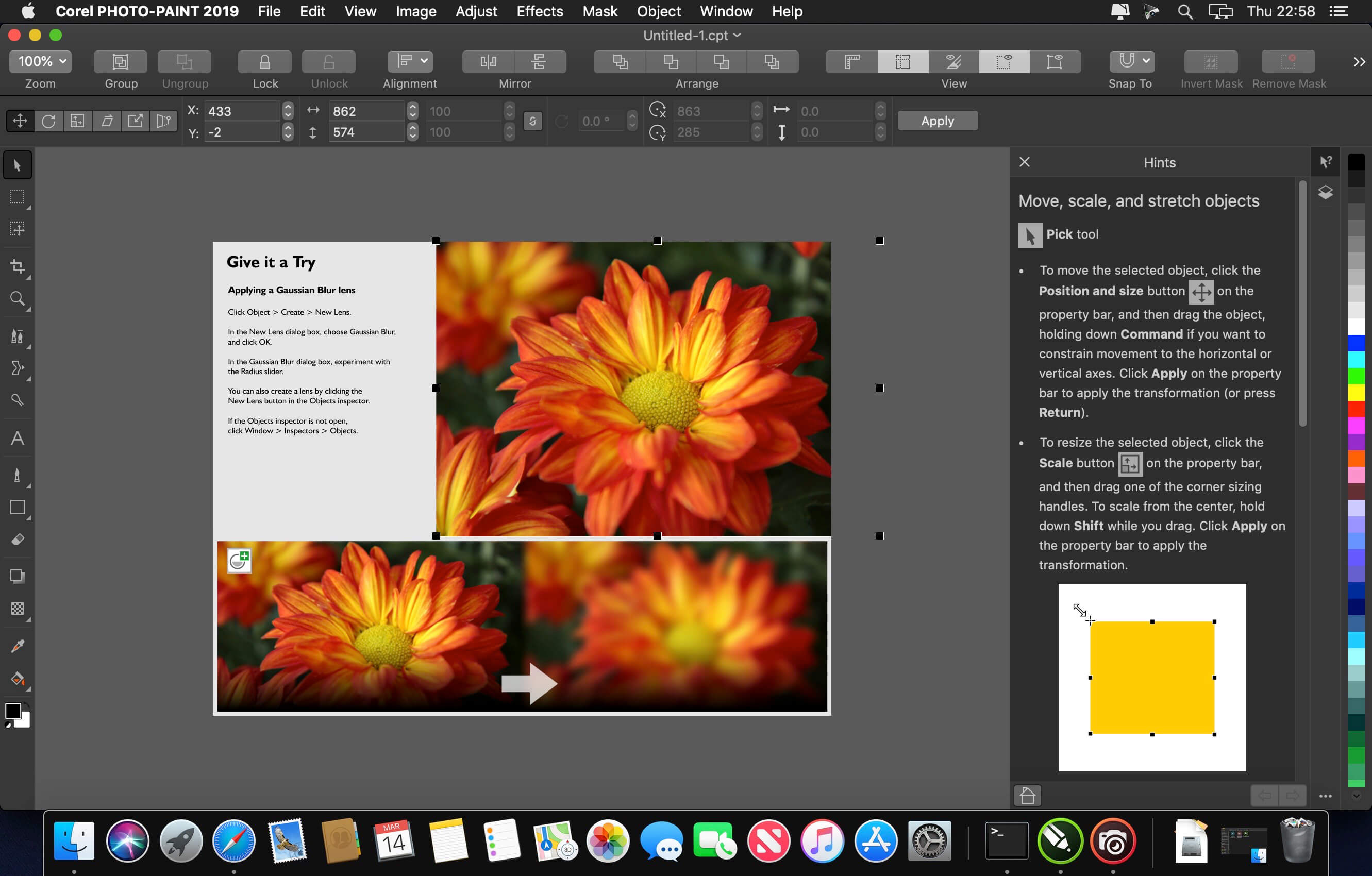
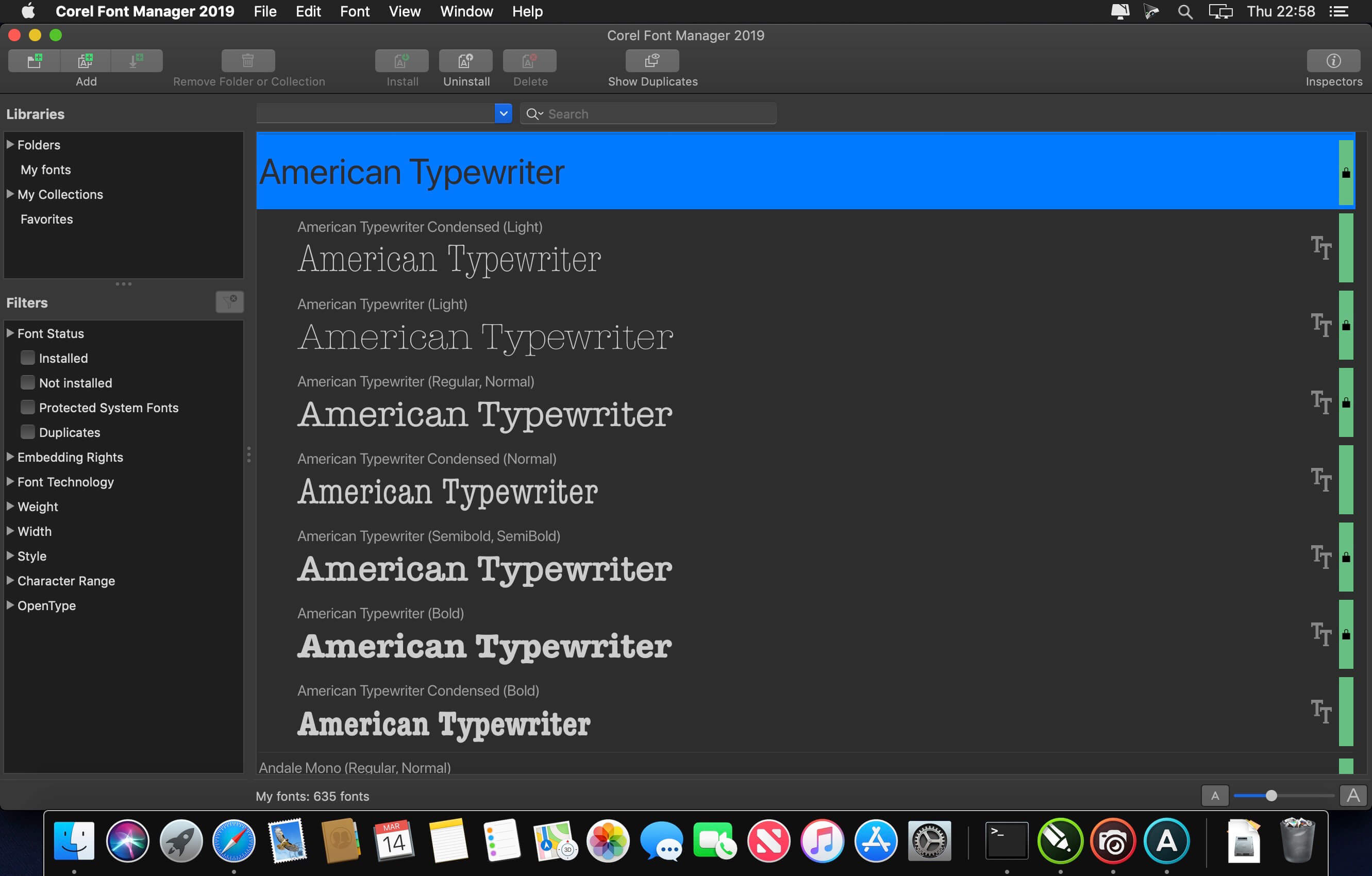
Find all the professional vector illustration, layout, photo editing and design tools you need to work faster, smarter, and in more places with this superior graphic design software.
- Design for print or web with a comprehensive toolkit
- Create signage, logos vehicle wraps, textiles, illustrations, and more
- Edit photos, manage fonts, and lay out multi-page designs
- Learn quickly in a user-friendly Mac design environment
Innovative & productive
Achieve unsurpassed productivity with new high-caliber features in this versatile graphic design program. You’ll appreciate a smooth workflow with industry standard PDF/X-4 support and the revolutionary LiveSketch™, which uses Artificial Intelligence to convert sketching into precise vector curves. Plus with the all new CorelDRAW.app, you can access your work anywhere.
Perfectly creative
Produce original illustrations, signage, and logos for both print and web. Create your way with an array of professional document styles, page layout and vector tools. Plus, enjoy non-destructive editing functionality when applying effects to vector and bitmap objects.
Easy to learn & use
This powerful collection of applications is loaded with intuitive tools, learning materials and Discovery files, to ensure you can get started easily and be successful sooner. Try one of many high-quality templates to quickly create brochures, posters, cards, social media images, and more, without having to start from scratch.
Version 2021.5:
- Release notes were unavailable when this listing was updated.
Frequently asked questions
How do I install the app?
Mount the image, drag the app into the "Applications" folder and launch it. If the system blocks the launch, allow it in "System Settings → Privacy & Security".
The app is damaged or won't launch
Reinstalling from a fresh image usually helps. Make sure your macOS version matches the one listed in the compatibility specs.
How do I update?
Download the new version from the site and install it over the current one — your settings will be preserved.
The download link doesn't work
Try a mirror or a download manager. For large files the browser often drops the connection.
How do I completely remove the app?
Use an uninstaller utility — it cleans up the service files that remain after moving the app to the trash.

Choose a download source
CorelDRAW Graphics Suite 2021.5 - Corporate v23.5.0.506 · 6.83 GB
Previous versions
CorelDRAW Graphics Suite 2021.5 - Corporate v23.5.0.506
Previous versions are available to registered users.
Comments 1