
PrintLab Studio 3.0.2
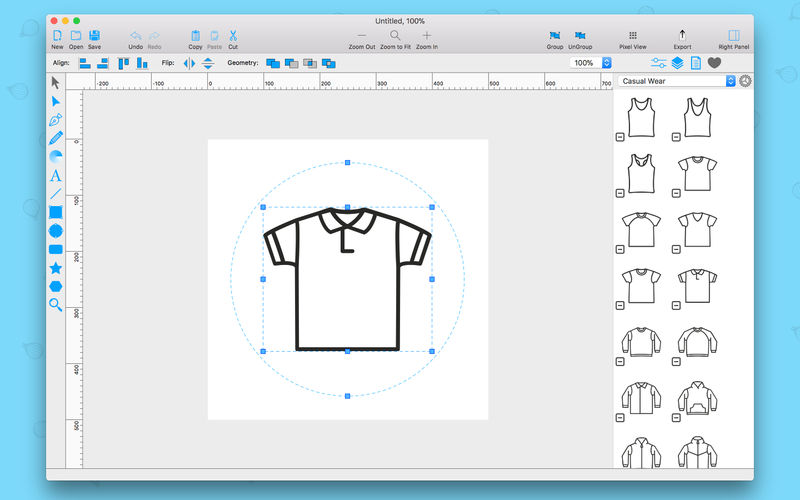
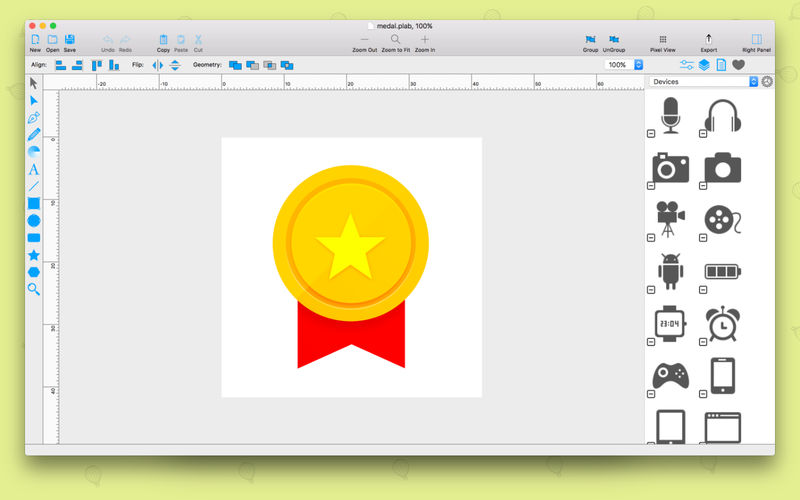
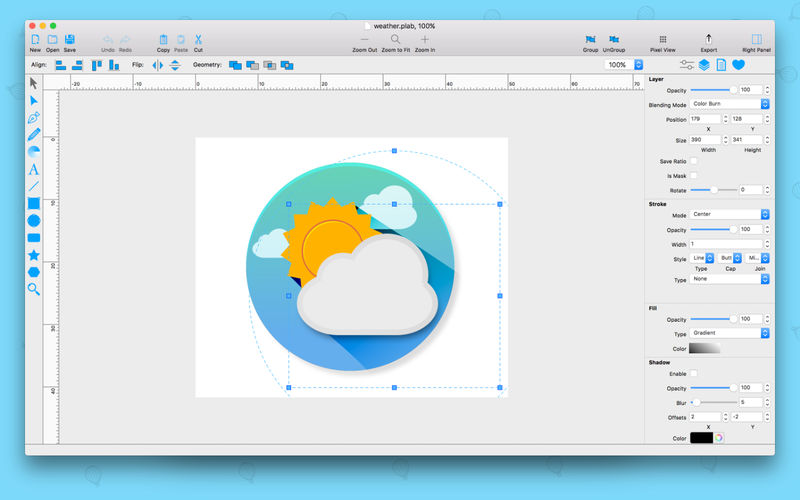
PrintLab Studio is a lightweight and easy to use vector drawing illustration application for macOS.
PrintLab Studio has tools you need to create basic shapes. Create designs quickly and easily change styles.
Notable features:
- Layers
- Text Editing
- Multi-color Gradients
- iWork Style Color Picker
- Stroke features - Multiple Strokes: Outside, Center, Inside
- Multiple Fills
- Dimensioning
- Shape library - ready design elements
- Ready Templates
- Import SVG vector files
- Import CorelDraw *cdr vector files
- Import JPG, PNG, PDF, BMP files
- Import PSD files as bitmap
- Export as PNG, JPG and TIFF
- Export as SVG vector file
- Export as PDF file
PrintLab Studio 3 allows you import SVG files and edit them on macOS. After importing files you can:
- Rotate and Scale shapes
- Move Shapes
- Edit objects
- Add other shapes like Rectangle, Text, Oval, Star, Triangle or Custom shape with Pen Tool
- Change Colors
- Change Gradient
- Open Multi-Page files
- Change Stroke Width and Color
- Save as PNG, JPG, PDF, TIFF and SVG
- Save as PDF
Lightweight and Useful Productive App for every designer. If you have any ideas of feature requests, feel free to drop a message regarding your opinions by using our contact us page.
Version 3.0.2
- Window UI improvements and changes
- Updated new Ruler
- Import EPS, Ai files as image to your project
- Added 2 new Shape Libraries - Common Shapes and Some Fashion Mockups
- Many bug fixes and improvements
Frequently asked questions
How do I install the app?
Mount the image, drag the app into the "Applications" folder and launch it. If the system blocks the launch, allow it in "System Settings → Privacy & Security".
The app is damaged or won't launch
Reinstalling from a fresh image usually helps. Make sure your macOS version matches the one listed in the compatibility specs.
How do I update?
Download the new version from the site and install it over the current one — your settings will be preserved.
The download link doesn't work
Try a mirror or a download manager. For large files the browser often drops the connection.
How do I completely remove the app?
Use an uninstaller utility — it cleans up the service files that remain after moving the app to the trash.
Choose a download source
PrintLab Studio 3.0.2 · 43.21 MB