
Super-AI Photo Enlarger 2.0.1
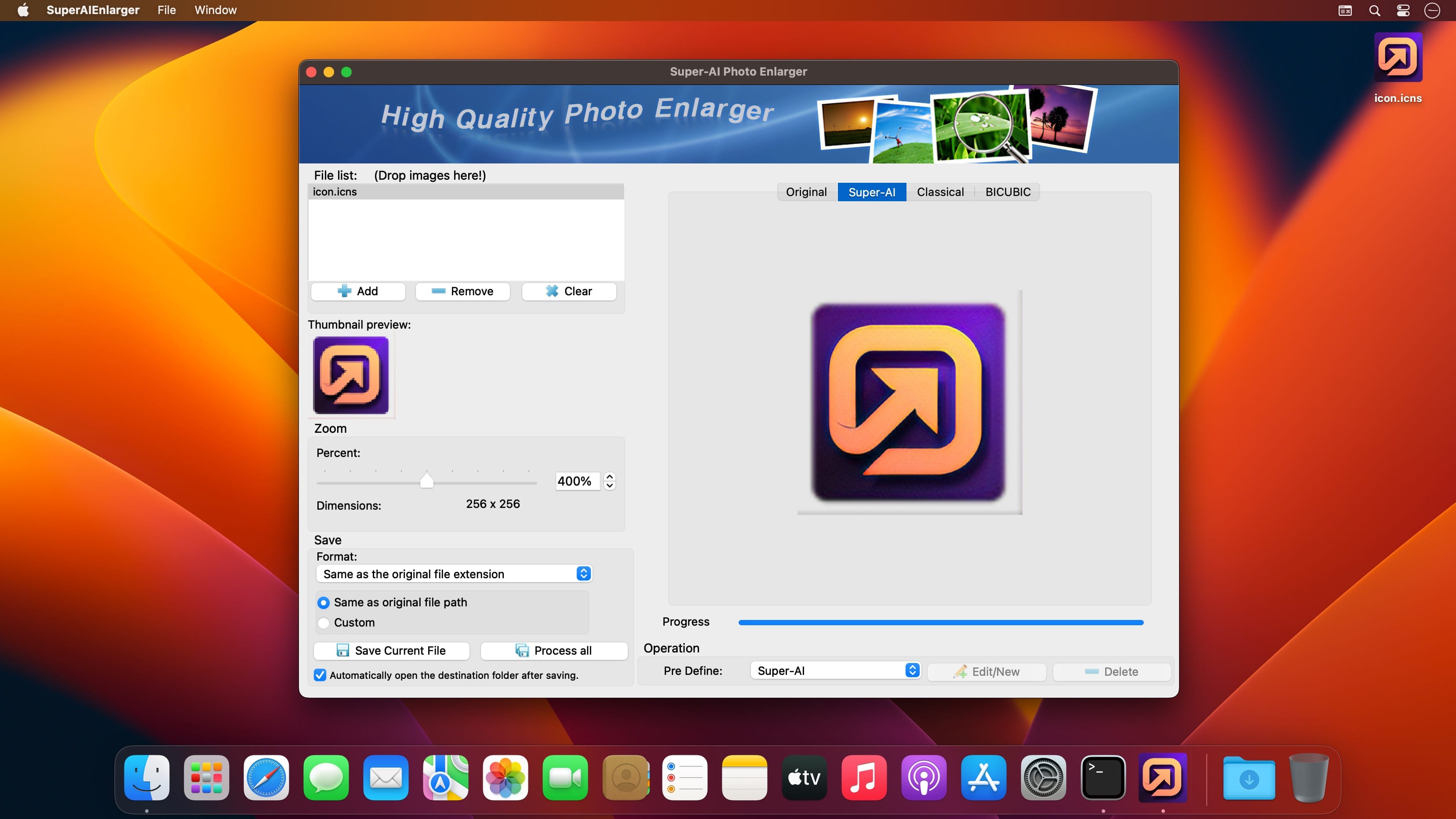
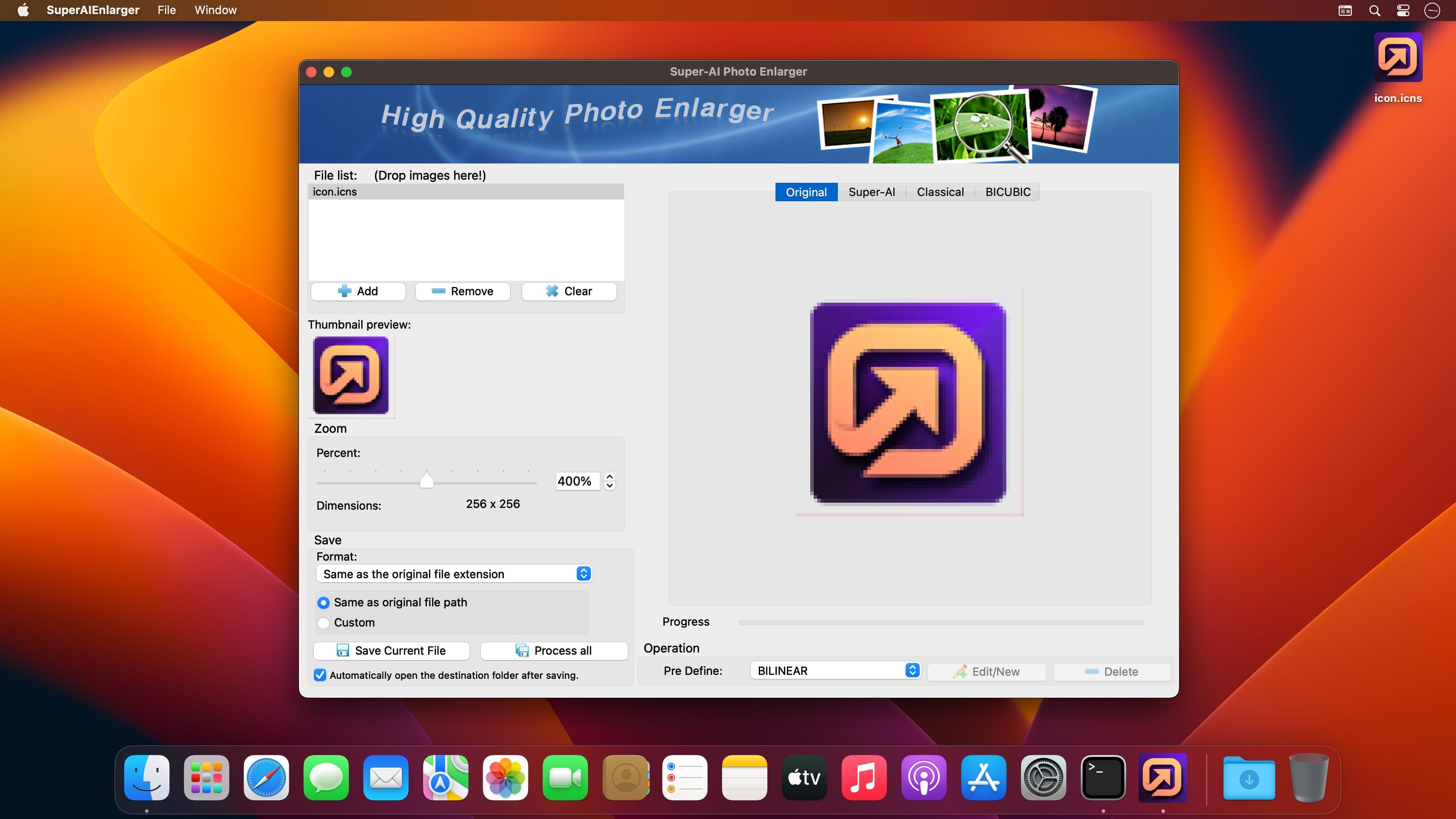
Super-AI Photo Enlarger intelligently enlarges and upscales images quality by up to 800% using smart AI image enhancement technology to fix pixelated, blurry, and low-quality photos instantly. Super-AI Photo Enlarger was trained by the AI neural network with tens of thousands high-resolution photos.
It can dramatically upscale the small, low-resolution photos automatically to enhance printing image, anime & cartoon pictures, high-resolution wallpapers, icons, and so on.
Features
- Powered by AI super-resolution technology.
- Upscaling the small and noisy images for better quality.
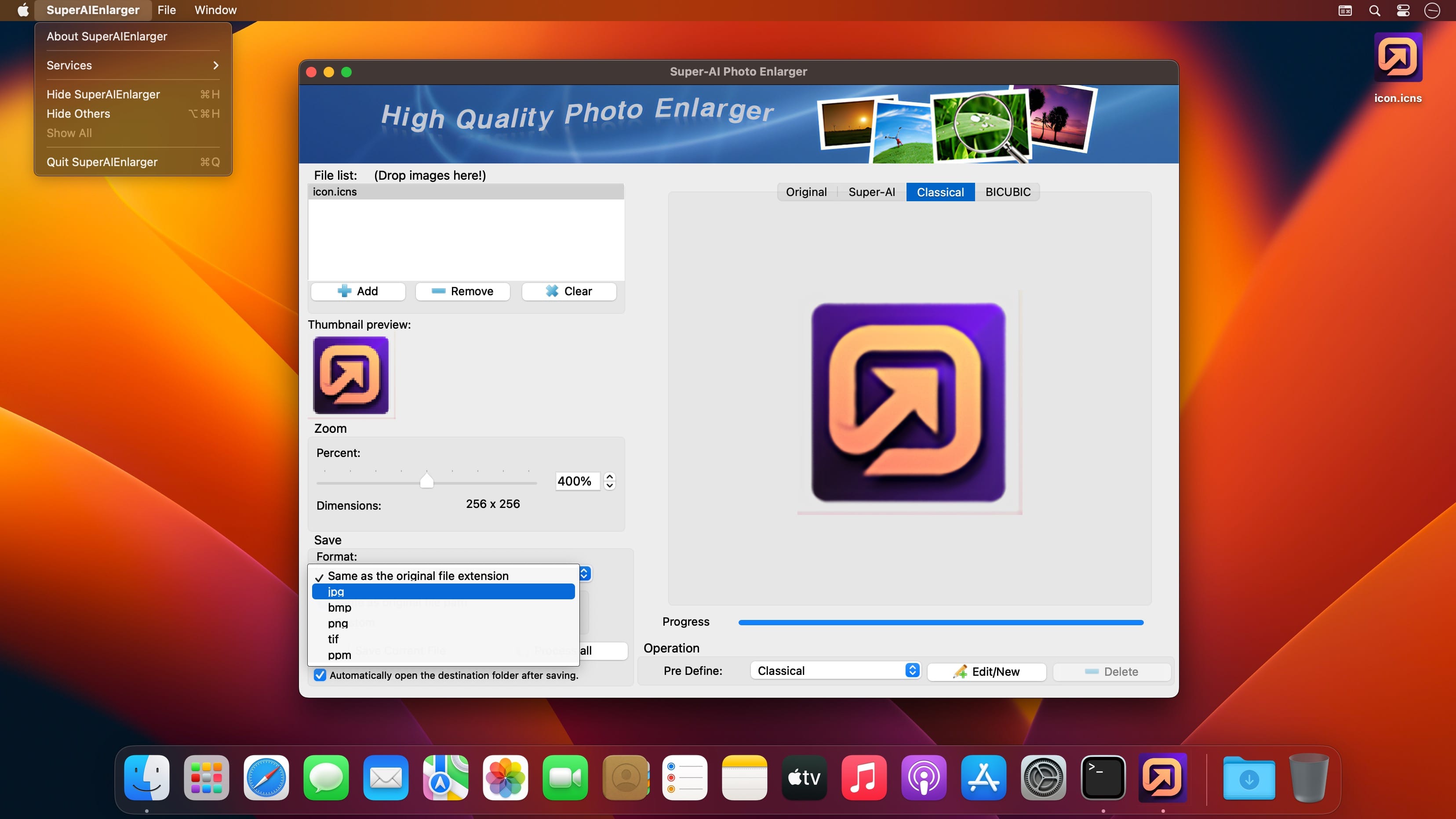
- Three predefined algorithms were processed at the same time: Super-AI, Classical, Bicubic. You can select any one which better performs your desire.
- Upscaling images faster and in a batch process.
- It simulates the texture and film grain that keep photos looking natural even in 800% enlargements.
- Supported: JPG, PNG, BMP, TIF, PPM.
- No coding is needed.
- There are 19 predefined algorithms available for image processing
- Super-AI
- Classical
- Nearest_Neighbour
- Bilinear
- Bspline
- Bicubic
- Bicubic2
- Box
- Hermite
- Hamming
- Sinc
- Blackman
- Bessel
- Gaussian
- Quadratic
- Mitchell
- Catrom
- Hanning
- Power
Version 2.0.1:
- Release notes were unavailable when this listing was updated.
Frequently asked questions
How do I install the app?
Mount the image, drag the app into the "Applications" folder and launch it. If the system blocks the launch, allow it in "System Settings → Privacy & Security".
The app is damaged or won't launch
Reinstalling from a fresh image usually helps. Make sure your macOS version matches the one listed in the compatibility specs.
How do I update?
Download the new version from the site and install it over the current one — your settings will be preserved.
The download link doesn't work
Try a mirror or a download manager. For large files the browser often drops the connection.
How do I completely remove the app?
Use an uninstaller utility — it cleans up the service files that remain after moving the app to the trash.





Choose a download source
Super-AI Photo Enlarger 2.0.1 · 49.98 MB