
SSH Proxy 15.07
SSH Proxy can help you turn any remote SSH server into a SOCKS v5 proxy, intuitive and easy to use.
SSH Proxy is able to remember the SSH login password & private key passphrase and save it to OS X's keychain. Furthermore, SSH Proxy is designed to automatically reconnect when your Mac is waking up from sleep.
Notable Features:
- Auto launch when log in OS X
- Ability to share SOCKS v5 proxy on LAN
- Create SOCKS v5 proxy through SSH tunnel
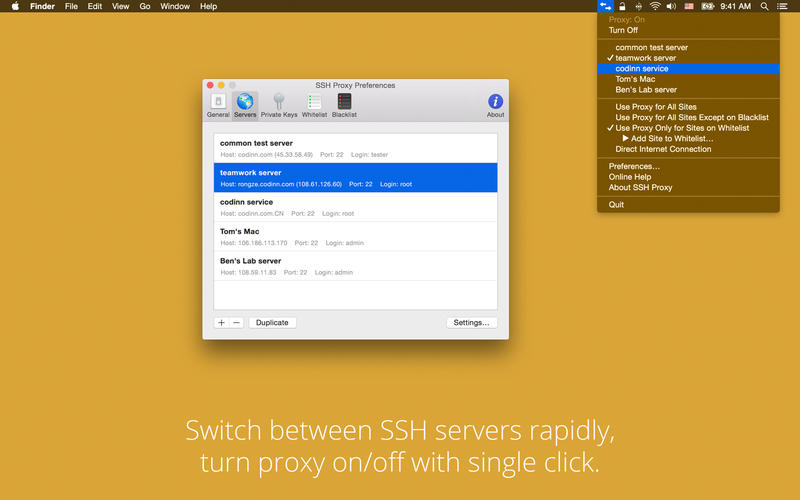
- Fast switch between multiple SSH accounts
- Automatically reconnect after disconnected by errors or waking up from sleep
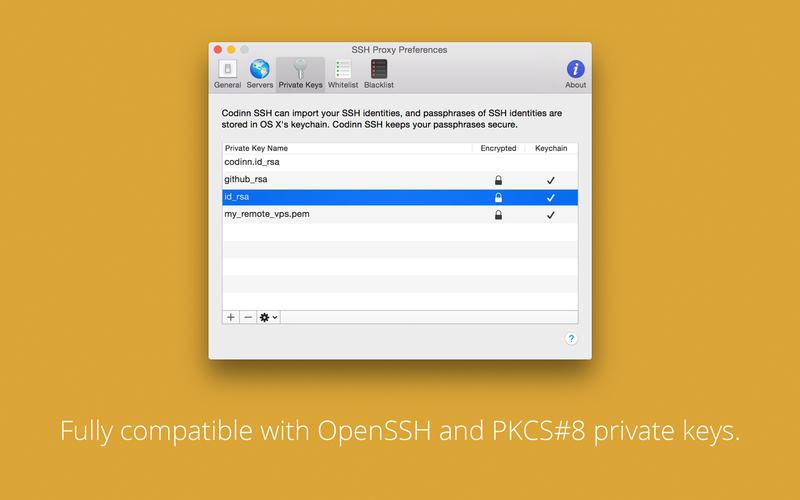
- Remember SSH login password & private key passphrase in OS X Keychain automatically
- Whitelist, only sites on the list will be accessed through the proxy server, other sites will be connected directly
SSH Functions:
- Support compressing SSH connection
- Support public key and password authentication methods
- Support RSA and DSA authentication identity (aka private key)
- Support connecting through SOCKS v5 / SOCKS v4 / HTTP proxy with authentication
WHAT’S NEW
Version 15.07
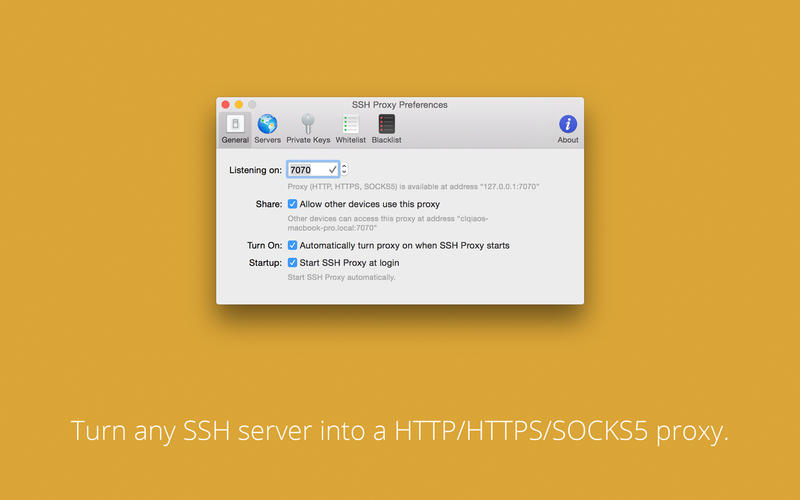
The big feature of this release is support of HTTP and HTTPS (aka. SSL) proxy types, in additional to the SOCKS 5 proxy type.
1. HTTP, HTTPS (aka. SSL) and SOCKS 5 proxy types share the same listening port
2. Added support for ed25519 keys which OpenSSH supports since version 6.5
3. Added SHA2 algorithms for HMAC
Screenshots
Frequently asked questions
How do I install the app?
Mount the image, drag the app into the "Applications" folder and launch it. If the system blocks the launch, allow it in "System Settings → Privacy & Security".
The app is damaged or won't launch
Reinstalling from a fresh image usually helps. Make sure your macOS version matches the one listed in the compatibility specs.
How do I update?
Download the new version from the site and install it over the current one — your settings will be preserved.
The download link doesn't work
Try a mirror or a download manager. For large files the browser often drops the connection.
How do I completely remove the app?
Use an uninstaller utility — it cleans up the service files that remain after moving the app to the trash.
VersionSSH Proxy
DeveloperYang Yubo
CompatibilityOS X 10.9 or later, 64-bit processor
LanguageEnglish
IncludesPre-K'ed





Information
Visitors in the group Guests cannot leave comments on this publication.
Choose a download source
SSH Proxy 15.07 · 4.53 MB