
Proxie: HTTP debugging proxy 2.4.1
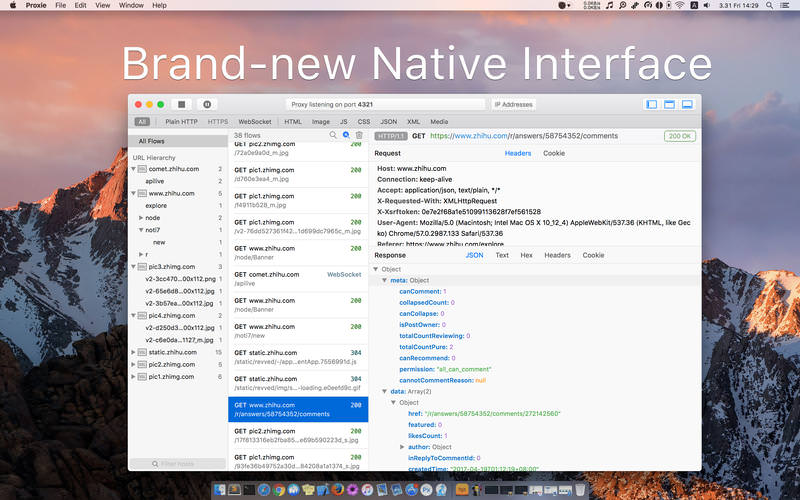
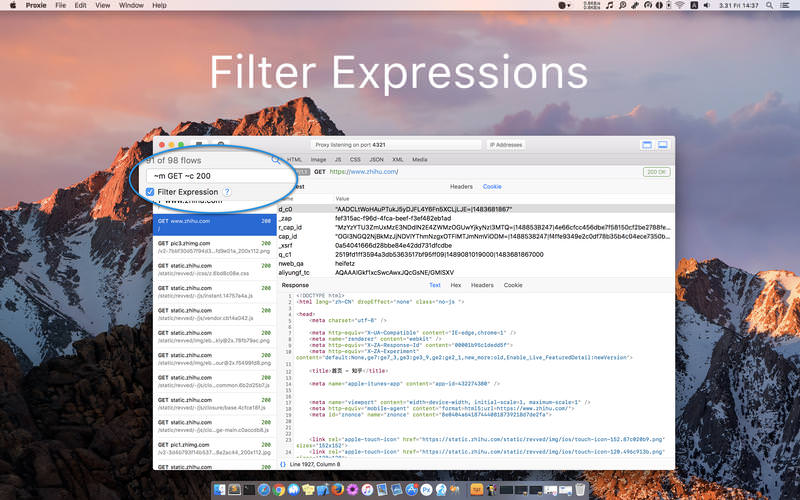
Proxie is a HTTP debugging proxy for macOS. It puts a proxy between HTTP clients and the Internet. After a proper configuration of proxy settings, all HTTP traffic will go through Proxie and be available for inspection.
Features
- Any Platform - Proxie records all HTTP traffic from any Mac, Windows, Linux, or mobile device.
- Body Viewers - Proxie chooses the proper viewers to make it intuitive to inspect body data.
- HTTPS Support - Proxie uses man-in-the-middle interception to reveal HTTPS traffic.
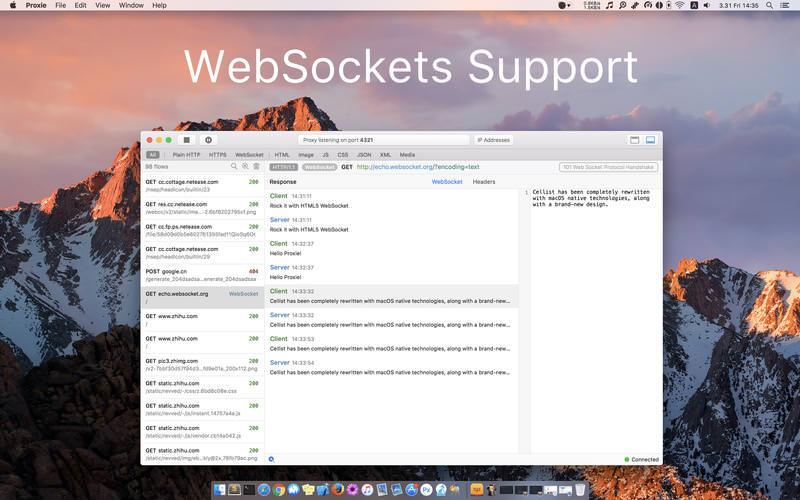
- WebSocket Support - Proxie understands websocket traffic and renders it like a chat interface.
Version 2.4.1
Bug fixes
Recent updates:
Supported export formats:
Bug fixes
Recent updates:
- Now you can choose to keep flows for next use when quitting Proxie
- Add import/export functionalities
- Proxie Session (.prxs, home-brewed)
- HTTP Archive (.har)
Supported export formats:
- Proxie Session (.prxs)
- HTTP Archive (.har)
- Downloaded content (response bodies)
- Raw text transmitted over TCP
Frequently asked questions
How do I install the app?
Mount the image, drag the app into the "Applications" folder and launch it. If the system blocks the launch, allow it in "System Settings → Privacy & Security".
The app is damaged or won't launch
Reinstalling from a fresh image usually helps. Make sure your macOS version matches the one listed in the compatibility specs.
How do I update?
Download the new version from the site and install it over the current one — your settings will be preserved.
The download link doesn't work
Try a mirror or a download manager. For large files the browser often drops the connection.
How do I completely remove the app?
Use an uninstaller utility — it cleans up the service files that remain after moving the app to the trash.
VersionProxie: HTTP debugging proxy 2.4.1
DeveloperChi Wang © patr0nus
CompatibilityOS X 10.11 or later, 64-bit processor
LanguageEnglish
IncludesPre-K'ed





Information
Visitors in the group Guests cannot leave comments on this publication.
Choose a download source
Proxie: HTTP debugging proxy 2.4.1 · 6.52 MB