
SSH Shell 16.09
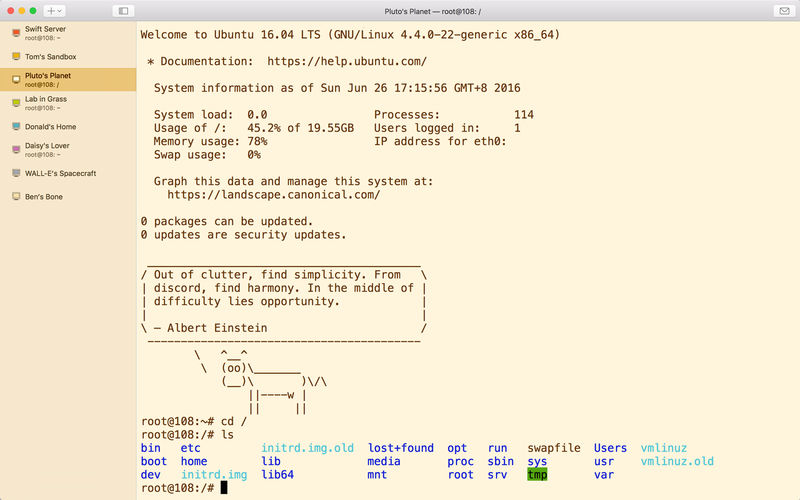
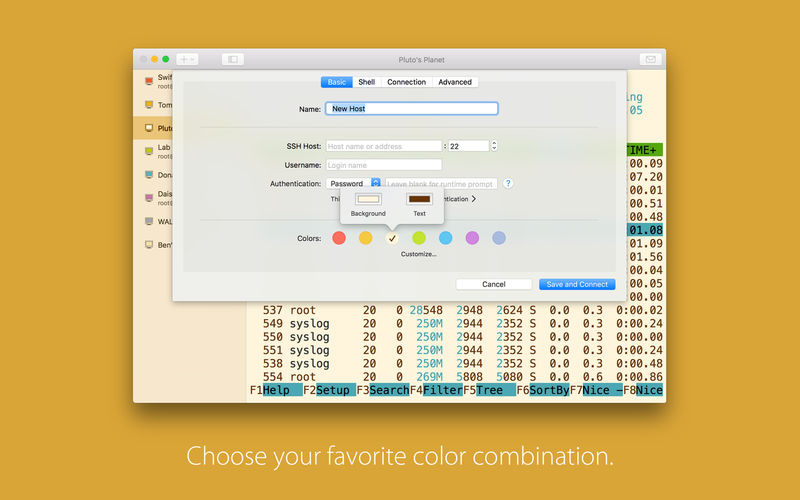
SSH Shell lets you login to your server with one click.
Notable Features
- Can manage multiple SSH sessions for different servers
- Automatically reconnect after disconnected by errors or waking up from sleep
- Remember and autofill SSH login passwords in OS X keychain automatically
- Able to manage private keys, and can remember / forget passphrases of private keys in keychain
- Servers can be imported from / exported as JSON file
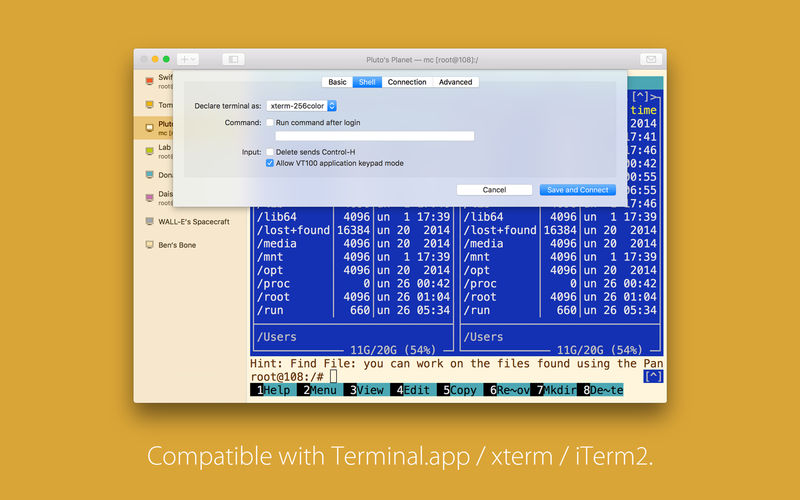
- Integrated terminal is compatible with Terminal.app / xterm / iTerm2
SSH Functions
- Able to compress SSH connection
- Support public-key, password, and keyboard-interactive authentication methods
- Support Google Authenticator and Authy for two-step verification
- Support multi-factor authentication
- Can deal with DSA, RSA, ECDSA, and ed25519 private-key types
- RFC4716, PKCS#8, and PEM key formats are supported, compatible with OpenSSH
Version 17.09
- Improve compatibility with Korean input source
- Add a new "Debugging" option in "Advanced" tab of host settings
- Command + mouse right click to paste selected text
- Fix an issue that leads Cisco devices unreachable
Frequently asked questions
How do I install the app?
Mount the image, drag the app into the "Applications" folder and launch it. If the system blocks the launch, allow it in "System Settings → Privacy & Security".
The app is damaged or won't launch
Reinstalling from a fresh image usually helps. Make sure your macOS version matches the one listed in the compatibility specs.
How do I update?
Download the new version from the site and install it over the current one — your settings will be preserved.
The download link doesn't work
Try a mirror or a download manager. For large files the browser often drops the connection.
How do I completely remove the app?
Use an uninstaller utility — it cleans up the service files that remain after moving the app to the trash.
VersionSSH Shell 16.09
DeveloperCodinn
CompatibilityOS X 10.10 or later, 64-bit processor
LanguageEnglish
IncludesPre-K'ed





Information
Visitors in the group Guests cannot leave comments on this publication.
Choose a download source
SSH Shell 16.09 · 6.79 MB