
Charles Web Debugging Proxy 5.1
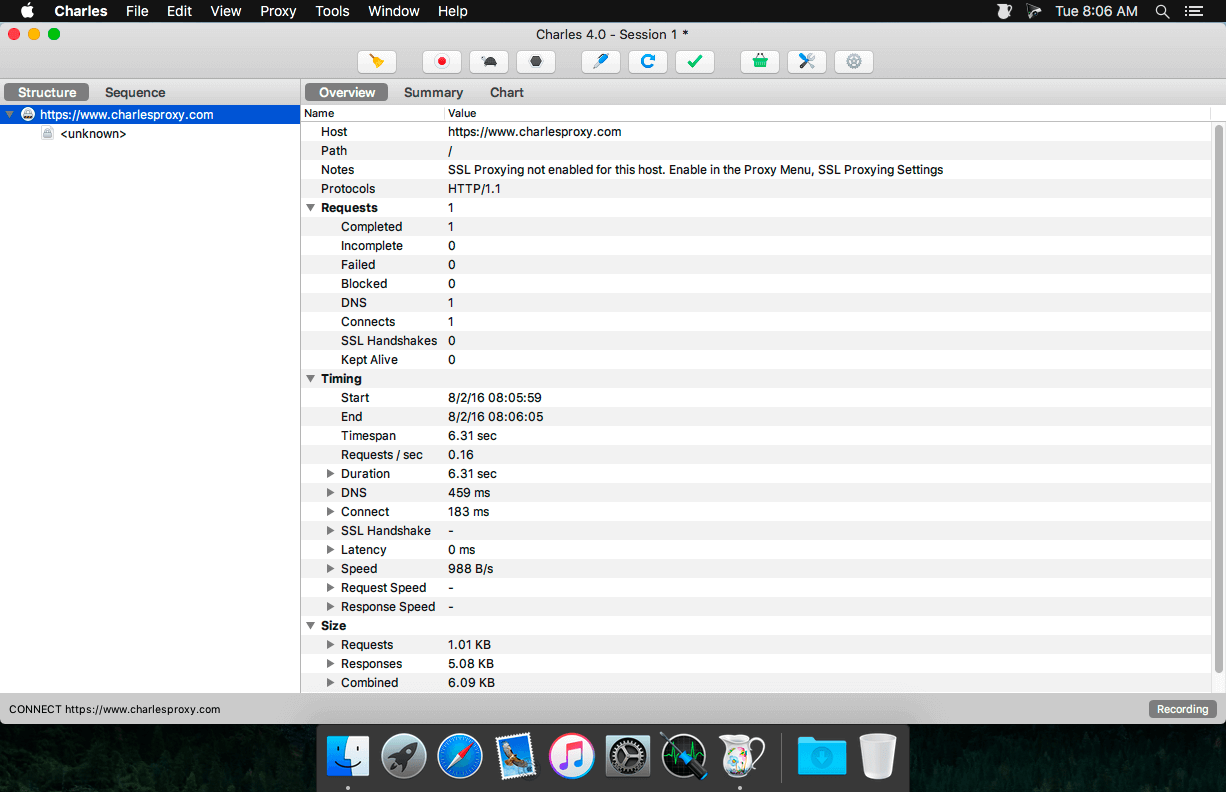
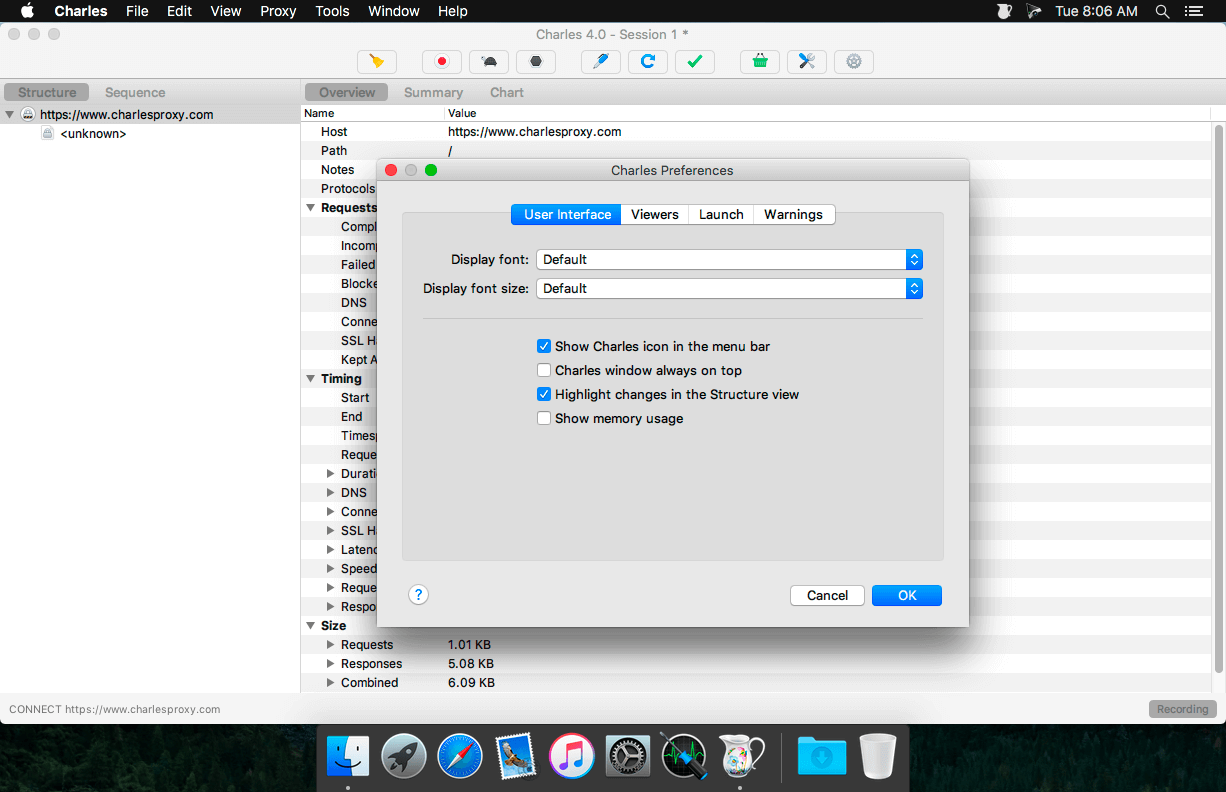
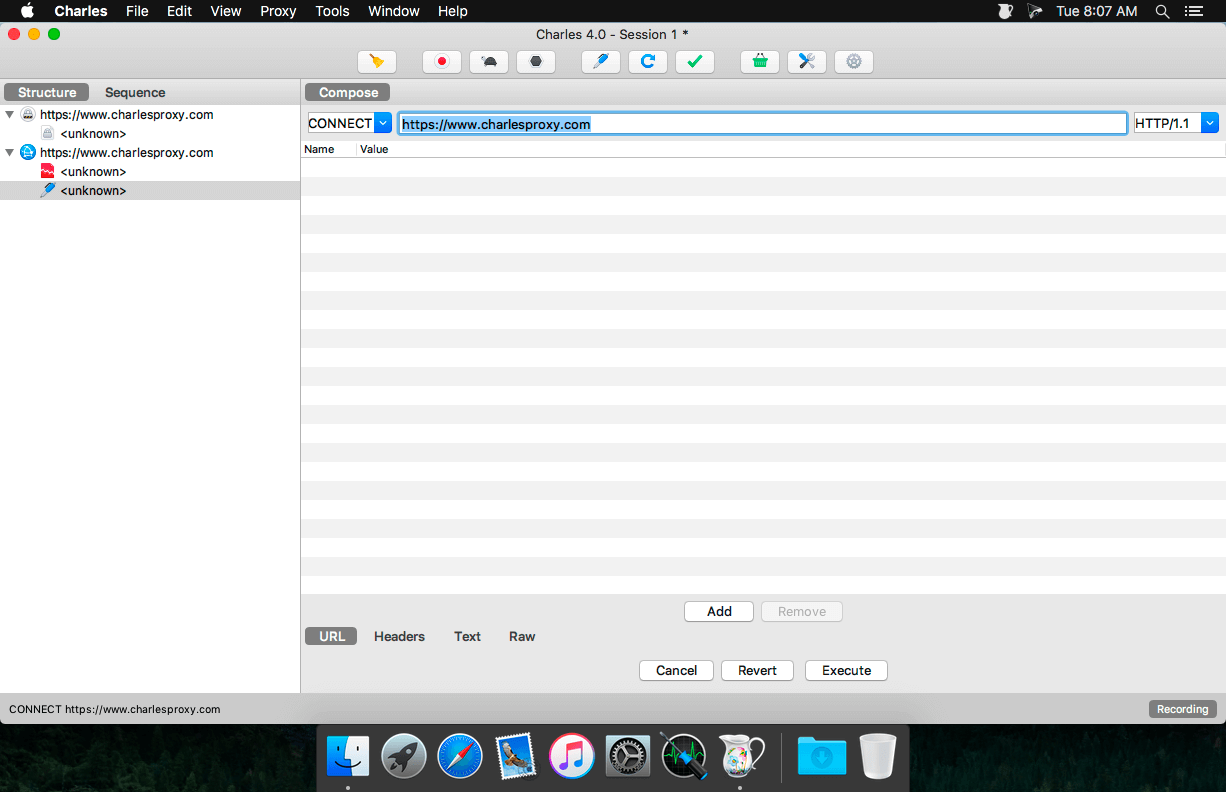
Charles is a web proxy (HTTP Proxy / HTTP Monitor) that runs on your own computer. Your web browser (or any other Internet application) is then configured to access the Internet through Charles, and Charles is then able to record and display for you all of the data that is sent and received.
Key Features
- SSL Proxying: view SSL requests and responses in plain text
- Bandwidth Throttling to simulate slower Internet connections including latency
- AJAX debugging : view XML and JSON requests and responses as a tree or as text
- AMF: view the contents of Flash Remoting / Flex Remoting messages as a tree
- Repeat requests to test back-end changes
- Edit requests to test different inputs
- Breakpoints to intercept and edit requests or responses
- Validate recorded HTML, CSS and RSS/atom responses using the W3C validator
Version 5.1
Major improvements
- Java 25 upgrade means we can use virtual threads which should improve overall performance
- Highlighting on URL query parameters to make them easier to read
- Performance improvements in rendering
- Proxying toggle added to the toolbar that toggles system proxy settings on / off (if available)
zstd content encoding support
Minor improvements
- All open transactions are now stopped when recording stops to prevent time calculations running forever
- Map Remote from an HTTP 2 request to HTTP 1.1
- Improved location matching of CONNECT requests; they will now matchhttps URLs
- Limit error log size and add filtering
Bug fixes
- macOS: Fix "Install Charles Root Certificate in Java VMs"
- macOS: Mouse wheel no longer accelerates outrageously on tall text views
- Windows: icons now sharp at 150% screen resolution
- Windows: .msi now shows a UI rather than installing silently
Frequently asked questions
How do I install the app?
Mount the image, drag the app into the "Applications" folder and launch it. If the system blocks the launch, allow it in "System Settings → Privacy & Security".
The app is damaged or won't launch
Reinstalling from a fresh image usually helps. Make sure your macOS version matches the one listed in the compatibility specs.
How do I update?
Download the new version from the site and install it over the current one — your settings will be preserved.
The download link doesn't work
Try a mirror or a download manager. For large files the browser often drops the connection.
How do I completely remove the app?
Use an uninstaller utility — it cleans up the service files that remain after moving the app to the trash.





Choose a download source
Charles Web Debugging Proxy 5.1 · 79.3 MB
Previous versions
Charles Web Debugging Proxy 5.1
Previous versions are available to registered users.